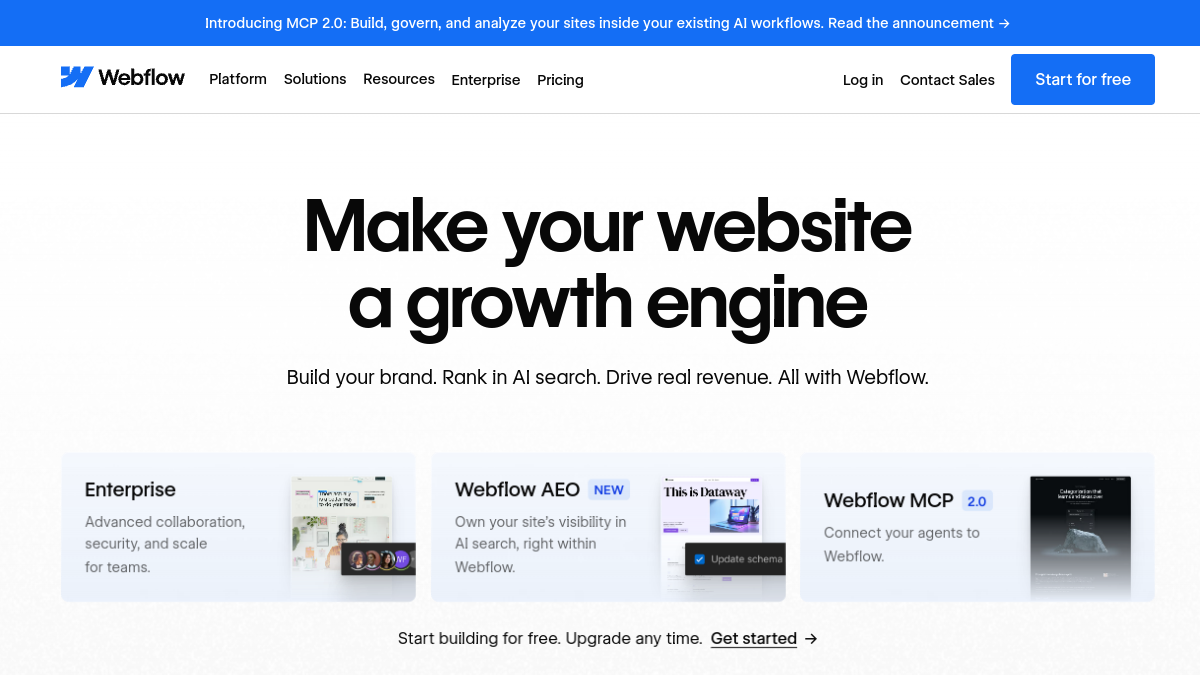
Best Webflow Alternatives for Photographers (2026)
Tolodora Editorial Team
Independent software reviews for founders and small businesses.
Webflow is a phenomenal tool if you want pixel-perfect control and don't mind learning it. But most photographers don't want to learn a design tool — they want a striking portfolio, client galleries with proofing, and a way to sell prints, without spending their editing time wrestling with breakpoints and CSS-in-a-GUI.
Here are the best Webflow alternatives for photographers in 2026. Quick answer: Pixieset and Format are built for photographers, Squarespace is the beautiful all-rounder, and Adobe Portfolio may be free with a plan you already have.

Comparing against the original?
See Webflow's profile, rating & reviews on Tolodora →
| # | Tool | Best for | Rating |
|---|---|---|---|
| 1 | Pixieset | Photographers who want a site, galleries and a store in one. | 4.3/5 |
| 2 | Format | Photographers who want a portfolio-first site with proofing. | 4.2/5 |
| 3 | Squarespace | Photographers who want a beautiful, flexible site fast. | 4.2/5 |
| 4 | Adobe Portfolio | Photographers who already pay for Creative Cloud. | 4.2/5 |
| 5 | Wix | Photographers who want maximum design freedom easily. | 4.2/5 |
Pixieset
- Pricing
- 8.4/10
- Functionality
- 8.6/10
- Ease of use
- 9.0/10
- Support
- 8.2/10
What I like
Client galleries, store and site in one suite.
Best for
Photographers who want a site, galleries and a store in one.
Pixieset does the whole job: a clean portfolio site, gorgeous client galleries with favouriting and downloads, and a store for print sales with lab fulfilment. Instead of building a site from scratch in Webflow and bolting on a gallery tool, you run everything from one login. For working photographers, that consolidation is the win.
Format
- Pricing
- 7.8/10
- Functionality
- 8.4/10
- Ease of use
- 8.8/10
- Support
- 8.2/10
What I like
Portfolio-first sites with client proofing.
Best for
Photographers who want a portfolio-first site with proofing.
Format is a portfolio-first builder made for creatives, with client proofing galleries included. Sites look polished with minimal effort, and the workflow is designed around photographers, not general businesses. For someone who wants a striking portfolio and simple client delivery without a learning curve, Format nails the brief.

Squarespace
- Pricing
- 7.6/10
- Functionality
- 8.8/10
- Ease of use
- 8.8/10
- Support
- 8.2/10
What I like
Beautiful templates that flatter photography.
Best for
Photographers who want a beautiful, flexible site fast.
Squarespace's templates make photography look superb, and it handles galleries, a store and even bookings via integrations. It's far easier than Webflow while still looking high-end. For a photographer who wants design polish and flexibility without the complexity, it's the most popular sweet spot for good reason.
Adobe Portfolio
- Pricing
- 8.8/10
- Functionality
- 8.0/10
- Ease of use
- 8.8/10
- Support
- 7.8/10
What I like
Free with a Creative Cloud plan you may already have.
Best for
Photographers who already pay for Creative Cloud.
If you have a Lightroom or Photoshop plan, Adobe Portfolio is likely included free — a simple, clean way to publish a professional portfolio that syncs with your Adobe workflow. It won't do print stores or advanced proofing, but as a no-extra-cost portfolio for photographers already in Adobe's world, it's a smart, free win.
Wix
- Pricing
- 8.0/10
- Functionality
- 8.8/10
- Ease of use
- 8.8/10
- Support
- 7.8/10
What I like
Drag-and-drop freedom and huge template range.
Best for
Photographers who want maximum design freedom easily.
Wix's drag-and-drop editor gives more layout freedom than template-locked builders, with an app market to add galleries, stores and booking — and it's far gentler than Webflow. For a photographer who wants a custom look without code or a steep learning curve, it's an approachable, flexible choice.
Choose by need: all-in-one galleries and store, Pixieset; portfolio-first with proofing, Format; beautiful and easy, Squarespace; free with Adobe, Adobe Portfolio; flexible and simple, Wix.
Whatever you shortlist, run your real work through it for a week before committing — the right tool is the one that quietly disappears and lets you get back to it. And if you build software for this crowd yourself, you can list it on Tolodora free.
Frequently asked questions
What's the best website builder for photographers?
Pixieset and Format are built specifically for photographers, combining portfolios with client galleries and (for Pixieset) print sales. Squarespace is the top general builder for beautiful, easy photography sites. The best choice depends on whether you need client galleries and print sales built in.
Is Webflow good for a photography portfolio?
Webflow is powerful and can build a stunning custom site, but it has a real learning curve and lacks built-in client galleries and print sales. Most photographers prefer a purpose-built tool like Pixieset or an easier builder like Squarespace.
Is there a free portfolio site for photographers?
Adobe Portfolio is free if you have a Creative Cloud photography plan, and Wix offers a free tier. For client galleries and print sales, the photographer-specific platforms are worth their modest cost.
Keep exploring
Building one of these alternatives?
List your tool on Tolodora and get discovered by buyers comparing options.
Launch Your Product