The Best Raycast Alternatives in 2026 (Launchers & Productivity)
Tolodora Editorial Team
Tolodora's editorial team — we research, compile and regularly update these software guides from public sources and product documentation.
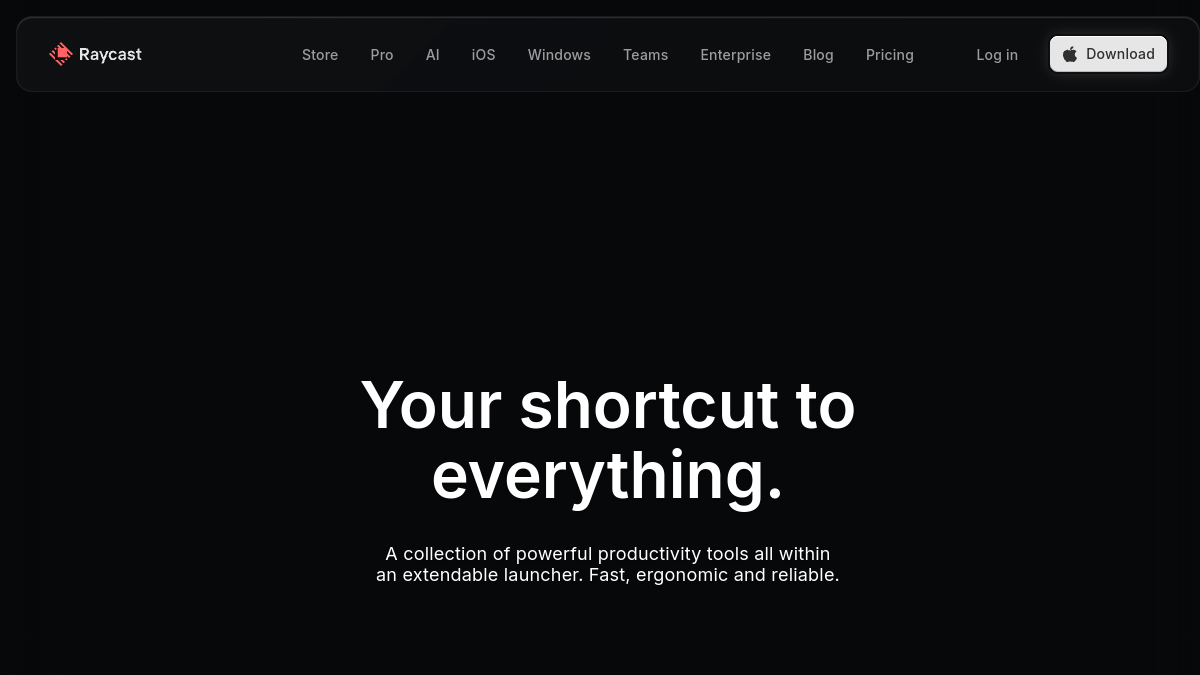
Raycast turned the keyboard launcher into a productivity powerhouse on macOS. But maybe you're on Windows, prefer a one-time purchase over subscriptions, or want a more established or open-source tool. There are excellent alternatives on both platforms.
These all let you launch apps, run commands and search fast from a keystroke; they differ by platform, extensibility and price.
We rated every pick on four things — pricing and value, functionality, ease of use, and support. Here's the rundown.
Comparing against the original?
See Raycast's profile, rating & reviews on Tolodora →
| # | Tool | Best for | Rating |
|---|---|---|---|
| 1 | Alfred | Mac power users who want deep, community-driven automation and one-time pricing. | 4.4/5 |
| 2 | LaunchBar | Mac users who want a proven, elegant launcher with deep muscle-memory search. | 4.2/5 |
| 3 | PowerToys Run | Windows users who want a fast, free launcher without third-party software. | 4.4/5 |
| 4 | Flow Launcher | Windows power users who want Raycast-level plugins and customisation for free. | 4.4/5 |
| 5 | Spotlight | Mac users who want zero setup and only need the basics of a launcher. | 4.2/5 |
| 6 | Cerebro | People who work across operating systems and want one consistent, free launcher. | 4.2/5 |
Alfred
- Pricing
- 8.6/10
- Functionality
- 9.2/10
- Ease of use
- 8.8/10
- Support
- 8.4/10
What I like
The legendary Mac launcher — lightning search, clipboard history, snippets and endlessly powerful Workflows, with a one-time Powerpack licence.
Best for
Mac power users who want deep, community-driven automation and one-time pricing.
Alfred is the original productivity launcher for macOS and still a favourite. Its Workflows enable near-limitless automation, and there's a massive library of community add-ons. The Powerpack is a one-time purchase (no subscription), which many prefer over Raycast's model. The gold standard on Mac. For a your business setup, it's well worth a closer look.
LaunchBar
- Pricing
- 8.2/10
- Functionality
- 8.8/10
- Ease of use
- 8.4/10
- Support
- 8.2/10
What I like
A mature, refined Mac launcher with instant search, clipboard history, snippets and clever abbreviation-based navigation.
Best for
Mac users who want a proven, elegant launcher with deep muscle-memory search.
Plenty of your business land on it after weighing the field. LaunchBar (by Objective Development) is one of the oldest and most respected Mac launchers. Its abbreviation search learns your habits, and it bundles clipboard history, snippets and actions. A polished, one-time-purchase alternative to Raycast for macOS keyboard devotees.
PowerToys Run
- Pricing
- 10.0/10
- Functionality
- 8.2/10
- Ease of use
- 8.8/10
- Support
- 7.8/10
What I like
A free, Microsoft-made Raycast-style launcher for Windows — search apps, files, run calculations and commands from Alt+Space.
Best for
Windows users who want a fast, free launcher without third-party software.
That focus makes it a natural fit for many your business. PowerToys Run, part of Microsoft's free PowerToys suite, brings a quick launcher to Windows: hit Alt+Space to find apps, files, do math and run plugins. It's free, official and lightweight — the easiest way for Windows users to get a Raycast-like experience.
Flow Launcher
- Pricing
- 9.8/10
- Functionality
- 8.8/10
- Ease of use
- 8.6/10
- Support
- 8.0/10
What I like
An open-source Windows launcher with a rich plugin ecosystem — the closest thing to Raycast's extensibility on Windows, and free.
Best for
Windows power users who want Raycast-level plugins and customisation for free.
If you run this kind of your busines operation, it belongs on your list. Flow Launcher is a fast, open-source Windows launcher with a thriving plugin store, letting you extend it far beyond app launching (web searches, system commands, dev tools). Free and highly customisable, it's the top pick for Windows users who envy Raycast's extension ecosystem.
Spotlight
- Pricing
- 10.0/10
- Functionality
- 6.6/10
- Ease of use
- 9.2/10
- Support
- 7.8/10
What I like
Built into every Mac and completely free — quick app launching, file search, calculations and unit conversions with Cmd+Space.
Best for
Mac users who want zero setup and only need the basics of a launcher.
Spotlight is macOS's built-in launcher: free, instant and good enough for launching apps, finding files and quick math. It lacks the extensibility of Raycast or Alfred, but if you want a no-install, no-cost option and don't need workflows, it's already on your Mac. It's a common pick among your business comparing their choices.
Cerebro
- Pricing
- 9.8/10
- Functionality
- 7.8/10
- Ease of use
- 8.4/10
- Support
- 7.4/10
What I like
A free, open-source, cross-platform launcher (Mac, Windows, Linux) with plugins — handy if you switch between operating systems.
Best for
People who work across operating systems and want one consistent, free launcher.
That focus makes it a natural fit for many your business. Cerebro is a free, open-source launcher that runs on macOS, Windows and Linux, with a plugin system for extra functionality. It's not as polished as Raycast or Alfred, but being cross-platform and free makes it a practical choice for developers who hop between OSes.
The verdict
On Mac and want the classic power-user launcher? Alfred (or LaunchBar). On Windows? PowerToys Run (free) or Flow Launcher (open-source). Want something free and cross-platform-ish? Cerebro.
Frequently asked questions
Is there a Raycast alternative for Windows?
Yes — PowerToys Run (free, from Microsoft), Flow Launcher (open-source) and Cerebro all bring Raycast-style launching to Windows. Flow Launcher is the closest in extensibility.
What is the best free Raycast alternative?
PowerToys Run and Flow Launcher on Windows are free and open-source, and Cerebro is free cross-platform. On Mac, Spotlight is built in and free, though far less powerful.
Is Alfred better than Raycast?
Alfred is the veteran with a huge community and deep workflows via a one-time 'Powerpack' purchase; Raycast is more modern with built-in features. Many power users prefer Alfred's maturity and one-time pricing.
Keep exploring
Building one of these alternatives?
List your tool on Tolodora and get discovered by buyers comparing options.
Launch Your Product