The 8 Best Vibe Coding Tools in 2026 (Build Apps by Chatting)
Vibe coding — building software by describing what you want in plain language and letting AI generate the code — went from novelty to mainstream fast. In 2026 a huge share of new MVPs and side projects start this way, and the tools have gotten genuinely good: you can go from idea to a working, deployed app in an afternoon. But the landscape is crowded, and the right tool depends on whether you're a non-technical founder, a designer, or an engineer who wants AI to move faster. Here are the eight best vibe coding tools in 2026, what each does well, and who should use it.
What is vibe coding?
Vibe coding means you describe features in natural language — "add a login page," "make a dashboard that shows my sales" — and an AI writes, edits and wires up the code, often deploying it for you. The best tools pair that speed with the ability to review and refine the output so you get something production-worthy, not just a flashy demo. Some tools build full-stack apps end to end; others focus on frontends or live inside a developer's editor. Below, ranked by how useful they are for most people building real things.
1. Lovable
The most polished end-to-end vibe coding tool — describe an app and get a clean, full-stack result you can deploy, with great UI out of the box and Supabase integration for data and auth. It hides the complexity while still letting you connect real backends. Best for: non-technical founders who want a finished, good-looking product fast. Visit Lovable →
2. Bolt.new
A browser-based prompt-to-app tool with an inline code editor and live preview, so you can build, see and tweak full-stack apps in one place. It's fast, hands-on, and great for iterating. Best for: builders who want speed plus the ability to peek at and edit the code. Visit Bolt.new →
3. v0
Vercel's AI generator that turns prompts into polished React and Next.js interfaces. It's laser-focused on frontends, producing clean, modern UI you can drop into a real project. Best for: designers and developers who want beautiful UI components and pages fast. Visit v0 →
4. Cursor
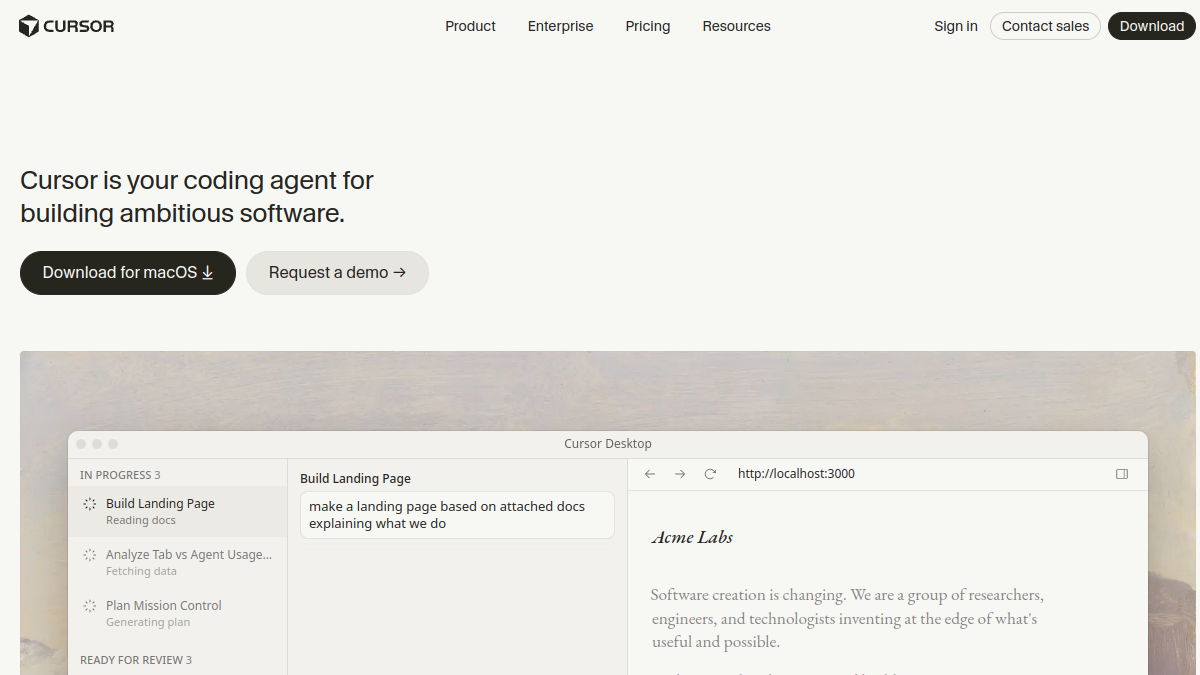
The leading AI-first code editor, with superb autocomplete, codebase-aware chat and a powerful agent that can make multi-file changes. It gives you AI speed with full developer control — ideal for anything you'll scale. Best for: developers (and ambitious non-devs) who want power and control. Visit Cursor →
5. Replit
A full cloud development environment whose Agent builds and deploys complete apps from prompts — most users never touch traditional code. It's creation plus hosting in one place, great for learning and shipping. Best for: people who want to build and deploy an app entirely in the cloud. Visit Replit →
6. Windsurf
A clean, capable AI-native editor with a smart agent and often generous access — a strong rival to Cursor for editor-based vibe coding. Best for: developers wanting a slick, good-value AI editor. Visit Windsurf →
7. Base44
Describe an app and get a working full-stack result — a simple, fast prompt-to-app builder (now part of Wix) that's friendly to non-developers. Best for: founders who want a straightforward path from idea to app. Visit Base44 →
8. Create
Turns text prompts into apps and sites, blending no-code building with AI generation in an approachable package. Best for: non-developers who want to ship a simple app or site by describing it. Visit Create →
How to choose a vibe coding tool
Match the tool to who you are and what you're building. If you're non-technical and want a finished product, start with Lovable, Bolt.new or Base44 — they take you furthest with the least friction. If you mainly need great UI, v0 is hard to beat. If you're a developer who wants AI to accelerate real work, Cursor or Windsurf live in your editor and give you control. If you want to build and deploy entirely in the cloud, Replit's Agent is the smoothest path. Crucially, for anything you intend to scale, plan to review and harden the AI's output (or have someone who can) — vibe coding gets you to a working product fast, but production quality still needs a human eye.
Vibe coding tips for better results
Be specific in your prompts — describe the feature, the data, and the behavior, not just "make an app." Build in small steps and test as you go, rather than asking for everything at once. Keep your data model simple early on. And don't ship anything sensitive without reviewing the security and reliability of what the AI generated. The founders who win with vibe coding treat the AI like a fast junior developer: brilliant at output, but better with clear direction and a review.
Vibe coding vs traditional no-code
Vibe coding and no-code overlap but aren't the same. Classic no-code tools (like Bubble, Softr or Webflow) give you visual builders with predefined components — you assemble apps by configuring blocks. Vibe coding tools generate actual code from natural language, which means more flexibility and fewer ceilings, but also that you're working with real code under the hood. No-code is often easier for very standard apps and keeps you inside guardrails; vibe coding is more powerful and open-ended, and increasingly the two are blending, with no-code tools adding AI generation and vibe-coding tools adding visual editing. Choose no-code if your app fits its building blocks neatly; choose vibe coding when you want more freedom or a real codebase you can extend.
Limitations to keep in mind
Vibe coding is remarkable, but it's not magic. AI can generate code that looks right but has subtle bugs, security gaps or performance issues — which is why review matters for anything real. Very complex, highly custom, or tightly regulated apps may hit the limits of what these tools handle well, and you can occasionally get stuck in loops where the AI struggles to fix its own mistakes. The sweet spot is MVPs, internal tools, prototypes and straightforward products. For those, vibe coding is transformative; for mission-critical complexity, plan to bring in real engineering to take it the last mile.
Frequently asked questions
What is the best vibe coding tool in 2026? For most non-technical builders, Lovable offers the most polished end-to-end experience. Developers often prefer Cursor for control. Bolt.new and v0 are excellent depending on whether you want full apps or great UI. The "best" depends on your skills and goals.
Can you build a real, production app with vibe coding? Yes — many real products start this way. The key is reviewing and hardening the AI's output for security, performance and scalability, especially as you grow. Vibe coding gets you to a working app fast; production polish still needs care.
Do I need to know how to code? No — tools like Lovable, Bolt.new and Base44 are built for non-developers. Knowing some basics helps you get better results and fix issues, but you can build a working app with no coding experience.
How much do vibe coding tools cost? Most have free tiers to start, with paid plans typically ranging from around $20 to $50+ per month depending on usage. It's dramatically cheaper than hiring a developer for an MVP.
Vibe coding tool vs hiring an agency? Tools are cheapest and fastest for validating an idea or building a simple product yourself. A vibe coding agency makes sense when you want experts to build and harden something more complex. Many founders start with a tool, then bring in help to scale.
Is vibe coding the same as no-code? Not quite — no-code uses visual builders with predefined components, while vibe coding generates real code from natural language. Vibe coding is more flexible and gives you an actual codebase, while no-code keeps you inside guardrails. The two are increasingly blending as each adopts the other's strengths.
What can't you build with vibe coding yet? Highly complex, deeply custom or strictly regulated systems can hit the limits of today's tools, and very intricate logic sometimes needs real engineering to get right. Vibe coding shines for MVPs, internal tools, prototypes and straightforward products — for mission-critical complexity, plan to involve a developer.
Will vibe coding replace developers? No — it changes what developers do. It removes a lot of repetitive work and lets non-developers build more, but human engineers are still essential for reviewing output, handling complexity, and taking products to production-grade quality and scale.
The bottom line
Vibe coding has made building software faster and more accessible than ever. Pick Lovable, Bolt.new or Base44 if you want a finished app with minimal fuss; v0 for beautiful UI; Cursor or Windsurf if you're a developer who wants AI speed with control; and Replit if you want to build and deploy in the cloud. Whatever you choose, describe clearly, build in steps, and review what the AI ships — and you'll go from idea to working product faster than you thought possible. The barrier to building software has never been lower, and the founders who learn to direct these tools well have an enormous head start. Pick one from the list, build something small this week, and see for yourself how far a clear description and a good AI builder can take you.
Built something with vibe coding? Launch it on Tolodora and get it in front of early adopters.