The Best FlutterFlow Alternatives in 2026
Tolodora Editorial Team
Independent software reviews for founders and small businesses.
FlutterFlow's pitch is that you get a drag-and-drop canvas plus a genuine Flutter codebase underneath, so what you ship isn't locked inside a proprietary runtime. That combination of native mobile output, Firebase or Supabase integration, and exportable code is still fairly unusual among no-code app builders, which is why teams comparing options tend to end up choosing between fundamentally different trade-offs rather than near-clones.
Some alternatives lean into simplicity for non-developers, some go all-in on web-app complexity instead of native mobile, and others start from a Figma design or a spreadsheet rather than a blank canvas. None of them replicate FlutterFlow's exact Flutter-plus-Firebase formula, but each solves a real gap in it. The quick answer: Bubble is the strongest pick for complex backend logic, Adalo is the easiest path to a real native app for non-developers, and Draftbit is closest to FlutterFlow's own promise of exportable, ownable code.

Comparing against the original?
See FlutterFlow's profile, rating & reviews on Tolodora →
| # | Tool | Best for | Rating |
|---|---|---|---|
| 1 | Bubble | Teams building a complex, data-heavy web application rather than a mobile-first product. | 3.7/5 |
| 2 | Adalo | Non-developers who want a working native app fast without touching a backend service. | 4.0/5 |
| 3 | Glide | Internal tools and quick MVPs built directly from spreadsheet or Airtable data. | 3.8/5 |
| 4 | Thunkable | Simple native mobile apps built by beginners who don't need FlutterFlow's design-system depth. | 3.7/5 |
| 5 | Draftbit | Technical founders who want AI-assisted visual building without giving up an exportable, ownable codebase. | 3.7/5 |
| 6 | Bravo Studio | Design-led teams that already have a polished Figma prototype and want to skip a rebuild. | 3.6/5 |
Bubble
- Pricing
- 6.4/10
- Functionality
- 9.2/10
- Ease of use
- 6.0/10
- Support
- 7.8/10
What I like
Its visual workflow editor can express backend logic and API integrations that most no-code tools simply can't handle.
Best for
Teams building a complex, data-heavy web application rather than a mobile-first product.
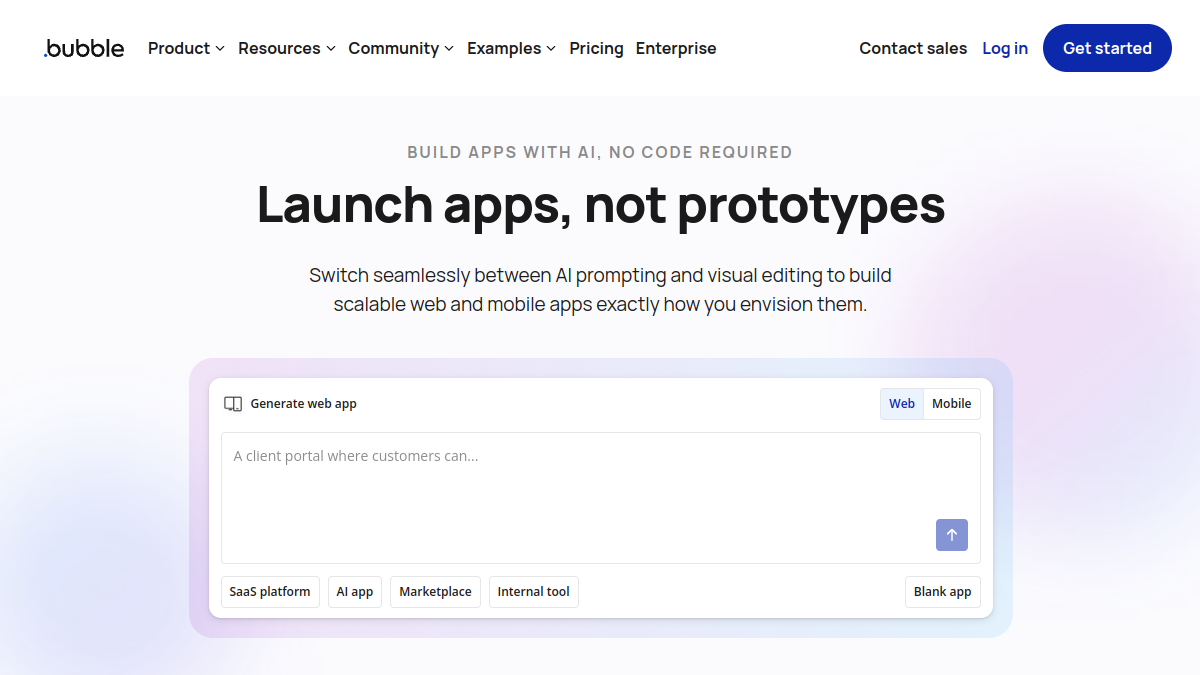
Bubble trades FlutterFlow's Flutter/native focus for deep web-app flexibility - workflows, a built-in database, and a large plugin marketplace that covers gaps FlutterFlow's component library doesn't. There's no code export and no true native mobile compile, so apps ship as responsive web apps wrapped for stores if needed. Pricing scales with usage (workload units) and can get unpredictable at higher volumes, unlike FlutterFlow's more fixed tiers.
Adalo
- Pricing
- 7.9/10
- Functionality
- 7.4/10
- Ease of use
- 9.0/10
- Support
- 7.5/10
What I like
Publishing a genuinely native iOS and Android app takes noticeably less setup than FlutterFlow's Firebase/Supabase wiring.
Best for
Non-developers who want a working native app fast without touching a backend service.
Adalo ships with its own built-in database, so unlike FlutterFlow it doesn't require connecting an external Firebase or Supabase project before you can start building. That makes it faster to get a first native app live, at the cost of the deeper custom logic and code-export option FlutterFlow offers. Pricing is flatter and more predictable than FlutterFlow's plans, though it can feel pricier once you factor in per-app publishing costs.
Glide
- Pricing
- 7.1/10
- Functionality
- 6.5/10
- Ease of use
- 9.3/10
- Support
- 7.6/10
What I like
Turning a Google Sheet or Airtable base into a usable, good-looking app takes minutes, no data modeling required.
Best for
Internal tools and quick MVPs built directly from spreadsheet or Airtable data.
Glide is the easiest of these alternatives to learn, but it's a fundamentally different tool than FlutterFlow: apps run as web apps and installable PWAs, not native App Store or Google Play builds, and there's no code export. Where FlutterFlow is built for teams who need a real native app with custom backend logic, Glide is built for teams who already have data in a spreadsheet and want a front end on top of it fast.
Thunkable
- Pricing
- 7.7/10
- Functionality
- 7.0/10
- Ease of use
- 8.4/10
- Support
- 6.8/10
What I like
Its block-based logic editor makes simple native app logic approachable for people with zero coding background.
Best for
Simple native mobile apps built by beginners who don't need FlutterFlow's design-system depth.
Thunkable focuses narrowly on native iOS and Android publishing with a drag-and-drop, block-based approach that's simpler to pick up than FlutterFlow's Flutter-widget canvas. It doesn't offer code export or FlutterFlow's level of pixel-precise design control, and complex data logic gets harder to manage as an app grows. It's a reasonable trade for teams who want the shortest path to something installable on both app stores.
Draftbit
- Pricing
- 7.5/10
- Functionality
- 7.9/10
- Ease of use
- 7.6/10
- Support
- 6.6/10
What I like
It exports real React Native code, so developers can pick up and extend a project the same way they'd extend a FlutterFlow export.
Best for
Technical founders who want AI-assisted visual building without giving up an exportable, ownable codebase.
Draftbit is the closest match to FlutterFlow's core promise: a visual builder that hands you real source code instead of locking your app inside a proprietary runtime, just in React Native rather than Flutter. It has since added an AI-agent building mode alongside the visual editor. Its plans undercut FlutterFlow's pricing at the entry tier, though its community and template ecosystem are smaller than FlutterFlow's.
Bravo Studio
- Pricing
- 8.2/10
- Functionality
- 6.9/10
- Ease of use
- 7.3/10
- Support
- 6.3/10
What I like
Designers can turn an existing Figma file into a real, submittable native app without rebuilding the UI in a separate canvas.
Best for
Design-led teams that already have a polished Figma prototype and want to skip a rebuild.
Bravo Studio starts from Figma instead of a built-in canvas like FlutterFlow's - you tag layers in Figma and connect them to a data source such as Airtable or a REST API, and Bravo compiles a native app for App Store and Play Store submission. It's a better fit than FlutterFlow when the design already exists and pixel fidelity to that design matters most, but backend logic stays comparatively shallow and there's no code export.
The verdict
Choose Bubble for backend-heavy web apps, Adalo or Thunkable for the fastest route to a simple native app, Glide if your data already lives in a spreadsheet, Draftbit if owning exportable code matters most, and Bravo Studio if you're starting from an existing Figma design.
Whatever you shortlist, run your real work through it for a week before committing — the right tool is the one that quietly disappears and lets you get back to it. And if you build software like this yourself, you can list it on Tolodora free.
Frequently asked questions
Is there a free alternative to FlutterFlow?
Several of these tools offer free tiers with real limits - Bubble, Glide, Draftbit, and Bravo Studio all have free plans for prototyping, though publishing to app stores or removing branding typically requires a paid plan, similar to FlutterFlow's own free-tier restrictions.
Which FlutterFlow alternative is easiest for non-developers?
Adalo and Glide are generally considered the most approachable for people without a technical background. Adalo focuses on native mobile apps with a built-in database, while Glide is built around turning existing spreadsheet data into an app with minimal setup.
Do any of these alternatives let you export code like FlutterFlow does?
Draftbit is the main one - it generates real React Native source code you can take and extend outside the platform, similar to how FlutterFlow exports Flutter code. Bubble, Adalo, Glide, Thunkable, and Bravo Studio do not offer comparable code export.
Keep exploring
Building one of these alternatives?
List your tool on Tolodora and get discovered by buyers comparing options.
Launch Your Product