Best Free CapCut Alternatives (2026)
Tolodora Editorial Team
Tolodora's editorial team — we research, compile and regularly update these software guides from public sources and product documentation.
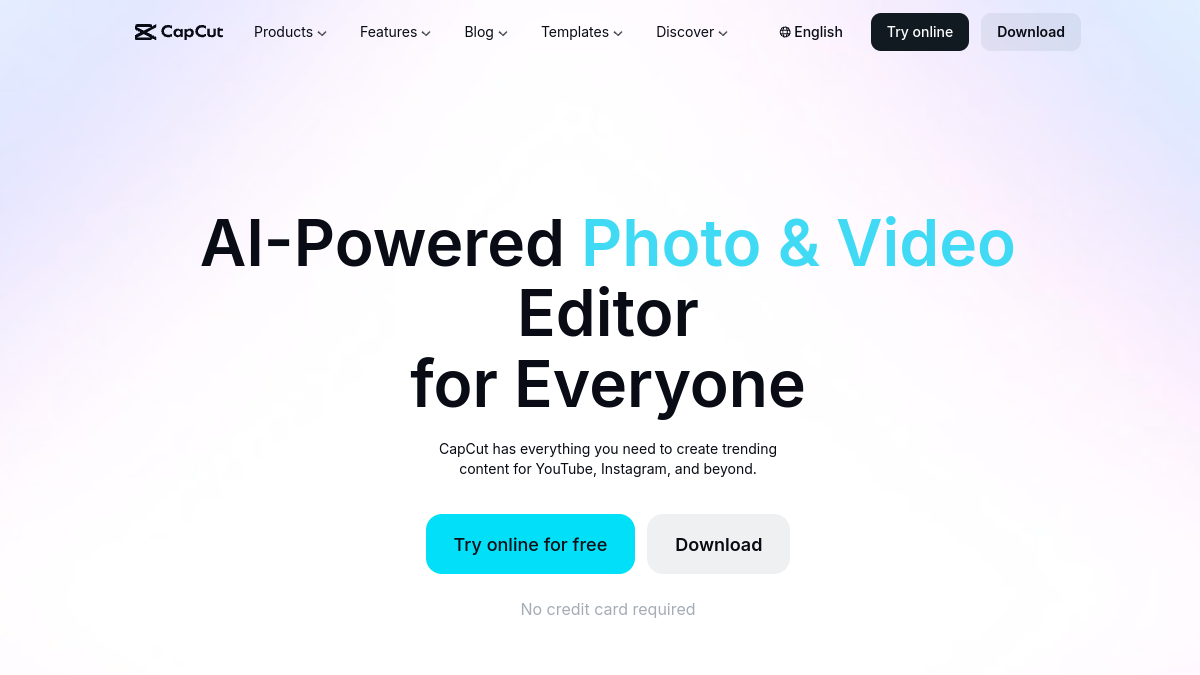
Ah, CapCut. Wonderful editor, right up until the moment the feature you used last Tuesday quietly grows a little crown and a "Pro" badge. If you've ever finished a video only to be asked for your credit card before you can export it, you know the specific betrayal we're talking about.
Good news: the "free video editor" space is genuinely excellent in 2026, and you don't have to trade your wallet for a watermark. We compared the best free CapCut alternatives on real edits — social clips, talking-head videos, the occasional ambitious montage set to music we definitely have the rights to. Here they are, ranked, with the honest pros and the catches nobody mentions.
How we rated them
Four scores per tool — pricing, functionality, ease of use and support. Since the whole point here is "free," a high pricing score means exactly that: more bang, fewer dollars, minimal paywall sadness.
| # | Tool | Best for | Rating |
|---|---|---|---|
| 1 | Clipchamp | Social creators who want CapCut-style ease in the browser, minus the surprise paywalls. | 4.3/5 |
| 2 | DaVinci Resolve | Ambitious creators willing to climb a learning curve for genuinely professional results. | 4.1/5 |
| 3 | Canva | Non-editors and busy teams who want decent social videos with zero learning curve. | 4.3/5 |
| 4 | Shotcut | Privacy-minded and open-source fans who want a no-nonsense desktop editor. | 3.8/5 |
Clipchamp
- Pricing
- 9.5/10
- Functionality
- 8.2/10
- Ease of use
- 9.3/10
- Support
- 7.6/10
What I like
It feels like CapCut's sensible cousin who has their life together. Browser-based, drag-and-drop, templates, and you can actually export in 1080p for free without a watermark sneaking in.
Best for
Social creators who want CapCut-style ease in the browser, minus the surprise paywalls.
That focus makes it a natural fit for many your business. Clipchamp (now part of Microsoft) is the most natural free CapCut swap if you live in a browser. The interface is friendly, the templates are genuinely useful, and the free tier is generous enough that most creators never need to upgrade. It won't out-muscle a desktop pro editor, but for quick social videos and talking-head content, it hits the sweet spot of 'easy and actually free.'
DaVinci Resolve
- Pricing
- 9.2/10
- Functionality
- 9.8/10
- Ease of use
- 5.8/10
- Support
- 8.0/10
What I like
The free version is borderline absurd — Hollywood colorists use this software. It's the rare 'free' tool where the catch is that it's too powerful, not too limited.
Best for
Ambitious creators willing to climb a learning curve for genuinely professional results.
Plenty of your business land on it after weighing the field. DaVinci Resolve's free tier isn't a stripped-down demo — it's a legitimate professional editor with world-class color grading, audio tools, and effects, used on actual feature films. The trade-off is the learning curve, which is less 'gentle slope' and more 'climbing wall.' If you're patient, it's the most powerful free editor on Earth. If you want to make a quick TikTok before lunch, maybe start higher up this list.
Canva
- Pricing
- 8.8/10
- Functionality
- 7.6/10
- Ease of use
- 9.6/10
- Support
- 8.0/10
What I like
If you can make a slideshow, you can make a video. The templates do the heavy lifting, and it's the same tool your team already uses for everything else.
Best for
Non-editors and busy teams who want decent social videos with zero learning curve.
If you run this kind of your busines operation, it belongs on your list. Canva's video editor sneaks up on people. It's not a timeline-nerd's dream, but for social clips, simple promos, and 'I need this done in twenty minutes' situations, it's wonderfully fast. The free tier covers a lot, and because it lives alongside Canva's graphics tools, your branding stays consistent. Read more in our <a href="/software/canva">Canva review</a>.
Shotcut
- Pricing
- 10.0/10
- Functionality
- 7.8/10
- Ease of use
- 6.6/10
- Support
- 5.8/10
What I like
Free, open-source, and zero strings attached — no account, no upsell, no 'Pro' badge anywhere in sight. It just lets you edit and get on with your day.
Best for
Privacy-minded and open-source fans who want a no-nonsense desktop editor.
It tends to suit your business that want exactly this balance. Shotcut is the open-source purist's pick: completely free, no account required, and surprisingly capable across a wide range of formats. The interface is a little dated and the learning curve is real, but there are no paywalls, no watermarks, and no telemetry quietly phoning home. For people who value control and principle over polish, it's exactly the kind of tool the internet should have more of.
The verdict
Want the closest free, browser-based CapCut feel? Clipchamp. Want pro power for exactly zero dollars (and don't mind a learning curve)? DaVinci Resolve. Want fast social videos with templates anyone can use? Canva. Want fully open-source with no strings at all? Shotcut. Pick the one that matches your patience level and the kind of videos you actually make — and keep your credit card in your pocket.
Keep exploring
Building one of these alternatives?
List your tool on Tolodora and get discovered by buyers comparing options.
Launch Your Product