The Best Linear Alternatives in 2026
Tolodora Editorial Team
Independent software reviews for founders and small businesses.
Linear has become the default issue tracker for software teams that want a fast, keyboard-driven interface without the configuration overhead of older project management tools. But its opinionated workflow, engineering-first focus, and per-seat pricing at scale don't fit every team — some need deeper customization and governance, others need to manage non-technical work alongside code, and some simply want a cheaper, lighter-weight board.
We compared six of the most-searched Linear alternatives on pricing, ease of use, support, and functionality to help you find the right fit for your team's size and workflow. If you want the short version: Shortcut is the closest match to Linear's dev-first philosophy, Jira is the pick for large enterprises that need deep customization and governance, and ClickUp offers the most functionality per dollar for teams that want an all-in-one workspace.

Comparing against the original?
See Linear's profile, rating & reviews on Tolodora →
| # | Tool | Best for | Rating |
|---|---|---|---|
| 1 | Jira | Large engineering organizations that need granular permissions, compliance reporting, and deep workflow customization. | 3.7/5 |
| 2 | Asana | Companies that need one tool to manage both product engineering and non-technical work like marketing and operations. | 3.7/5 |
| 3 | ClickUp | Budget-conscious teams that want a single all-in-one workspace instead of several point tools. | 3.8/5 |
| 4 | Shortcut | Small-to-midsize engineering teams that want Linear's dev-first philosophy with more workflow flexibility. | 4.0/5 |
| 5 | Trello | Small teams or solo builders who want lightweight visual task tracking without a full issue-tracking system. | 3.8/5 |
| 6 | Notion | Early-stage teams that want a single workspace for specs, notes, and tasks before adopting a dedicated tracker. | 3.5/5 |
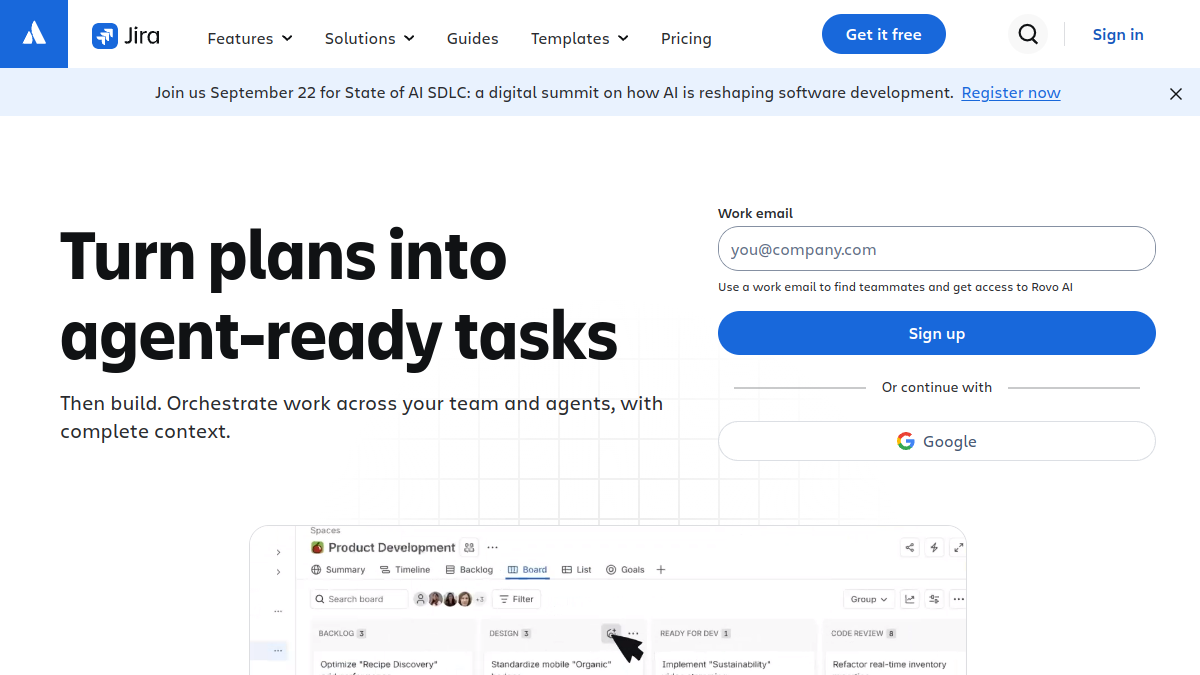
Jira
- Pricing
- 6.8/10
- Functionality
- 9.2/10
- Ease of use
- 5.8/10
- Support
- 7.8/10
What I like
Unmatched customization and enterprise-grade governance backed by the wider Atlassian ecosystem.
Best for
Large engineering organizations that need granular permissions, compliance reporting, and deep workflow customization.
Jira is the default choice for large engineering organizations that have outgrown Linear's opinionated simplicity and need deep workflow customization, permission schemes, and compliance reporting. It's built by Atlassian and integrates natively with Confluence and Bitbucket, but that power comes with a steeper setup and a slower day-to-day feel than Linear's keyboard-first interface. Teams migrating from Linear to Jira usually do so for scale and governance, not speed.
Asana
- Pricing
- 5.5/10
- Functionality
- 7.8/10
- Ease of use
- 8.2/10
- Support
- 8.0/10
What I like
A polished, easy-to-adopt interface that works well beyond engineering for cross-functional teams.
Best for
Companies that need one tool to manage both product engineering and non-technical work like marketing and operations.
Asana is a broader work-management platform than Linear, built to handle marketing campaigns, operations, and product work in one tool rather than just software issues. Its polished UI and portfolio and goals features make it a strong pick for cross-functional companies, though it lacks Linear's native Git integration and purpose-built sprint cycles for engineering teams. Expect to configure custom fields to approximate Linear's issue states and workflows.
ClickUp
- Pricing
- 8.0/10
- Functionality
- 9.0/10
- Ease of use
- 6.2/10
- Support
- 7.2/10
What I like
An enormous feature set — docs, goals, whiteboards, time tracking — bundled at a lower price than most competitors.
Best for
Budget-conscious teams that want a single all-in-one workspace instead of several point tools.
ClickUp positions itself as an all-in-one workspace, bundling docs, goals, whiteboards, and time tracking around its task engine, in contrast to Linear's narrow focus on fast issue tracking. It's less expensive at the entry tiers and offers far more configurability, but many teams find the sheer number of options adds friction that Linear deliberately avoids. It suits teams that want one tool to replace several rather than a dedicated, minimal tracker.
Shortcut
- Pricing
- 7.8/10
- Functionality
- 8.0/10
- Ease of use
- 8.4/10
- Support
- 8.0/10
What I like
Purpose-built for software teams, with native GitHub/GitLab sync and flexible story-based workflows.
Best for
Small-to-midsize engineering teams that want Linear's dev-first philosophy with more workflow flexibility.
Shortcut (formerly Clubhouse) is philosophically the closest match to Linear on this list: it's built specifically for software teams, with Stories, Epics, Iterations, and native GitHub and GitLab integration. It's slightly less polished and fast than Linear's interface but offers more flexible workflow states and built-in story point estimation. Teams choosing between the two often come down to interface preference and pricing at scale.
Trello
- Pricing
- 8.8/10
- Functionality
- 5.8/10
- Ease of use
- 9.2/10
- Support
- 6.8/10
What I like
The simplest, fastest-to-learn kanban board of any tool on this list, with a generous free plan.
Best for
Small teams or solo builders who want lightweight visual task tracking without a full issue-tracking system.
Trello is a simple, visual kanban board rather than a purpose-built issue tracker, so it trades Linear's structured cycles, triage tools, and workflow states for extreme ease of use and a generous free plan. It works well for small teams or side projects tracking lightweight tasks, but lacks the sprint planning, roadmaps, and dev-tool integrations that growing engineering teams expect from Linear. Power-Ups can add back some of that functionality, at extra cost and complexity.
Notion
- Pricing
- 6.5/10
- Functionality
- 6.8/10
- Ease of use
- 7.6/10
- Support
- 7.4/10
What I like
Combines docs, wikis, and databases in one flexible workspace that can double as a lightweight tracker.
Best for
Early-stage teams that want a single workspace for specs, notes, and tasks before adopting a dedicated tracker.
Notion is a flexible docs-and-database workspace that some teams repurpose as an issue tracker by building custom databases, rather than a dedicated engineering tool like Linear. It excels at combining specs, wikis, and lightweight task boards in one place, but it lacks Linear's native sprint cycles, Git-linked automation, and keyboard-driven speed for high-volume issue triage. It suits early-stage teams that want one workspace before investing in a dedicated tracker.
The verdict
Choose Jira for enterprise-scale governance, Shortcut for a Linear-like dev-first workflow, ClickUp or Asana for broader cross-functional work management, and Trello or Notion for lightweight, low-cost task tracking.
Whatever you shortlist, run your real work through it for a week before committing — the right tool is the one that quietly disappears and lets you get back to it. And if you build software like this yourself, you can list it on Tolodora free.
Frequently asked questions
What's the closest alternative to Linear for software teams?
Shortcut (formerly Clubhouse) is the closest match — it's built specifically for engineering teams with Stories, Epics, Iterations, and native GitHub/GitLab integration, similar to Linear's dev-first approach, though its interface isn't quite as fast or minimal.
Is Jira better than Linear?
Jira offers far more customization, permissions, and enterprise governance than Linear, which makes it a better fit for large organizations, but most teams find Linear faster and simpler to use day-to-day for straightforward issue tracking.
Is there a free alternative to Linear?
Yes — Trello, Notion, ClickUp, Asana, Jira, and Shortcut all offer free plans for small teams, though free tiers typically cap user counts and limit automation, storage, or advanced features compared to their paid plans.
Keep exploring
Building one of these alternatives?
List your tool on Tolodora and get discovered by buyers comparing options.
Launch Your Product