The 8 Best AI Tools for YouTubers in 2026
Running a YouTube channel is a full production pipeline — scripting, editing, thumbnails, titles, SEO and repurposing into Shorts. AI tools for YouTubers take huge chunks of that off your plate, letting you publish more and grow faster. Here are the 8 best in 2026, mapped to each part of the workflow.
What to look for
Match tools to the job: editing (fast, AI-assisted), Shorts/clips (repurpose long videos), SEO and ideas (titles, tags, keywords), thumbnails, captions, and voice/dubbing. Most creators combine three or four.
1. Opus Clip — best for Shorts and clips
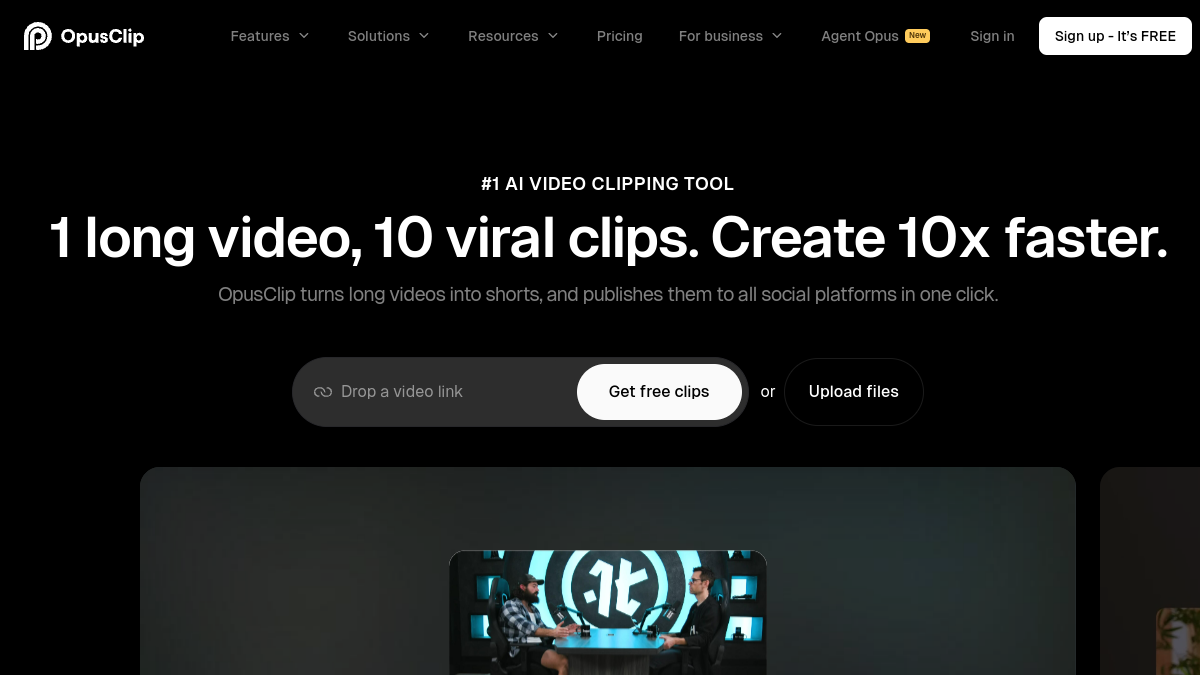
Opus Clip uses AI to turn long videos into viral vertical Shorts with captions and auto-reframing, scoring clips by virality potential. For growing a channel with Shorts without manual clipping, it's a standout.
2. Descript — best AI video editing
Descript lets you edit video by editing the transcript, with AI filler-word removal, studio sound and even eye-contact and voice tools. It makes editing dramatically faster for talking-head and interview content. See our Descript review.
3. VidIQ — best for YouTube SEO and growth
VidIQ uses AI to suggest titles, tags, keywords and video ideas, and analyzes what's working on your channel and competitors'. For optimizing discoverability and planning content, it's a top growth tool.
4. TubeBuddy — best channel management and optimization
TubeBuddy is a browser extension packed with tools for keyword research, A/B testing thumbnails and titles, and bulk channel management. A long-time favorite for optimizing and running a channel efficiently.
5. Canva — best for thumbnails
Canva (with Magic AI) makes eye-catching thumbnails fast, with templates, background removal and AI image tools. Since thumbnails hugely affect click-through, it's an essential, easy tool for creators.
6. Submagic — best for animated captions
Submagic adds dynamic, animated captions, emojis and highlights to short videos automatically — the punchy caption style that boosts retention on Shorts and Reels. A quick way to make clips pop.
7. ElevenLabs — best for AI voice and dubbing
ElevenLabs generates realistic AI voiceovers and can dub videos into other languages, opening your channel to new audiences. Great for faceless channels, narration and localization.
8. ChatGPT — best all-round assistant
ChatGPT helps with scripting, titles, descriptions, chapter timestamps, video ideas and community posts. The most versatile helper across your whole content process — see our ChatGPT vs Gemini guide.
Quick recommendations
- Best for Shorts: Opus Clip
- Best editing: Descript
- Best SEO/growth: VidIQ
- Best thumbnails: Canva
- Best AI voice/dubbing: ElevenLabs
Frequently asked questions
What is the best AI tool for YouTubers?
Opus Clip is best for Shorts, Descript is best for editing, and VidIQ is best for SEO and growth. Most YouTubers combine an editor, a clip tool and a growth/SEO tool.
How do I make YouTube Shorts with AI?
Opus Clip and Submagic use AI to turn long videos into captioned vertical Shorts automatically, finding highlights and reframing them — no manual editing needed.
Which AI tool helps with YouTube SEO?
VidIQ and TubeBuddy both use AI to suggest titles, tags, keywords and content ideas, and analyze performance, helping your videos get discovered.
Are there free AI tools for YouTubers?
Yes — VidIQ, TubeBuddy, Canva, Opus Clip and ChatGPT all offer free tiers, so you can edit, optimize and clip without paying to start.
Can AI edit my YouTube videos?
Yes — Descript lets you edit by editing the transcript and removes filler words automatically, dramatically speeding up editing for talking-head and interview videos.
The bottom line
The best AI stack for YouTubers usually combines editing (Descript), Shorts (Opus Clip), and growth (VidIQ), plus Canva for thumbnails and ChatGPT for scripts and titles. Most are free to start, so build your pipeline and publish more with less grind.