Best Invoicing Software for Freelance Videographers (2026)
Freelance videography is feast or famine, and cash flow makes or breaks it. Between wedding films, brand shoots and corporate work, you are quoting projects, collecting deposits before you ever press record, tracking gear and travel expenses, and hoping the final invoice gets paid before your card bill is due. Doing that in a mishmash of documents and payment apps is a recipe for late payments and tax-season panic.
The right invoicing software sends professional quotes and contracts, takes deposits and milestone payments automatically, tracks your expenses and shows you exactly where your money stands. For many videographers, an all-in-one that also handles contracts and client workflow is worth even more than a pure accounting tool.
This editorial overview draws on public information, documentation and user feedback to help freelance videographers pick tools that get them paid faster with less admin.
What to look for in invoicing software for freelance videographers
Videography billing has particular needs. Look for these capabilities when comparing invoicing tools:
- Deposits and milestone billing. You often need a deposit to book the date and payments tied to milestones or delivery — the tool should automate both, not just send one final invoice.
- Contracts and e-signatures. Protect yourself with contracts. All-in-one tools that bundle proposals, contracts and invoices save huge amounts of time.
- Professional, branded invoices. Clean, branded invoices and quotes make you look established and get taken more seriously by corporate clients.
- Online payments. Accepting cards and bank transfers gets you paid faster than waiting on checks, even with processing fees.
- Expense and mileage tracking. Gear, travel and subscriptions add up. Tracking expenses in the same tool simplifies profitability and taxes.
- Recurring and retainer billing. If you have ongoing content clients, automated recurring invoices for retainers keep that revenue predictable.
The best invoicing software for freelance videographers in 2026
| Tool | Best for | Standout feature |
|---|---|---|
| Bonsai | Videographers wanting contracts + invoicing | Proposals, contracts and invoices in one flow |
| HoneyBook | Wedding/brand videographers | Beautiful proposals and booking workflow |
| FreshBooks | Videographers wanting real bookkeeping | Strong invoicing plus proper accounting |
| Wave | Budget-conscious videographers | Free invoicing with pay-per-use payments |
| QuickBooks | Established video businesses | Industry-standard accounting and reporting |
1. Bonsai — an all-in-one for freelancers
Bonsai is an all-in-one business tool for freelancers, bundling proposals, contracts, invoicing, payments, expense tracking and even basic project management into one connected workflow.
For a videographer, that means going from proposal to signed contract to deposit to final invoice without switching tools — a major time-saver that also keeps you legally protected on every project.
- Proposals, contracts and e-signatures
- Invoicing with deposits and reminders
- Expense tracking and basic accounting
- Client CRM and project tools
Best for: Videographers who want contracts, invoicing and admin in one connected tool.
2. HoneyBook — a client-workflow favorite for creatives
HoneyBook is a client-management platform popular with wedding and creative professionals, combining branded proposals, contracts, invoices, payments and automated workflows.
Its polished client experience — from inquiry to booked to paid — is the draw for videographers whose clients expect a smooth, professional process, especially in the wedding space.
- Branded proposals, contracts and invoices
- Automated booking and payment workflows
- Client communication in one place
- Scheduling and templates
Best for: Wedding and brand videographers who want a polished end-to-end client flow.
3. FreshBooks — accounting-first invoicing
FreshBooks is accounting software built with freelancers and small businesses in mind, offering professional invoicing, expense tracking, time tracking and full double-entry books.
If you want your invoicing tightly connected to real bookkeeping and tax-ready reports, FreshBooks provides more accounting depth than most all-in-one client tools.
- Professional invoicing with deposits and reminders
- Expense and mileage tracking
- Time tracking and project profitability
- Accounting and tax-ready reports
Best for: Videographers who want invoicing plus genuine accounting in one place.
4. Wave — free invoicing and accounting
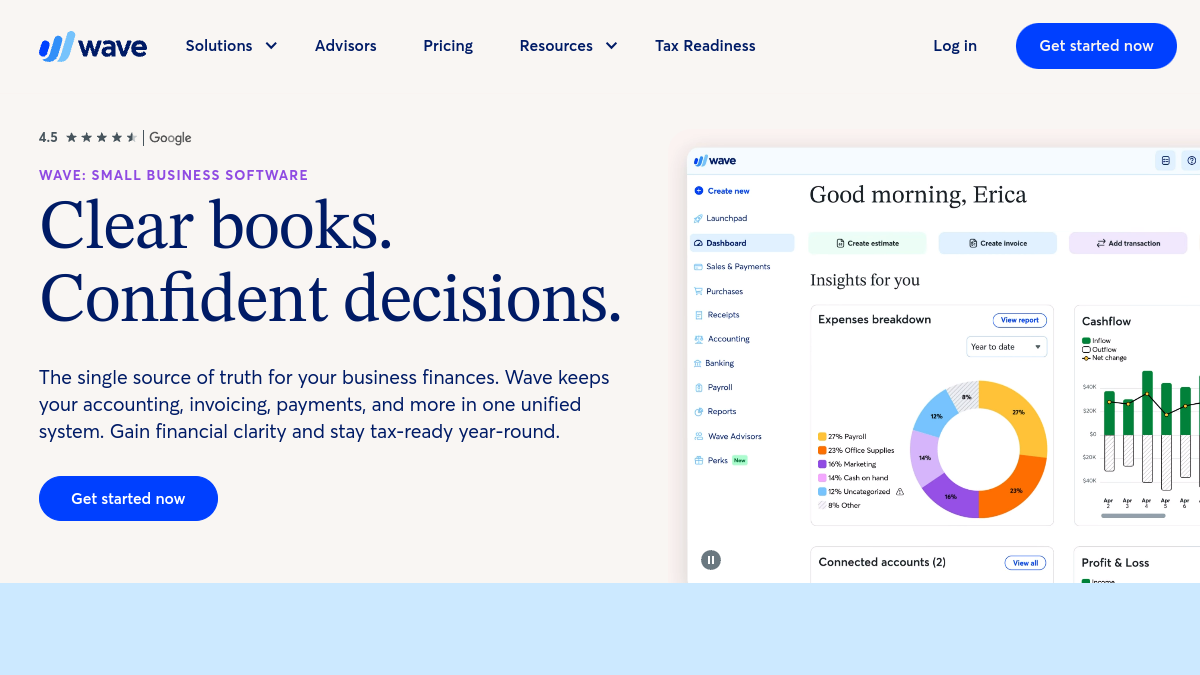
Wave offers free invoicing and accounting, charging only when you accept online payments. For freelancers watching costs, it covers professional invoices, expense tracking and basic books at no subscription cost.
It lacks the contracts and client-workflow features of the all-in-ones, but for a videographer who just needs clean invoices and simple accounting on a budget, it is hard to beat on price.
- Free professional invoicing
- Free accounting and expense tracking
- Pay-per-use online payments
- Recurring invoices for retainers
Best for: Videographers who want solid invoicing and accounting for free.
5. QuickBooks — the accounting standard
QuickBooks Online is the widely used small-business accounting standard, with invoicing, expense and mileage tracking, payments and comprehensive reporting your accountant will know well.
For videographers whose business has grown — employees, contractors, significant gear investments — QuickBooks offers the accounting depth and accountant-friendliness that lighter tools cannot match.
- Invoicing with deposits and reminders
- Expense, mileage and receipt capture
- Comprehensive financial reporting
- Widely supported by accountants
Best for: Established video businesses that need full, accountant-ready accounting.
How to choose the right invoicing software for your video business
Decide whether you want an all-in-one or an accounting-first tool. If contracts and a smooth client workflow matter as much as invoices — common for wedding and brand videographers — Bonsai or HoneyBook bundle everything from proposal to payment. If you want your invoicing anchored to real bookkeeping, FreshBooks or QuickBooks lead.
Match the tool to your budget and stage. Just starting out and cost-sensitive? Wave delivers free invoicing and accounting that covers the basics. Running an established business with contractors and serious gear? QuickBooks' accounting depth and accountant familiarity pay off at tax time.
Whatever you pick, make deposits and online payments non-negotiable. Test the flow by sending yourself a real quote, contract and deposit request during a trial. The right tool gets clients to pay faster and gives you back the evenings you would otherwise spend wrestling with invoices.
Tips for getting paid faster as a videographer
Always take a deposit to hold the date. A non-refundable deposit protects you against last-minute cancellations and improves cash flow before the project even starts. Use software that automates deposit requests and applies them to the final invoice so the math is clean and clients know exactly what they owe at delivery.
Tie payments to milestones or delivery. Rather than one lump invoice at the end, bill a deposit up front and the balance on delivery — or across milestones for larger productions. Automated milestone invoicing keeps money flowing throughout a project instead of leaving you exposed until the final handoff.
Track every expense as you go. Gear, travel, software subscriptions and hard drives are real costs that shrink your tax bill if you record them. Log expenses in the same tool you invoice from, snap receipts on the spot, and your profitability and taxes become dramatically easier to handle.
Built invoicing software for creatives?
If you have created invoicing, contract or business software for videographers and freelancers, list it on Tolodora to reach creatives comparing tools.
Frequently asked questions
What is the best invoicing tool for a wedding videographer?
Wedding videographers often prefer all-in-one client tools like HoneyBook or Bonsai because they bundle proposals, contracts, deposits and invoices into one polished workflow that matches how couples expect to book. If you want deeper accounting, FreshBooks pairs invoicing with proper bookkeeping.
Should videographers use accounting software or an all-in-one?
It depends on your priority. All-in-ones (Bonsai, HoneyBook) excel at contracts and client workflow; accounting-first tools (FreshBooks, QuickBooks) excel at bookkeeping and tax reporting. Many videographers start with an all-in-one and add or switch to accounting software as they grow.
Is free invoicing software good enough?
For many freelance videographers, yes — Wave offers free, professional invoicing and accounting, charging only for online payment processing. You give up built-in contracts and client-workflow automation, but for clean invoices on a budget it works well.
How much does invoicing software cost?
Options range from free (Wave) to monthly subscriptions for all-in-ones and accounting tools, usually plus payment-processing fees. Pricing changes often, so confirm the current plans on each vendor's website.
The bottom line
The best invoicing software for freelance videographers depends on whether you value an all-in-one client workflow or accounting depth. Wedding and brand shooters often love HoneyBook or Bonsai for handling contracts and payments together; those who want real books lean toward FreshBooks or QuickBooks; and budget-focused freelancers get remarkable value from Wave.
Whichever you choose, automate deposits, tie payments to milestones and track expenses as you go. Get paid faster, protect yourself with contracts, and walk into tax season calm — so you can spend your energy on the work that actually got you into videography.