The Best No-Code Tools in 2026 to Build Without Engineers
No-code stopped being a toy a long time ago. In 2026, no-code tools power real businesses — online stores, internal tools, automations connecting dozens of services, full web and mobile apps — built by people who never wrote a line of code. Combined with the AI wave that lets you generate apps from a description, no-code has become one of the fastest ways to turn an idea into a working product. But the landscape is crowded, and the right tool depends entirely on what you're building. This is a practical guide to the best no-code tools in 2026, organized by use case, plus how to choose without wasting time.
What no-code can really do now
First, a reality check on capability, because no-code's reputation hasn't caught up to its power. In 2026, mature no-code platforms run real e-commerce stores, marketplaces, internal business tools, complex automations, and full applications with databases, user accounts, and payments. Non-technical founders launch businesses on them; technical teams use them to ship internal tools in hours instead of sprints. The category has genuinely earned its place. The honest limits remain — deep customization, heavy scale, and highly novel functionality still favor real code — but for an enormous range of common needs, no-code is now a serious, capable choice rather than a compromise.
Best for building websites
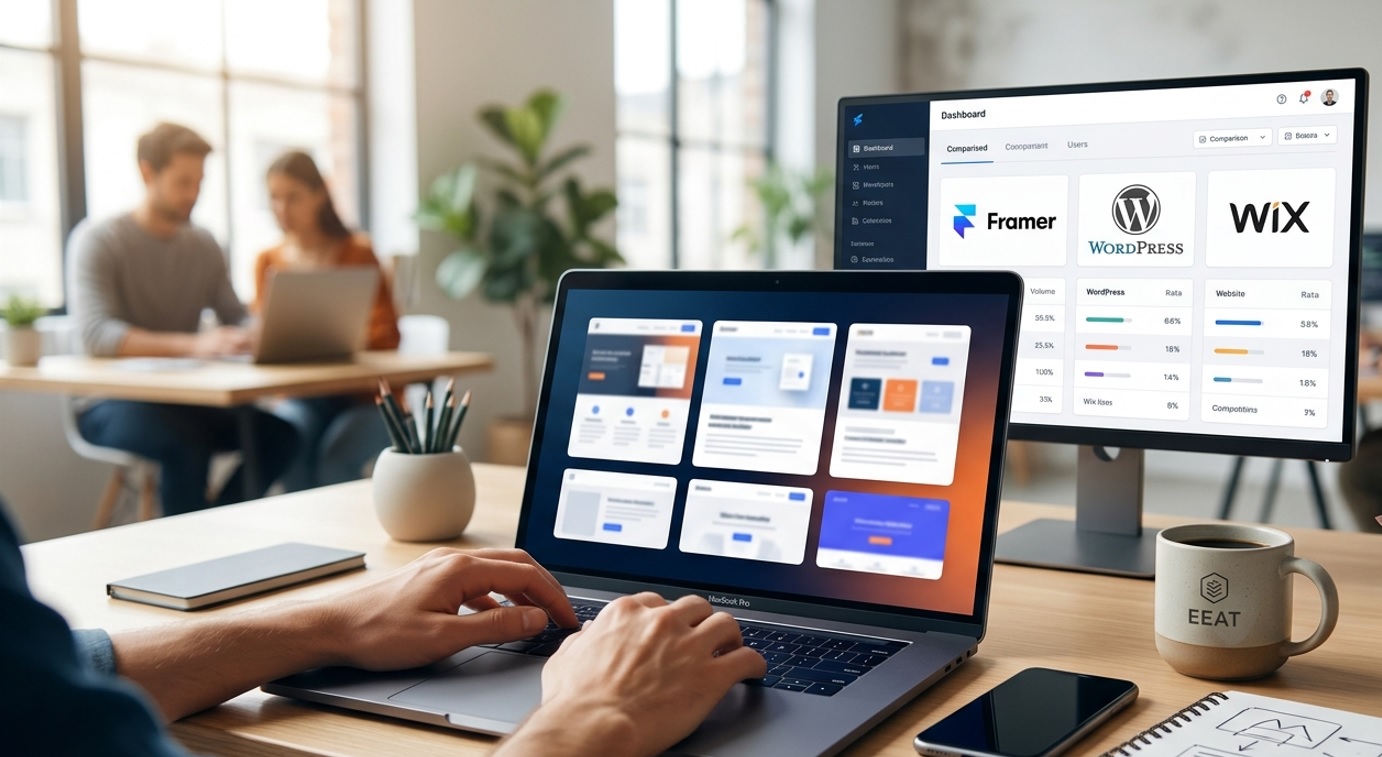
For marketing sites, landing pages, portfolios, and content sites, no-code website builders have become extraordinarily capable. The best ones let you design visually with real creative control and publish a fast, responsive, professional site — some even blurring the line between designing and developing by letting your design be the live website. For simpler needs, single-page builders create a polished site in minutes for almost nothing. The right choice depends on how much design control and complexity you need: a flexible visual builder for a custom, growing site; a simple one-pager for a quick, focused page. Either way, you can have a professional web presence live today without a developer.
Best for building apps
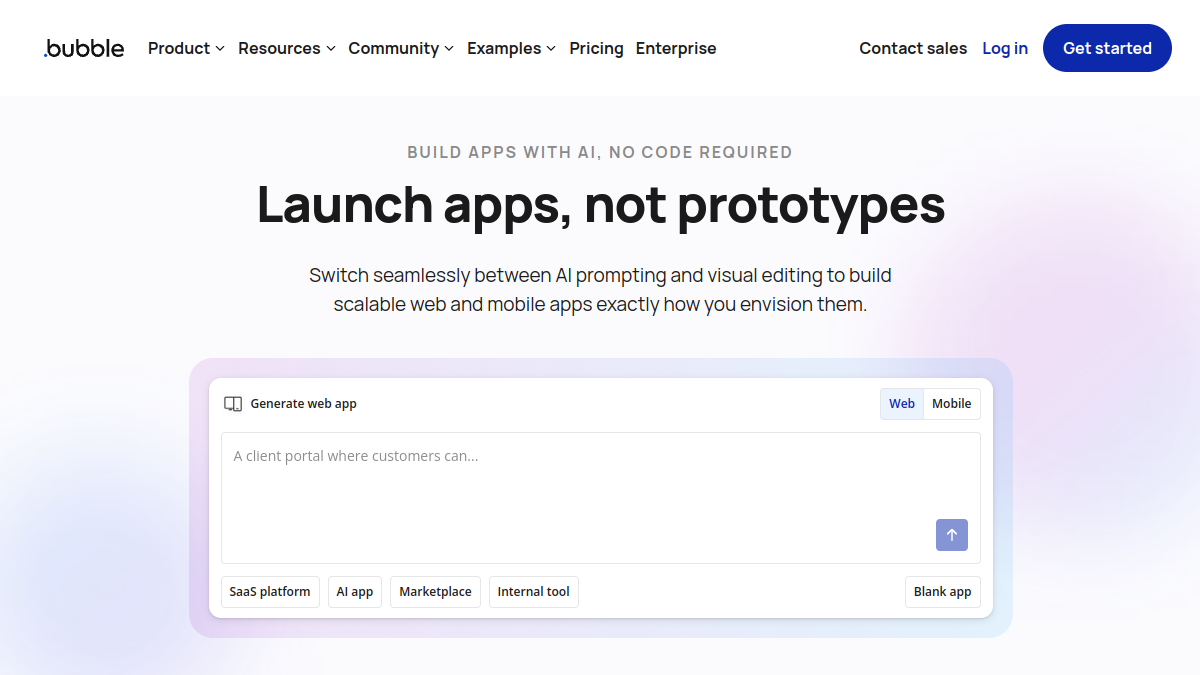
For actual web and mobile applications — products with logic, data, and user accounts — no-code app builders have matured impressively. Some let you build sophisticated web apps entirely visually, with databases, workflows, and integrations, capable of powering real SaaS products and marketplaces. A newer generation produces genuine native mobile apps and even lets you export real code, combining no-code speed with the option to extend by hand later. And AI-first builders now let you generate a working app from a description and refine it conversationally. For founders who want to build a real product without a development team, these tools make it genuinely possible — with the understanding that the most complex or large-scale apps may eventually need real engineering.
Best for databases and internal tools
A huge amount of business value comes from internal tools — dashboards, trackers, admin panels, custom databases — and no-code excels here. Spreadsheet-database hybrids let anyone organize information and build lightweight apps on top of their data, replacing messy spreadsheets with real, structured systems. Internal-tool builders let teams assemble admin panels and dashboards connected to their actual data sources in a fraction of the time real development would take. These tools are transformative because every organization constantly needs internal software, and no-code lets the people closest to the problem build it themselves quickly, rather than waiting on engineering. For operations, this is often where no-code delivers the most immediate return.
Best for automation
Connecting your tools and automating repetitive work is one of no-code's highest-value uses. Automation platforms let you build workflows that move data between apps and trigger actions automatically — when something happens in one tool, do something in others — eliminating tedious manual work. Some are beautifully simple for everyday connections; others are powerful enough for complex, multi-step business processes, and many now incorporate AI to build smarter automations that read context and decide. For any business drowning in repetitive tasks of copying data between systems, automation tools quietly save enormous time, and they're often the first no-code investment that pays for itself.
Best for forms, surveys, and data collection
Collecting information — through forms, surveys, signups, and feedback — is a universal need, and no-code form builders make it effortless and even pleasant. The best ones turn forms from a dull chore into a clean, conversational experience that gets higher completion rates, and they connect the responses automatically to your other tools so the data flows where it's needed. Whether you're capturing leads, running research, or gathering feedback, a good no-code form tool lets you build exactly what you need in minutes and route the results wherever they should go, no developer required.
Best for online stores and selling
Selling online — physical products, digital goods, courses, memberships — is thoroughly served by no-code. Established e-commerce platforms let anyone build and run a real online store, while creator-focused tools make selling digital products, courses, and memberships simple. For the smallest sellers, lightweight tools let you sell a digital product with a single link. The right choice depends on what you're selling and at what scale, but the through-line is that you can build a real, transacting business online without technical skills — handling payments, delivery, and customers through tools designed for non-developers.
The AI factor
The biggest shift in no-code in 2026 is AI woven throughout it. Many platforms now let you generate apps, automations, sites, and components from a plain-language description, then refine by talking rather than clicking. This makes the fast path even faster and lowers the barrier further — you can describe what you want and get a working starting point in seconds. It also blurs the line between no-code and "vibe coding," where you build real software by describing it. The practical takeaway: whichever no-code tool you choose, look for strong AI features, because they increasingly define how quickly and easily you can build.
How to choose the right no-code tool
With so many options, the choice comes down to a few questions. What exactly are you building? Match the tool to the job — a website builder for a site, an app builder for an app, an automation tool for workflows. Don't force a tool to do something it's not made for. How much complexity and scale do you need? Simple needs favor simpler tools; ambitious products favor more powerful (and more complex) platforms. How much lock-in can you accept? Some tools let you export your data or code; others trap you — weigh this for anything important. And will you actually use it? The best tool is the one you'll stick with, so favor something you find approachable. Try free tiers before committing, and start with the simplest tool that genuinely meets your need.
Combining tools into a real stack
One thing experienced no-code builders learn quickly is that the magic often comes not from a single tool but from combining several into a stack that works together. A typical real-world setup might pair a website builder for the public site, a database or spreadsheet-hybrid for the data, an app or internal-tool builder for the interface, an automation platform to connect everything, and a form tool to collect input — each doing what it's best at, wired together so data flows automatically between them. This composability is one of no-code's quiet superpowers: rather than searching for one tool that does everything (and does most of it poorly), you assemble a handful of focused tools that each excel, and connect them. The result can be a surprisingly sophisticated system — a real product or a smoothly-running operation — built entirely without code, by someone who simply understood which tool to use for which job and how to link them. Learning to think in terms of a connected stack, rather than a single do-everything app, is what takes people from building simple things to building genuinely capable products with no-code.
Avoiding the common no-code mistakes
A few mistakes trip up no-code builders and are easy to avoid once you know them. Choosing the wrong tool for the job — trying to force a website builder to be an app — leads to frustration; match the tool to what you're building. Over-building before validating — pouring weeks into an elaborate product before checking anyone wants it wastes the very speed that makes no-code valuable; build the simplest version, validate, then expand. Ignoring lock-in — building something critical on a platform you can't export from, then being trapped by its pricing or limits. Underestimating ongoing costs — no-code looks cheap upfront but platform fees scale with usage, so model the real cost as you grow. And neglecting the basics like security and data protection just because the tool hides the complexity. Avoid these, and no-code delivers on its promise: building real things fast, without the traps.
No-code vs. code: when to graduate
One question every no-code builder eventually faces is when, if ever, to move to real code — and the honest answer is that it depends on what you hit first. The signs that you've outgrown a no-code tool are fairly clear: you need a feature the platform simply can't do, you're hitting performance or scale limits as your usage grows, the per-usage costs are climbing past what owned code would cost, or you need a level of customization and control the tool doesn't allow. None of these mean no-code "failed" — they mean it did its job of getting you to a proven, working product, and now the economics or requirements have shifted. The smartest approach is rarely all-or-nothing: many successful teams use no-code for what it's great at — internal tools, marketing sites, automations, rapid validation, and even production apps that don't need to scale massively — while reserving real code for the core, differentiated, high-scale parts of their product. And when you do migrate something from no-code to code, treat the no-code version as the fast, cheap way you validated the idea, not as a foundation you'll extend forever; you usually rebuild rather than convert, and that's fine, because you rebuild from a position of knowledge. Plan for the possibility of graduating, choose tools that let you export your data when you can, and you'll get all the speed of no-code without ever being trapped by it.
Frequently asked questions
Can you build a real business with no-code in 2026? Yes — mature no-code platforms run real e-commerce stores, marketplaces, internal tools, and full apps with databases, accounts, and payments. The limits appear with deep customization, heavy scale, or highly novel features, where real code still wins; but for a huge range of businesses, no-code is fully capable.
What's the best no-code tool for beginners? It depends on the goal: a simple website builder for a web presence, a spreadsheet-database tool for organizing data and light apps, or an AI-first app builder to generate a working app from a description. Start with the simplest tool that matches what you're building, and use free tiers to try before committing.
Is no-code cheaper than hiring developers? Almost always for small and early projects — no-code lets you build without developer salaries and far faster. At large scale, platform fees can add up and owned code may become more economical, so weigh the whole lifecycle; but to get to a working product, no-code is usually dramatically cheaper.
Will AI replace no-code tools? No — AI is being built into no-code tools, making them faster and more powerful by letting you generate apps and automations from descriptions. Rather than replacing no-code, AI is supercharging it and blurring the line between no-code and describing software in plain language.
The bottom line
No-code in 2026 is a serious, capable way to build real products — websites, apps, automations, databases, internal tools, and online stores — without engineers, and AI has made it faster and more accessible than ever. The key is matching the tool to what you're actually building, respecting the real limits around deep customization and scale, and starting with the simplest option that meets your need. For founders, operators, and creators who want to turn ideas into working products quickly and affordably, the no-code toolkit has never been stronger. Pick the right tool for the job, and you can build far more than you'd think — no code required.
Built something with no-code? Launch it on Tolodora for free — get discovered by buyers, earn a backlink, and start collecting real reviews from day one.