NOS Workspace
SoftwareNewPaste HTML, edit visible text, and share a stable document link.
About NOS Workspace
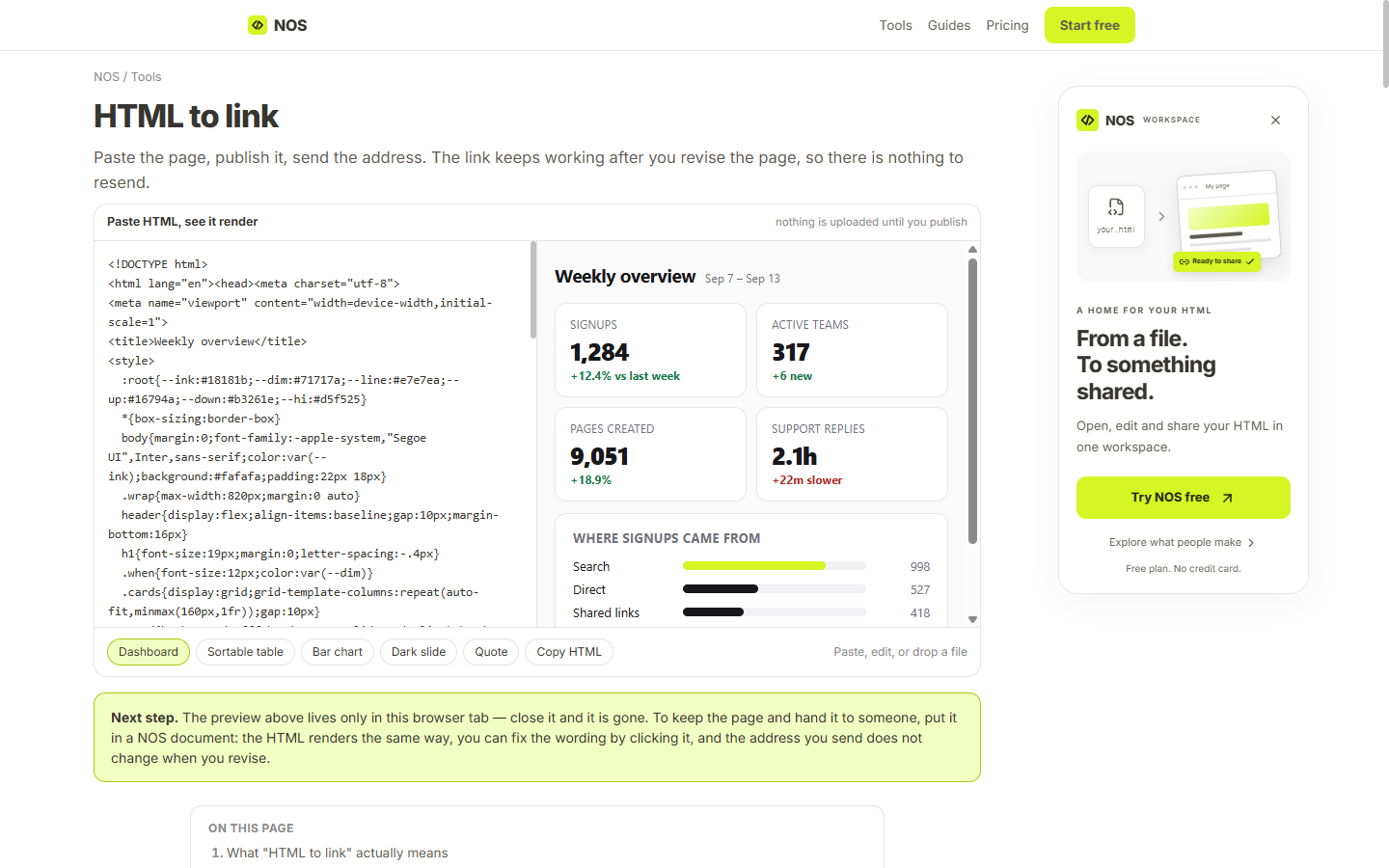
NOS Workspace is a browser-based workspace for HTML and everyday documents. It gives existing HTML a place where it can be viewed, edited, organized, and shared through a stable link. You can paste HTML or upload an HTML file, see the rendered document, and update visible text without rebuilding the entire page each time a sentence changes.
The starting point can be something you wrote yourself or HTML produced by another tool. For example, a creator might bring in a report, a proposal, a presentation, or a simple prototype. NOS is the workspace used after that content exists: it helps turn the file into a document that can be shared and kept current. It does not generate the original HTML with AI.
A stable share link is useful when a document needs several rounds of corrections. Instead of sending a new attachment after every update, you can keep sharing the same address while the document changes. A recipient can open the shared link without creating a NOS account. Creating documents and editing them requires signing in with a Google account.
NOS also supports ordinary documents, so the workspace is not limited to rendered HTML. Keeping these materials together gives creators and teams a practical home for both everyday writing and more visual HTML documents. Someone preparing a client handoff can maintain the shared document while keeping related materials organized in the same workspace.
The free plan includes unlimited documents and three share links. This makes it possible to try the editing and sharing workflow with real documents before choosing a paid plan for additional capacity. The product runs on the web, with no desktop application required for the basic workflow.
NOS is a useful fit for freelancers, small teams, and developers who already have HTML content and want a convenient way to present it, make visible text corrections, and share the latest version. It focuses on the handoff between making a document and letting other people read it.
What problem it solves
Updating an HTML report often means sending a new file or redeploying it. NOS keeps a stable document link while allowing visible text edits and organizing documents together.
Tags
Ratings & reviews
No ratings yet
Be the first to rate NOS Workspace — your honest take helps others decide.
- No reviews yet — be the first to rate NOS Workspace.
Similar softwares
Plaza TAI
Entrenador gratuito para preparar las oposiciones de Técnico Auxiliar de Informática de la AGE: 33 temas, 264 preguntas, tests adaptativos, simulacros, repasos
ApexPDF
100+ PDF tools. Zero uploads. Forever free.
WeChat to Markdown (wx2md)
Save WeChat articles as local Markdown — no upload. Free Chrome extension for private, durable notes.
Compare NOS Workspace
Similar software
MatchroomOS
AI-powered community platform for business and startup communities: onboarding, smart member matching, programs, events and analytics in one workspace.

Psychemore
Psychemore 🧠💜 is an AI-powered platform helping students study smarter, build better resumes, prepare for opportunities, and plan their future — all in one pl

Routebase
Design your API in a visual editor instead of YAML, and your docs, mocks, contract tests and monitoring all derive from that one spec.
ReachIQ
AI-powered sales platform that helps B2B teams find prospects, personalize outreach, automate follow-ups, and generate qualified leads.

Frictionless Guest App
Digital concierge software for inns, B&Bs, and boutique hotels to simplify guest communication and local recommendations.
Klock AI
A high-performance AI workforce platform where role-based agents collaborate with human teams in a shared workspace, connecting to CRMs and executing autonomous
Community discussion (0)
Ask questions, share tips, or compare notes with other NOS Workspace users.