
SpriteFrame
SoftwareNewTurn character images & frames into game-ready sprite sheets
About SpriteFrame
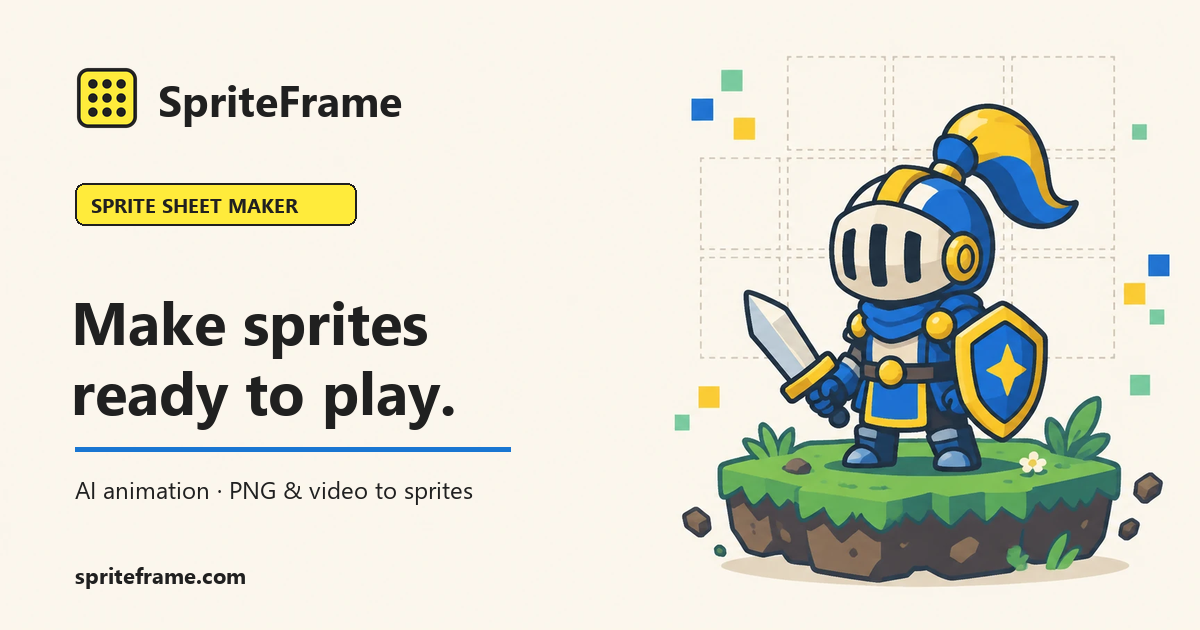
SpriteFrame is a sprite sheet maker built for game developers and pixel artists. Turn character images and frame sequences into game-ready sprite sheets in minutes, without cutting frames by hand or writing timing files from scratch.
Start with a single full-body character image. Describe the motion you need, such as idle, walk, run, attack, jump, or any custom action, and SpriteFrame's AI generates the animation frames for you. Review the result, keep the frames that work, and export them as a clean sprite sheet.
Already have frames? Combine your own PNG frames into one sheet, or extract frames from an MP4 clip directly in your browser. Preview and edit your animation before you export, then download a PNG sprite sheet or a full frame sequence together with a JSON file that stores the frame rectangles and timing data.
That JSON makes it straightforward to bring the animation into Godot, Unity, or other game engines, so you can go from concept to playable animation faster. Works for pixel art and hand-drawn characters alike.
SpriteFrame is designed for indie developers, pixel artists, and small game studios who need consistent, engine-ready assets without a heavy toolchain. Typical workflows include prototyping a playable character, building enemy animation sets, creating effect or UI sprites, and iterating on animation timing during development. Because the sheet and its JSON timing data are exported together, you can adjust frame speed in your engine without re-exporting the art.
Pricing: SpriteFrame offers free tools to get started, with paid plans for more generation capacity and advanced features. The Basic plan is $12 per month and the Pro plan is $29 per month. You can start free and upgrade only when you need more.
Questions, feedback or feature requests? Contact support@spriteframe.com. Try it at https://spriteframe.com. Sprite sheets built this way keep your art, animation frames and engine data in one consistent pipeline, so every update to a character is quicker to ship.
Tags
Ratings & reviews
No ratings yet
Be the first to rate SpriteFrame — your honest take helps others decide.
- No reviews yet — be the first to rate SpriteFrame.
Similar softwares

AI Icon Creator
Make app icons from a short description or your own picture, in 20+ curated styles, then download iOS, Android and web sizes.
deep-imager
deep-imager is an AI image generator for text to image, image to image, and AI video. Prompt a red background or black background. Free signup.
Backgroundcanvas
One-stop free online image background cleanup and change tool, offering watermark removal, text removal, emoji sticker removal, background swap and cutout.
Compare SpriteFrame
Similar software
StyleGen.ai
Practical guides on men
Photoshoot.si
Upload selfies or product photos and get a full AI photoshoot with many looks, generated in minutes.

UI Discovery
Discover real-world UI references and design resources
AI Remove Watermark
Remove text and logo watermarks from authorized images online
Genially
A no-code platform to turn ideas into interactive presentations, content and gamified experiences.

Spline
Design interactive 3D graphics and experiences for the web — collaboratively and without 3D expertise.
Related reads
The 8 Best AI Logo Makers in 2026 (Looka & Alternatives)
Need a logo fast? Here are the 8 best AI logo makers in 2026, from Looka to Canva — with who each is best for.
Penpot vs Figma: Which Design Tool Should You Use in 2026?
Figma is the design industry standard; Penpot is the free, open-source challenger you can self-host. Here's my honest comparison for 2026.
Community discussion (0)
Ask questions, share tips, or compare notes with other SpriteFrame users.