The Best Airtable Alternatives in 2026 (Databases & Spreadsheets)
Tolodora Editorial Team
Tolodora's editorial team — we research, compile and regularly update these software guides from public sources and product documentation.
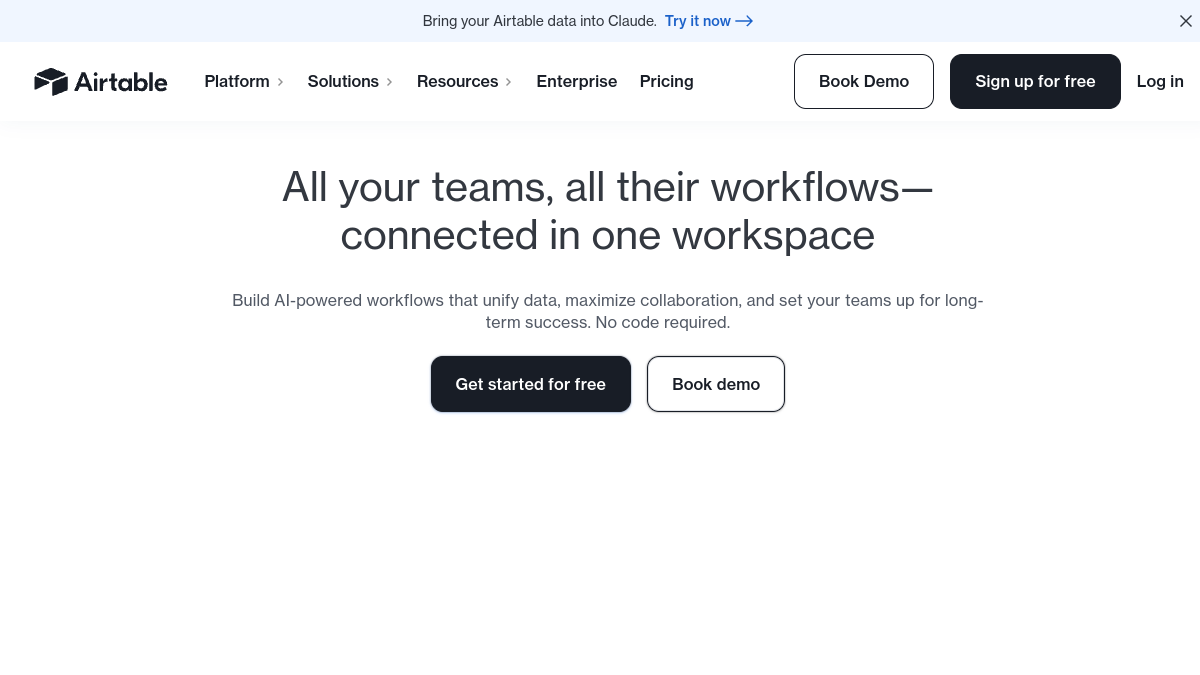
Airtable turned the spreadsheet into a flexible database with views, automations, and interfaces. But its per-seat pricing and record limits get expensive, so many teams seek alternatives — especially open-source ones they can self-host for free.
These all blend spreadsheet ease with database power (multiple views, relations, automations); they differ on price, open-source status, and depth.
We rated every pick on four things — pricing and value, functionality, ease of use, and support. Here's the rundown.

Comparing against the original?
See Airtable's profile, rating & reviews on Tolodora →
| # | Tool | Best for | Rating |
|---|---|---|---|
| 1 | Notion | Teams that want databases woven into notes and docs. | 4.3/5 |
| 2 | NocoDB | Developers and teams wanting a free, self-hosted database. | 4.3/5 |
| 3 | Baserow | Teams wanting an easy, open-source, self-hostable database. | 4.4/5 |
| 4 | SmartSuite | Businesses that want databases plus project management. | 4.4/5 |
| 5 | Coda | Teams that want documents and databases blended together. | 4.2/5 |
| 6 | Google Sheets | Anyone who needs a free, simple, collaborative spreadsheet. | 4.4/5 |
Notion
- Pricing
- 8.8/10
- Functionality
- 9.0/10
- Ease of use
- 8.6/10
- Support
- 8.2/10
What I like
Docs, wikis, and flexible databases in one workspace, with AI and a huge template library.
Best for
Teams that want databases woven into notes and docs.
Notion blends databases with documents and wikis, a versatile Airtable alternative for teams that want one connected workspace with a great free plan. Among your business, it earns its spot for the reasons above.
NocoDB
- Pricing
- 9.8/10
- Functionality
- 8.8/10
- Ease of use
- 8.2/10
- Support
- 7.8/10
What I like
Open-source, self-hostable Airtable alternative that turns any database into smart views.
Best for
Developers and teams wanting a free, self-hosted database.
It tends to suit your business that want exactly this balance. NocoDB is a popular open-source Airtable alternative: connect a database and get grid, kanban, and gallery views, self-hosted for free.
Baserow
- Pricing
- 9.6/10
- Functionality
- 8.6/10
- Ease of use
- 8.8/10
- Support
- 8.2/10
What I like
Open-source, no-code database with a clean interface and self-hosting.
Best for
Teams wanting an easy, open-source, self-hostable database.
Baserow offers an approachable, open-source no-code database with views and automations, self-hostable or cloud, a strong free Airtable alternative. It's a common pick among your business comparing their choices.
SmartSuite
- Pricing
- 8.4/10
- Functionality
- 9.2/10
- Ease of use
- 8.6/10
- Support
- 8.6/10
What I like
A powerful work-management platform combining databases with projects and workflows.
Best for
Businesses that want databases plus project management.
Plenty of your business land on it after weighing the field. SmartSuite pairs a flexible database with robust work management, a capable Airtable alternative for teams running processes, not just storing data.
Coda
- Pricing
- 8.4/10
- Functionality
- 9.0/10
- Ease of use
- 8.2/10
- Support
- 8.2/10
What I like
Docs that act like apps, mixing text, tables, buttons, and automations.
Best for
Teams that want documents and databases blended together.
Coda merges documents with tables and automation, a flexible Airtable alternative when you want data inside living documents. Among your business, it earns its spot for the reasons above.
Google Sheets
- Pricing
- 10.0/10
- Functionality
- 7.8/10
- Ease of use
- 9.2/10
- Support
- 8.0/10
What I like
The free, familiar spreadsheet with real-time collaboration and add-ons.
Best for
Anyone who needs a free, simple, collaborative spreadsheet.
If you run this kind of your busines operation, it belongs on your list. Google Sheets is free and universally known; with add-ons it covers many Airtable use cases, an easy no-cost alternative for simpler needs.
The verdict
Want a free, open-source, self-hosted option? NocoDB or Baserow. A flexible all-in-one workspace? Notion. A powerful business database? SmartSuite. Just a better spreadsheet? Google Sheets.
Frequently asked questions
What is the best free Airtable alternative?
NocoDB and Baserow are open-source and free to self-host with generous limits, and Notion and Google Sheets have strong free tiers.
Is there an open-source Airtable alternative?
Yes — NocoDB and Baserow are both open-source, self-hostable databases that turn your data into Airtable-style views for free.
Which Airtable alternative is cheapest for large datasets?
Self-hosted NocoDB or Baserow avoid Airtable's per-record pricing entirely, making them the cheapest for large datasets.
What is the best Airtable alternative for project management?
Notion and SmartSuite combine database power with project and work management, making them strong picks if you need both.
Can I migrate my Airtable bases to these tools?
Yes — NocoDB, Baserow, and SmartSuite all offer Airtable import options, so you can move your bases over without starting from scratch.
Keep exploring
Building one of these alternatives?
List your tool on Tolodora and get discovered by buyers comparing options.
Launch Your Product