The Best Claude Code Alternatives in 2026 (AI Coding Agents)
Tolodora Editorial Team
Tolodora's editorial team — we research, compile and regularly update these software guides from public sources and product documentation.
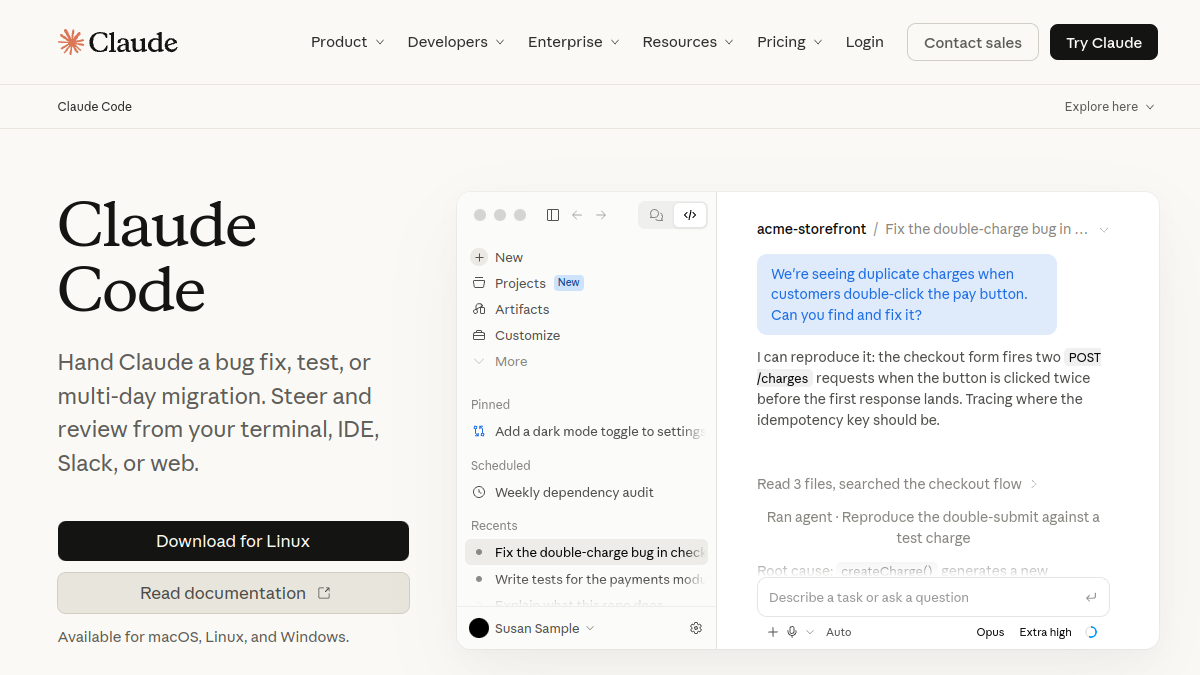
Claude Code, Anthropic's terminal-based AI coding agent, has become a favorite for developers who want an autonomous helper that reads their whole project, makes multi-file changes, runs commands and fixes its own mistakes — all without leaving the command line. It's genuinely powerful. But it's not the only strong option, and depending on whether you prefer an editor, a different pricing model, an open-source tool, or a specific model provider, another agent may suit you better.
The tools below split into two camps: terminal/CLI agents (like Claude Code itself) and AI-native editors that bundle an agent into a graphical IDE. Most give you an AI that understands your codebase and can plan, edit and run code; where they differ is the interface, how much control you get, which models they use, and how they charge.
We rated every pick on four things — pricing and value, functionality, ease of use, and support. Here's the rundown.
| # | Tool | Best for | Rating |
|---|---|---|---|
| 1 | Cursor | Developers who want a graphical AI IDE instead of a terminal. | 4.4/5 |
| 2 | GitHub Copilot | Developers who want an agent inside their existing editor. | 4.4/5 |
| 3 | Windsurf | Developers who want a smooth, guided agent experience in an editor. | 4.4/5 |
| 4 | Cline | Developers who want an open-source in-editor agent with no subscription. | 4.3/5 |
| 5 | Aider | Developers who love the terminal and open-source, like Claude Code itself. | 4.3/5 |
| 6 | Codex CLI | Developers who prefer OpenAI's models in a terminal agent. | 4.2/5 |
Cursor
- Pricing
- 8.0/10
- Functionality
- 9.6/10
- Ease of use
- 8.8/10
- Support
- 8.6/10
What I like
The most powerful AI editor — best-in-class autocomplete, codebase-aware chat, and a controllable multi-file agent.
Best for
Developers who want a graphical AI IDE instead of a terminal.
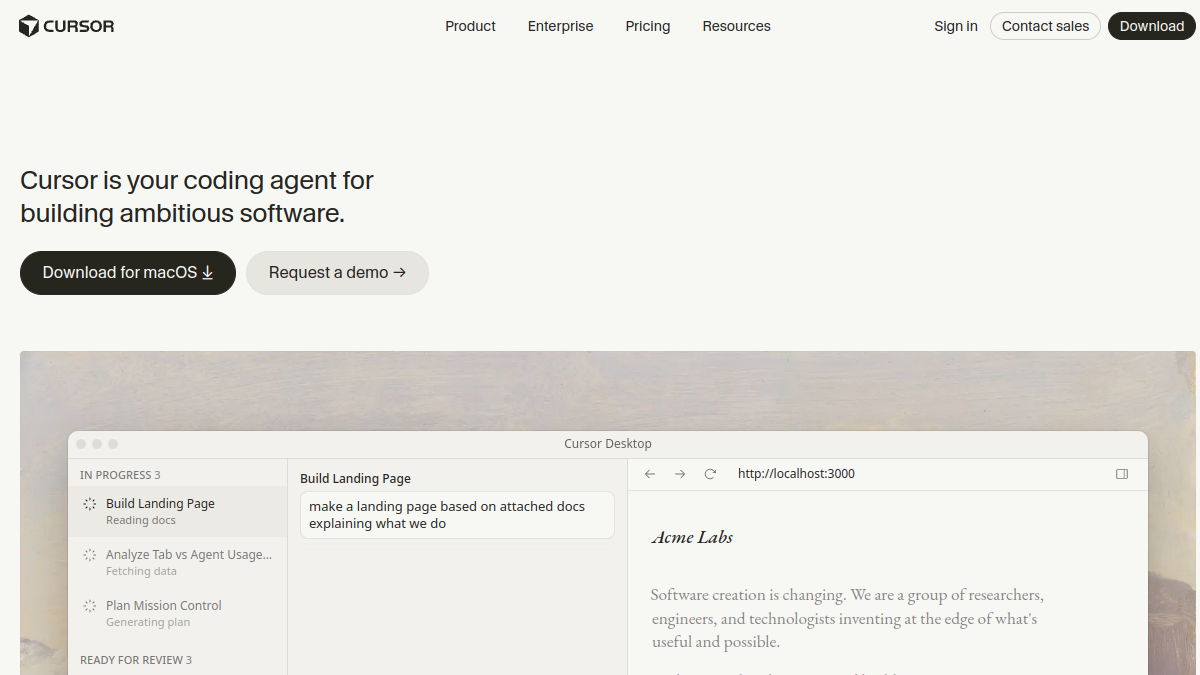
If you run this kind of your busines operation, it belongs on your list. Cursor, by Anysphere, is the leading alternative for those who'd rather have an editor than a command line. It forks VS Code, adds a superb Tab autocomplete and an agent that makes multi-file edits and runs commands, and gives you precise control over context. If Claude Code's terminal workflow isn't for you but you want the same agentic power, Cursor is the natural first stop.
GitHub Copilot
- Pricing
- 8.4/10
- Functionality
- 9.2/10
- Ease of use
- 9.0/10
- Support
- 8.8/10
What I like
AI chat, autocomplete and an agent mode built into VS Code, JetBrains and more — no new tool to adopt.
Best for
Developers who want an agent inside their existing editor.
That focus makes it a natural fit for many your business. GitHub Copilot has grown from autocomplete into a full assistant with chat and an agent that handles multi-file changes, all inside the editors you already use. Its tight GitHub integration and mature enterprise controls make it the lowest-friction alternative — you get agentic help without changing your setup or learning a terminal workflow.
Windsurf
- Pricing
- 8.2/10
- Functionality
- 9.2/10
- Ease of use
- 9.0/10
- Support
- 8.4/10
What I like
An agent-first AI editor whose Cascade agent keeps your codebase in context and takes big, autonomous steps.
Best for
Developers who want a smooth, guided agent experience in an editor.
That focus makes it a natural fit for many your business. Windsurf (from the Codeium team) is a VS Code-based AI editor built around Cascade, an agent designed to feel like a collaborative flow — it tracks state and acts autonomously with less hand-holding. It's a great alternative if you like Claude Code's autonomy but want it inside a polished graphical editor rather than the terminal.
Cline
- Pricing
- 9.6/10
- Functionality
- 8.8/10
- Ease of use
- 8.4/10
- Support
- 7.8/10
What I like
A free, open-source VS Code agent — bring your own model key (including Claude).
Best for
Developers who want an open-source in-editor agent with no subscription.
That focus makes it a natural fit for many your business. Cline is a free, open-source VS Code extension that adds an autonomous coding agent which edits files, runs commands and uses tools, all while you bring your own model API key. It's transparent and community-driven, and it works with Claude and other models — making it a superb open-source alternative for developers who want agentic AI in their editor without paying a subscription.
Aider
- Pricing
- 9.6/10
- Functionality
- 9.0/10
- Ease of use
- 8.2/10
- Support
- 7.8/10
What I like
A free, open-source terminal coding agent that pairs with git and works across your whole repo.
Best for
Developers who love the terminal and open-source, like Claude Code itself.
Aider is the closest open-source cousin to Claude Code: a free command-line agent that edits your code, commits sensibly to git, and reasons across your whole repository. You bring your own model API key (Claude, GPT and others), so you control cost and model choice. For terminal-native developers who want an open, hackable alternative, Aider is the standout. For a your business setup, it's well worth a closer look.
Codex CLI
- Pricing
- 8.2/10
- Functionality
- 9.0/10
- Ease of use
- 8.4/10
- Support
- 8.2/10
What I like
OpenAI's terminal coding agent — an autonomous CLI helper that edits and runs code across your project.
Best for
Developers who prefer OpenAI's models in a terminal agent.
If you run this kind of your busines operation, it belongs on your list. Codex CLI is OpenAI's take on the terminal coding agent — an open-source command-line tool that reads your project, makes changes and runs code, much like Claude Code but built around OpenAI's models. If you're invested in the OpenAI ecosystem and want a terminal-first agent, it's a direct, familiar-feeling alternative.
The verdict
If you want an editor rather than a terminal, Cursor is the standout — the most powerful AI-native IDE. Prefer to stay in your current editor? GitHub Copilot. Want a slick agent-first editor? Windsurf. For free and open-source, Cline (in VS Code) and Aider (in the terminal) let you bring your own model key. Most of these are free to start, so install a couple and run a real task through each — you'll quickly feel which workflow fits.
Frequently asked questions
What is the best Claude Code alternative?
It depends on your interface preference. For a graphical AI editor, Cursor is the most powerful alternative. For an open-source terminal agent much like Claude Code, Aider is the closest match, and Cline is the best open-source in-editor option.
Is there an open-source alternative to Claude Code?
Yes. Aider is a popular free, open-source terminal coding agent, and Cline is a free, open-source VS Code extension. Both let you bring your own model API key, so you only pay for model usage.
What's the best Claude Code alternative that's an editor, not a terminal?
Cursor and Windsurf are both AI-native code editors with powerful built-in agents, and GitHub Copilot adds an agent inside your existing editor. All three give you a graphical experience instead of the command line.
Can these alternatives use Claude models too?
Most do. Cursor, Windsurf, Cline and Aider all let you use frontier models including Claude, alongside GPT and others, so you can keep using the models you like in a different workflow.
Which alternative is best for working across a whole codebase?
Aider and the agent modes in Cursor and Copilot are all designed to reason across an entire project. Cursor's precise context control is especially strong on large, complex codebases.
Are there free Claude Code alternatives?
Yes — Cline and Aider are free and open-source (you pay only for model API usage), and Cursor, Windsurf and Copilot all offer free tiers to start.
Keep exploring
Building one of these alternatives?
List your tool on Tolodora and get discovered by buyers comparing options.
Launch Your Product