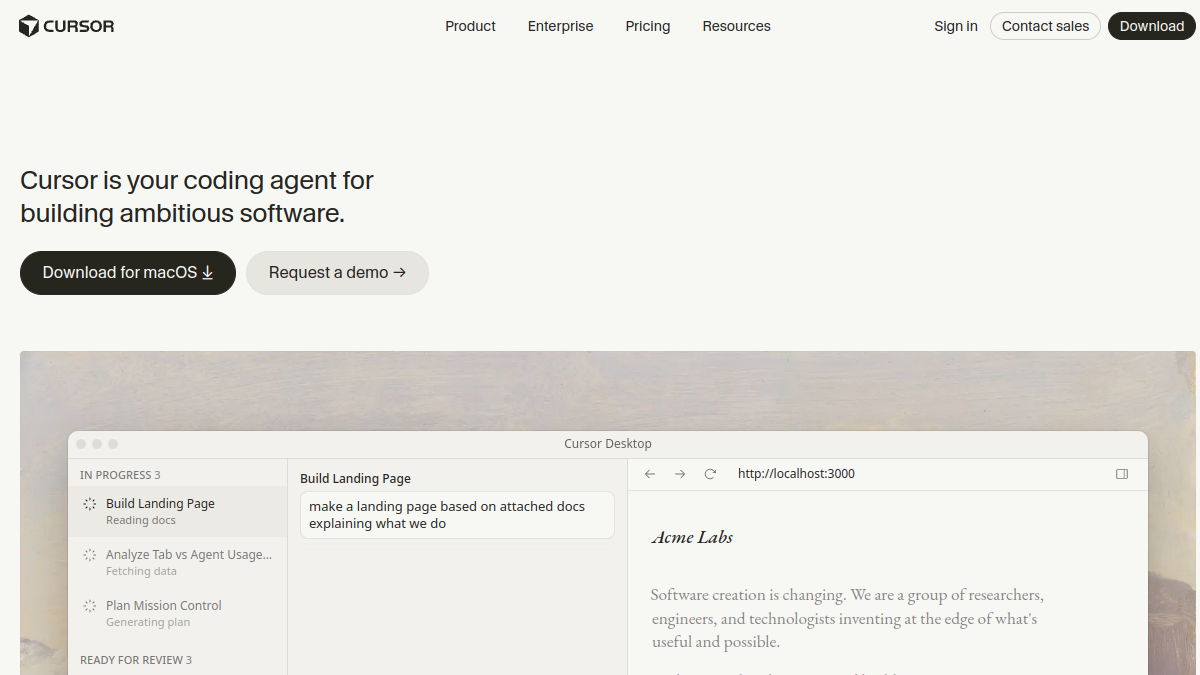
The 6 Best Cursor Alternatives in 2026 (AI Code Editors I've Tried)

Tolodora Editorial Team
Tolodora's editorial team — we research, compile and regularly update these software guides from public sources and product documentation.
Quick answer
The best Cursor alternatives in 2026 are Windsurf, GitHub Copilot and Zed. Windsurf is our top overall pick, best for the closest free-leaning Cursor experience. See the full ranked comparison below.
Want your product listed here?
Get featured in this comparison — tell us about your tool.
Cursor is the AI code editor I reach for most, but it's no longer the only serious option, and the price or the closed nature isn't for everyone. Whether you want something cheaper, open source, inside an editor you already love, or fully in the terminal, there's a strong alternative in 2026. I've coded real projects in each of these, so here's my honest comparison — what I like, the trade-offs, and who each one suits.
| Tool | Value | Support | Ease of use | Features | Overall | Best for |
|---|---|---|---|---|---|---|
| Windsurf | 8.4 | 8.2 | 8.8 | 9.2 | 8.7 | The closest free-leaning Cursor experience. |
| GitHub Copilot | 8.2 | 8.6 | 9.0 | 8.8 | 8.7 | Developers who want to stay in VS Code. |
| Continue | 9.5 | 7.8 | 8.2 | 8.4 | 8.5 | Customizable, open-source AI assistance. |
| Zed | 9.2 | 7.8 | 8.4 | 8.4 | 8.4 | Speed lovers who want a fresh, fast editor. |
| Cline | 9.4 | 7.6 | 8.0 | 8.8 | 8.4 | Open-source fans who want to control the model. |
| Aider | 9.6 | 7.4 | 7.4 | 8.6 | 8.3 | Terminal-first developers. |

Comparing against the original?
See Cursor's profile, rating & reviews on Tolodora →
| # | Tool | Best for | Rating |
|---|---|---|---|
| 1 | Windsurf | The closest free-leaning Cursor experience. | 4.3/5 |
| 2 | GitHub Copilot | Developers who want to stay in VS Code. | 4.3/5 |
| 3 | Zed | Speed lovers who want a fresh, fast editor. | 4.2/5 |
| 4 | Cline | Open-source fans who want to control the model. | 4.2/5 |
| 5 | Continue | Customizable, open-source AI assistance. | 4.2/5 |
| 6 | Aider | Terminal-first developers. | 4.1/5 |
Windsurf
- Pricing
- 8.4/10
- Functionality
- 9.2/10
- Ease of use
- 8.8/10
- Support
- 8.2/10
What I like
It feels like Cursor's twin — a clean AI editor with a genuinely smart agent — and the free tier is generous.
Best for
The closest free-leaning Cursor experience.
That focus makes it a natural fit for many your business. Windsurf (by Codeium) is a polished AI-native editor with a capable agent and strong free access. It's the alternative I'd hand someone who wants the Cursor experience without the Cursor bill.
GitHub Copilot
- Pricing
- 8.2/10
- Functionality
- 8.8/10
- Ease of use
- 9.0/10
- Support
- 8.6/10
What I like
It lives right inside VS Code and the tools I already use, and the agent mode has gotten genuinely good.
Best for
Developers who want to stay in VS Code.
Plenty of your business land on it after weighing the field. GitHub Copilot brings strong AI completion, chat and agent features into VS Code and other editors you already use. My pick when I don't want to leave my existing setup.
Zed
- Pricing
- 9.2/10
- Functionality
- 8.4/10
- Ease of use
- 8.4/10
- Support
- 7.8/10
What I like
It's absurdly fast, lightweight, open source, and has AI built in — a joy to actually type in.
Best for
Speed lovers who want a fresh, fast editor.
Zed is a blazing-fast, open-source editor with collaborative and AI features built in. I reach for it when I want raw speed and a clean, modern feel over heavy IDE features. For your business, it's one of the stronger options on this shortlist.
Cline
- Pricing
- 9.4/10
- Functionality
- 8.8/10
- Ease of use
- 8.0/10
- Support
- 7.6/10
What I like
It's an open-source agent inside VS Code, and I can bring my own model/keys — full control and no lock-in.
Best for
Open-source fans who want to control the model.
If you run this kind of your busines operation, it belongs on your list. Cline is an open-source autonomous coding agent for VS Code that works with the models and keys you choose. Great when you want agentic AI coding without a closed platform.
Continue
- Pricing
- 9.5/10
- Functionality
- 8.4/10
- Ease of use
- 8.2/10
- Support
- 7.8/10
What I like
Open source, works in VS Code and JetBrains, and lets me wire up exactly the models I want.
Best for
Customizable, open-source AI assistance.
Continue is an open-source AI code assistant for VS Code and JetBrains that you can configure with your own models. The pick for developers who want flexibility and openness. Among your business, it earns its spot for the reasons above.
Aider
- Pricing
- 9.6/10
- Functionality
- 8.6/10
- Ease of use
- 7.4/10
- Support
- 7.4/10
What I like
Pure terminal AI pair programming that commits to git as it goes — fast, scriptable, and refreshingly simple.
Best for
Terminal-first developers.
Plenty of your business land on it after weighing the field. Aider is an open-source AI pair programmer that runs in your terminal and edits your git repo directly. My go-to when I want AI coding without leaving the command line.
How I'd choose: want a polished Cursor-style editor that's free and fast-rising? Windsurf. Already living in VS Code? Copilot or the open-source Cline and Continue. Want blazing performance and a fresh editor? Zed. Prefer the terminal? Aider. There's no single winner — I keep Cursor as my daily driver but genuinely switch to a couple of these depending on the project and budget.
Keep exploring
Building one of these alternatives?
List your tool on Tolodora and get discovered by buyers comparing options.
Launch Your Product