Device-Test
SoftwareNewFree online tool to test your microphone, camera, and screen. Check if your devices are working properly before meetings.
About Device-Test
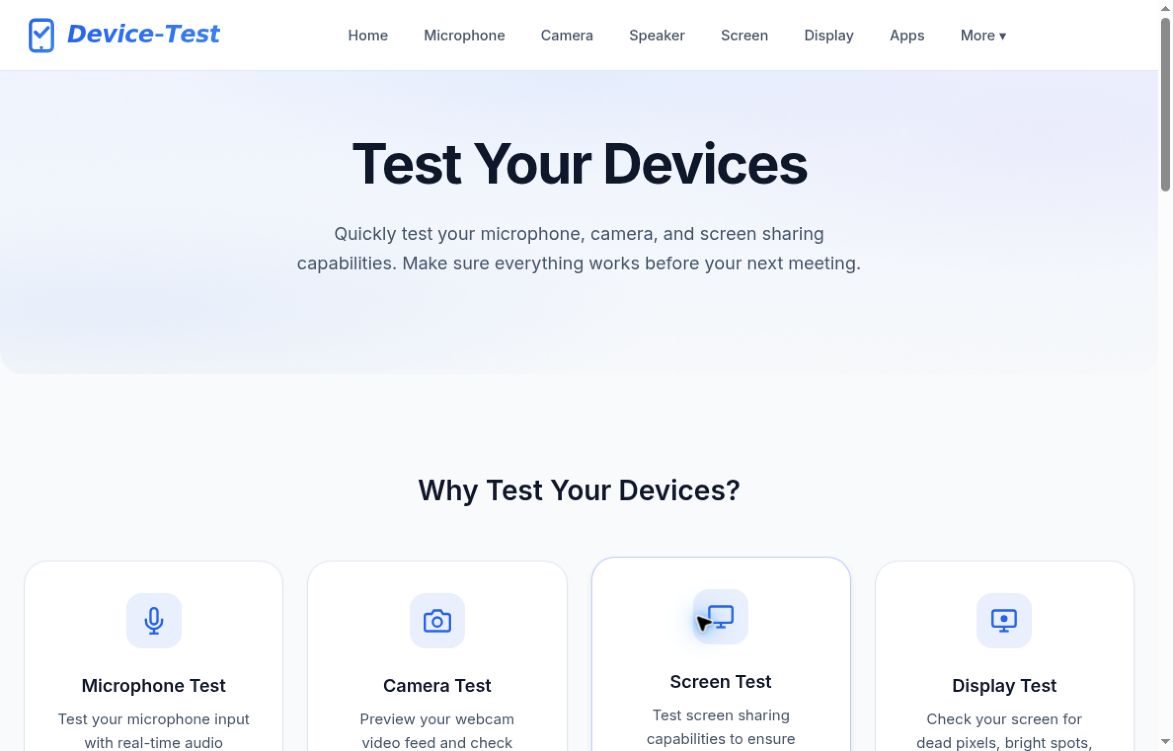
Device-Test is a free collection of browser-based tools for checking everyday devices before meetings, presentations, gaming sessions, or troubleshooting. Start with the device you want to check, open its test page, and use the visual feedback to see how it responds.
Audio and video tools include a microphone test with real-time audio visualization and volume levels, a camera test for previewing your webcam feed, and a screen-sharing test for checking presentation capabilities. The speaker test includes a tone generator, stereo channel checks, and a frequency sweep. Together, these tools help you check the basic inputs and outputs used in online calls.
For input devices and displays, Device-Test provides a keyboard test with visual feedback and progress tracking. The display test uses solid colors to help you inspect dead pixels, bright spots, and backlight bleeding. The Input Performance Lab offers focused modes for click speed, scrolling, and reaction time. A touch test checks multi-touch capabilities, pressure sensitivity, and drawing accuracy.
Device-Test also includes tools for controllers and connected hardware. The gamepad test displays buttons, sticks, and triggers in real time. The MIDI test combines a virtual piano with event logging so you can inspect controller input. A Bluetooth test provides a service and characteristic explorer for supported devices.
Additional tests cover network speed, latency, and connection quality; battery level and charging status; location services; vibration patterns; ambient light readings; and gyroscope and accelerometer input. Availability of individual capabilities depends on the device and browser being used.
The site brings these checks together in one place, making it useful for a quick check before a call or a more focused investigation of a keyboard, display, controller, or sensor. Each tool has its own page, so you can go directly to the test you need and return to the main collection when you want to check another device. Device-Test emphasizes local browser-based testing and straightforward feedback rather than a complicated setup.
Tags
Ratings & reviews
No ratings yet
Be the first to rate Device-Test — your honest take helps others decide.
- No reviews yet — be the first to rate Device-Test.
Similar softwares
12testers – $8 Google Play Testers
Budget Google Play closed testing for $8 per app: 14 physical Android devices and Google accounts, 16 continuous days, opt-in monitoring, no subscription.
NovaSynth by Noveum
Automated voice AI testing with configurable callers and scenarios, batch calls, transcripts and evaluations.

Agent Ridge
Agent Ridge finds the security flaws in your online store before attackers do. AI-driven security audits for e-commerce sites and web platforms.
Compare Device-Test
Similar software
12testers – $8 Google Play Testers
Budget Google Play closed testing for $8 per app: 14 physical Android devices and Google accounts, 16 continuous days, opt-in monitoring, no subscription.

DEVRlAN
Privacy-first browser tools for developers: JSON, JWT, Base64, UUID, Regex, URL encoding, hashing and more. Fast utilities that run locally.

Routebase
Design your API in a visual editor instead of YAML, and your docs, mocks, contract tests and monitoring all derive from that one spec.

EUDR Tools
Free EUDR prep tools for HS/CN scope, country-risk lookup, supplier GeoJSON/KML checks and Article 10/11 risk records.
TestMyApps — Get 12 Testers for 14 Days
Google Play closed testing: 14 testers for 16 days (covers Google's 12×14), official opt-ins, dropout buffer, monitoring, production-access report. From $15.
WagerCall
Evaluate AI agents in versioned game simulations with inspectable MCP records.
Community discussion (0)
Ask questions, share tips, or compare notes with other Device-Test users.