Kling 3.0
SoftwareNewKling 3.0: All-in-One Cinematic AI Video Generator Online
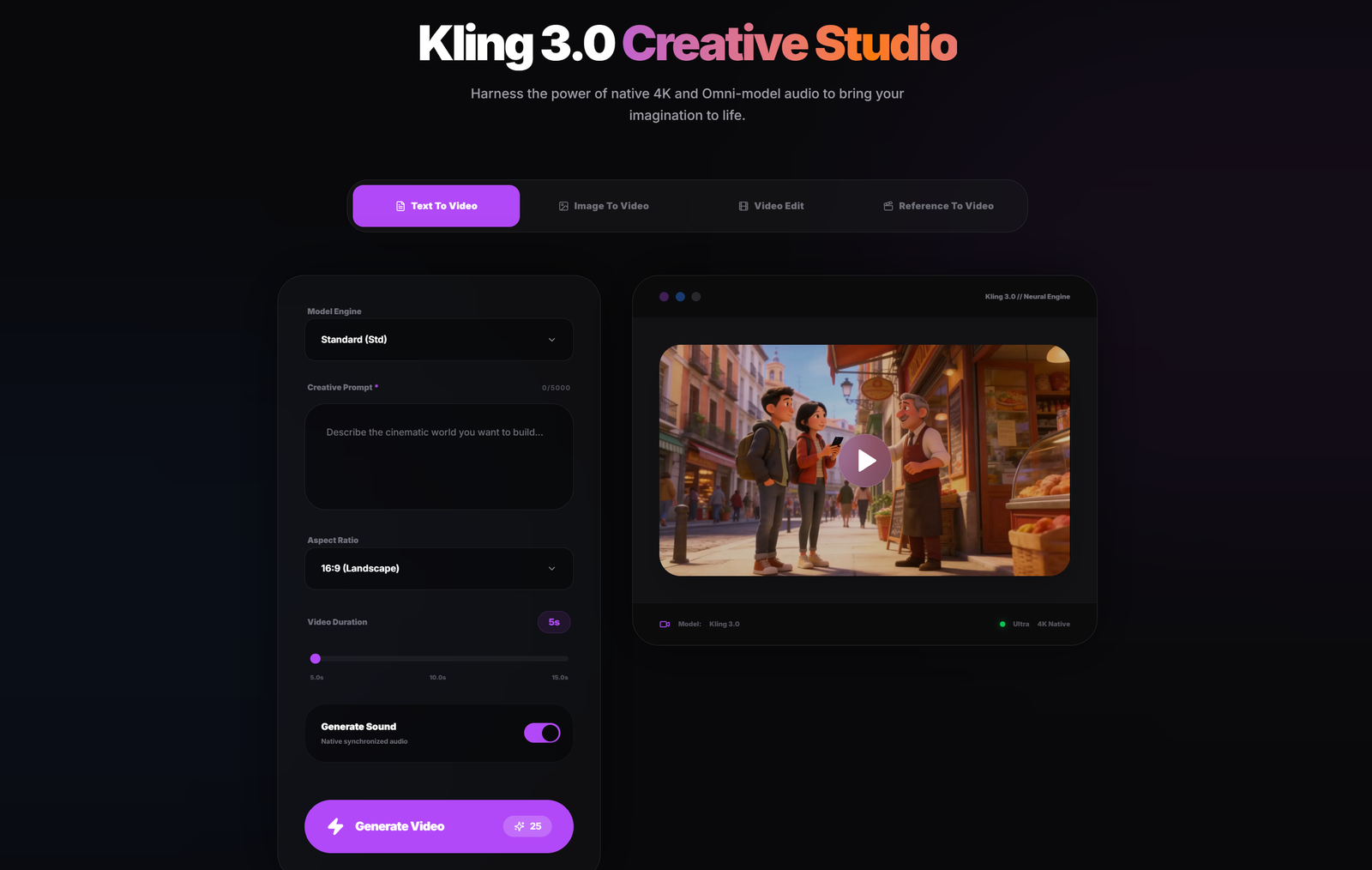
About Kling 3.0
A video idea is often easy to describe and hard to picture. A creator may know what should happen in a scene but still need to see how the movement, framing, and mood work together. A marketer may have a still image and want to explore how it could work as a short video. Kling3.0 helps turn those early ideas into moving footage that people can watch, discuss, and refine.
Kling3.0 is a browser-based video creation tool with two starting points. With Text to Video, you describe a scene in your own words. A single sentence can give the clip a subject and an action, and you can add details about the setting, lighting, or camera movement when those choices matter. With Image to Video, you start with a still image and describe how you want the subject or camera to move. The creation interface lets you choose the aspect ratio and duration, review the displayed credit cost, and select sound generation where available.
The tool is designed for independent creators, small marketing teams, and filmmakers exploring ideas before production. A creator can develop an opening shot for a social video. A marketing team can use an existing visual to explore a motion concept for a campaign. A filmmaker can use a generated clip to communicate the intended framing or pace of a scene before planning the shoot.
One practical way to use Kling3.0 is to start with a single moment and review what the clip communicates. If the action is clear but the camera moves too quickly, you can revise the camera direction while keeping the rest of the description consistent. This gives you a specific change to evaluate on the next pass. When a project needs several shots, each clip can be developed around its own action and then edited into a sequence.
Kling3.0 is especially useful at the point where a written idea or a reference image needs to become something a team can review together. Having a short clip on screen gives everyone a concrete starting point for decisions about the next draft.
What problem it solves
Kling3.0 helps creators, marketers, and filmmakers turn a written idea or a still image into a short video clip. It makes it easier to visualize a scene, explore camera movement, or create a first draft before committing to a shoot or a longer edit.
Alternatives & competitors
An alternative to starting from stock footage, building motion manually in a video editor, or filming an early concept. Kling3AI is designed for the first visual draft, with text-to-video and image-to-video workflows in one place.
Built with
Languages
Frameworks
Integrations
Tags
Ratings & reviews
No ratings yet
Be the first to rate Kling 3.0 — your honest take helps others decide.
- No reviews yet — be the first to rate Kling 3.0.
Similar softwares

YoAIRap
Turn your photos into AI rap videos

WatermarkRemoverVideo
Remove watermarks, logos and text from MP4 videos you own, without cropping the frame.

NotchMuse
Synced lyrics in your Mac menu bar and beside the notch
Compare Kling 3.0
Similar software
Kling 3.0 AI Video Generator
Browser AI video generator: turn a prompt or one image into a 1080p clip, with camera control and vertical, square and widescreen output.

PWZ AI Video Generator
PWZ AI: All-in-One AI Image & Video Generator | Zero Limits

Music Visualizer
Turn your music into stunning, beat-synced visuals
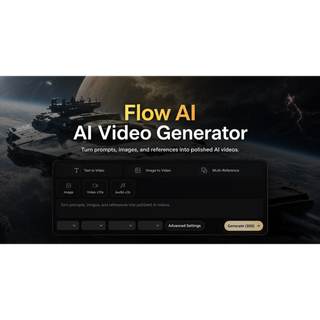
Flow AI
Free, no-sign-up AI video generator for text to video, image to video, and first/last-frame creation.
ShotToPrompt
Upload a short video and turn its shots, camera motion, lighting, timing, and audio into editable prompts for Veo, Kling, Seedance, and more.
MiniMax H3 Video Generator
Create up to 2K AI videos from text, frames, images, video, and audio references.
Related reads

IPTV Srbija: kako proveriti pretplatu tokom 24 sata
Kako iskoristiti IPTV probu od 24 sata: proverite aplikaciju, kanale, istovremene konekcije, kvalitet reprodukcije i uslove pretplate.
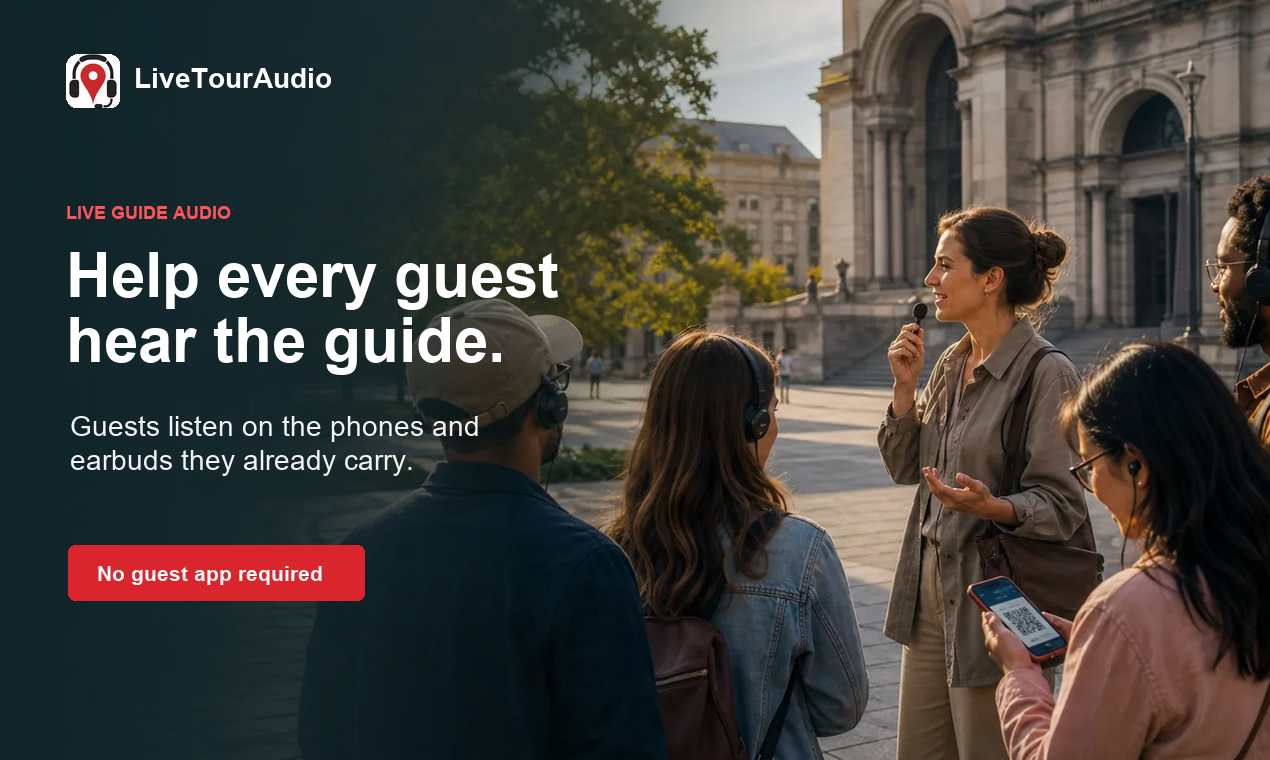
How to Choose an Audio System for Walking Tours
A practical route-first framework for comparing voice projection, dedicated receivers, and guest-phone audio on real walking tours.
The 8 Best AI Tools for Podcasters in 2026
AI can record, edit, clean and repurpose your podcast in a fraction of the time. Here are the 8 best AI tools for podcasters in 2026.
Community discussion (0)
Ask questions, share tips, or compare notes with other Kling 3.0 users.