
Pixelcut
SoftwareAn AI design tool that turns product photos into professional marketing visuals — backgrounds, upscaling and more.
About Pixelcut
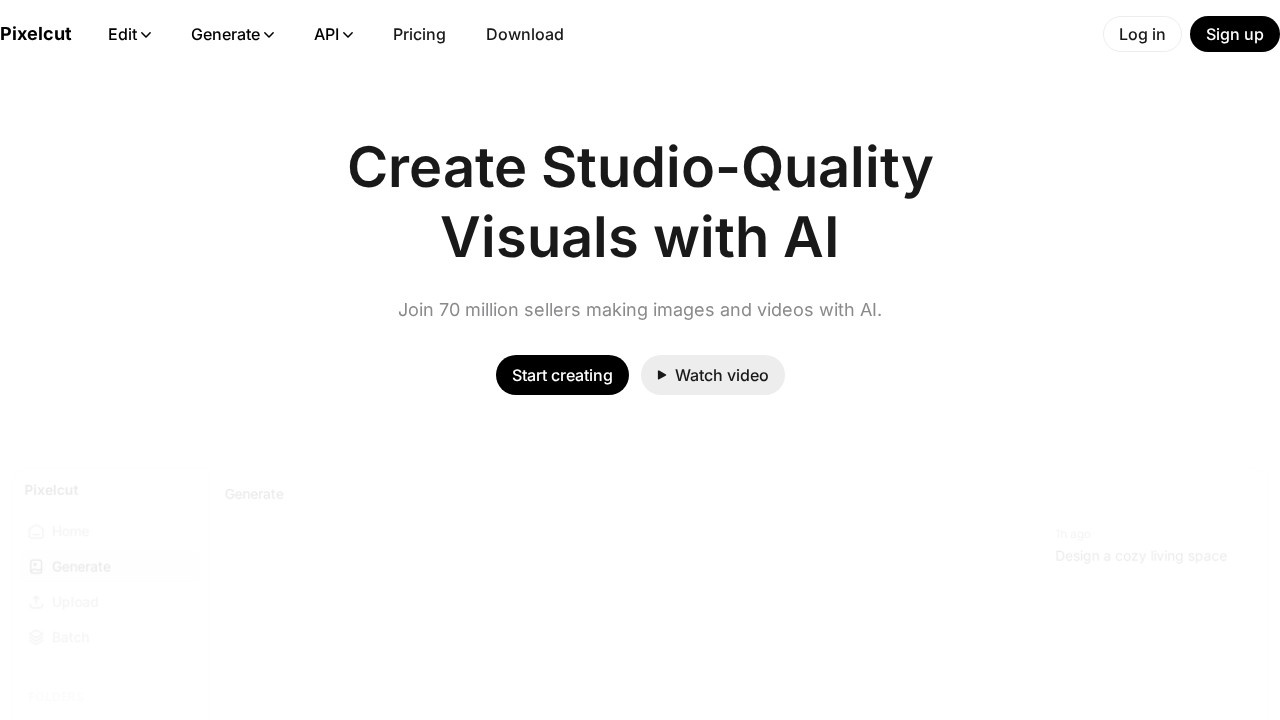
Pixelcut is an AI-powered design and photo editing tool that helps entrepreneurs, sellers and small businesses create professional product photos and marketing visuals quickly and easily. It packages a range of AI capabilities — background removal, AI-generated backgrounds, image upscaling, object removal, and design templates — into a simple app aimed at people who need great-looking visuals for their products and brand but lack design skills, expensive software, or a budget for professional photography and design.
The core workflow is built around making products look their best. You can instantly remove the background from a product photo, then place it on clean studio-style backgrounds or AI-generated scenes that make it look professionally shot. Pixelcut also offers upscaling to improve image quality, retouching and cleanup tools, and a library of templates for creating social media posts, ads and marketing graphics around your products. This lets a small business owner photograph an item with their phone and turn it into polished, marketplace-ready images and promotional content in minutes.
Pixelcut's emphasis on e-commerce and entrepreneurial use cases makes it particularly practical for online sellers, who constantly need attractive product imagery and marketing assets but can't afford to outsource it all. Its mobile-first, easy-to-use design means anyone can achieve professional results without a learning curve, and its AI does the heavy lifting that would otherwise require skill and time. As selling online and building a brand increasingly depends on compelling visuals, and as AI makes professional-quality image creation accessible to all, tools like Pixelcut empower small players to compete on presentation. For entrepreneurs, sellers and small businesses that want to create professional product photos and marketing visuals fast and affordably — right from their phone — Pixelcut offers a capable, approachable and genuinely useful AI design solution.
Tags
Ratings & reviews
No ratings yet
Be the first to rate Pixelcut — your honest take helps others decide.
- No reviews yet — be the first to rate Pixelcut.
Similar softwares
QuickPrepMedia
QuickPrepMedia offers free privacy-first media tools for creators. One click - one result, with processing that stays locally in your browser.
Love Link
Love Link turns your own words into a private, animated love letter page you share by link or QR code.
StyleGen.ai
Practical guides on men
Compare Pixelcut
Similar software

PhotoRoom
An AI photo editor that removes backgrounds and creates studio-quality product images in seconds — built for sellers.
NG QRCode
Create AI QR codes people actually notice and scan

ClipLumi
Edit existing images with natural-language instructions and visual references.
StyleGen.ai
Practical guides on men

remove.bg
Remove image backgrounds automatically in seconds with AI — perfect for product photos and design work.

Unir Imágenes
Combine separate food photos into one natural AI image for restaurant menus, promotions, products, pets, and more.
Related reads
The 8 Best AI Logo Makers in 2026 (Looka & Alternatives)
Need a logo fast? Here are the 8 best AI logo makers in 2026, from Looka to Canva — with who each is best for.
Penpot vs Figma: Which Design Tool Should You Use in 2026?
Figma is the design industry standard; Penpot is the free, open-source challenger you can self-host. Here's my honest comparison for 2026.
Community discussion (0)
Ask questions, share tips, or compare notes with other Pixelcut users.