Procreate
SoftwareThe leading digital illustration app for iPad — powerful, natural drawing and painting for artists, with a one-time price.
About Procreate
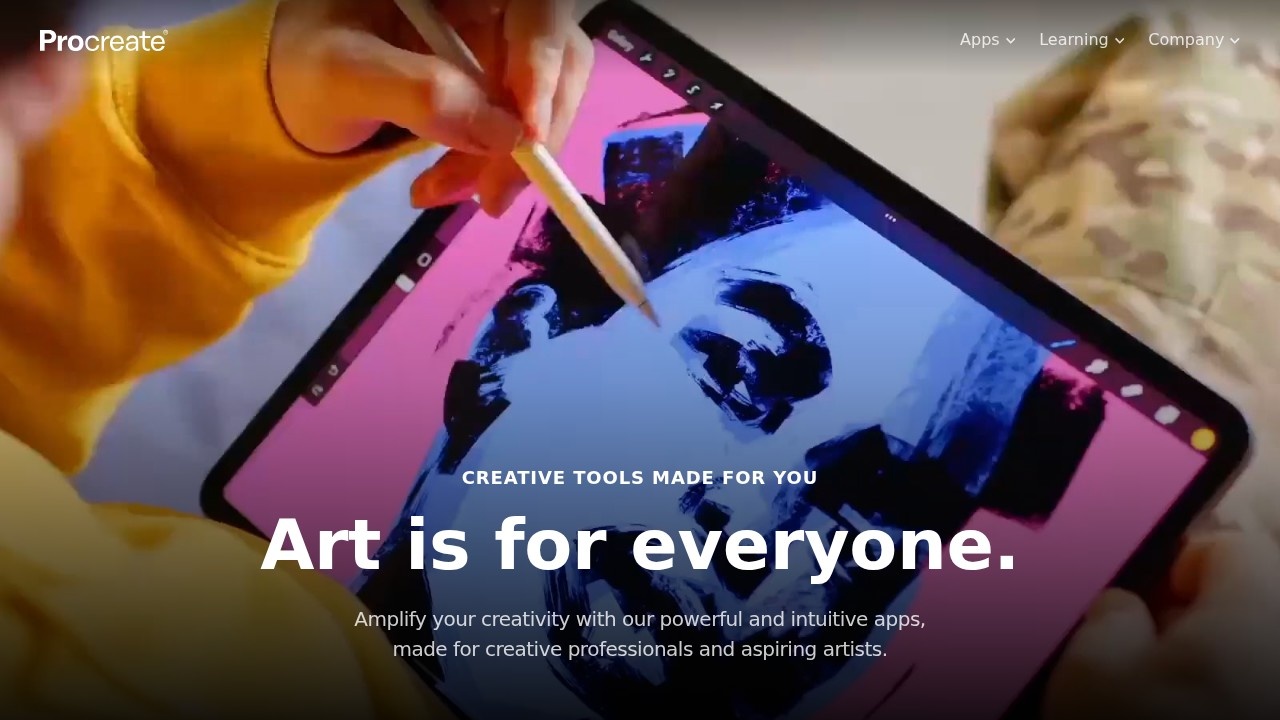
Procreate is the leading digital illustration and painting app for iPad, beloved by artists for its powerful capabilities, natural feel, and remarkable value. It transformed the iPad into a serious creative tool, offering a drawing and painting experience that rivals professional desktop software but designed specifically for touch and the Apple Pencil. With responsive, lifelike brushes and a deep set of features wrapped in an intuitive interface, Procreate has become the go-to app for digital artists, illustrators, and creatives who want to draw and paint anywhere.
The app delivers a fluid, natural creative experience: a vast collection of customizable brushes that feel like real media, smooth performance even on large, detailed artwork, layers and blending modes for sophisticated compositions, and tools for everything from sketching and illustration to painting, lettering, and even basic animation. It takes full advantage of the Apple Pencil's pressure and tilt sensitivity to make drawing feel genuinely expressive and responsive. Despite its depth, the interface stays clean and gesture-driven, keeping artists focused on creating rather than navigating menus. And notably, Procreate is a one-time purchase rather than a subscription, which artists deeply appreciate.
Procreate is used by professional illustrators, concept artists, designers, hobbyists, and students who want to create digital art on the iPad. The value is professional-grade creative power in a portable, intuitive, and affordable package: it lets artists produce stunning illustrations and paintings anywhere, with a natural feel that makes digital art a joy, and without an ongoing subscription. Its combination of capability, ease, and one-time pricing has made it a favorite across the creative community and a major reason many artists choose the iPad for their work. For anyone who wants to draw or paint digitally with a powerful, natural, and fairly priced tool, Procreate is the standout choice.
Tags
Ratings & reviews
No ratings yet
Be the first to rate Procreate — your honest take helps others decide.
- No reviews yet — be the first to rate Procreate.
Similar softwares
QuickPrepMedia
QuickPrepMedia offers free privacy-first media tools for creators. One click - one result, with processing that stays locally in your browser.
Love Link
Love Link turns your own words into a private, animated love letter page you share by link or QR code.
StyleGen.ai
Practical guides on men
Compare Procreate
Similar software
StyleGen.ai
Practical guides on men
tldraw
A delightful, open-source infinite canvas and whiteboard for sketching diagrams and ideas, with a developer SDK.

Ideogram
An AI image generator known for accurately rendering text within images — ideal for logos, posters, and designs.
TryInk
TryInk is a tattoo try-on tool: upload a body photo, place a design, and preview size and placement on your own skin before an appointment.
ProQR
Create static and dynamic QR codes, customize their design, track scans and manage everything from one simple dashboard.
LogoAI
Generate unique AI logos and automatically build your brand kit
Related reads
The 8 Best AI Logo Makers in 2026 (Looka & Alternatives)
Need a logo fast? Here are the 8 best AI logo makers in 2026, from Looka to Canva — with who each is best for.
Penpot vs Figma: Which Design Tool Should You Use in 2026?
Figma is the design industry standard; Penpot is the free, open-source challenger you can self-host. Here's my honest comparison for 2026.
Community discussion (0)
Ask questions, share tips, or compare notes with other Procreate users.