Shots
SoftwareA simple tool to turn screenshots into beautiful mockups and marketing visuals in seconds.
About Shots
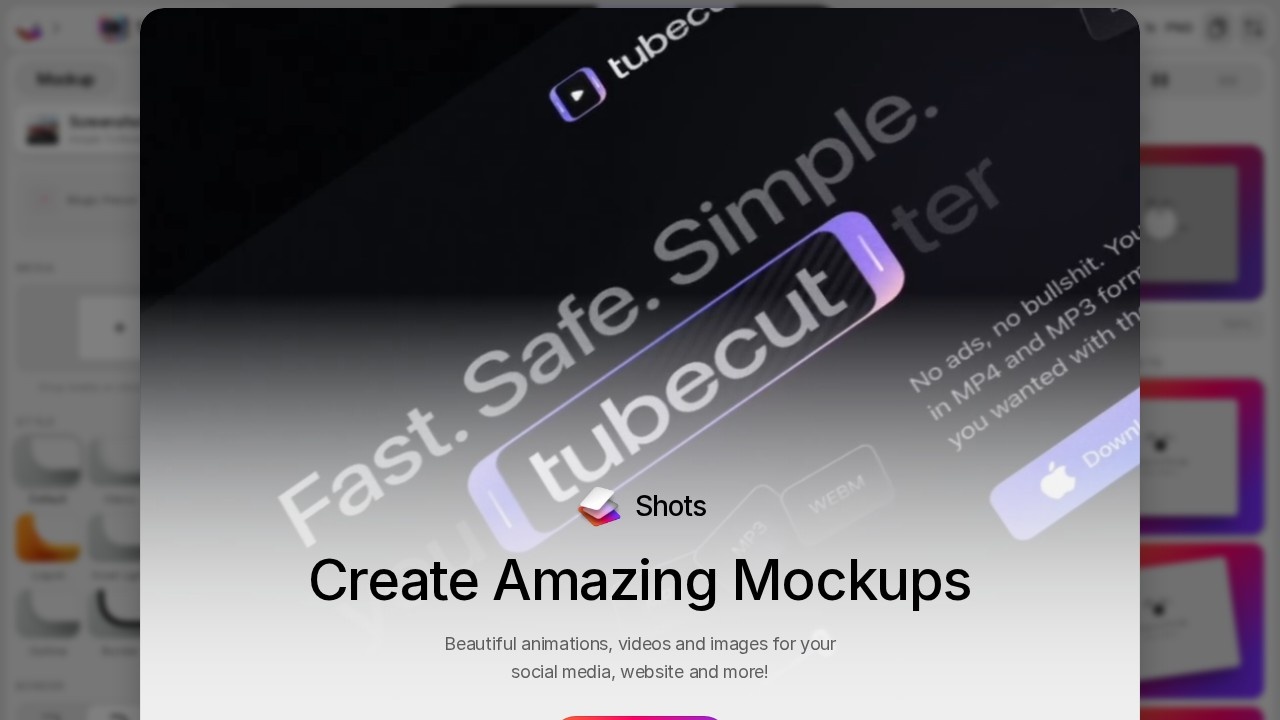
Shots is a simple, delightful tool that turns plain screenshots into beautiful mockups and polished marketing visuals in seconds. Anyone who has needed to show off an app, website or product — for a landing page, social media post, app store listing or pitch deck — knows that a raw screenshot looks flat, while a nicely presented mockup looks professional and compelling. Shots makes creating those attractive visuals effortless, with no design skills required.
The workflow is refreshingly easy. You upload or paste a screenshot, then place it inside device frames or browser mockups, add backgrounds, shadows, gradients and 3D perspectives, and arrange everything into a clean, eye-catching composition. In moments, a bland screenshot becomes a striking visual ready for marketing, social media, documentation or presentations. The tool emphasizes beautiful defaults and simplicity, so you get professional-looking results quickly rather than fiddling with complex design software.
Shots is popular with indie makers, startups, marketers and designers who frequently need to present their products attractively and want to do it fast. It's the kind of focused utility that solves a specific, common problem extremely well — making your product look good in images — which saves time and elevates the perceived quality of whatever you're promoting. It has also incorporated AI-assisted features to make creating visuals even easier. As visual presentation becomes ever more important for standing out online and marketing software products, simple tools that produce polished mockups are genuinely useful. For makers, marketers and anyone who needs to turn screenshots into beautiful, share-ready visuals quickly, Shots offers a fast, easy and consistently impressive solution.
Tags
Ratings & reviews
No ratings yet
Be the first to rate Shots — your honest take helps others decide.
- No reviews yet — be the first to rate Shots.
Similar softwares
AppScreen
App Store screenshots, designed as one panorama
Quick Image Converter
Free online image converter — convert JPG, PNG, WebP, AVIF and HEIC right in your browser. Fast, private, no sign-up needed.
QuickPrepMedia
QuickPrepMedia offers free privacy-first media tools for creators. One click - one result, with processing that stays locally in your browser.
Compare Shots
Similar software
NG QRCode
Create AI QR codes people actually notice and scan
StyleGen.ai
Practical guides on men
Free AI Icon Generator
Create editable SVG icons and local PNG/WebP previews with no account or remote image upload.

Beautiful.ai
AI-powered presentation software that designs beautiful slides for you automatically as you add content.

Brandmark
An AI logo maker that creates distinctive, design-forward logos and full brand identities in minutes.

Midjourney
Generate stunning, art-grade images from simple text prompts.
Related reads
The 8 Best AI Logo Makers in 2026 (Looka & Alternatives)
Need a logo fast? Here are the 8 best AI logo makers in 2026, from Looka to Canva — with who each is best for.
Penpot vs Figma: Which Design Tool Should You Use in 2026?
Figma is the design industry standard; Penpot is the free, open-source challenger you can self-host. Here's my honest comparison for 2026.
Community discussion (0)
Ask questions, share tips, or compare notes with other Shots users.