
Vivify
SoftwareNewRealtime AI face swap in your browser webcam.
About Vivify
Vivify is a realtime AI face-swap web tool built for live camera use, not one-off stills. In the browser you pick a reference face, allow your webcam, and press Start. The AI keeps regenerating your camera view, so the new face follows your expressions, head position, pose, and movement while you talk. The result plays right next to your normal camera feed, so you can see exactly what viewers would see.
Three live effects are available. Face Swap puts a chosen reference face on your video. Try-On changes your outfit in real time. Restyle changes the whole look into a different art style. You can switch between them without installing anything for the browser preview. Your camera feed is not saved and is not visible to other users.
When you need the output in a meeting or a livestream, the optional Vivify Live Client for Windows 10 and 11, or Apple Silicon Macs on macOS 13 and later, adds a virtual camera called Vivify Camera. Select it as your camera in OBS, Zoom, Microsoft Teams, Google Meet, or Discord and the swapped view goes out live. It is meant for creators, streamers, presenters, and anyone who wants a different on-camera look without a heavy local setup or a powerful graphics card.
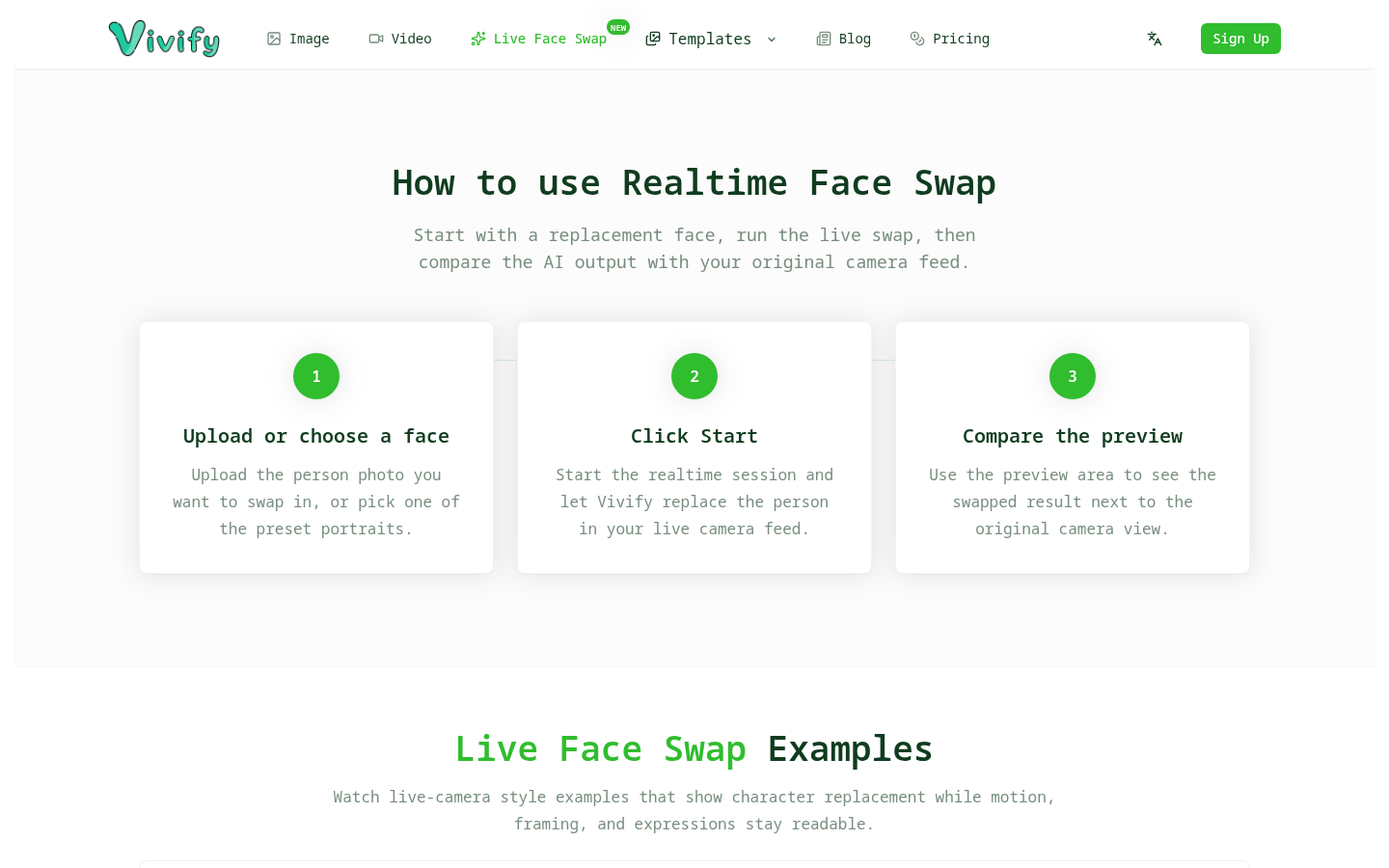
How it works in practice: open the Vivify realtime face swap page, choose or upload a clear reference photo, allow camera access, and click Start. A few seconds later the transformed view appears beside your original feed. Turn your head, smile, or gesture, and the output follows. Change the effect to Try-On or Restyle whenever you want a different style, then stop the session when you are done.
Vivify is a paid subscription product, and new accounts get a free trial so you can test the realtime effects before deciding. The same account credits also cover the image and video generators on the Vivify homepage, so one account covers both live and generated visuals.
Tags
Ratings & reviews
No ratings yet
Be the first to rate Vivify — your honest take helps others decide.
- No reviews yet — be the first to rate Vivify.
Similar softwares

LiveFaceSwap AI
Live webcam face swap for creators
Prism Budgeting
Practical personal finance resources and an interactive budget planner. Build better money habits, grow net savings, and plan your debt payoff.

PetAIVideo
One dog or cat photo becomes a 10-second vertical AI clip. Free watermarked preview; one-time packs from $5.99, no subscription.
Compare Vivify
Similar software
LiveFaceSwap AI
Live webcam face swap for creators

Music Visualizer
Turn your music into stunning, beat-synced visuals
Photo2VideoAI
Turn one image into a downloadable AI video without creating an account.
MakeItRap
Turn a photo and name into a short AI rap video.

Kling 4.0
Kling 4.0 is a free AI video generator for text-to-video.

beREEL.pro
Create your first reels free, no card needed. Paste your site, get Brand DNA and 600+ Reel templates filtered to your buyer. Remix and post.
Related reads

IPTV Srbija: kako proveriti pretplatu tokom 24 sata
Kako iskoristiti IPTV probu od 24 sata: proverite aplikaciju, kanale, istovremene konekcije, kvalitet reprodukcije i uslove pretplate.

How to Choose an Audio System for Walking Tours
A practical route-first framework for comparing voice projection, dedicated receivers, and guest-phone audio on real walking tours.

The 8 Best AI Tools for Podcasters in 2026
AI can record, edit, clean and repurpose your podcast in a fraction of the time. Here are the 8 best AI tools for podcasters in 2026.
Community discussion (0)
Ask questions, share tips, or compare notes with other Vivify users.