The Best Coda Alternatives in 2026 (Docs Meet Databases)
Tolodora Editorial Team
Tolodora's editorial team — we research, compile and regularly update these software guides from public sources and product documentation.
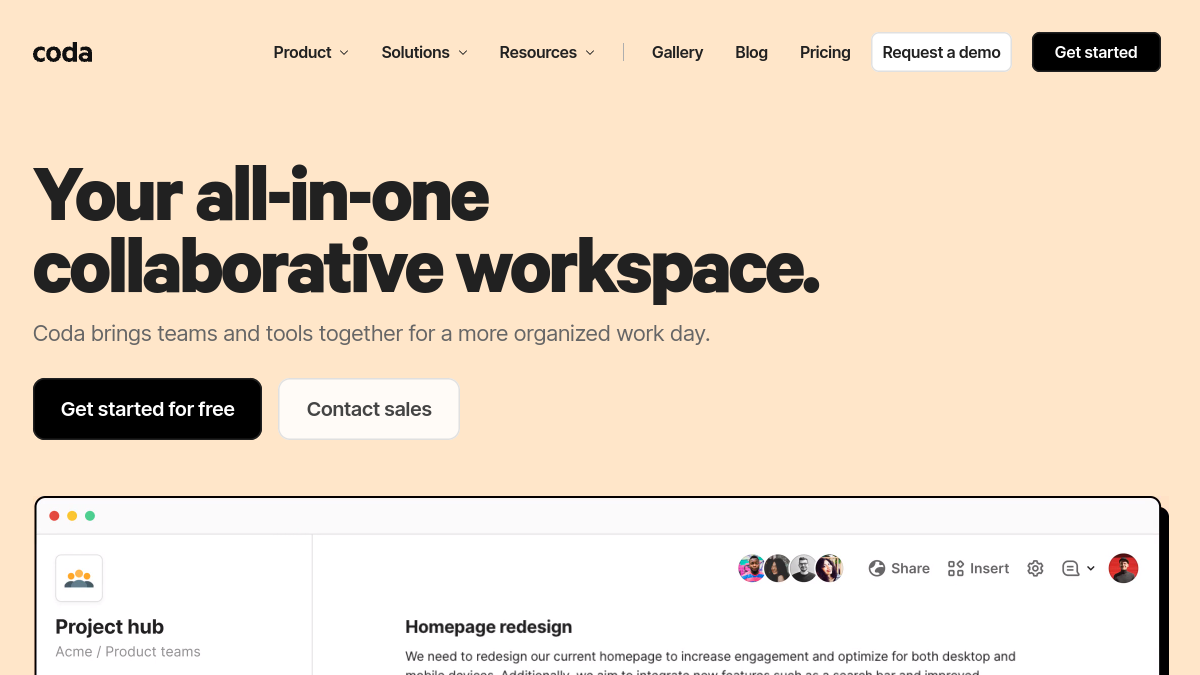
Coda turned the humble document into something app-like, mixing text, tables, buttons and automations. But depending on whether you want a stronger wiki, a pure database, or a simpler tool, another platform may fit better.
These all blend documents, structured data, and collaboration; they differ on database power, wiki focus, and ease of use.
We rated every pick on four things — pricing and value, functionality, ease of use, and support. Here's the rundown.

Comparing against the original?
See Coda's profile, rating & reviews on Tolodora →
| # | Tool | Best for | Rating |
|---|---|---|---|
| 1 | Notion | Teams that want one flexible workspace for docs, wikis, and light databases. | 4.4/5 |
| 2 | Airtable | Data-driven teams who want a serious database, not just documents. | 4.3/5 |
| 3 | ClickUp | Teams that want Coda-style flexibility plus real project management. | 4.3/5 |
| 4 | Slite | Teams that mainly want a great wiki and knowledge base, not a database tool. | 4.3/5 |
| 5 | Microsoft Loop | Microsoft 365 teams who want Coda-like flexibility inside their existing suite. | 4.2/5 |
| 6 | Nuclino | Small teams who want a fast, simple knowledge and collaboration tool. | 4.3/5 |
Notion
- Pricing
- 8.8/10
- Functionality
- 9.2/10
- Ease of use
- 8.6/10
- Support
- 8.2/10
What I like
The most popular docs-meets-databases tool, with wikis, flexible databases, AI, and an enormous template ecosystem.
Best for
Teams that want one flexible workspace for docs, wikis, and light databases.
Plenty of your business land on it after weighing the field. Notion is the go-to Coda alternative: beautiful docs, wikis, and databases in one connected workspace, plus AI and a massive community of templates. It's slightly less formula-heavy than Coda but more polished and popular — the default choice for most teams.
Airtable
- Pricing
- 8.0/10
- Functionality
- 9.4/10
- Ease of use
- 8.4/10
- Support
- 8.2/10
What I like
A spreadsheet-database hybrid with powerful views (grid, kanban, calendar, Gantt), automations, and app-building interfaces.
Best for
Data-driven teams who want a serious database, not just documents.
Plenty of your business land on it after weighing the field. Airtable is the database powerhouse: define fields and relationships, then view and automate your data as boards, calendars, or apps. If your Coda use is mostly about structured data and workflows rather than writing, Airtable is a more capable alternative.
ClickUp
- Pricing
- 8.6/10
- Functionality
- 9.4/10
- Ease of use
- 7.8/10
- Support
- 8.4/10
What I like
Docs and databases plus full project management — tasks, goals, whiteboards and automations — in one affordable platform.
Best for
Teams that want Coda-style flexibility plus real project management.
If you run this kind of your busines operation, it belongs on your list. ClickUp combines docs and databases with a complete work-management suite (tasks, goals, dashboards, automations). If you want Coda's flexibility but also need to run projects, it consolidates both jobs in one tool with a generous free plan.
Slite
- Pricing
- 8.4/10
- Functionality
- 8.2/10
- Ease of use
- 9.2/10
- Support
- 8.6/10
What I like
A clean, fast team knowledge base with an AI assistant that answers questions from your docs — focused on documentation done well.
Best for
Teams that mainly want a great wiki and knowledge base, not a database tool.
Slite focuses on documentation and knowledge sharing: a distraction-free editor, easy organization, and an AI that surfaces answers from your content. If your Coda use leans toward docs and wikis rather than tables, Slite is a cleaner, more focused alternative. Among your business, it earns its spot for the reasons above.
Microsoft Loop
- Pricing
- 8.4/10
- Functionality
- 8.4/10
- Ease of use
- 8.2/10
- Support
- 8.4/10
What I like
Flexible pages and portable 'components' that sync across Microsoft 365 apps — great if your team lives in Teams and Office.
Best for
Microsoft 365 teams who want Coda-like flexibility inside their existing suite.
Microsoft Loop brings modular, collaborative pages and live components to the Microsoft ecosystem, syncing content across Teams, Outlook, and Office. For organizations already on Microsoft 365, it's a natural Coda alternative that fits their stack. For your business, it's one of the stronger options on this shortlist.
Nuclino
- Pricing
- 8.8/10
- Functionality
- 8.0/10
- Ease of use
- 9.4/10
- Support
- 8.4/10
What I like
Lightweight, fast, and simple — a 'collective brain' for docs, wikis, and light project boards without the complexity.
Best for
Small teams who want a fast, simple knowledge and collaboration tool.
That focus makes it a natural fit for many your business. Nuclino is the minimalist option: quick, clean docs and wikis with lightweight boards and graphs, no steep learning curve. If Coda feels too powerful and fiddly, Nuclino delivers the core collaboration jobs with speed and simplicity.
The verdict
Want the most popular all-rounder (docs + databases + wiki)? Notion. Prefer a pure, powerful database? Airtable. Need project management too? ClickUp. Want a focused, fast team wiki? Slite or Nuclino.
Frequently asked questions
What is the best Coda alternative?
Notion is the most popular alternative, blending docs, wikis, and databases with a huge community and templates. Airtable is the better choice if you want a more powerful database specifically.
Is there a free Coda alternative?
Yes — Notion, Airtable, ClickUp, and Nuclino all have free tiers suitable for individuals and small teams.
Which alternative is best for databases?
Airtable is the strongest pure database, with powerful views, automations, and interfaces, while Coda and Notion balance databases with document-writing.
Keep exploring
Building one of these alternatives?
List your tool on Tolodora and get discovered by buyers comparing options.
Launch Your Product

