5 Best Time Tracking Software for Freelancers (2026)
Every freelancer has done it: quoted a “quick” project, watched it eat three weeks, and never quite worked out whether it made money. Without tracking your time, your rates are vibes and your profit is a rumour. Worse, when you bill hourly, every untracked minute is money you politely donated to the client.
Good time tracking fixes both — accurate billing and an honest picture of where your hours actually go. Here are the best time tracking tools for freelancers in 2026, including a genuinely free standout.
What to look for
What a freelancer wants from a time tracker:
- One-click start/stop — if tracking is a hassle, you won't do it.
- Projects & clients — see time (and money) per client at a glance.
- Invoicing or export — turn tracked hours straight into a bill.
- Reports — spot the unprofitable clients and the time-sink tasks.
- Free or cheap — this shouldn't be a big line item.
The best time trackers for freelancers
Toggl Track — 4.3/5
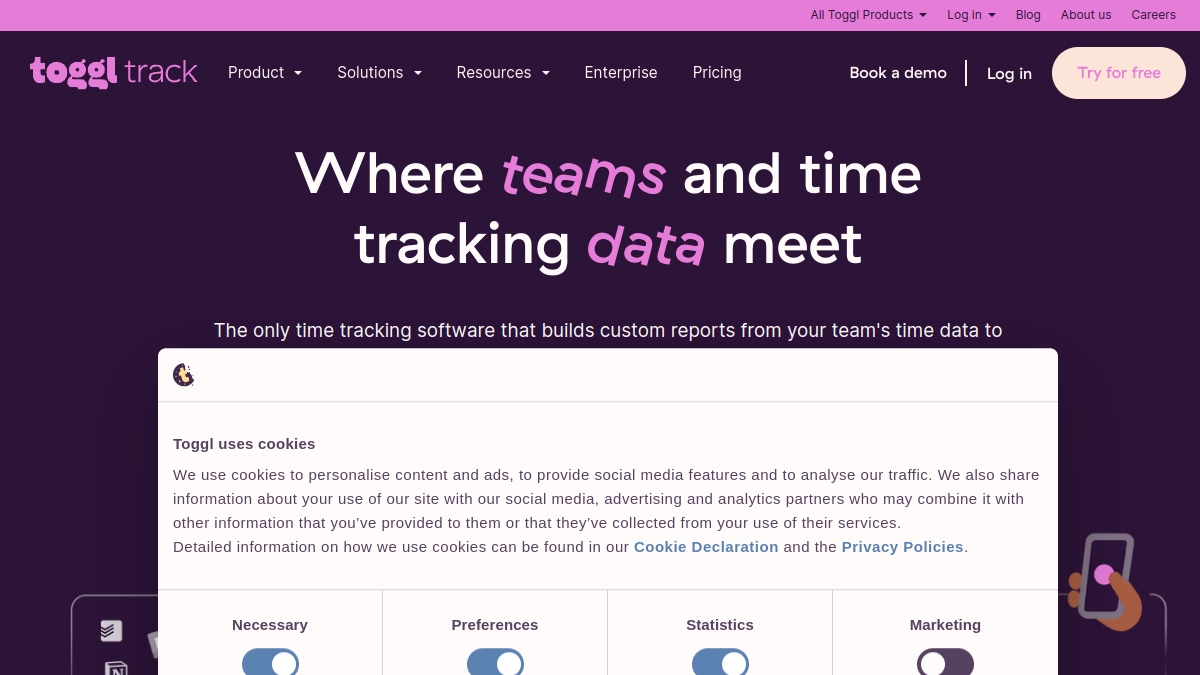
Toggl Track is the one most freelancers fall for: gorgeous, effortless one-click tracking that you'll actually keep up with, plus clean reports and a solid free tier. It doesn't nag or overcomplicate — it just makes tracking painless enough to become a habit. For most freelancers, it's the easy, delightful default.
Best for: The simplest, most pleasant one-click time tracking.
Clockify — 4.4/5
Clockify does the almost unbelievable: unlimited time tracking, free, for any number of projects. Reports, rates and team features are there too. For a freelancer who wants robust tracking without spending a penny, it's the value king — genuinely capable at exactly zero cost.
Best for: Unlimited free time tracking for any team size.
Harvest — 4.2/5
Harvest shines when time becomes the invoice: track hours against clients and projects, then turn them straight into a professional bill, with reminders for late payers. For freelancers who bill hourly and want tracking and invoicing tightly linked, it removes the monthly “where did the week go” reconstruction.
Best for: Time tracking that turns straight into invoices.
Timely — 4.1/5
Timely tracks time automatically, using AI to capture what you worked on so you're not relying on memory or remembering to hit start. For freelancers who forget to track (i.e. all of us), that automatic capture is the killer feature — accurate timesheets without the discipline.
Best for: Automatic, AI-assisted time capture.
TimeCamp — 4.2/5
TimeCamp pairs automatic tracking with strong reporting and a friendly price, plus invoicing and integrations. For a freelancer who wants Timely-style automatic capture and detailed reports on a tighter budget, it's a capable, cost-effective middle ground.
Best for: Automatic tracking with strong reporting on a budget.
How much should you expect to pay?
Time tracking is one of the best-value software categories going. Clockify offers genuinely unlimited tracking for free, and Toggl Track's free tier covers most solo freelancers comfortably. You typically only pay — a modest monthly fee — when you want invoicing, automatic AI capture (Timely), or richer reporting. Harvest charges per seat but bundles invoicing, which can replace a separate billing tool. The honest take: a solo freelancer can track time properly for $0, and even the paid tiers cost less than the billable time you recover in your first accurately-tracked project.
Mistakes freelancers make with time tracking
The classic is not tracking at all, then guessing hours at invoice time — usually guessing low, because you forget the “quick” revisions. Second: tracking so inconsistently that the data's useless; a tracker only helps if you actually hit start, which is why one-click or automatic tools win. Third: tracking time but never reading the reports, so you never spot the client who pays little and demands lots. Fourth: not tracking non-billable admin, so you have no idea how much unpaid work each engagement really involves. And fifth: keeping time in one app and invoices in another, doubling the work.
Quick comparison
| Tool | Score | Best for |
|---|---|---|
| Toggl Track | 4.3/5 | The simplest, most pleasant one-click time tracking. |
| Clockify | 4.4/5 | Unlimited free time tracking for any team size. |
| Harvest | 4.2/5 | Time tracking that turns straight into invoices. |
| Timely | 4.1/5 | Automatic, AI-assisted time capture. |
| TimeCamp | 4.2/5 | Automatic tracking with strong reporting on a budget. |
How to choose
Bottom line: want the most pleasant tracker you'll actually keep up with? Toggl Track. Want unlimited tracking free? Clockify. Bill hourly and want invoicing built in? Harvest. Always forget to hit start? Timely or TimeCamp track automatically. Track one real project properly and let the numbers tell you whether your rates are right — usually a humbling but profitable surprise.
Frequently asked questions
What's the best free time tracking software for freelancers?
Clockify is the standout — genuinely unlimited time tracking for free across any number of projects. Toggl Track's free tier is also excellent for most solo freelancers. Both let you track accurately without paying.
How does time tracking help freelancers get paid more?
By ensuring you bill for every minute you actually work rather than guessing (and under-quoting), and by revealing which clients and tasks are unprofitable so you can adjust rates. Freelancers who track almost always find they were under-billing.
What's the best time tracker if I always forget to start it?
Timely and TimeCamp both offer automatic tracking that captures your activity without you remembering to hit start, using it to build accurate timesheets. They're ideal for freelancers who struggle with manual tracking discipline.
Scores are illustrative editorial estimates to aid comparison, not lab benchmarks — always check current pricing and features yourself, since they change. Written by humans who have used more of these tools than we'd care to admit.