Cursor vs GitHub Copilot vs Windsurf: The 2026 AI Coding Editor Showdown
A few years ago, "AI in your editor" meant autocomplete that finished your line of code. In 2026 it means something closer to a colleague: a tool that reads your whole repository, plans a change across a dozen files, runs the tests, and explains what it did. Three names dominate that conversation — Cursor, GitHub Copilot and Windsurf — and developers argue about them with the intensity usually reserved for tabs versus spaces.
So we used all three for real work over several weeks: shipping features, untangling legacy code, debugging the kind of bug that makes you question your career choices, and onboarding into unfamiliar codebases. Here's the honest breakdown — no marketing gloss, just which tool fits which kind of developer.
The 30-second answer
If you want the single most capable, codebase-aware editor and you're happy to switch editors to get it, Cursor is the one to beat. If you live in the Microsoft and GitHub ecosystem and want AI woven into the tools you already use, GitHub Copilot is the path of least resistance. If you want an agentic, "let the AI drive" experience with a clean, focused interface, Windsurf is the dark horse worth a serious look. Now let's earn that summary.
Codebase understanding
This is the battleground that matters most in 2026. Autocomplete is solved; understanding a large, messy, real-world codebase is not.
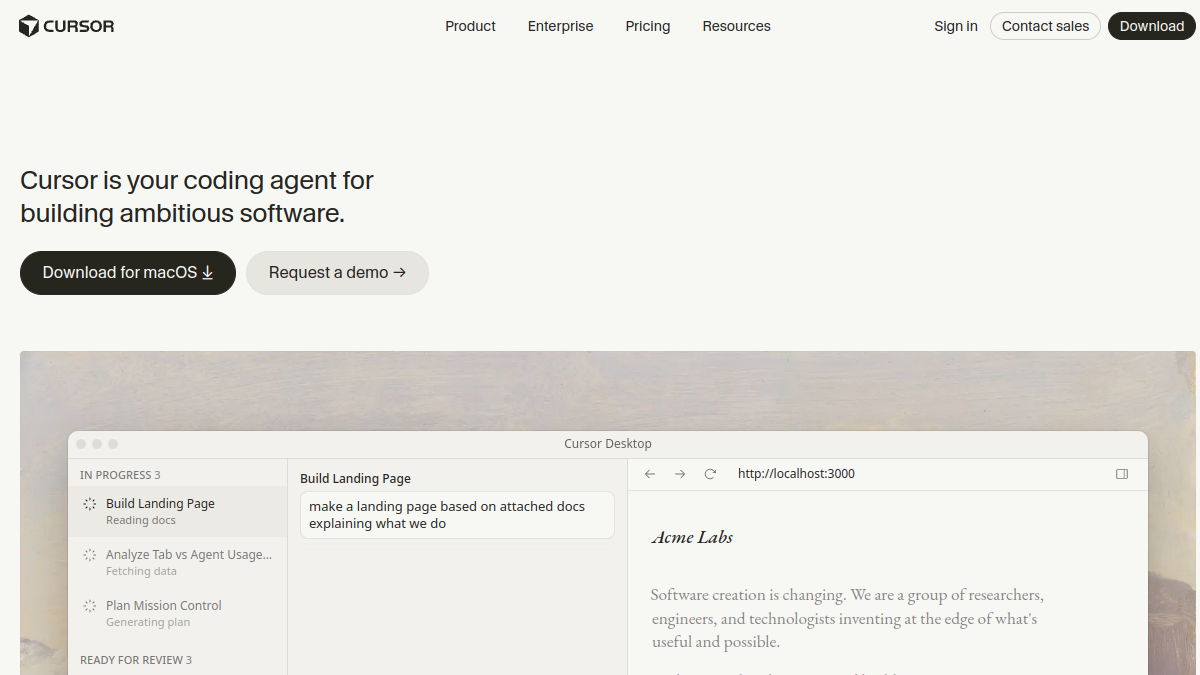
Cursor leads here. Its whole-repository awareness is genuinely impressive — ask it where a piece of logic lives, or to change behaviour that's spread across many files, and it tends to find the right places and respect the surrounding patterns. It feels like it has actually read your project.
Windsurf is right on its heels, and in some agentic, multi-step tasks it feels even more autonomous — it'll plan a change, execute it, and iterate. Copilot has closed the gap dramatically and, inside its native environment, understands your repo well, though purists still give the edge to Cursor for sprawling codebases.
Autonomy: suggestions vs agents
There's a spectrum from "smart autocomplete" to "tell it what you want and walk away." All three now offer agentic modes, but they feel different.
- Cursor strikes a balance — powerful agent mode when you want it, tight inline assistance when you don't. You stay in control without fighting the tool.
- Windsurf leans hardest into autonomy. Its flow-style agent is built to take the wheel for longer stretches, which is exhilarating when it works and worth watching closely when it doesn't.
- Copilot has evolved from autocomplete into a capable agent too, and its tight GitHub integration means it can reason about issues and pull requests, not just files.
Speed and feel
An editor is a place you live, so feel matters more than benchmarks admit. All three are fast enough that latency rarely breaks flow. Cursor and Windsurf, being purpose-built AI editors, tend to feel the most "native" to the AI workflow — the assistant isn't bolted on, it's the point. Copilot's experience depends on where you use it; inside VS Code and the JetBrains IDEs it's smooth and familiar.
Ecosystem and lock-in
This is where the decision often gets made for reasons that have nothing to do with the AI itself.
Copilot wins on ecosystem gravity. If your code lives on GitHub, your team uses pull requests, and your shop is Microsoft-friendly, Copilot is the frictionless default — it's right there, it knows your issues, and procurement already trusts the vendor.
Cursor asks you to adopt a new editor, but rewards you with model flexibility — you're not married to a single lab's model, which is a real hedge as the AI landscape shifts.
Windsurf sits in between: a focused product betting that a great agentic experience is worth trying something new.
Pricing reality
All three offer free or trial tiers and paid plans in a broadly similar range for individuals, with team pricing on top. For most professional developers, the monthly cost is trivial compared to the time saved — the real "cost" is switching friction and the learning curve, not the dollars. Don't choose on price; choose on fit, then pay for the one that makes you faster.
So which should you pick?
Here's the honest decision tree:
- Choose Cursor if you want the most codebase-aware editor, you value model flexibility, and you're willing to switch editors to get the best AI experience.
- Choose GitHub Copilot if you live in GitHub and the Microsoft ecosystem and want AI everywhere you already work, with zero switching cost.
- Choose Windsurf if you want a clean, agentic, "let it drive" experience and you're excited by where autonomous coding is heading.
A note on not over-committing
The AI coding space is moving so fast that today's leader can be tomorrow's runner-up. The smartest posture is to stay loosely coupled: keep your skills tool-agnostic, prefer editors that let you swap models, and re-evaluate every few months. Pair whichever editor you choose with a strong standalone assistant — many developers keep Claude or ChatGPT open for the deep reasoning and long-context tasks an editor isn't built for.
How we actually tested
Benchmarks lie, so we didn't rely on them. We used each editor for ordinary, messy, real work across several weeks: shipping a couple of features into existing codebases, fixing reported bugs, refactoring a tangled module, and — crucially — onboarding cold into a project none of us had seen before. That last test is the most revealing one, because it's where codebase understanding either shines or falls apart. We also deliberately threw ambiguous, half-specified requests at each tool, the way a real teammate would, to see how gracefully it handled uncertainty rather than tidy, demo-perfect prompts.
Language and framework support
For mainstream stacks — JavaScript/TypeScript, Python, Go, common web frameworks — all three are excellent, and you'd be splitting hairs to rank them. The differences emerge at the edges: older or more niche languages, unusual project structures, and heavily customized build setups. Here, the tools with the deepest whole-repository understanding (Cursor and Windsurf) tend to stay coherent longer, while Copilot leans on its enormous training exposure and ecosystem signals. If you work in a very common stack, pick on feel; if you work somewhere unusual, test each on your actual repo before committing.
Team features, privacy and code security
For solo developers, the AI experience is the whole story. For teams, two boring-but-critical questions decide everything: how does it handle our private code, and can our security team approve it? All three offer business tiers with policies around data handling and, typically, options to keep your code out of training. The specifics matter and change often, so the practical advice is the same regardless of tool: read the current data-handling terms, loop in whoever owns security early, and prefer the configuration that keeps proprietary code private by default. Copilot's enterprise story benefits from sitting under a vendor most procurement teams already trust, which is a quiet but real advantage in regulated shops.
How painful is switching?
Less than you fear, but not zero. Because Cursor and Windsurf are built on familiar foundations and import your settings and extensions, the muscle-memory shock is smaller than switching editors used to be. Copilot requires no switch at all if you're already in VS Code or JetBrains. The real adjustment isn't the keybindings — it's learning to think with an agent: when to delegate a whole task, when to stay in the loop, and how to write a request the AI can actually act on. Budget a week of feeling slightly slower before you feel dramatically faster. Everyone goes through it; everyone comes out the other side.
Frequently asked questions
Can I use more than one?
Yes, and plenty of developers do — Copilot in one repo, Cursor for a gnarly refactor, a standalone assistant for architecture discussions. The tools aren't religions; use whatever makes the task in front of you easier.
Will these replace developers?
No — they change what a developer spends time on. The boilerplate, the lookups, the first draft of a function: increasingly the AI's job. The architecture, the judgment, the "should we even build this": still very much yours. The developers who thrive treat these tools as a force multiplier, not a threat.
How often should I re-evaluate?
Every few months. This space moves fast enough that a quarter can reshuffle the rankings. Stay loosely attached, keep your skills portable, and let the tools compete for your attention.
Do these tools work offline?
Not really. The heavy lifting happens in the cloud, so all three need a connection for their AI features. Basic editing works offline, but the assistant — the whole reason you're here — does not. If you frequently code on flaky connections, factor that in.
Is the free tier enough?
For trying them out, absolutely — and for light personal use, sometimes. But the limits on the most capable models and agent runs tend to bite once the tool becomes a daily habit. Treat the free tier as a genuine test drive, then pay for the one that earns a permanent spot in your workflow; the cost is trivial next to the hours it gives back.
Where each one still falls short
No honest comparison is complete without the weaknesses, so here they are. Cursor, for all its power, asks you to leave whatever editor you're attached to, and its very capability can tempt you to over-delegate — accepting big changes you didn't fully read. GitHub Copilot, despite huge progress, can still feel a half-step behind the purpose-built editors on the most ambitious whole-codebase tasks, and its experience is at its best inside the Microsoft world rather than outside it. Windsurf's aggressive autonomy is a double-edged sword: when the agent is right, it's magic; when it's confidently wrong across several files, you spend real time untangling it, so it rewards developers who supervise rather than fully trust. None of these are dealbreakers — they're the normal trade-offs of fast-moving tools — but knowing them up front saves you the disappointment of expecting any single editor to be flawless.
Verdict by use case
If you skimmed to the end, here's the cheat sheet. Solo developer who wants the best AI experience and will switch editors: Cursor. Team already on GitHub that wants zero-friction adoption: Copilot. Early adopter excited by autonomous agents: Windsurf. Working in a niche stack: test all three on your real repo first. Regulated or security-sensitive shop: start with Copilot's enterprise tier for the procurement comfort, then evaluate the others. There's a right answer for every situation — it just isn't the same answer for everyone.
Why this comparison will look different in a year
One last bit of honesty: any snapshot of the AI editor race has a short shelf life. These three are shipping major updates on a cadence that would have been unthinkable for developer tools a decade ago, and the gaps between them open and close from month to month. A capability that's a clear differentiator today — deeper agentic autonomy, better long-context reasoning, a slicker review flow — can be matched by a competitor's next release. That's not a reason to wait; it's a reason to choose pragmatically now and stay willing to switch later. The winners in this category won't be the developers who picked "correctly" on day one. They'll be the ones who built a tool-agnostic skill set, paid attention as the field evolved, and let the editors fight for their loyalty quarter after quarter. Treat your toolchain like a portfolio, not a marriage.
The bottom line
There's no universal winner here, and anyone who tells you otherwise is selling something. Cursor is the power user's pick, Copilot is the ecosystem pick, and Windsurf is the autonomy pick. Try the one that matches how you actually work — most offer a free way in — and judge it on a real project, not a demo. The best AI editor isn't the one with the flashiest launch video; it's the one that quietly makes you ship better code, faster, day after day. For a deeper field of options, see our full Cursor alternatives guide.
Made a developer tool? Launch it on Tolodora and reach engineers choosing their stack today.