APPLORE
SoftwareNewBrowse 18,000+ real app icons, then design, animate and export your own.
About APPLORE
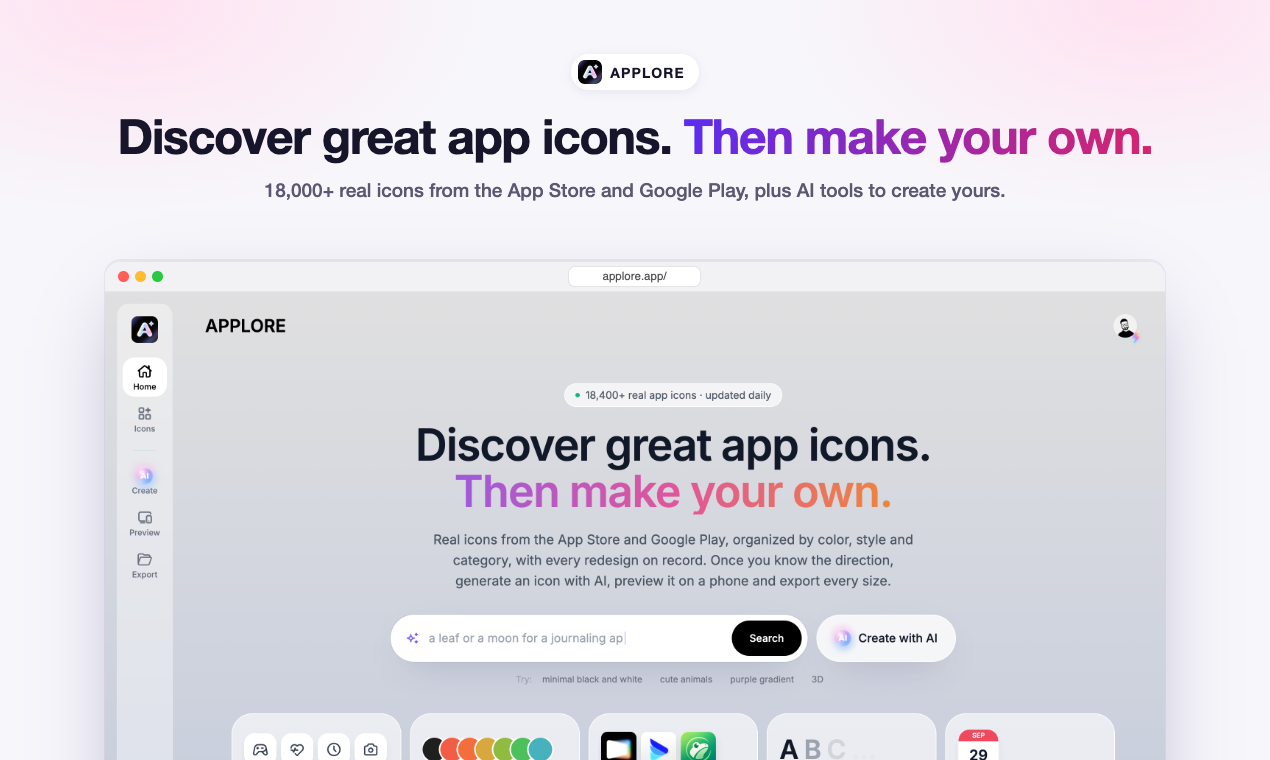
APPLORE started as a place to look at real app icons before designing one. It is now a library of 18,000+ icons pulled from the App Store and Google Play, and when an app changes its icon the old one is kept, so you can scroll back through every version an app has shipped.
You can browse by color, by category or by style, which is handy when you are stuck on a palette or want to see how other apps in your category handle the same idea. Each icon opens at full resolution.
Next to the library there are tools for the rest of the icon job:
- AI app icon generator: describe your app, pick a style, and get icon drafts you can keep editing.
- App icon exporter: upload one image and download every size you need for iOS, Android adaptive icons and the web. This one is free.
- App icon preview: see your icon on a phone home screen next to real apps before you ship it.
- Logo animation: turn a static logo into a short animation and export it as Lottie or video.
- App Store screenshot generator: build store screenshots in the browser, free and without signing up.
- PNG to SVG converter, iPhone mockups and an app name generator, also free.
There is a blog too, with guides on icon sizes, Android adaptive icon safe zones and design trends, written from the data in the library.
Who it is for: indie developers and small teams who need an icon that looks right next to the competition, designers collecting references, and anyone shipping an app who does not want to deal with exporting thirty sizes by hand.
Pricing: free to start. Pro is $9.99/month and Max is $29.99/month for heavier AI use, and there is a one-time Founder plan at $49. The free plan shows the first 300 icons of each list; paid plans open the full archive.
What problem it solves
Designing an app icon usually means hunting for references across store pages, guessing what fits your category, then exporting dozens of sizes by hand. APPLORE puts real icons, past versions and the export step in one place.
Alternatives & competitors
People often use Dribbble or Pinterest for icon references and separate tools like makeappicon or Figma plugins for exporting sizes. APPLORE combines a real store-icon archive with those tools.
Tags
Ratings & reviews
No ratings yet
Be the first to rate APPLORE — your honest take helps others decide.
- No reviews yet — be the first to rate APPLORE.
Similar softwares

Seatnote Offline
English–Traditional Chinese place cards and name badges from Excel or CSV, exported as PDF.
3dlogoai
Generate 3D or 2D logos from your company name or slogan. Pick from 11 styles and download transparent PNGs up to 4K, with full commercial rights.

SpriteFrame
Turn character images & frames into game-ready sprite sheets
Compare APPLORE
Similar software
Backgroundcanvas
One-stop free online image background cleanup and change tool, offering watermark removal, text removal, emoji sticker removal, background swap and cutout.
NG QRCode
Create AI QR codes people actually notice and scan
Rendrflow
Transform low-quality photos into high-resolution masterpieces with RendrFlow, a powerful on-device AI photo editor built for privacy, speed, and offline use.
Photoshoot.si
Upload selfies or product photos and get a full AI photoshoot with many looks, generated in minutes.

UI Discovery
Discover real-world UI references and design resources
AIforASMR
Create calming AI ASMR videos from prompts, images, and 45+ templates for sleep, rain, skincare, candlelight, relaxation, and ambient loops.
Related reads
The 8 Best AI Logo Makers in 2026 (Looka & Alternatives)
Need a logo fast? Here are the 8 best AI logo makers in 2026, from Looka to Canva — with who each is best for.
Penpot vs Figma: Which Design Tool Should You Use in 2026?
Figma is the design industry standard; Penpot is the free, open-source challenger you can self-host. Here's my honest comparison for 2026.
Community discussion (0)
Ask questions, share tips, or compare notes with other APPLORE users.