FontPlop
SoftwareNewFree online font viewer & tester for TTF, OTF, WOFF, WOFF2
About FontPlop
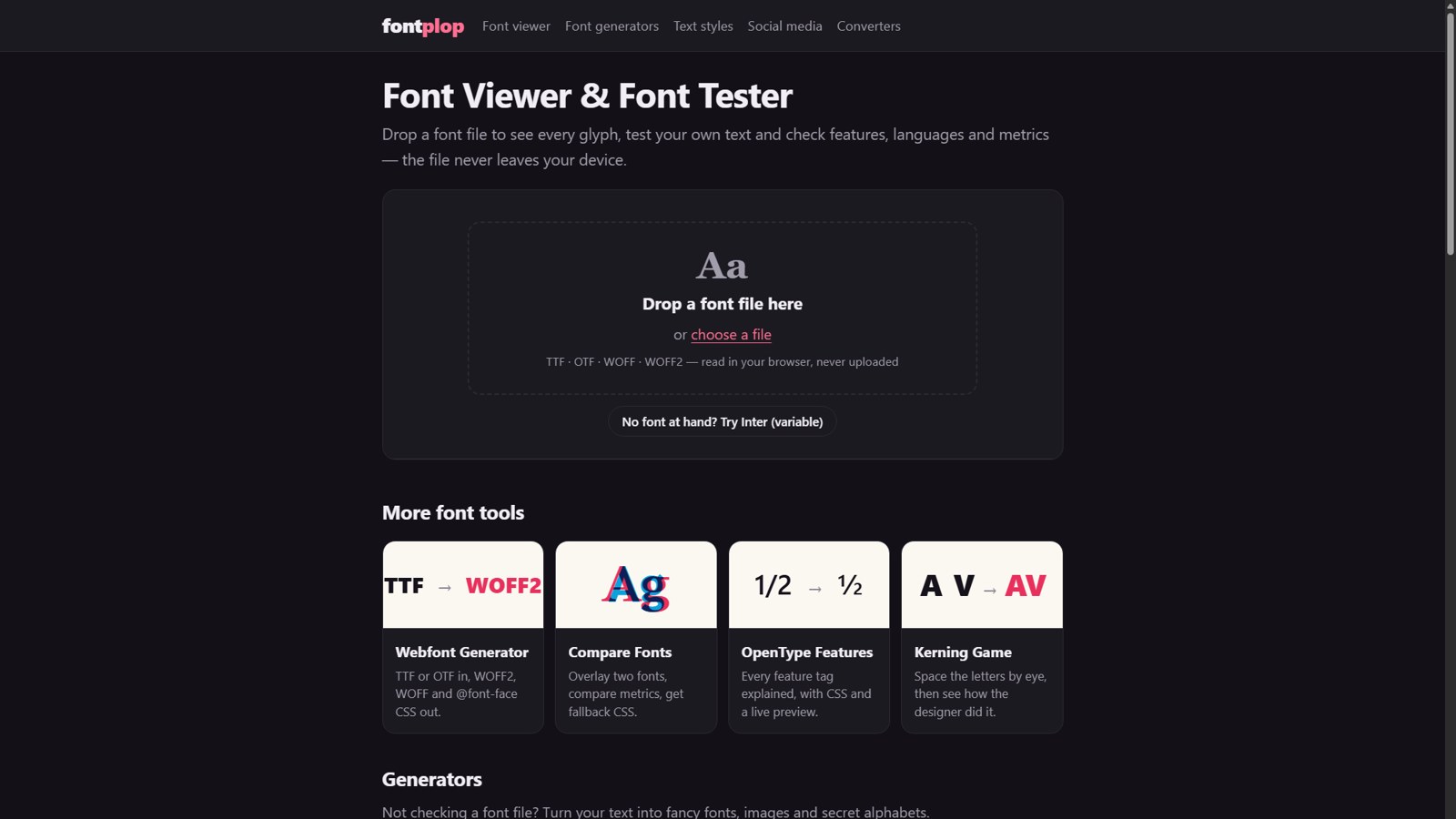
FontPlop is a free, private font viewer and font tester that runs entirely in your browser. Drop a TTF, OTF, WOFF or WOFF2 file onto the page and you instantly see every glyph in the font, can type your own sample text at any size, and can check its OpenType features, supported languages and vertical metrics. The file is read locally in your browser and is never uploaded to a server, so you can safely inspect commercial, licensed or unreleased fonts without sharing them with anyone. There is nothing to install and no account to create. If you do not have a font at hand, you can try the tools with Inter, a popular variable font, in one click.
Beyond the core viewer, FontPlop collects a growing set of small, focused font tools in one place. The Webfont Generator turns a TTF or OTF file into WOFF2 and WOFF files and writes the matching @font-face CSS for you, which makes it easy to self-host fonts on a website. Compare Fonts overlays two typefaces so you can compare their metrics side by side and get fallback CSS that reduces layout shift while web fonts load. The OpenType Features guide explains every feature tag, with the CSS you need and a live preview. The Kerning Game lets you space letters by eye and then reveals how the original type designer did it, which is a fun way to train your eye for typography.
For people who are not checking a font file, FontPlop also offers generators: a font generator that renders text in real fonts as PNG images, and dozens of copy-and-paste text styles such as cursive, bold and small text for social media bios and posts. There are also converters for common font formats.
FontPlop is built for designers, front-end developers, type enthusiasts and anyone who downloads fonts and wants to know what is inside them before using them. It is made by a small bootstrapped team and is completely free to use.
What problem it solves
Designers and developers need to inspect font files (glyphs, OpenType features, metrics) without installing software or uploading licensed fonts to a server.
Alternatives & competitors
FontDrop, Wakamai Fondue
Tags
Ratings & reviews
No ratings yet
Be the first to rate FontPlop — your honest take helps others decide.
- No reviews yet — be the first to rate FontPlop.
Similar softwares
Background Changer – DreamMMer
Swap the scene behind a product or portrait photo by describing it, with lighting matched to the subject.
ColorCraft
ColorCraft is a browser-based tool for creating coloring books, storybooks, puzzle books, and marketing mockups for Amazon KDP.

ResLeap
Sharper images at 8K, with detail that still looks real.
Compare FontPlop
Similar software
StyleGen.ai
Practical guides on men
Cursive Font Generator
Create copyable cursive text and downloadable script designs for names, signatures, and social posts.

AppScreen
App Store screenshots, designed as one panorama

Cursive Generator
Free cursive text to copy, handwriting font previews, signature styles and PNG downloads.

Sketch
The pioneering Mac design app for crafting interfaces, with native performance and a one-time-purchase option.

ProQR
Create static and dynamic QR codes, customize their design, track scans and manage everything from one simple dashboard.
Related reads
The 8 Best AI Logo Makers in 2026 (Looka & Alternatives)
Need a logo fast? Here are the 8 best AI logo makers in 2026, from Looka to Canva — with who each is best for.
Penpot vs Figma: Which Design Tool Should You Use in 2026?
Figma is the design industry standard; Penpot is the free, open-source challenger you can self-host. Here's my honest comparison for 2026.
Community discussion (0)
Ask questions, share tips, or compare notes with other FontPlop users.