
Grabivo JFIF to PNG Converter
SoftwareNewBrowser-based JFIF to PNG converter. No account, nothing uploaded or stored, available in 20 languages.
About Grabivo JFIF to PNG Converter
Grabivo JFIF to PNG Converter turns JFIF images into PNG files directly in your browser. JFIF is a container format that many cameras, scanners, older software and some messaging apps still produce. It is essentially a JPEG, but plenty of editors, upload forms and content management systems do not recognise the .jfif extension. Converting to PNG gives you a file that opens almost everywhere, keeps sharp edges and text clean, and supports transparency if you later edit it.
How it works is simple. Open the converter page, drop one or several JFIF files onto it, and the PNG versions are produced right away. The conversion runs locally on your device, so nothing is uploaded to a server and nothing is stored. There is no account to create, no email to confirm and no software to install. You pick the files, you get the results, and you close the tab when you are done.
Who is it for? Anyone who has received a picture with an unfamiliar .jfif extension and just wants a normal image: students submitting assignments, designers collecting reference material, people filling in online applications that only accept PNG or JPG, and teams moving images between tools that handle formats differently. Because everything happens in the browser, it also suits people who handle personal or work photos and prefer that the files never leave their computer.
Grabivo is more than a single converter. The same site offers browser-based video, image and PDF tools, plus everyday unit converters, calculators and text tools. Examples include merging and splitting PDFs, compressing and trimming video, resizing and cropping images, converting between HEIC, WebP, JPG and PNG, and quick utilities such as a word counter, a hash generator or a percentage calculator. Every tool follows the same idea: open the page, use the tool, leave without signing up for anything.
The interface is available in 20 languages, so the converter is usable by people in many countries without extra setup. Pages are light and load quickly, and the tools work on desktop and mobile browsers alike. If you regularly need to change image formats, you can keep the page bookmarked and use it whenever a stubborn file shows up. The service is offered at no cost, with no usage tiers to choose from, and there are no accounts, so there is nothing to manage or cancel.
Tags
Ratings & reviews
No ratings yet
Be the first to rate Grabivo JFIF to PNG Converter — your honest take helps others decide.
- No reviews yet — be the first to rate Grabivo JFIF to PNG Converter.
Similar softwares

E2X
Prepaid pay-as-you-go API for AI video and image generation, with transparent per-request pricing.
Pika H3
Pika H3 AI video generator turns text, images and references into 5–15 second videos online. Choose up to 768p and try free with 15 welcome credits.
MagicRemover
Free AI object remover — erase people, objects, text or watermarks from photos. No signup, no watermark.
Compare Grabivo JFIF to PNG Converter
Similar software
Quick Image Converter
Free online image converter — convert JPG, PNG, WebP, AVIF and HEIC right in your browser. Fast, private, no sign-up needed.
FileOnTap
Free browser-local File Converter for HEIC, WebP, PNG, JPG, image compression, and image↔PDF. No upload, no account, no watermark.
GalleryDock
Online client galleries for photographers and filmmakers: photo selection, video feedback, website embedding, downloads and digital image and print sales.

Passport Size Photo
Create compliant passport photos from home, from a clear picture.
FreshConvert
Free Online File Converter
MyEnhancer
AI photo enhancement, upscaling and restoration with daily Standard credits and paid Pro options.
Related reads
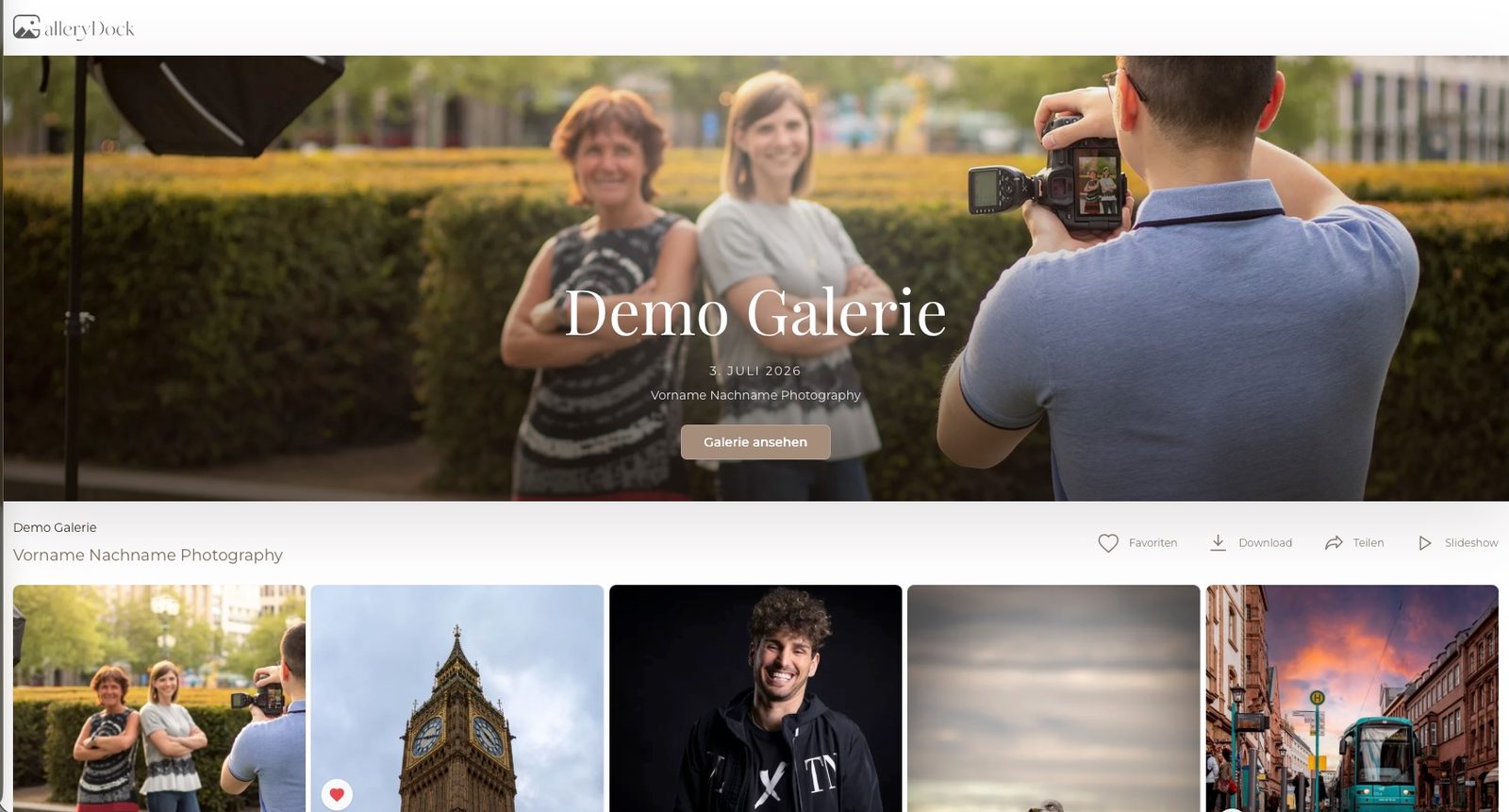
How to Deliver Photos to Clients: A Practical GalleryDock Workflow
A practical guide to online client galleries for photographers: organize photo selections, collect useful feedback, deliver downloads and offer prints with GalleryDock.
Slike na platnu: kompletan vodič za izradu kanvas fotografija u Srbiji
Vodič kroz izbor veličine, pripremu fotografije i naručivanje slika na platnu, sa svim koracima potrebnim da kanvas na vašem zidu izgleda profesionalno.
Kako odštampati slike sa telefona: vodič za štampanje fotografija online u Srbiji
Saznajte kako lako i brzo naručiti štampanje fotografija sa telefona online, koji format izabrati i kako fotografije stižu širom Srbije.
Community discussion (0)
Ask questions, share tips, or compare notes with other Grabivo JFIF to PNG Converter users.