
Smartsheet
SoftwareA spreadsheet-like work management platform for planning, tracking, and automating projects at enterprise scale.
About Smartsheet
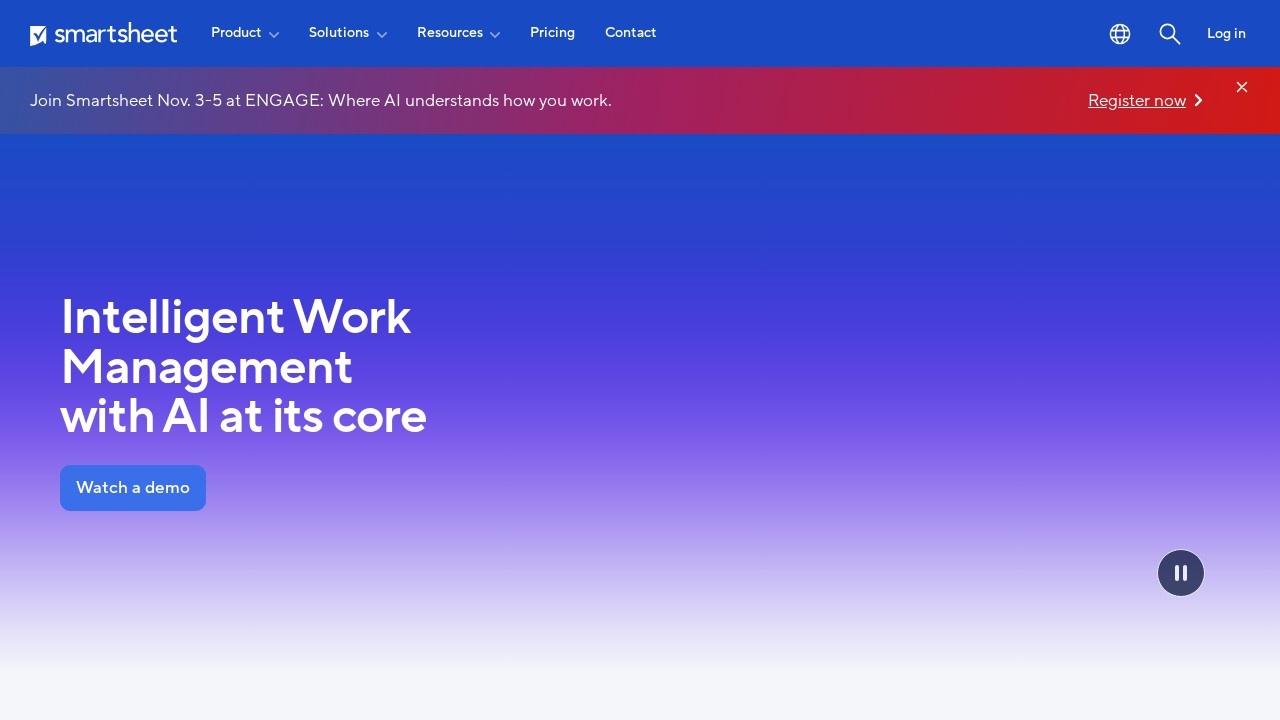
Smartsheet is a work-management platform that looks familiar like a spreadsheet but works like a powerful project and portfolio system. Used by more than 85% of the Fortune 500, it helps teams coordinate complex work — projects, portfolios, processes — across many tools and departments, with automation and AI on top to keep everything moving.
What Smartsheet is
Smartsheet combines project management, portfolio oversight and workflow automation in a flexible, grid-based interface. Teams plan and track work with Gantt charts, Kanban boards, calendars and dashboards, automate approvals and tasks, manage resources and capacity across teams, and get AI-powered insight into how projects and portfolios are performing — all in one platform that scales from a single project to enterprise-wide operations.
Who it's for
Smartsheet serves enterprise organizations and PMOs, IT teams managing digital portfolios, operations and services-delivery teams, and small-to-medium businesses. Its blend of spreadsheet familiarity and serious project-management power makes it especially popular with large organizations coordinating many projects and stakeholders at once.
What it offers
- Gantt, Kanban, dashboard and calendar views
- AI-powered project and portfolio intelligence
- Workflow automation and task management
- Cross-team resource planning and capacity management
- Milestone and dependency tracking
- Centralized intake and approval workflows
- Client collaboration portals and no-code work apps (Bridge)
- Integrations with Salesforce, Jira, Microsoft, Google, Tableau and more
Familiar surface, serious power
Smartsheet's clever balance is that it feels approachable — anyone comfortable with a spreadsheet can start using it — while delivering real project-management depth underneath. That lowers the adoption barrier for teams intimidated by heavyweight PM tools, yet still supports Gantt charts, dependencies, portfolio views and automation. For large organizations, that combination means broad adoption across non-technical staff without sacrificing the sophistication complex projects require.
From single projects to whole portfolios
Smartsheet's real strength shows at scale. Beyond managing one project, it gives PMOs and leaders real-time visibility across entire portfolios, with resource and capacity planning to balance workloads across teams and AI-powered insight into where things stand. That portfolio-level view is what enterprises need to make decisions about priorities and resourcing — and it's a big reason companies like Roche report managing 30% more projects with it.
Connects your whole stack
Smartsheet is built to sit at the center of a busy enterprise toolset, integrating with Salesforce, Jira, Microsoft, Google, Adobe, Box, Power BI, Tableau, Slack, Okta, SAP, Workday and more. Its Bridge tool adds no-code automation and intelligent workflows across those systems. That connectivity means Smartsheet can coordinate work that spans many tools — pulling data together and pushing updates out — rather than becoming yet another isolated silo teams have to check.
Automate the process, not just the plan
Beyond tracking work, Smartsheet automates the processes around it. Centralized intake and approval workflows route requests to the right people, no-code work apps let teams build custom solutions without developers, and Bridge adds intelligent automation across connected systems. Client collaboration portals bring external stakeholders in safely with role-based access. That means Smartsheet doesn't just show you the status of work — it actually moves work forward automatically, handling the handoffs, approvals and updates that would otherwise consume hours of manual coordination across a large team.
Why choose Smartsheet
For enterprises, PMOs and teams that need to coordinate complex work at scale, Smartsheet is a proven, three-time Gartner Leader. Its spreadsheet-familiar interface, deep project and portfolio management, AI-powered insight, automation and extensive integrations make it a practical way to plan, track and manage work across teams and tools — approachable enough for broad adoption, yet powerful enough to run the projects and portfolios of the world's largest organizations.
Tags
Ratings & reviews
No ratings yet
Be the first to rate Smartsheet — your honest take helps others decide.
- No reviews yet — be the first to rate Smartsheet.
Similar softwares

Verbial
Verbial is agency management software for marketing agencies. Proposals, CRM, time tracking, invoicing, client reporting and profitability in one system.
Ankit Chandra
Digital marketing consultant specialising in SEO, performance marketing, and creator partnerships. Strategy built on your unit economics, reporting you can audi
Spiceform
Spiceform is the AI-native form builder with unlimited logic on every plan. Generate forms from a prompt, import Typeform, and manage contacts and automations.
Compare Smartsheet
Similar software

Wrike
A versatile project and work management platform for teams that need structure, visibility, and scale.
Fibery
A modular, no-code work platform that connects your data, docs and processes in one flexible workspace.
Vaiz
Work management software that combines tasks, docs, and automation in one workspace. Built for small and mid-sized teams. Free to start, from $7/user.

Vecbase
Build and run your own AI team. Assign real work, track every task live, approve key steps, and keep finished files in one shared workspace.

Hive
A flexible project management and collaboration platform with many views, built-in chat, and AI to speed up work.

Basecamp
A refreshingly simple project management and team communication tool that keeps everything organized in one place.
Related reads

The 7 Best Construction Project Management Software in 2026
Construction PM software keeps projects on schedule and on budget — from the office to the field. Here are the 7 best construction project management tools in 2026.
The Best Project Management Software in 2026 (Tested & Ranked)
We tested the top project management tools of 2026. Here's the honest ranking — the best overall, the best free option, the best for developers, and the best on a budget.
Confluence vs Jira (2026): What's the Difference and Which Do You Need?
Confluence vs Jira confuses a lot of teams. They're both Atlassian, but one is for documentation and one is for tracking work. Here's the difference and which you actually need.
Community discussion (0)
Ask questions, share tips, or compare notes with other Smartsheet users.