SummaryGenius
SoftwareNewSummarize text from image, scanned documents, PDFs, PPT slides, and YouTube videos into concise, actionable bullet points and executive takeaways with AI.
About SummaryGenius
SummaryGenius reads text from almost any visual or document source and condenses it into structured, useful output. Upload a photo of a whiteboard, an infographic, a scanned contract, a 100-page research PDF or a slide deck, and choose the result: Key Bullets & Takeaways, an Executive TL;DR, Action Items & Next Steps, or Deep Study Notes & Q&A.
Built on high-precision multimodal Vision OCR, it handles dense charts, multi-column research papers and complex infographics — not just clean typed text. You can read the result as an AI summary, inspect the extracted text, check the source view, or ask follow-up questions about the document. Outputs can be copied or exported to DOCX, DOC, MD and TXT, and the interface supports 12+ languages including English, Japanese, Korean, Spanish, French, German, Portuguese, Russian, Italian, Simplified Chinese and Traditional Chinese.
Input types include Image Summary (Vision OCR, single or multiple images), PDF Document (with page-range control), PPT Slides and YouTube Video. AI Precision can be set to Standard or Deep Vision for harder documents, and past summaries stay accessible in the dashboard.
Uploads and results are used only to process your request — never sold and never used to train AI models. Every account receives 5 free credits each day, with one standard summary costing 5 credits. Paid plans start at $8.90/month, and all plans including the free tier allow personal and commercial use with no royalties.
SummaryGenius uses high-precision Vision OCR and AI to turn images, scanned documents, PDFs, PPT slides and YouTube videos into concise, actionable bullet points and executive takeaways.
High-precision Vision OCR extracts text from photos, screenshots, whiteboards and charts
Summarize images, scanned documents, PDFs, PPT slides and YouTube videos
Four output styles: Key Bullets, Executive TL;DR, Action Items and Deep Study Notes & Q&A
Source view, extracted text and follow-up Q&A on any summary
Multi-image and multi-page support with PDF page-range control
12+ output languages including English, Japanese, Chinese, Spanish, French and German
Copy or export results to DOCX, DOC, MD and TXT
Standard and Deep Vision precision modes for harder documents
Private by design — uploads and results are never used to train AI models
5 free credits every day; personal and commercial use allowed on every plan
SummaryGenius FAQ
What is SummaryGenius?
Summarize text from image, scanned documents, PDFs, PPT slides, and YouTube videos into concise, actionable bullet points and executive takeaways with AI. It's a video & audio tool listed on Tolodora with details and real user reviews.
Is SummaryGenius free?
SummaryGenius is a paid tool. Check its site for current pricing.
Ratings & reviews
No ratings yet
Be the first to rate SummaryGenius — your honest take helps others decide.
- No reviews yet — be the first to rate SummaryGenius.
Similar softwares

MakeASong
Type a prompt, get an original AI song.

My Faceless Reels
AI faceless reels generator — turn a topic or script into ready-to-post vertical videos

PennyCompute
FFmpeg and Remotion API, plus early MiniMax H3
Compare SummaryGenius
Similar software
Kling 3.0 AI Video Generator
Browser AI video generator: turn a prompt or one image into a 1080p clip, with camera control and vertical, square and widescreen output.

Music Visualizer
Turn your music into stunning, beat-synced visuals

Nuzza AI
Turn your photos into trending AI videos

Orelon
AI video generator — cinematic videos from text or images in minutes

No Scrubs AI
A short music dance scene with your portrait cast, paid once with non-expiring video credits.
My Faceless Reels
AI faceless reels generator — turn a topic or script into ready-to-post vertical videos
Related reads

Can a Five-Second Clip Keep All Four Cookies?
Check a five-second bakery clip against the four-cookie box. Learn which frames to count, how to spot a mismatch and when to use a photo or phone video.

IPTV Srbija: kako proveriti pretplatu tokom 24 sata
Kako iskoristiti IPTV probu od 24 sata: proverite aplikaciju, kanale, istovremene konekcije, kvalitet reprodukcije i uslove pretplate.
How to Choose an Audio System for Walking Tours
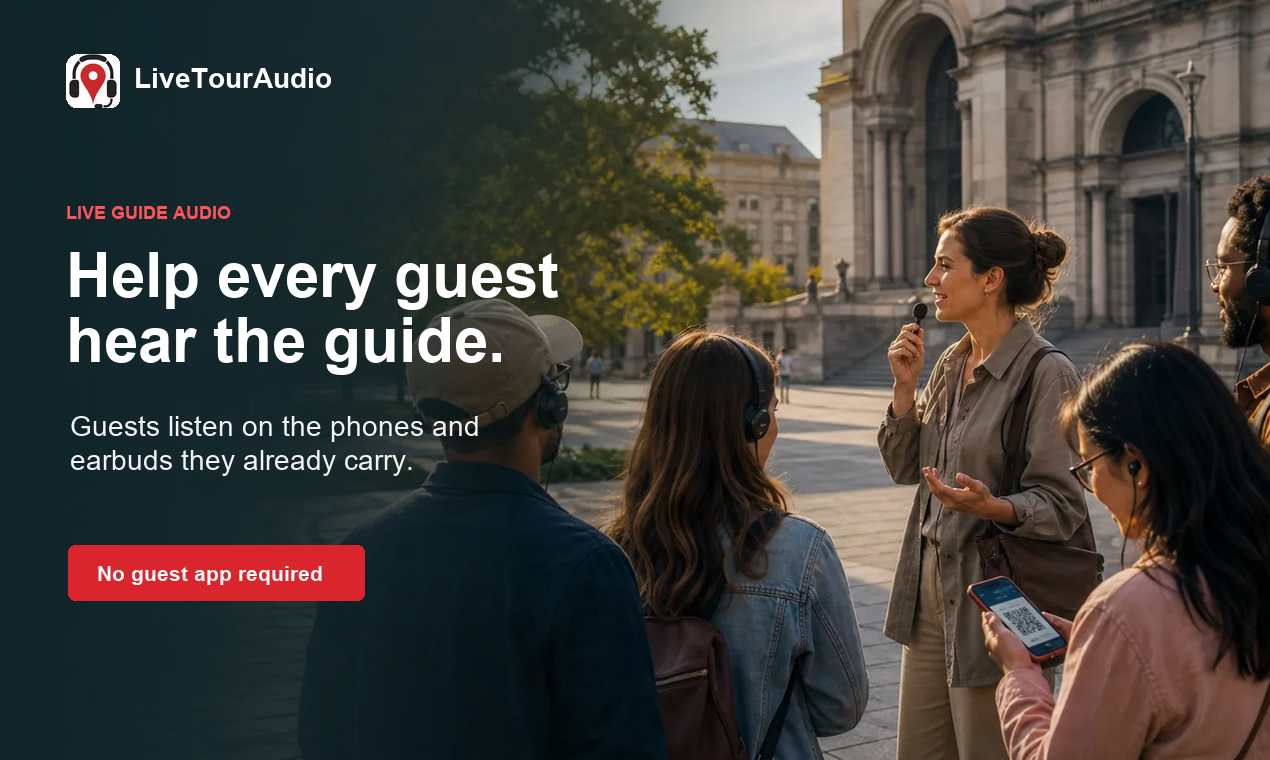
A practical route-first framework for comparing voice projection, dedicated receivers, and guest-phone audio on real walking tours.
Community discussion (0)
Ask questions, share tips, or compare notes with other SummaryGenius users.