Tella
SoftwareRecord polished screen-and-camera videos with backgrounds and layouts — turn demos and talking-heads into branded videos easily.
About Tella
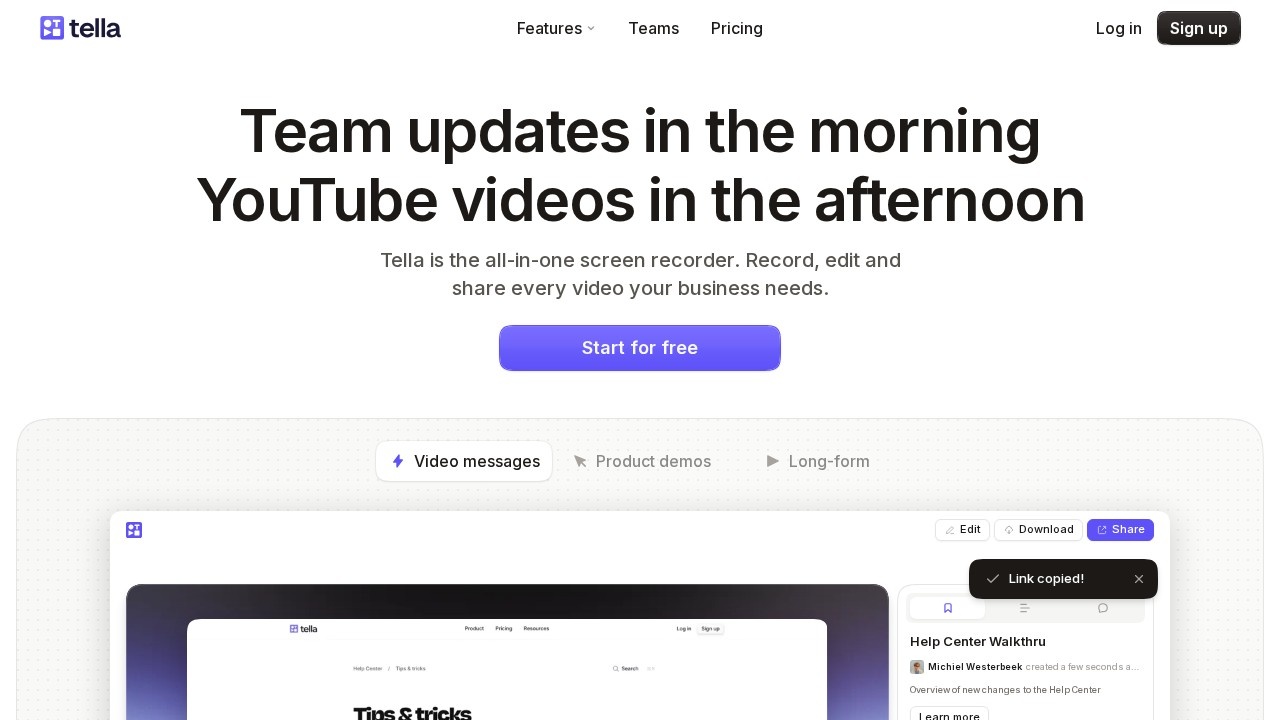
Tella is a screen and camera recording tool that turns simple recordings into polished, branded videos with backgrounds, layouts and easy editing. Where many screen recorders produce plain, utilitarian clips, Tella is designed to make your videos look great: you record your screen and camera, then apply attractive backgrounds, arrange layouts, and lightly edit to produce professional-looking demos, tutorials, talking-head videos and marketing content. It bridges the gap between quick screen capture and a full video-editing suite, aimed at creators who want quality without complexity.
Its strengths are polish, ease and a creator-focused workflow. Tella combines recording and editing in one place, with backgrounds, layouts and styling that make even a simple demo look designed and on-brand. It is far easier than wrestling with a heavy video editor, yet produces results that look genuinely professional, which is exactly what creators, marketers and founders need for product demos, course content and social videos. By making good-looking video accessible, Tella helps people communicate more effectively and present their products and ideas in a more compelling, modern way.
Tella is a great fit for creators, marketers, founders and educators who want to make polished, branded screen-and-camera videos — demos, tutorials, talking-head and marketing content — without a complex editor. It sits alongside tools like Loom, Cap and Screen Studio in the screen-recording space, distinguished by its focus on producing attractive, designed videos rather than just quick captures. If you want your recordings to look professional and on-brand with minimal effort, Tella is a capable, creator-friendly choice worth trying.
Tags
Ratings & reviews
No ratings yet
Be the first to rate Tella — your honest take helps others decide.
- No reviews yet — be the first to rate Tella.
Similar softwares
SaveTheX
Free X & Twitter video downloader on savethex.com. Save public videos, GIFs, and live replays as MP4 in high quality — no account, no watermark. Paste a link or
Swifly
AI dictation and voice typing for macOS, Windows and iPhone. Turn speech into text for emails, messages, documents and AI prompts.

MiniMax H3 Max AI Video Generator
Create 5-15 second 768p videos with MiniMax H3 Max. Direct camera motion, keep characters consistent, and generate synchronized audio in one pass for review.
Compare Tella
Similar software

Captions
An AI-powered video creation app that adds captions, edits, and enhances talking videos for social media automatically.

OBS Studio
Free, open-source software for live streaming and screen recording, used by creators and streamers everywhere.
isave.video
Download TikTok videos in HD MP4 with iSave. Paste a public TikTok link and save in seconds. No login or app; works on iPhone, Android, and desktop.
Pepys
Transcribe audio and video into accurate text with AI summaries and no length caps.
Clipchamp
Microsoft's free, browser-based video editor with AI tools, screen recording and royalty-free stock assets.
Screen Studio
Beautiful screen recordings in minutes — automatic zooms and smooth animations on macOS.
Related reads
How to Choose an Audio System for Walking Tours
A practical route-first framework for comparing voice projection, dedicated receivers, and guest-phone audio on real walking tours.

The 8 Best AI Tools for Podcasters in 2026
AI can record, edit, clean and repurpose your podcast in a fraction of the time. Here are the 8 best AI tools for podcasters in 2026.
The 6 Best AI Music Generators in 2026 (Royalty-Free)
AI music generators create royalty-free soundtracks in seconds. Here are the six best in 2026 — from Suno's full songs to SOUNDRAW and Mubert's copyright-safe tracks.
Community discussion (0)
Ask questions, share tips, or compare notes with other Tella users.