
OBS Studio
SoftwareFree, open-source software for live streaming and screen recording, used by creators and streamers everywhere.
About OBS Studio
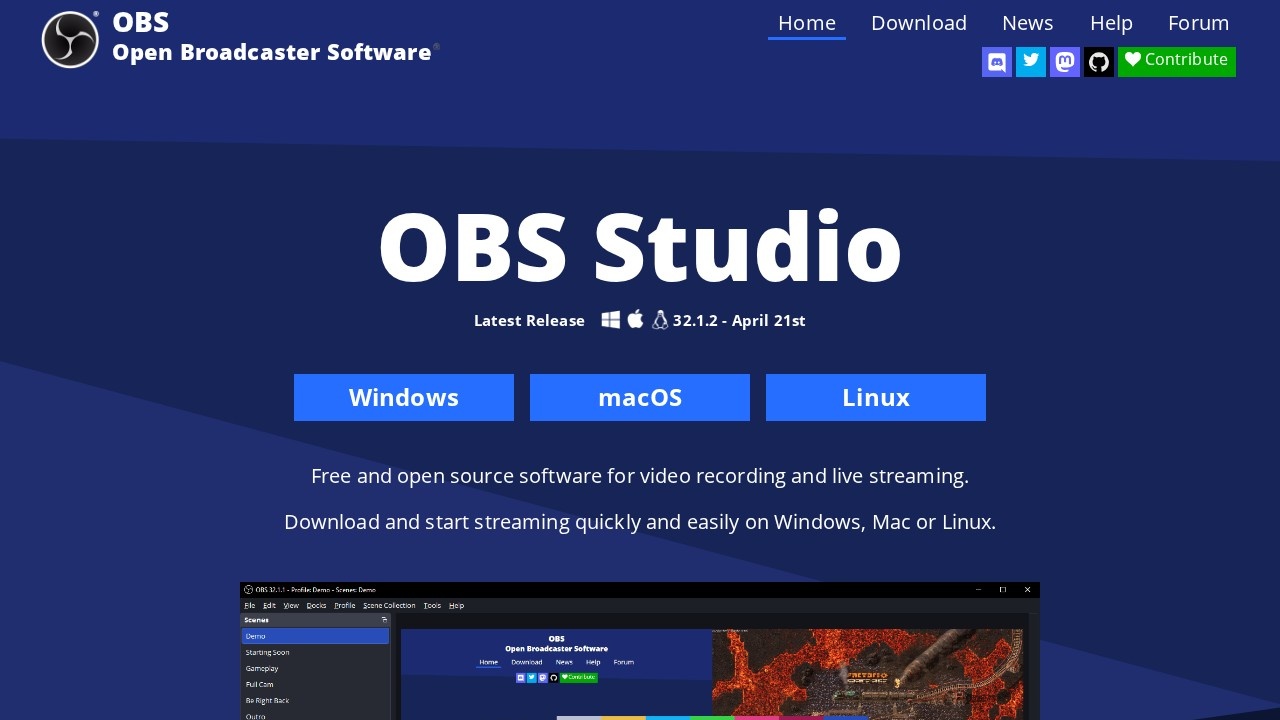
OBS Studio (Open Broadcaster Software) is a free and open-source application for live streaming and screen recording that has become the standard tool for creators, streamers, and educators worldwide. Despite being completely free, it offers professional-grade capabilities that rival or exceed paid alternatives, which is why it powers a huge share of the live content on platforms like Twitch, YouTube, and beyond. For anyone who wants to broadcast or record high-quality video of their screen, camera, or both, OBS Studio is the go-to solution.
The software lets you compose scenes from multiple sources — your screen, webcam, images, text, browser windows, and more — and switch between them seamlessly during a stream or recording. It supports streaming to virtually any platform, high-quality local recording, audio mixing with filters, transitions, and an extensive plugin ecosystem that extends it even further. Powerful yet endlessly configurable, OBS handles everything from a simple screen recording to a complex multi-source live production, giving creators complete control over their broadcast. Being open source, it's continuously improved by a large, active community.
OBS Studio is used by gamers and streamers, YouTubers, online educators, podcasters, and businesses that produce live or recorded video. The value is professional capability at zero cost: it democratizes high-quality streaming and recording, putting tools that would otherwise be expensive into everyone's hands. Its flexibility means it scales from beginners doing their first stream to professionals running elaborate productions. For anyone who needs to live stream, record their screen, or produce video content without paying for software, OBS Studio offers a powerful, reliable, and free solution that has earned its place as an essential tool in the creator's toolkit.
Tags
Ratings & reviews
No ratings yet
Be the first to rate OBS Studio — your honest take helps others decide.
- No reviews yet — be the first to rate OBS Studio.
Similar softwares

Rap Your Life
Turn your photos into AI rap videos. No prompts needed.

AI Genjutsu
Turn one photo into a 5-second vertical AI video with ready-made templates.
Yconvert
200+ free online calculators and converters. No sign-up.
Compare OBS Studio
Similar software
NewPipe
Free, open-source YouTube client for Android — no ads, no Google account needed, with background playback and downloads.

Music Visualizer
Turn your music into stunning, beat-synced visuals
Tella
Record polished screen-and-camera videos with backgrounds and layouts — turn demos and talking-heads into branded videos easily.

Cap
A fast, open-source screen recorder you can self-host — a free, privacy-friendly Loom alternative for sharing videos.

Screenity
Free, open-source screen recorder and annotation tool for Chrome — capture, annotate and edit with no time limits.

Wan 3.0
Freemium AI image-to-video and text-to-video.
Related reads

IPTV Srbija: kako proveriti pretplatu tokom 24 sata
Kako iskoristiti IPTV probu od 24 sata: proverite aplikaciju, kanale, istovremene konekcije, kvalitet reprodukcije i uslove pretplate.
How to Choose an Audio System for Walking Tours
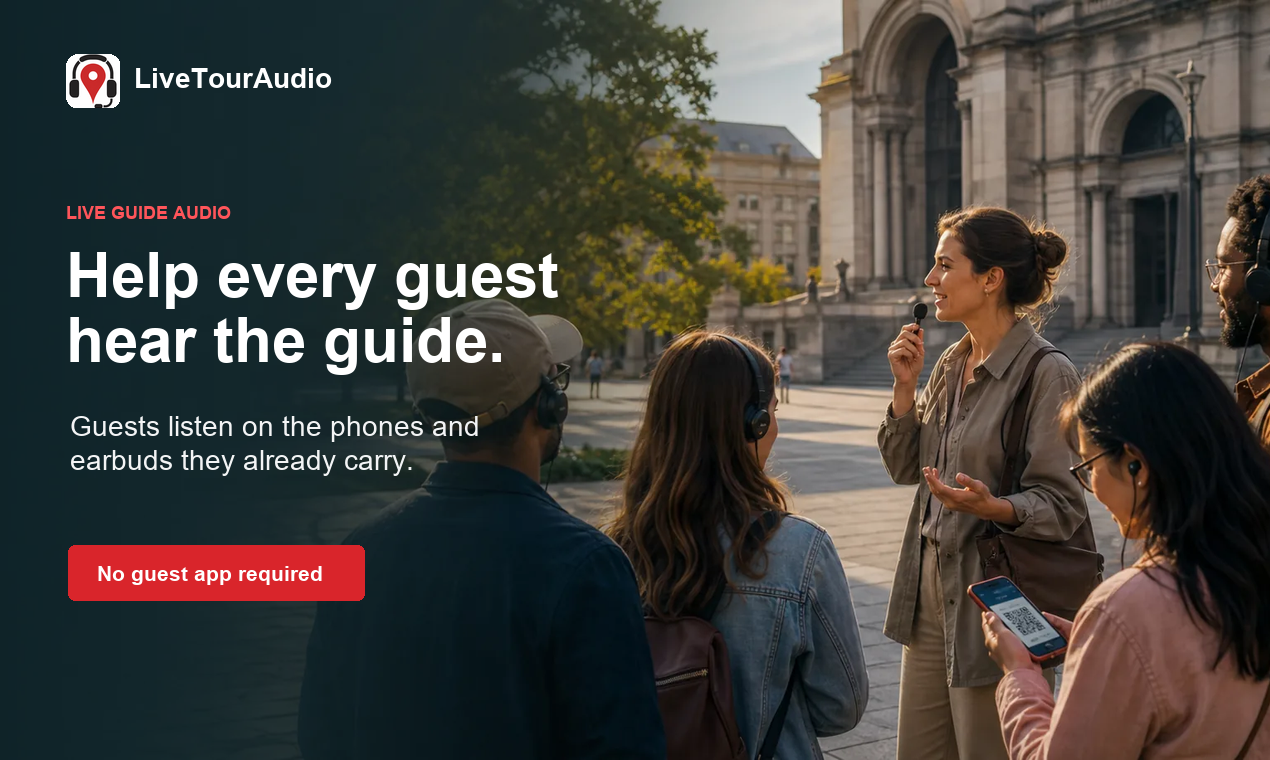
A practical route-first framework for comparing voice projection, dedicated receivers, and guest-phone audio on real walking tours.

The 8 Best AI Tools for Podcasters in 2026
AI can record, edit, clean and repurpose your podcast in a fraction of the time. Here are the 8 best AI tools for podcasters in 2026.
Community discussion (0)
Ask questions, share tips, or compare notes with other OBS Studio users.