
Screenity
SoftwareFree, open-source screen recorder and annotation tool for Chrome — capture, annotate and edit with no time limits.
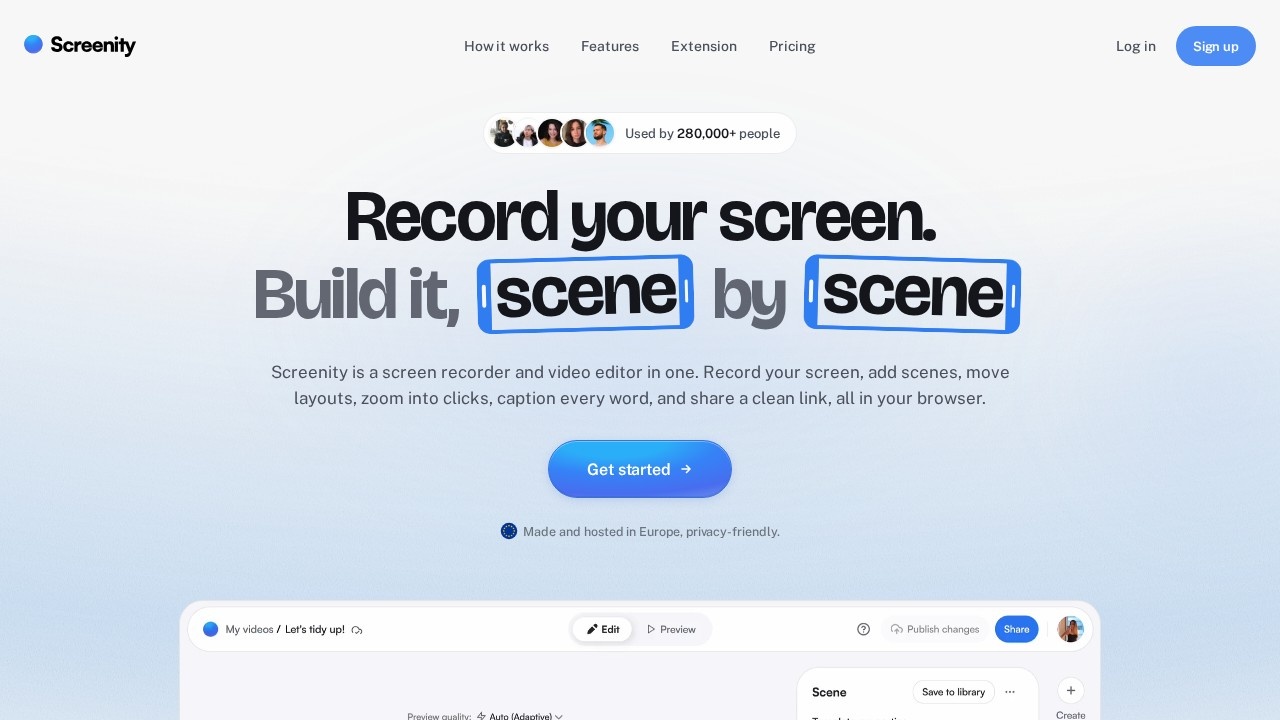
About Screenity
Screenity is a free, open-source screen recorder and annotation tool that runs as a Chrome extension, offering a surprisingly capable way to capture your screen with no time limits. Right from your browser, you can record your screen, camera and audio, annotate as you go, and do light editing, then save or share the result. As a free, open-source project, it provides genuinely useful screen-recording functionality without the cost, accounts or limits that gate many commercial tools — making it an accessible option for anyone who needs to record their screen occasionally or regularly.
Its strengths are being free, open source and browser-based, with handy annotation. Because it lives in Chrome, there is nothing heavy to install, and you can start recording in seconds; the lack of time limits and the inclusion of annotation and basic editing make it more capable than you might expect from a free extension. Being open source means transparency and no lock-in. For students, educators, developers and anyone who wants no-fuss screen recording without paying or signing up for a service, Screenity covers the essentials well.
Screenity is a great fit for anyone who wants free, browser-based screen recording with annotation and editing — students, teachers, developers and casual users who do not need a heavy or paid tool. It sits alongside tools like Loom, Cap and Tella in the screen-recording space, distinguished by being a free, open-source Chrome extension with no time limits. If you just want to quickly capture, annotate and share what is on your screen without cost or complexity, Screenity is a genuinely useful, lesser-known option worth keeping in your toolkit.
Tags
Ratings & reviews
No ratings yet
Be the first to rate Screenity — your honest take helps others decide.
- No reviews yet — be the first to rate Screenity.
Similar softwares
SaveTheX
Free X & Twitter video downloader on savethex.com. Save public videos, GIFs, and live replays as MP4 in high quality — no account, no watermark. Paste a link or
Swifly
AI dictation and voice typing for macOS, Windows and iPhone. Turn speech into text for emails, messages, documents and AI prompts.

MiniMax H3 Max AI Video Generator
Create 5-15 second 768p videos with MiniMax H3 Max. Direct camera motion, keep characters consistent, and generate synchronized audio in one pass for review.
Compare Screenity
Similar software

Cap
A fast, open-source screen recorder you can self-host — a free, privacy-friendly Loom alternative for sharing videos.

Audacity
The classic free, open-source audio editor for recording and editing podcasts, music, and any sound.

OBS Studio
Free, open-source software for live streaming and screen recording, used by creators and streamers everywhere.
CleanShot X
Capture your Mac's screen like a pro — 50+ screenshot and screen-recording features in one app.
Subtitle Kit
Free in-browser SRT tools: shift timing, export plain text, check line length, estimate read time. Your files stay on your device.
Clipchamp
Microsoft's free, browser-based video editor with AI tools, screen recording and royalty-free stock assets.
Related reads

How to Choose an Audio System for Walking Tours
A practical route-first framework for comparing voice projection, dedicated receivers, and guest-phone audio on real walking tours.
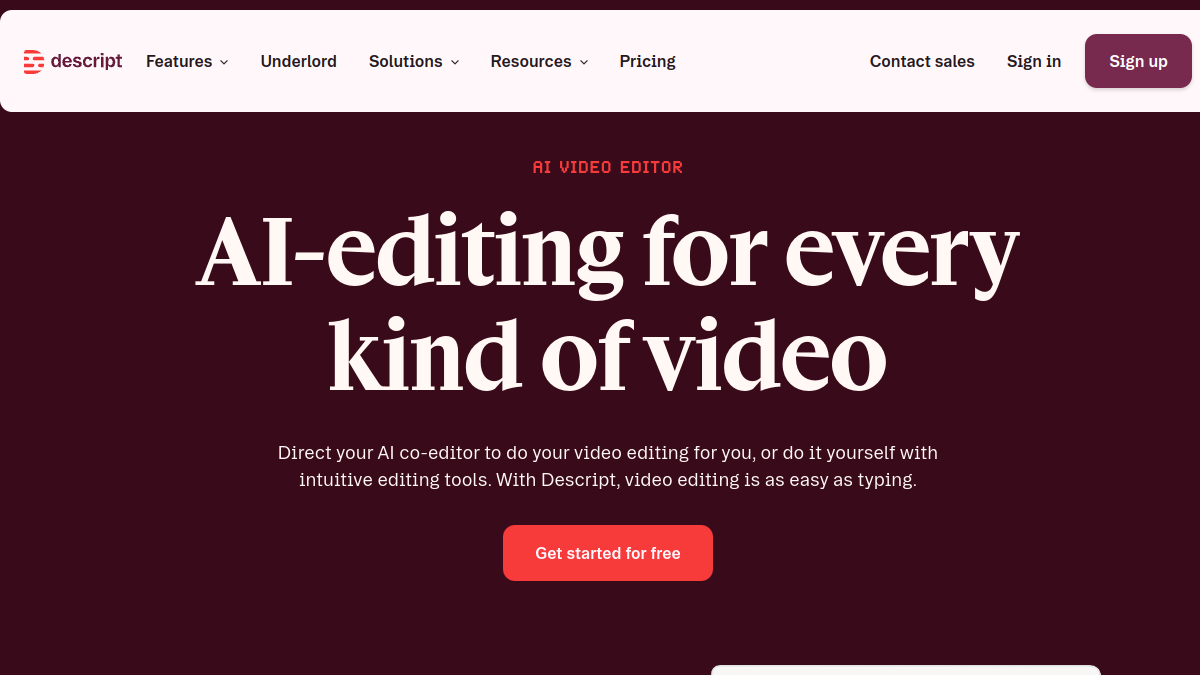
The 8 Best AI Tools for Podcasters in 2026
AI can record, edit, clean and repurpose your podcast in a fraction of the time. Here are the 8 best AI tools for podcasters in 2026.
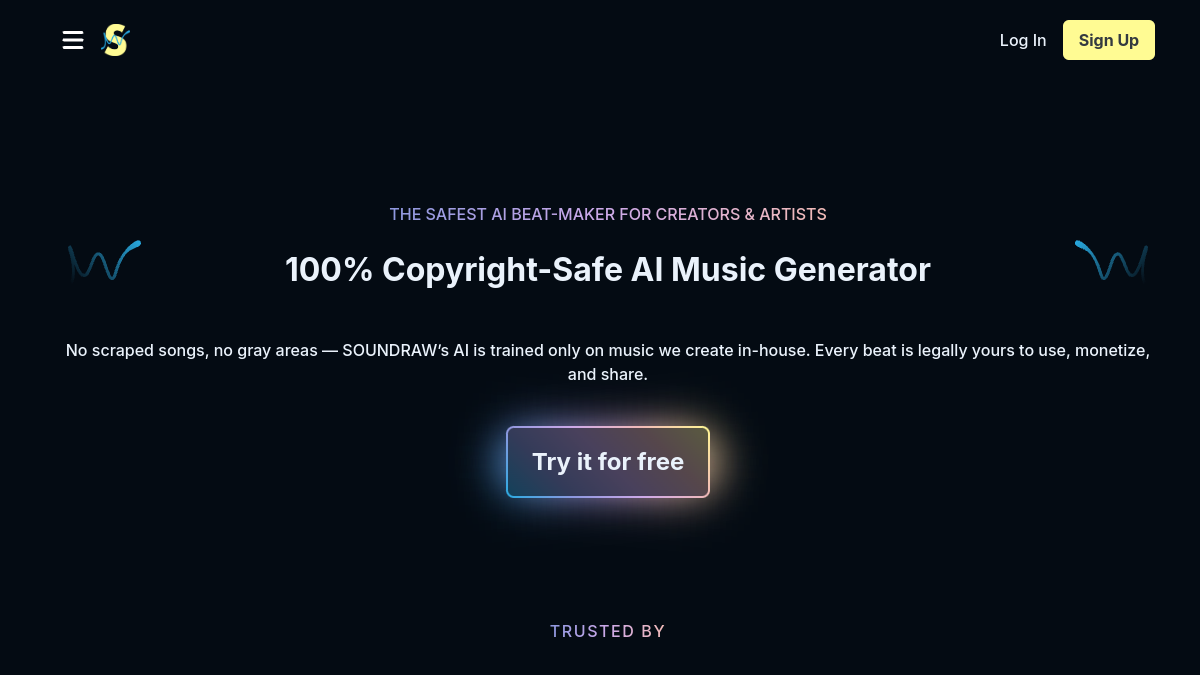
The 6 Best AI Music Generators in 2026 (Royalty-Free)
AI music generators create royalty-free soundtracks in seconds. Here are the six best in 2026 — from Suno's full songs to SOUNDRAW and Mubert's copyright-safe tracks.
Community discussion (0)
Ask questions, share tips, or compare notes with other Screenity users.