CleanShot X
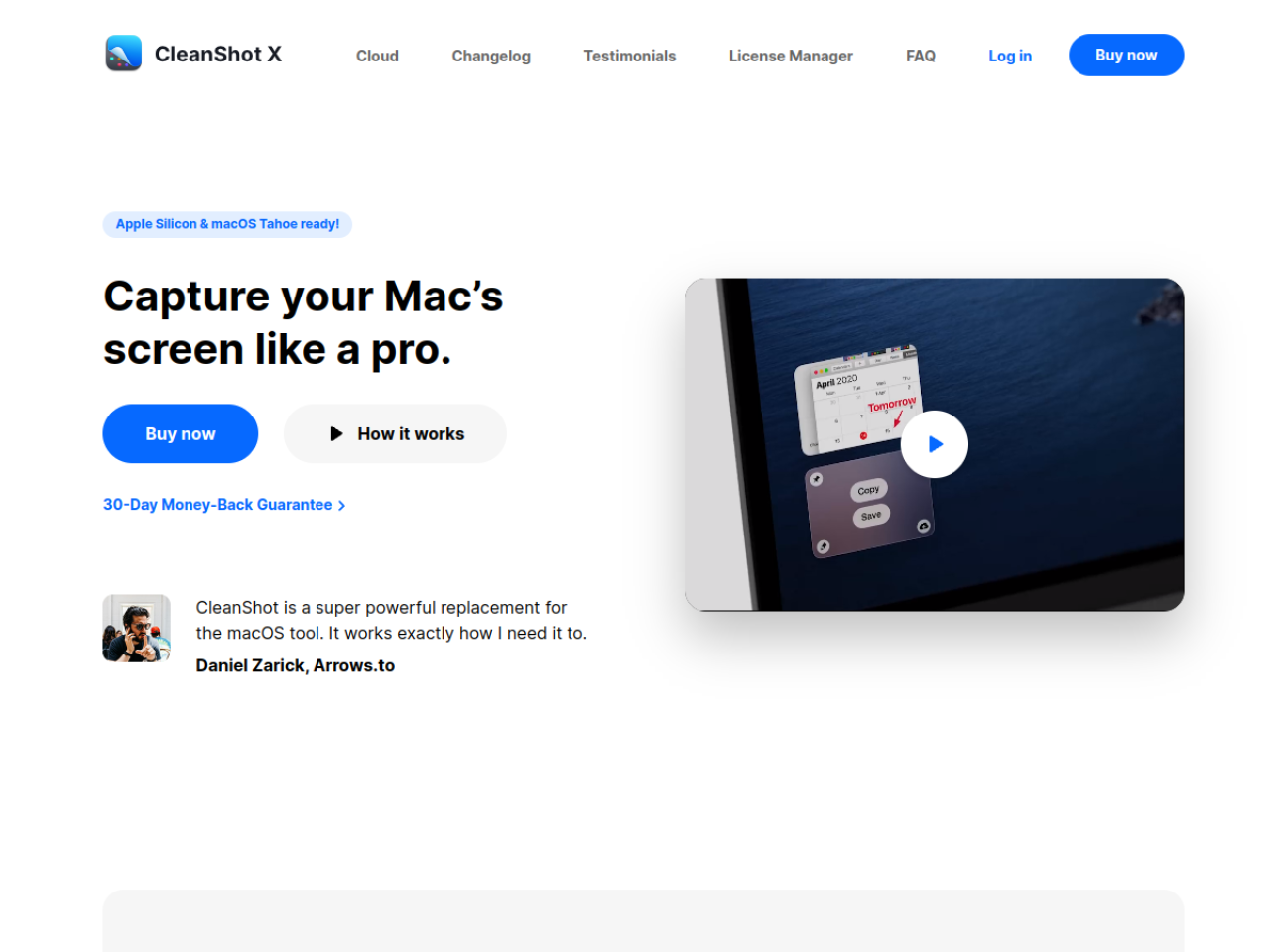
SoftwareCapture your Mac's screen like a pro — 50+ screenshot and screen-recording features in one app.
About CleanShot X
CleanShot X is a Mac-native screenshot and screen-recording app that replaces the built-in tools with something far more capable. Trusted by 250,000+ users and endorsed by teams at Linear, Vercel and 1Password, it's built for people who capture and share their screen all day and want it to look clean and professional every time.
What CleanShot X replaces
Where macOS gives you a basic screenshot and a cluttered desktop full of files, CleanShot X gives you a complete capture workflow: scrolling screenshots, screen recording to MP4 or GIF, instant annotation, and one-click sharing to the cloud. It hides your desktop icons, keeps a searchable capture history, and lets you mark up and upload an image in seconds — the difference between a rough grab and something you'd happily send a client.
Who it's for
CleanShot X fits remote teams, product managers, designers and developers, support teams writing annotated instructions, and content creators — anyone whose work involves showing rather than just telling. It scales from a single user up to enterprise, with team SSO and admin controls for larger organizations.
What it can do
- Screenshots with scrolling-page capture
- Screen recording to MP4 or GIF, with webcam overlay
- Click highlighting, keystroke display and smart zoom
- Annotation: markup, redaction, step numbering, spotlight and backgrounds
- Text recognition (OCR) and QR-code reading
- Built-in video editor ("Studio Mode")
- Capture history, pinning and desktop-icon hiding
- CleanShot Cloud sharing with custom domain and commenting
Annotation that makes things clear
CleanShot X's markup tools are where it earns its keep. You can draw attention with highlights and a spotlight effect, number steps for a how-to, blur or redact sensitive information, and drop your capture onto a clean background — turning a plain screenshot into a clear, self-explanatory visual. For support and design work especially, that clarity saves a lot of back-and-forth.
Share in one click
Sharing is where CleanShot X speeds up real workflows. CleanShot Cloud uploads a screenshot or recording instantly and hands you a link, with custom domain and branding options and in-context commenting so teammates can react right on the capture. Recordings even get automatic transcription. Instead of saving a file, finding it, and attaching it somewhere, you capture and share in a single motion.
Truly Mac-native
CleanShot X is deliberately Mac-only, and it shows. Rather than a cross-platform compromise, it's built specifically for macOS with a focus on speed and low resource use, integrates with any Mac app via drag-and-drop, and offers a URL-scheme API for automation. Its 4.9-star rating and endorsements from Mac-first companies like Panic and Sketch reflect a tool that feels genuinely at home on the platform.
A recorder and editor in one
CleanShot X isn't only for still images — it records your screen to MP4 or GIF with a webcam overlay, highlights clicks and shows keystrokes so viewers can follow along, and includes a built-in video editor called Studio Mode for quick trims and touch-ups. Recordings even get automatic transcription. That means you can capture a quick walkthrough, tidy it up and share it without ever opening a separate video app, which keeps simple screen videos genuinely simple.
Why choose CleanShot X
For Mac users who take and share screenshots or recordings constantly, CleanShot X is a clear upgrade over the built-in tools. Its rich capture options, powerful annotation, one-click cloud sharing and polished, native design — backed by enterprise-grade ISO 27001 security — make it a practical way to communicate visually with far less friction, whether you're documenting a bug, building a tutorial or explaining something to a client.
Tags
Ratings & reviews
No ratings yet
Be the first to rate CleanShot X — your honest take helps others decide.
- No reviews yet — be the first to rate CleanShot X.
Similar softwares

Foreclosure Data Hub
Search daily U.S. foreclosure and REO data, track new matches, research owners, and export leads to CSV or Google Sheets.
ExplainThisDoc - PDF & Archive
Scan it. Find it. Understand it. Skip sorting and filing. All your documents in one free archive. Pay only for Pro explanations when needed. No subscription.

ToolifyNav
Curated AI tools directory with honest, hands-on reviews.
Compare CleanShot X
Similar software
Files Converter
Fast & free online file converter. Convert PDF, images, video, and audio safely in your browser. 100% private, secure, and no installation required.
PersonaHaven
Personality tests and practical tools for deeper self-reflection and personal growth.

Interakly
Turn videos and images into interactive lessons with questions, hotspots, branching, feedback, and response tracking.
ButterShare
Share anything, to anyone — no file size limits, no cloud storage, no signup. Direct, encrypted device-to-device transfer on any device.

VoiceVibe
An AI voice assistant you can use anywhere on your computer. Press a key and talk. It types, speaks and does what you say.

Swifly
AI dictation and voice typing for macOS, Windows and iPhone. Turn speech into text for emails, messages, documents and AI prompts.
Related reads

Best Free Online PDF Tools for Everyday Document Tasks
Free browser-based tools to compress, merge, split, convert, organize and analyze PDF files.

Free Online PDF Tools: Convert, Merge, Split & Compress PDF Files
Discover easy-to-use free online PDF tools for converting, merging, splitting and compressing PDF files without installing complicated software

How to Validate a Product Idea Before You Build It
A practical guide to validating your product idea with AI, market research, customer insights, and a simple Build, Modify, or Kill framework.
Community discussion (0)
Ask questions, share tips, or compare notes with other CleanShot X users.