
Unblur Image
SoftwareNewUnblur Image fixes blurry, out-of-focus and shaky photos with AI right in your browser. Free daily credits, no sign-up needed, no watermarks.

About Unblur Image
Unblur Image is an online AI tool that turns blurry, out-of-focus and shaky photos into sharp, usable images. You upload a photo in the browser, the AI restores edges, faces and fine texture, and you download the result in a few seconds. There is nothing to install and you can start without creating an account.
What it fixes
- Motion blur from camera shake or a moving subject
- Out-of-focus shots where the focus landed in the wrong place
- Soft, noisy photos taken in low light
- Small or low-resolution images that need to be upscaled, such as a 200-pixel photo brought up to 2K
- Faces: eyes, lashes, hair and skin texture are rebuilt while keeping a natural look
Two ways to run it
Unblur Image offers a free local AI model that runs entirely in your browser. Your photo never leaves your device, it needs no account and it uses no credits. For harder photos there is UModel, the cloud AI model, which gives higher-fidelity restoration. Every visitor gets free credits each day for the cloud model, so you can try it without signing up. Results are downloaded without watermarks.
More tools in one place
The same credits also work for an AI photo editor, a cloud image upscaler (2x and 4x), old photo restoration, a free AI image generator that creates pictures from a text prompt, and an AI video generator. A local blur tool is also included for hiding faces or private details before you share a picture.
Who it is for
People rescuing family photos, online sellers cleaning up product shots, social media creators, designers who receive low-quality assets, and anyone who took a great photo that came out slightly blurry.
Pricing
Free daily credits cover casual use. If you need more, paid plans start at $9.9 per month, and one-time credit packs start at $14.9. Paid users skip the queue and can use 4K output.
How to use it
1. Open unblur-image.io and drop in a blurry image.
2. Choose the free local model or the cloud UModel.
3. Compare before and after with the slider and download the sharp result.
What problem it solves
Fixing a blurry photo usually means desktop software, manual sharpening, or an app that asks for an account first. Unblur Image restores motion blur, missed focus and low-light softness in the browser in one click, free to try with no sign-up. It is for anyone with a photo they cannot retake: family pictures, product shots, screenshots and social posts.
Alternatives & competitors
A free, no-sign-up alternative to Remini, Picwish and Fotor for unblurring and sharpening photos, with a private local AI option that keeps photos on your device.
Tags
Unblur Image FAQ
What is Unblur Image?
Unblur Image fixes blurry, out-of-focus and shaky photos with AI right in your browser. Free daily credits, no sign-up needed, no watermarks. It's a photography & images tool listed on Tolodora with details and real user reviews.
Is Unblur Image free?
Yes — Unblur Image offers a free plan. Paid plans start at from $9.9/mo.
How much does Unblur Image cost?
Unblur Image starts at from $9.9/mo (freemium pricing). Pricing can change, so confirm the current figure on the vendor's site.
Ratings & reviews
No ratings yet
Be the first to rate Unblur Image — your honest take helps others decide.
- No reviews yet — be the first to rate Unblur Image.
Similar softwares
MyFreeTools
Free browser tools for images, PDFs, video, audio, text, QR codes and passwords. Files stay on your device, with no uploads or account.

E2X
Prepaid pay-as-you-go API for AI video and image generation, with transparent per-request pricing.
Pika H3
Pika H3 AI video generator turns text, images and references into 5–15 second videos online. Choose up to 768p and try free with 15 welcome credits.
Compare Unblur Image
Similar software
Backgroundcanvas
One-stop free online image background cleanup and change tool, offering watermark removal, text removal, emoji sticker removal, background swap and cutout.
SparkPix
Free online AI photo editor — edit photos by typing, no Photoshop needed.

Scientific Figure Generator
AI scientific illustration tool: turn text, sketches or abstracts into publication-ready diagrams and graphical abstracts, then edit any part by chat.
AI Generator
Run GPT Image 2.5, Seedance 2.5, Veo 3.1, MiniMax H3 and more image and video models in one browser workspace. The credits for each run are shown first.

ResLeap
Sharper images at 8K, with detail that still looks real.
APPLORE
Browse 18,000+ real app icons, then design, animate and export your own.
Related reads
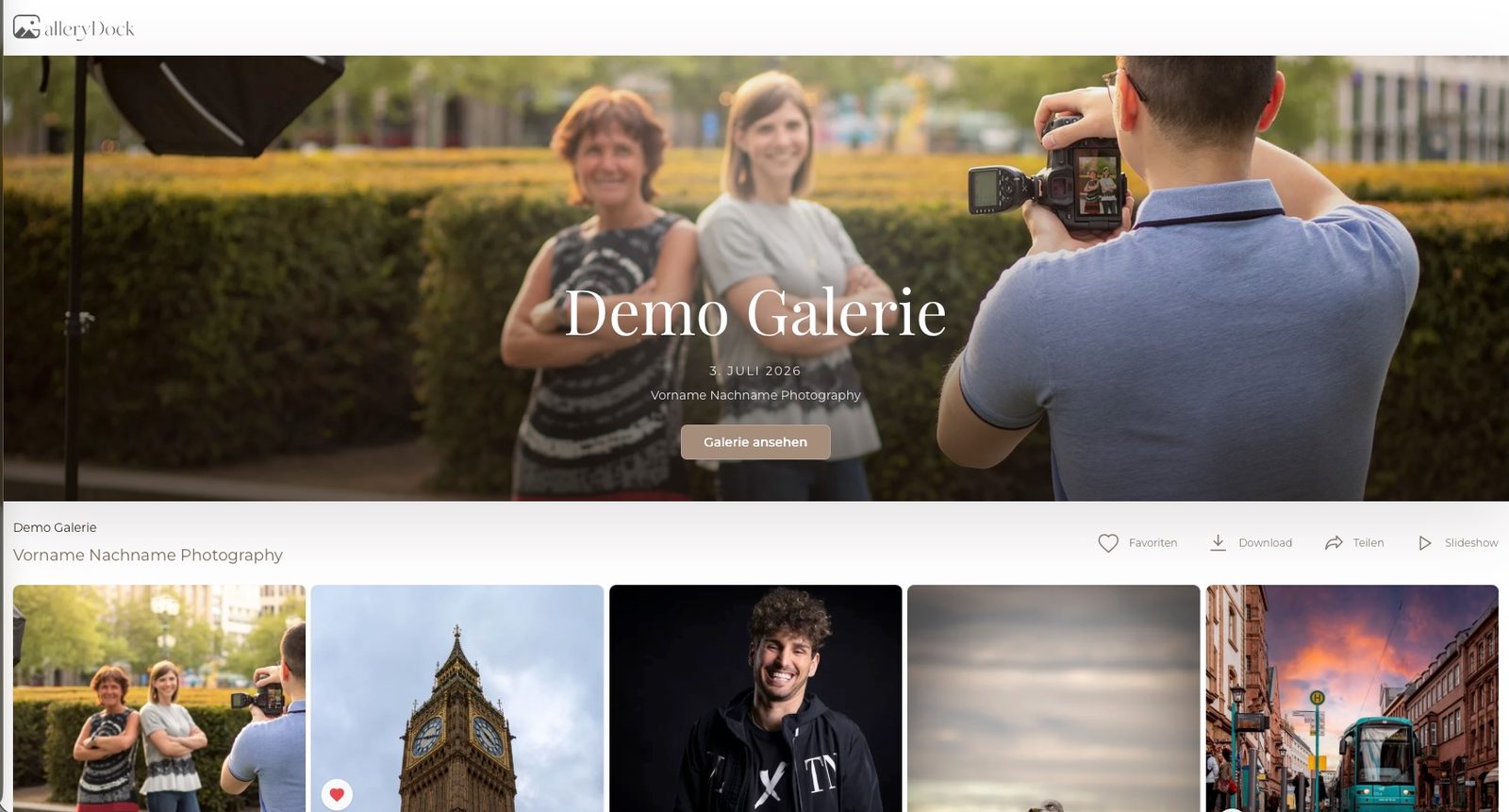
How to Deliver Photos to Clients: A Practical GalleryDock Workflow
A practical guide to online client galleries for photographers: organize photo selections, collect useful feedback, deliver downloads and offer prints with GalleryDock.
Slike na platnu: kompletan vodič za izradu kanvas fotografija u Srbiji
Vodič kroz izbor veličine, pripremu fotografije i naručivanje slika na platnu, sa svim koracima potrebnim da kanvas na vašem zidu izgleda profesionalno.
Kako odštampati slike sa telefona: vodič za štampanje fotografija online u Srbiji
Saznajte kako lako i brzo naručiti štampanje fotografija sa telefona online, koji format izabrati i kako fotografije stižu širom Srbije.
Community discussion (0)
Ask questions, share tips, or compare notes with other Unblur Image users.