
Video to GIF Maker
SoftwareNewConvert video to GIF in your browser — no upload, no signup, no watermark.
About Video to GIF Maker
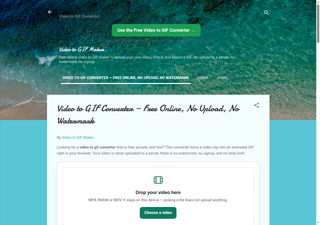
Video to GIF Maker is a free video to GIF converter that runs entirely in your browser. It turns a video into a GIF without asking you to install software, create an account, or pay for the result. The tool is made for a simple job and does it directly: you open the page, choose a video, adjust a few settings, and get a GIF you can share. There is no upload, no signup, and no watermark on the finished GIF, so the result is ready to use as soon as it is made.
The most important part of Video to GIF Maker is that videos are converted locally in your browser. Nothing is uploaded to a server. Your video stays on your own device while it is converted, which keeps the process private and avoids waiting for a large file to upload and then download again. Because there is no account, there is also no profile to create, no email address to give, and no password to remember. You can use the tool whenever you need a GIF and leave when you are done.
Video to GIF Maker includes size presets for Discord (under 10 MB) and Chat (under 3 MB). These presets help you make a GIF that fits the size limits of the places where you want to share it, without guessing at settings or shrinking a file again and again. If you want a GIF for Discord, the Discord preset aims for a file under 10 MB. If you want a GIF for chat, the Chat preset aims for a file under 3 MB. This makes the tool useful for people who share GIFs in messages, in group chats, and in online communities, and who need the file to send without an error about its size.
The tool also includes trim, frame-rate, and size controls. Trim lets you choose the part of the video that becomes the GIF, so you can leave out the beginning or the end and keep only the moment you want. Frame-rate control lets you change how smooth or how compact the GIF is. Size control lets you change the dimensions of the finished GIF. Together, these controls give you a practical way to balance quality and file size, and to make a GIF that fits the place where you plan to use it.
Video to GIF Maker works on phone and computer. You can use it on the device you already have, in the browser you already use, without installing an app. It is useful for anyone who wants a quick GIF from a video: a short reaction, a helpful clip, a moment from a recording, or a small animation to share with friends. Because it is free, runs in the browser, converts locally, and adds no watermark, it is a straightforward option for turning a video into a GIF for Discord, for chat, and for everyday sharing.
What problem it solves
Turning a video into a GIF often means uploading the video to a website, creating an account, or ending up with a watermark on the finished GIF — and then finding the file is too large to share on Discord or in chat. Video to GIF Maker removes those steps: it converts video to GIF locally in the browser, with no upload, no signup, and no watermark, and includes size presets for Discord (under 10 MB) and Chat (under 3 MB).
Tags
Video to GIF Maker FAQ
What is Video to GIF Maker?
Convert video to GIF in your browser — no upload, no signup, no watermark. It's a video & audio tool listed on Tolodora with details and real user reviews.
Is Video to GIF Maker free?
Yes — Video to GIF Maker offers a free plan.
How much does Video to GIF Maker cost?
Video to GIF Maker uses a free pricing model. See its site for current figures.
Ratings & reviews
No ratings yet
Be the first to rate Video to GIF Maker — your honest take helps others decide.
- No reviews yet — be the first to rate Video to GIF Maker.
Similar softwares

No Scrubs AI
A short music dance scene with your portrait cast, paid once with non-expiring video credits.
Free White Noise Generator
Free white noise generator with 100+ sounds for better sleep and focus. No login required, unlimited listening.

UGC Maker AI
Create AI videos from text or start and end images, free with no signup required.
Compare Video to GIF Maker
Similar software
Kling 3.0 AI Video Generator
Browser AI video generator: turn a prompt or one image into a 1080p clip, with camera control and vertical, square and widescreen output.

Music Visualizer
Turn your music into stunning, beat-synced visuals
FreshConvert
Free Online File Converter
Photo2VideoAI
Turn one image into a downloadable AI video without creating an account.
No Scrubs AI
A short music dance scene with your portrait cast, paid once with non-expiring video credits.
videosi
Turn photos into short vertical videos with AI effects
Related reads
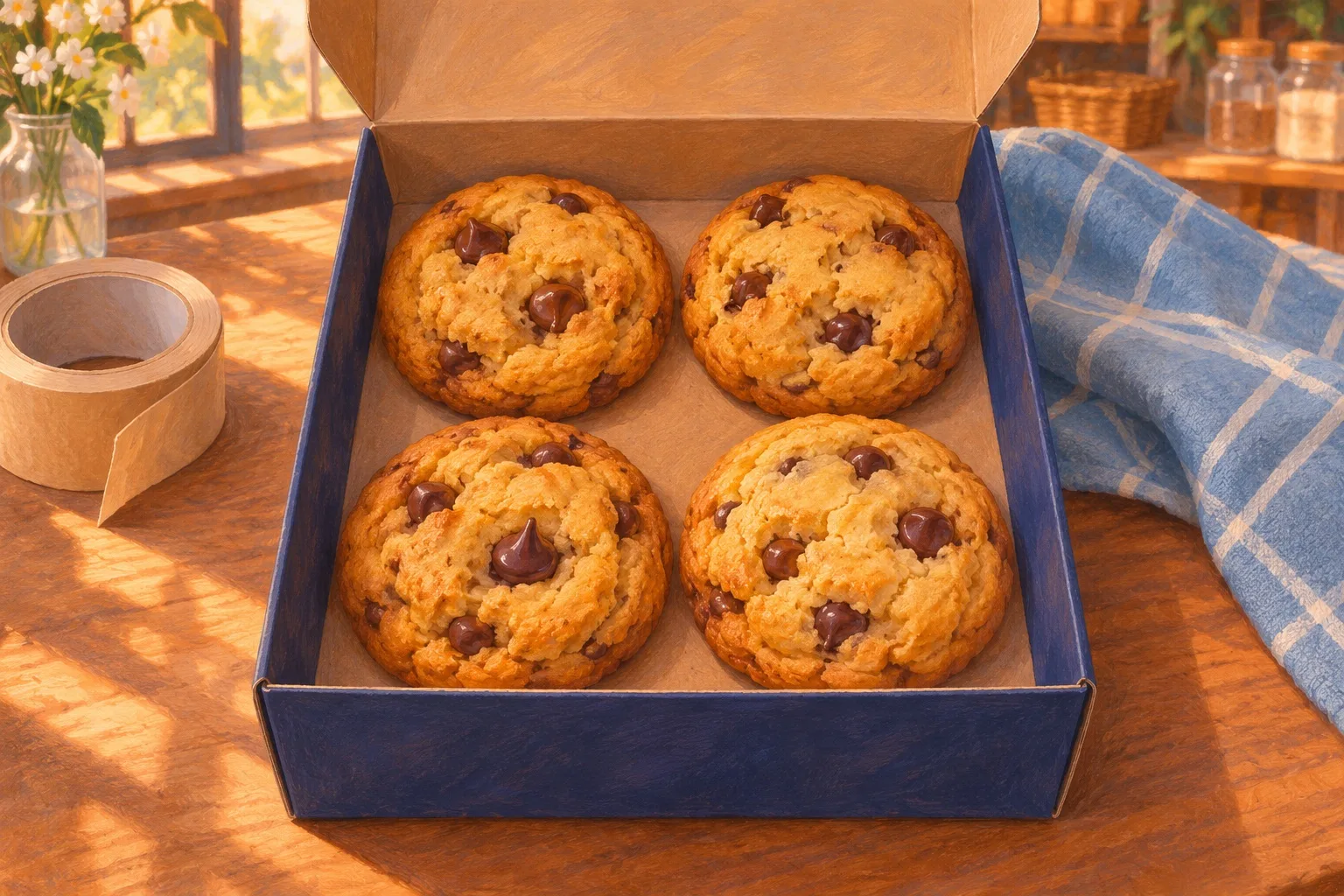
Can a Five-Second Clip Keep All Four Cookies?
Check a five-second bakery clip against the four-cookie box. Learn which frames to count, how to spot a mismatch and when to use a photo or phone video.

IPTV Srbija: kako proveriti pretplatu tokom 24 sata
Kako iskoristiti IPTV probu od 24 sata: proverite aplikaciju, kanale, istovremene konekcije, kvalitet reprodukcije i uslove pretplate.
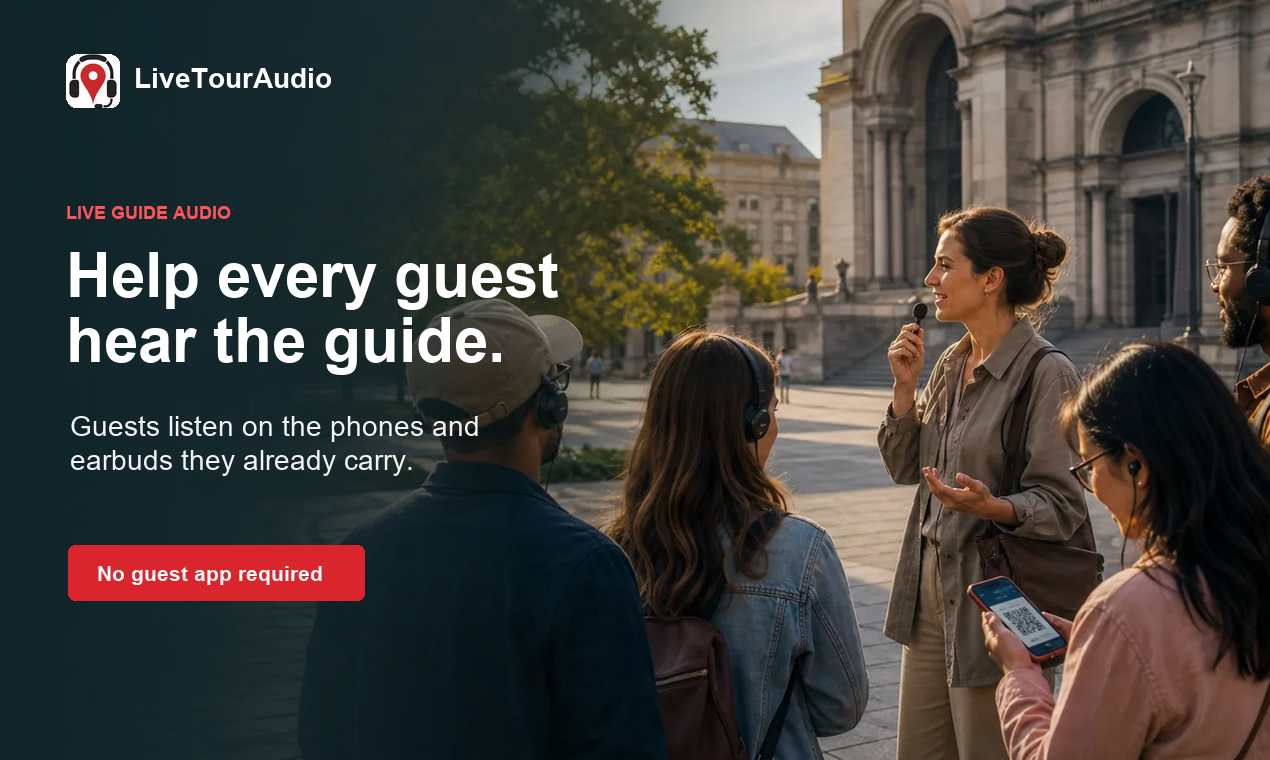
How to Choose an Audio System for Walking Tours
A practical route-first framework for comparing voice projection, dedicated receivers, and guest-phone audio on real walking tours.
Community discussion (0)
Ask questions, share tips, or compare notes with other Video to GIF Maker users.