The Best 1Password Alternatives in 2026

Tolodora Editorial Team
Independent software reviews for founders and small businesses.
Quick answer
The best 1Password alternatives in 2026 are Bitwarden, Proton Pass and Dashlane. Bitwarden is our top overall pick, best for anyone who wants a free, open-source, trustworthy password manager. See the full ranked comparison below.
Want your product listed here?
Get featured in this comparison — tell us about your tool.

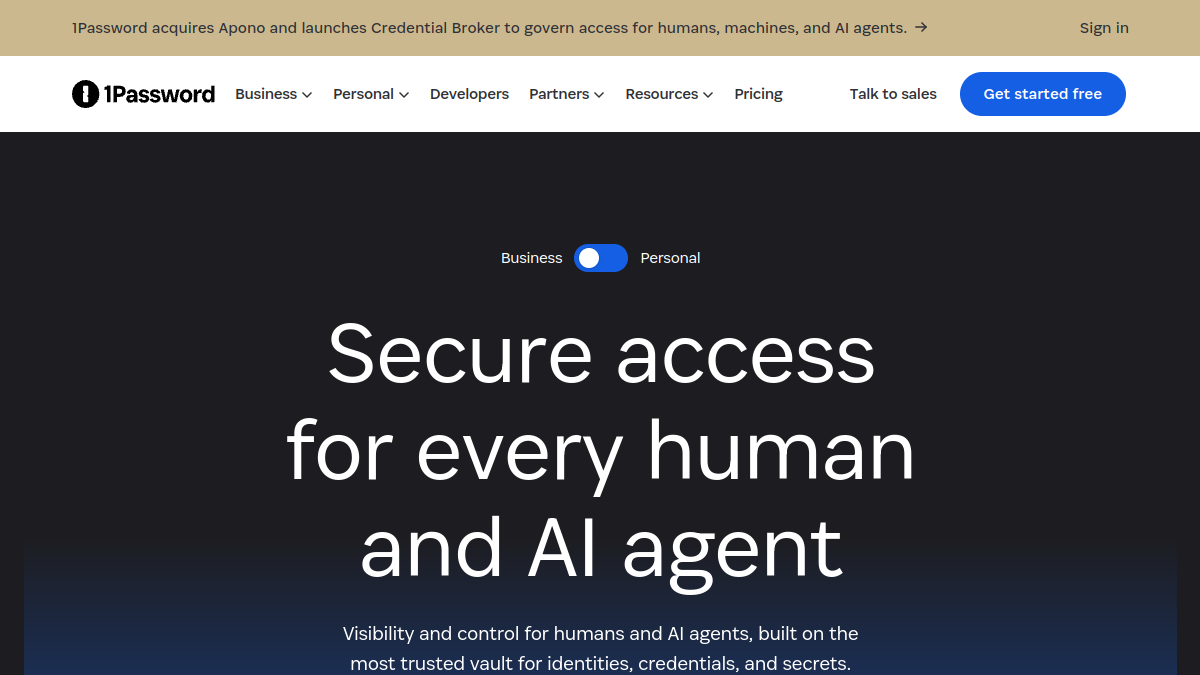
1Password is one of the best password managers there is: polished, secure and genuinely family-friendly. The catch is that it's subscription-only (no free tier, no one-time licence), and strong rivals now match it for less, or even nothing. Whether you want open-source transparency, a free plan, built-in privacy tools, or a one-time purchase, there's a credible 1Password alternative waiting for you.
Below are the six best 1Password alternatives for 2026, ranked on value, security, ease of use and features. All of them use strong end-to-end encryption and a zero-knowledge model, so the real differences come down to price, ecosystem and extras (VPNs, passkeys, offline options). Browse more tools in security.
Plan prices are listed as published on each vendor's own site for 2026, but password managers change pricing and plan limits periodically, so confirm current figures before you commit. Ratings are our own editorial estimates to help you compare.
| Tool | Starts at | Free plan | Best for |
|---|---|---|---|
| Bitwarden | Free; Premium ~$10/year | Yes (generous) | Anyone who wants a free, open-source, trustworthy password manager |
| Proton Pass | Free; Plus ~$1.99/mo | Yes | Privacy-focused users, especially existing Proton users |
| Dashlane | Free; Premium ~$4.99/mo | Yes (limited) | Users who want a premium, all-in-one security experience |
| NordPass | Free; Premium ~$1.99/mo | Yes | Users wanting a simple, affordable manager from a trusted brand |
| Keeper | From ~$2.92/mo | Trial | Businesses and security-conscious teams |
| Enpass | Free; ~$1.99/mo or one-time licence | Yes (desktop) | Users who want local control and to avoid subscriptions |
| Tool | Value | Support | Ease of use | Features | Overall | Best for |
|---|---|---|---|---|---|---|
| Bitwarden | 10.0 | 8.0 | 8.0 | 8.0 | 8.5 | Anyone who wants a free, open-source, trustworthy password manager |
| Proton Pass | 9.0 | 8.0 | 8.0 | 8.0 | 8.3 | Privacy-focused users, especially existing Proton users |
| Dashlane | 6.0 | 8.0 | 9.0 | 9.0 | 8.0 | Users who want a premium, all-in-one security experience |
| NordPass | 8.0 | 8.0 | 9.0 | 7.0 | 8.0 | Users wanting a simple, affordable manager from a trusted brand |
| Keeper | 6.0 | 8.0 | 8.0 | 9.0 | 7.8 | Businesses and security-conscious teams |
| Enpass | 8.0 | 7.0 | 8.0 | 7.0 | 7.5 | Users who want local control and to avoid subscriptions |

Comparing against the original?
See 1Password's profile, rating & reviews on Tolodora →
| # | Tool | Best for | Rating |
|---|---|---|---|
| 1 | Bitwarden | Anyone who wants a free, open-source, trustworthy password manager | 4.3/5 |
| 2 | Proton Pass | Privacy-focused users, especially existing Proton users | 4.1/5 |
| 3 | Dashlane | Users who want a premium, all-in-one security experience | 4.0/5 |
| 4 | NordPass | Users wanting a simple, affordable manager from a trusted brand | 4.0/5 |
| 5 | Keeper | Businesses and security-conscious teams | 3.9/5 |
| 6 | Enpass | Users who want local control and to avoid subscriptions | 3.8/5 |
Bitwarden
- Pricing
- 10.0/10
- Functionality
- 8.0/10
- Ease of use
- 8.0/10
- Support
- 8.0/10
What I like
Open-source, audited and genuinely free for unlimited passwords on unlimited devices.
Best for
Anyone who wants a free, open-source, trustworthy password manager
Bitwarden is the default recommendation for most people leaving 1Password, and it's hard to beat on value. It's fully open-source and regularly third-party audited, which makes its security claims verifiable rather than just promised. The free plan is genuinely generous (unlimited passwords across unlimited devices, with sync), and Premium costs around $10 per year, a fraction of most rivals. Families and teams get cheap plans too, and you can even self-host the server for total control. It's a touch less slick than 1Password's interface, but for transparency, trust and price, Bitwarden is the standout alternative. See our <a href="/alternatives/bitwarden-alternatives">Bitwarden alternatives</a> too.
Proton Pass
- Pricing
- 9.0/10
- Functionality
- 8.0/10
- Ease of use
- 8.0/10
- Support
- 8.0/10
What I like
Privacy-first and made by the Proton Mail team, with built-in email aliases.
Best for
Privacy-focused users, especially existing Proton users
Proton Pass comes from Proton, the Swiss company behind Proton Mail, and it carries the same privacy-first ethos and jurisdiction. Beyond solid password management with end-to-end encryption, its standout feature is built-in hide-my-email aliases (powered by Proton's SimpleLogin), which let you mask your real address when signing up for services, a genuine privacy upgrade. There's a capable free tier, and Plus is around $1.99/month, or it's bundled into Proton's broader privacy suite (mail, VPN, drive). For anyone who values privacy, is wary of US-based services, or already pays for Proton, it's the natural pick.
Dashlane
- Pricing
- 6.0/10
- Functionality
- 9.0/10
- Ease of use
- 9.0/10
- Support
- 8.0/10
What I like
The most polished experience, with a bundled VPN and proactive dark-web monitoring.
Best for
Users who want a premium, all-in-one security experience
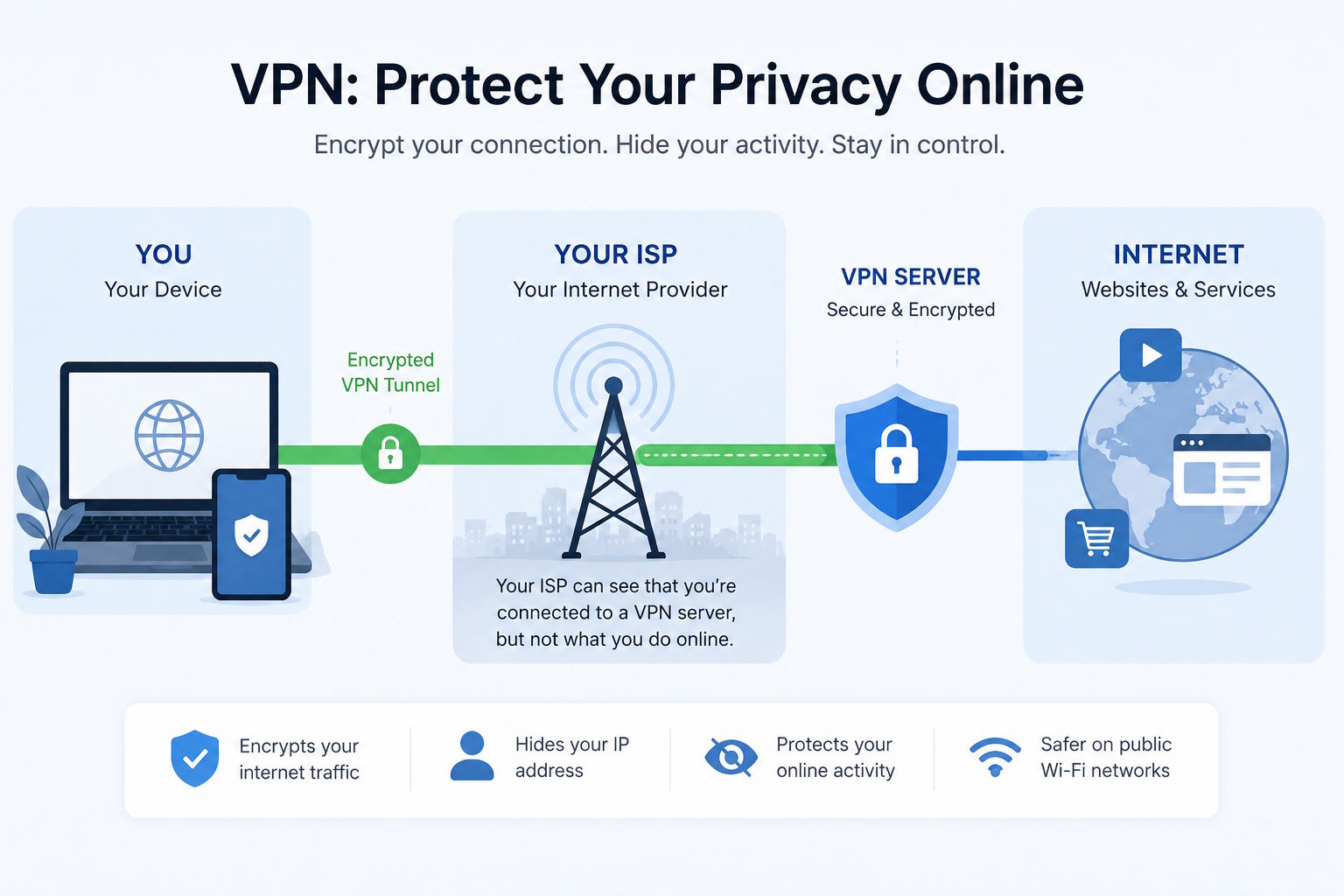
Dashlane is the closest match to 1Password's premium, highly polished feel, and it bundles in extras 1Password doesn't: a VPN for privacy on public Wi-Fi, proactive dark-web monitoring and a slick autofill engine widely rated among the best. Its free plan is limited (device and password caps), so you'll probably want Premium at around $4.99/month, which makes it one of the pricier options here. But if you want a single, beautifully designed app that handles passwords, VPN and breach alerts together, Dashlane earns its cost for users who value convenience and a premium experience over rock-bottom price.
NordPass
- Pricing
- 8.0/10
- Functionality
- 7.0/10
- Ease of use
- 9.0/10
- Support
- 8.0/10
What I like
Clean, modern and very easy to use, from the well-known Nord security family.
Best for
Users wanting a simple, affordable manager from a trusted brand
NordPass comes from Nord Security, the team behind NordVPN, and brings a clean, modern, beginner-friendly interface. It uses the modern XChaCha20 encryption, supports passkeys, and offers data-breach scanning and a password health checker. The free plan covers one device at a time; Premium is affordable at around $1.99/month on longer plans, and it's often bundled with Nord's VPN and other tools for a combined discount. It's a little lighter on advanced features than 1Password or Dashlane, but for users who want a straightforward, reasonably priced password manager from a recognised security brand, NordPass is an easy recommendation. See our <a href="/alternatives/nordvpn-alternatives">NordVPN alternatives</a> too.
Keeper
- Pricing
- 6.0/10
- Functionality
- 9.0/10
- Ease of use
- 8.0/10
- Support
- 8.0/10
What I like
Security- and compliance-grade features that make it a favourite for businesses.
Best for
Businesses and security-conscious teams
Keeper is the most business- and security-oriented option here, with a strong track record on compliance (SOC 2, FedRAMP authorisation) that appeals to organisations with strict requirements. It offers granular admin controls, secure file storage, encrypted messaging and optional add-ons like dark-web monitoring and privileged-access tooling. Pricing starts around $2.92/month for personal use, with business tiers above that, and there's a trial rather than a permanent free plan. It's more than a casual user needs, and the add-on pricing can mount up. But for teams and security-conscious businesses that need robust controls and compliance, Keeper is a heavyweight, dependable choice.
Enpass
- Pricing
- 8.0/10
- Functionality
- 7.0/10
- Ease of use
- 8.0/10
- Support
- 7.0/10
What I like
Offline-first storage you control, with a rare one-time-purchase option.
Best for
Users who want local control and to avoid subscriptions
Enpass is the pick for people who dislike the cloud-subscription model entirely. It stores your vault locally or in your own cloud (iCloud, Google Drive, Dropbox, OneDrive) rather than on the vendor's servers, which gives you full control over where your data actually lives. Better still, it keeps a one-time lifetime purchase alongside its subscription, a rarity now that almost everyone has moved to monthly billing, and the desktop version is free. It's less seamless for cross-device sync than cloud-native managers, and its interface is more utilitarian, but for offline-first control and no recurring fee, Enpass is genuinely different.
The verdict
For most people the best 1Password alternative is Bitwarden: open-source, audited and free for the essentials. Privacy-focused users should look at Proton Pass (with its email aliases), while Dashlane offers the most polished premium experience with a bundled VPN. NordPass is the easy, affordable pick from a trusted brand, Keeper the choice for businesses needing compliance, and Enpass the answer if you want offline control and a one-time purchase.
Whatever you shortlist, run your real work through it for a week before committing — the right tool is the one that quietly disappears and lets you get back to it. And if you build software like this yourself, you can list it on Tolodora free.
Frequently asked questions
What is the best free alternative to 1Password?
Bitwarden is the best free 1Password alternative by a wide margin: its free plan covers unlimited passwords on unlimited devices with sync, and it's open-source and audited. Proton Pass and NordPass also have capable free tiers, though with more limits on devices or features than Bitwarden.
Is Bitwarden as secure as 1Password?
Yes. Both use strong end-to-end encryption and a zero-knowledge architecture, meaning the provider can't read your vault. Bitwarden's edge is that it's open-source and independently audited, so its security can be publicly verified rather than taken on trust. Both are considered excellent, safe choices.
Which 1Password alternative has a one-time purchase?
Enpass is the main option with a one-time lifetime licence, because it stores your vault locally or in your own cloud rather than charging for a hosted subscription. Most other managers (including 1Password, Bitwarden Premium, Dashlane and NordPass) are subscription-based.
Why switch away from 1Password?
The most common reasons are cost and the lack of a free tier or one-time purchase, since 1Password is subscription-only. People also switch for open-source transparency (Bitwarden), stronger privacy and email aliases (Proton Pass), a bundled VPN (Dashlane), or offline local storage (Enpass).
Can I move my 1Password data to another manager?
Yes. 1Password lets you export your vault, and every alternative here offers an importer (several have a dedicated 1Password import). The move is usually quick: export from 1Password, import into the new manager, check everything transferred, then securely delete the export file.
Sources & further reading
Keep exploring
Building one of these alternatives?
List your tool on Tolodora and get discovered by buyers comparing options.
Launch Your Product