The 8 Best Software for Family Law Firms in 2026
Family law sits at a demanding intersection: it's document-heavy (petitions, financial affidavits, parenting plans, agreements), deadline-driven (court dates and filing windows you can't miss), and emotionally intense (clients need frequent, empathetic communication). A divorce or custody matter generates a steady stream of standardized-but-critical documents and requires careful billing, trust accounting and client updates — often while the client is stressed and calling frequently. The right family law software handles the paperwork and process so you can focus on your clients and your advocacy.
Because so much of family law is producing similar documents and moving matters through predictable stages, it's a practice area where document automation and workflow tools pay off enormously. Below are the 8 best software tools for family law firms in 2026, with what each does best and how to build your stack.
Why family law firms need the right software
Three characteristics of family law make software especially valuable:
- Repetitive, high-stakes documents. You produce the same categories of documents — petitions, financial disclosures, settlement agreements, parenting plans — again and again, each of which must be accurate. Document automation turns hours of drafting into minutes.
- Heavy client communication. Family law clients are anxious and want frequent updates. A client portal, secure messaging and automated updates keep them informed without overwhelming your phone lines.
- Careful billing and trust accounting. Retainers, hourly billing and trust funds must be tracked precisely and compliantly, with clear invoices clients understand.
Add strict court deadlines and the need to intake and convert new clients, and a good practice management platform quickly becomes the operational core of a family law firm.
What to look for in family law software
- Powerful document automation — generate petitions, affidavits and agreements from templates and case data.
- Strong calendaring and deadlines — court dates, filing deadlines and reminders, ideally rules-based.
- Client communication — a secure portal, messaging and automated updates for anxious clients.
- Trust accounting and billing — compliant retainer/trust handling and clear invoicing.
- Intake and CRM — capture and convert new-client inquiries, which are often emotional and time-sensitive.
- Time capture — accurate time tracking (ideally automatic) since much family law is billed hourly.
- Ease of use — your team should adopt it quickly.
1. Smokeball — best document automation for family law
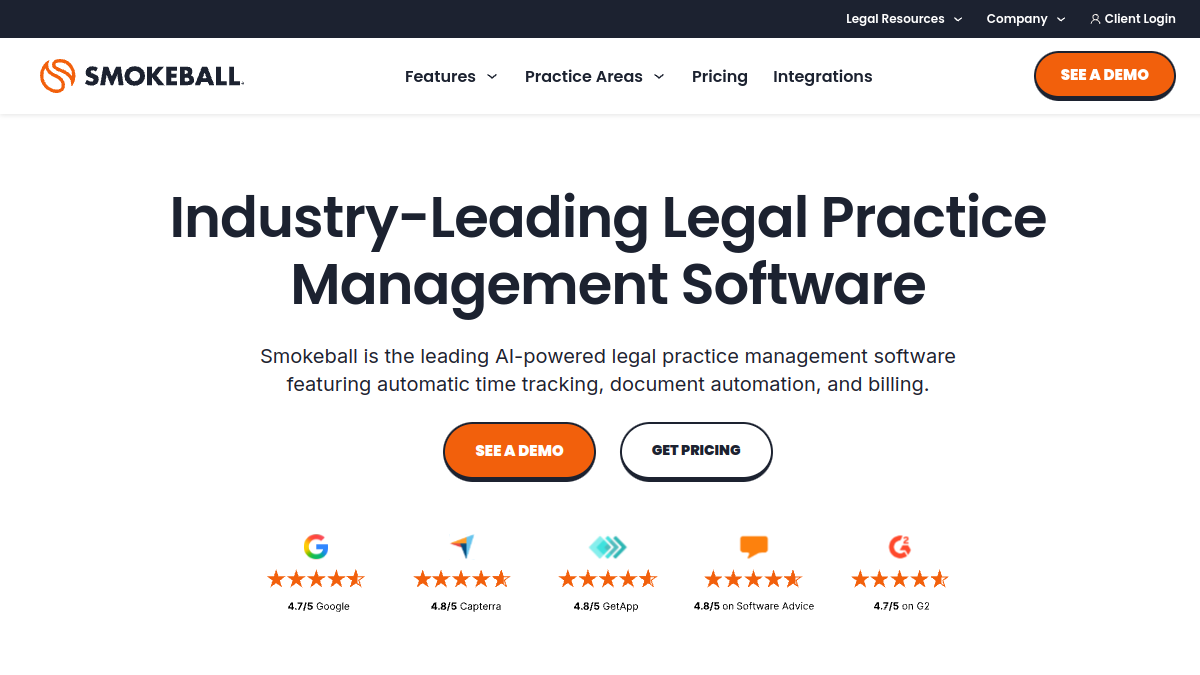
Smokeball is a standout for family law thanks to its powerful document automation and automatic time capture. Family practices generate huge volumes of standardized documents, and Smokeball produces them from case data quickly and accurately, while automatically tracking the time your team spends so nothing billable is lost. Combined with matter management, billing and a strong document library, it directly targets family law's biggest time sinks — paperwork and capturing billable time.
2. Clio — best all-round platform with a huge ecosystem
Clio is the market-leading practice management platform and an excellent family law backbone: matters, calendaring, document management, trust accounting, hourly and flat-fee billing, online payments and a client portal, plus the largest integration ecosystem in legal and Clio Grow for intake. It's flexible, reliable and scales with your firm. For family firms that want a proven, well-supported platform that does everything and connects to everything, Clio is the safe, powerful choice.
3. MyCase — best affordable all-in-one
MyCase is a budget-friendly all-in-one with case management, document automation, client communication (including a portal and texting), billing and online payments. For small and mid-size family firms that want a complete, easy platform without a premium price, it's a strong pick — and its client-communication features suit family law's need for frequent, secure client contact.
4. Lawmatics — best legal CRM & client intake
New family law clients often reach out at an emotional, urgent moment, and slow follow-up loses them. Lawmatics is a legal-specific CRM built for intake and marketing automation — instant follow-up, nurturing, e-sign retainers and marketing-ROI reporting. Paired with a practice management platform, it ensures inquiries become signed clients and helps you understand which marketing actually brings in cases.
5. PracticePanther — best easy, automation-friendly platform
PracticePanther is an approachable all-in-one with strong workflow automation, calendaring, billing and payments. Its automation is useful for standardizing the repetitive steps of family matters, and its ease of use helps your team get productive quickly. A solid, friendly option for family firms that want capability without complexity.
6. Rocket Matter — best for billing and productivity
Rocket Matter is a practice management and time-and-billing platform with strong billing, trust accounting and productivity features. For family firms where accurate hourly billing and getting invoices out promptly are priorities, its billing focus is a real strength, alongside matter management and document tools.
7. An AI assistant (ChatGPT / Claude) — best for drafting
AI assistants help family lawyers draft correspondence, explain processes to clients in plain language, summarize financial disclosures or long documents, and produce first drafts of routine filings. Used carefully — verifying every output, protecting confidentiality, and never filing unverified AI content — a tool like ChatGPT or Claude saves meaningful time on the drafting that fills a family practice. See our ChatGPT vs Claude guide for legal use.
8. A secure client portal & e-signature layer
Family law involves sensitive documents and frequent client contact, so secure sharing, messaging and e-signature matter. Whether built into your platform (Clio, MyCase both include portals) or added via an e-signature tool, making it easy and secure for clients to review documents, message you and sign reduces phone tag and keeps sensitive material protected.
How to build your family law stack
A strong, common setup is: a practice management platform as your core — Smokeball if document automation and time capture are your priorities, Clio for an all-round proven platform, or MyCase for affordability — plus Lawmatics for intake and client conversion, and an AI assistant for drafting. Start with the core platform, get your document templates built, then add intake automation. That combination handles family law's paperwork, deadlines and client communication in one workflow.
A note on confidentiality and ethics
Family law involves highly sensitive personal and financial information, so protecting client confidentiality is paramount — use secure portals rather than plain email for sensitive documents, and don't feed confidential details into AI tools that don't ensure confidentiality. As always, verify AI output, maintain proper trust accounting, and keep attorneys responsible for all work.
How much does family law software cost?
Family law platforms charge a per-user monthly fee that scales with capability. MyCase and PracticePanther sit at the affordable end with complete all-in-one functionality; Clio spans mid-to-premium with the deepest ecosystem; Smokeball is a premium option justified by its document automation and automatic time capture; Rocket Matter is competitively priced with strong billing. A legal CRM like Lawmatics adds a monthly cost for intake, and AI assistants are around $20/month per user. For most small-to-mid family firms, a single practice management platform is the core cost, with an optional intake CRM. Given how much time document automation and automatic time capture save — and how much billable time firms lose without them — the software usually pays for itself quickly in recovered hours and cleaner billing.
Migrating your family law firm to new software
Because family matters carry sensitive documents, trust balances and firm court deadlines, migrate deliberately. Export and clean your contact, matter, document and financial data, then map it to the new platform. Rebuild your key document templates — petitions, financial affidavits, parenting plans, agreements — and your intake forms before go-live so you're immediately productive. Reconcile trust accounting during the transition. Move dormant and closed matters in bulk, and handle active, deadline-sensitive matters in a controlled batch or brief parallel period. Use your vendor's onboarding and migration support (Clio, MyCase, Smokeball and others provide it), and train staff on the daily family-law workflows — document generation, calendaring, client portal, billing — rather than the entire feature set.
Common mistakes family firms make with software
The biggest is not automating documents — having staff manually retype the same petitions and affidavits when a template-driven tool could generate them in seconds. Second is letting billable time slip by relying on memory instead of automatic time capture, quietly losing revenue on hourly work. Third is neglecting intake — family clients reach out at an emotional, urgent moment, and slow follow-up loses them to the next firm. Fourth is using insecure communication for sensitive documents instead of a secure client portal, creating confidentiality risk. Fifth is feeding sensitive client data into AI tools that don't ensure confidentiality, and filing AI drafts without careful review. Avoid these and your software becomes a genuine advantage rather than shelfware.
Cloud vs on-premise for family law firms
Nearly all modern family law software is cloud-based, and for good reason: you can work from court, home or office, your data is backed up and secure without you managing servers, and updates happen automatically. Clio, MyCase, Smokeball, PracticePanther and Rocket Matter are all cloud platforms. The main considerations are choosing a vendor with strong security and confidentiality practices (important given sensitive family data), reliable uptime, and clear data-ownership terms so your files are always yours. On-premise systems are increasingly rare and usually only relevant to firms with specific regulatory or IT requirements; for the vast majority of family practices, a reputable cloud platform is the right, more flexible choice.
Do family law firms need a client portal?
For family law, a secure client portal is close to essential. Clients in divorce and custody matters are anxious, want frequent updates, and need to exchange sensitive personal and financial documents — exactly the things that a secure portal handles far better than email and phone tag. A good portal lets clients view their case status, message you securely, upload and download documents, review and sign paperwork, and even pay invoices, all in one protected place. That reduces your phone volume, keeps sensitive material off insecure email, and gives clients the reassurance of transparency during a stressful time. Clio, MyCase and other leading platforms include client portals; if you handle sensitive family matters, prioritize a tool with a strong, secure one.
General AI or legal-specific AI for family law?
Both have a place. General assistants like ChatGPT and Claude are versatile and cheap, and handle a lot of family-law drafting — client letters, plain-language explanations, first drafts of routine documents, and summaries of long financial disclosures. Legal-specific AI tools add legal context, jurisdiction awareness and tighter document review, at a higher cost. For most small and mid-size family firms, a general assistant used carefully — always verifying output, protecting confidentiality, and never filing unverified content — covers the majority of needs affordably. Larger firms or those doing heavy document review may add a legal-specific AI tool. Whichever you choose, the rule is the same: AI produces drafts and summaries; a human lawyer verifies and remains responsible for every filing and piece of advice.
Frequently asked questions
What is the best software for family law firms?
Smokeball is the best for document automation and time capture, Clio is the best all-round platform, and MyCase is the best affordable all-in-one. Most firms pair one of these with Lawmatics for intake. The best depends on whether your priority is paperwork, flexibility or price.
Which family law software is best for document automation?
Smokeball is especially strong at document automation, generating petitions, affidavits and agreements from case data quickly — a huge time-saver for document-heavy family practices. Clio and MyCase also offer document automation.
Is there affordable family law software?
MyCase and PracticePanther are budget-friendly all-in-one options, and Rocket Matter is competitively priced with strong billing. These give small family firms complete functionality without a premium price.
Which tool handles trust accounting for family law?
Clio, MyCase, Smokeball, PracticePanther and Rocket Matter all include or support compliant trust accounting for retainers and client funds — essential for handling family law retainers correctly.
Can AI help family law attorneys?
Yes — AI assistants draft correspondence, explain processes to clients, summarize financial disclosures and produce first drafts of routine documents, saving time. Always verify output, protect sensitive client data, and keep attorneys responsible for all filings and advice.
How do I choose family law software?
Prioritize document automation, strong calendaring, trust accounting, client communication and intake. Then pick based on your firm's size and budget — Smokeball for paperwork-heavy firms, Clio for an all-rounder, MyCase for value — and take advantage of free trials to test fit.
What is the best free family law software?
There isn't a fully free practice management platform built for family law, but most leading tools — MyCase, Clio, Smokeball, PracticePanther and Rocket Matter — offer free trials so you can test them before committing. General AI assistants like ChatGPT have capable free tiers for drafting. For a small firm, the affordable all-in-one tools (MyCase, PracticePanther) offer the best value, and the time they save on documents and billing typically outweighs their modest monthly cost many times over.
The bottom line
Family law is won on organized documents, safe deadlines and steady client communication — exactly what modern legal software delivers. Build around a practice management platform (Smokeball for document automation, Clio for an all-rounder, or MyCase for value), add Lawmatics to convert new clients, and use an AI assistant to draft faster. Keep sensitive data secure, and your firm will run more smoothly while you focus on your clients. Compare more software on Tolodora to build your shortlist.