Free Self-Hosted Session Replay: Find and Fix UX Problems
Your website can load quickly, look polished, and still leave visitors stuck. A signup form might reject an unexpected input. A button might sit below the visible area on a smaller screen. A customer might follow a path your team never considered when testing a new feature.
When someone reports that something is broken, the first challenge is understanding what happened. Page views and conversion totals provide useful signals, but investigating an individual experience often requires more context.
Free self-hosted session replay gives technical teams a way to review those experiences while keeping recordings on infrastructure they control. Combined with user feedback and debugging information, it can help turn unclear reports into specific issues your team can investigate.
This guide explains what session replay can show, how to review recordings effectively, and where a tool like TraceUX fits into a practical UX improvement workflow.
What is session replay?
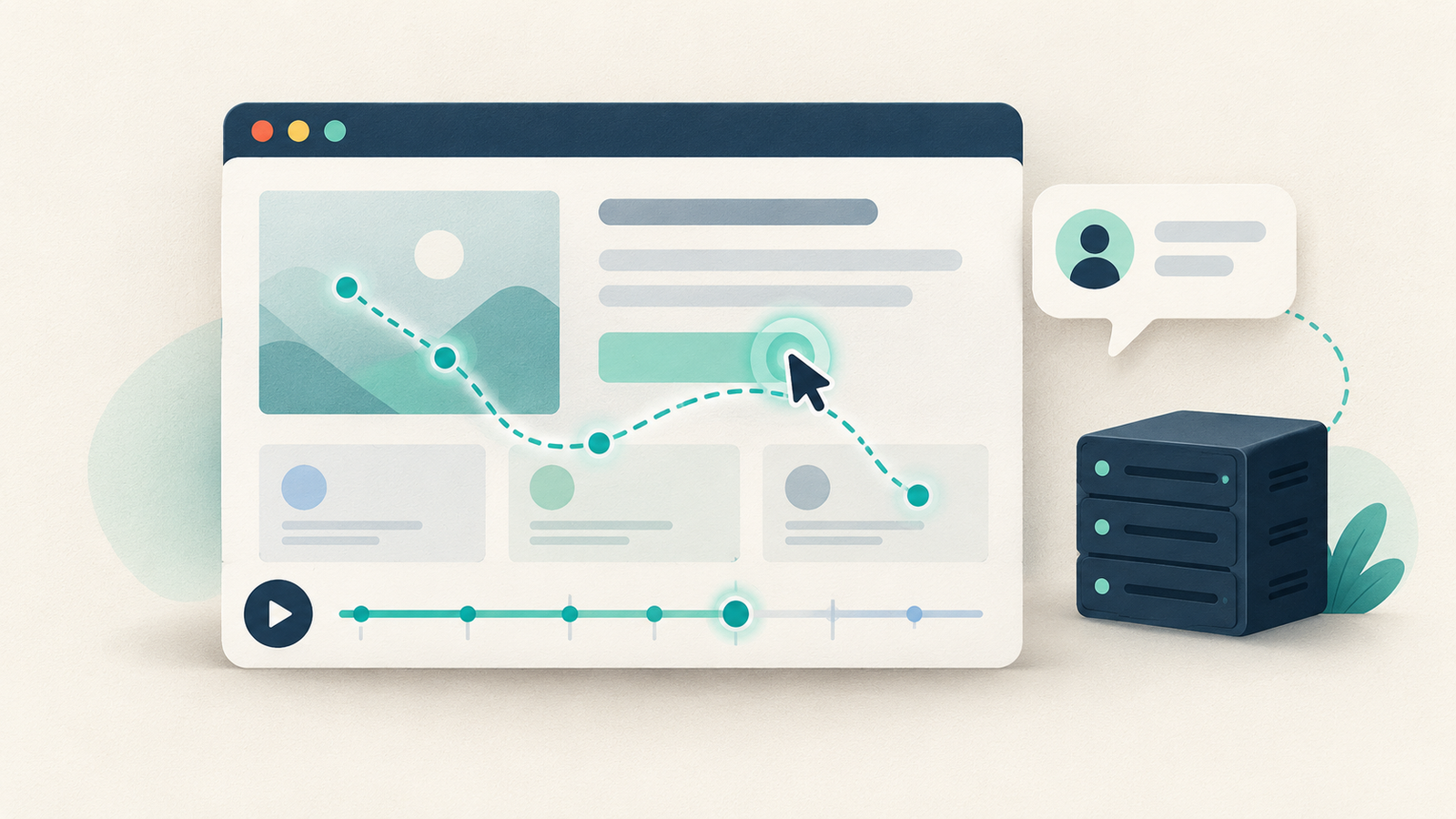
Session replay reconstructs a visitor’s interaction with a website so your team can review the sequence later. Depending on the tool and its configuration, a replay can show clicks, scrolling, page changes, and updates to the interface.
TraceUX uses DOM-event replay rather than recording a video of someone’s entire screen. It reconstructs the website experience from captured page information and browser events. This distinction matters when deciding what information you want to collect and how to configure masking.
A replay provides evidence of an interaction, but it cannot tell you everything the visitor was thinking. Repeated clicks might indicate an unresponsive control, an unclear loading state, or simple impatience. You still need to inspect the interface and, when possible, ask the user what they expected.
Why choose free self-hosted session replay?
Self-hosting lets you operate the replay service on your own infrastructure. Your team chooses where the data lives, how much storage to provide, and how long to retain recordings.
For a small SaaS business or developer-led product, that can make session replay easier to fit into an existing hosting setup. It also gives the team responsibility for maintenance, updates, backups, access controls, and capacity planning.
Free software does not mean that running the service has no cost. Server resources and storage still matter. A useful evaluation should consider both the product’s pricing and the work required to operate it.
TraceUX has no required SaaS subscription, per-seat charge, or vendor-enforced session quota when self-hosted. Practical capacity follows the resources you provide and the recording and retention settings you choose.
Start with one user journey
Watching recordings without a question can consume a lot of time. Choose a specific journey before opening a session: creating an account, completing onboarding, configuring a project, or submitting a support request.
Write down what successful completion looks like. For example, a new customer should be able to create a project, install the required snippet, and see their first session arrive. That gives you a concrete sequence to investigate.
Then look for the point where the visitor’s behavior diverges from the expected path. Did they leave the setup page before copying the snippet? Did they return to documentation repeatedly? Did the interface provide a useful confirmation after saving?
These questions produce more actionable findings than a general note that users seem confused. They also help you decide which part of the journey needs another test.
Look for friction without assuming its cause
A session can reveal an interaction worth investigating even when it does not establish the underlying cause.
Useful patterns to examine include:
Clicking the same control several times without an obvious response.
Moving repeatedly between two pages during a task.
Scrolling past instructions and returning to search for them.
Abandoning a form immediately after an error appears.
Opening help while attempting a particular action.
For each finding, record what you actually observed. Instead of writing “the user hated onboarding,” describe the sequence: “The visitor submitted the form twice, received the same validation message, opened help, and left.”
That description gives a designer, developer, or support colleague something they can examine. It leaves room for the real cause to be a technical error, unclear copy, missing guidance, or a mismatch between the product and the visitor’s needs.
Connect recordings with direct user feedback
Behavior and feedback answer different questions. A recording shows what happened in the captured interface. A user’s explanation helps you understand what they wanted to accomplish.
TraceUX combines session replay with contextual feedback, star ratings, NPS-style questions, and custom feedback campaigns. Its threaded support tickets can carry the originating page and session context into the conversation.
Consider a customer who says, “I cannot save my settings.” A replay may show which settings they changed and what happened after submission. A follow-up question can establish whether they expected an immediate update, a confirmation message, or an additional action.
Ask focused questions, such as “What did you expect to happen after clicking Save?” Keep the request short and avoid asking the customer to reconstruct information already visible in the session.
This combination helps teams investigate the issue while reducing repetitive back-and-forth with the person who reported it.
Give developers enough context to reproduce the issue
A useful bug report should describe the starting conditions, the actions taken, the expected result, and the observed result. Include the affected page and relevant browser or service logs when available.
TraceUX brings browser logs, service logs, and backend performance measurements into the same toolkit as session replay. These sources can help an engineer distinguish an interface problem from a failing request or a slow backend operation.
For example, a visitor may click a control twice because the first request is taking longer than expected. The appropriate fix could involve the backend, the loading state, or both. The replay alone does not prove which change is needed.
TraceUX also supports exporting recorded evidence for AI coding agents. A developer can provide the export to an agent working with the original application’s code, styles, and assets, then ask it to attempt a local reproduction.
Treat the result as something to verify. An agent’s suggested cause or generated fix still needs testing against the observed behavior. Recorded evidence makes the investigation more specific; it does not guarantee a correct diagnosis.
Check masking and retention before collecting real sessions
Before enabling recording broadly, test a session using dummy data. Review what appears in the replay and confirm that sensitive fields are masked as intended.
Check account pages, support forms, and any interface where a visitor could enter personal or confidential information. Avoid assuming that a default setting covers every custom component in your application.
Choose a retention window that matches your investigation needs and available storage. Restrict access to the people who need recordings for support, product work, or debugging. Include the replay service in your normal update and backup routines.
Self-hosting gives you control over these decisions, and it also makes your team responsible for implementing them. Reviewing the configuration before launch is easier than discovering unwanted data in a recording later.
Make one improvement and check the result
After identifying a problem, choose a change that addresses the evidence you collected. That might mean rewriting a validation message, adding a loading indicator, fixing a broken control, or moving instructions closer to the relevant action.
Document the behavior you expect to change. If customers repeatedly submit a form because they cannot see its progress, the next review should check whether the revised interface makes the pending state clear.
Use subsequent sessions and direct feedback to assess the change. For broader outcomes, such as signup completion, combine this qualitative investigation with an appropriate aggregate measurement tool. A small set of recordings can explain individual experiences without establishing a reliable conversion trend.
TraceUX’s product announcements can help close the loop. A team can publish an update through the same Help & updates widget used for support and feedback, then review reads, likes, and comments on that announcement.
Where TraceUX fits
TraceUX is designed for technical teams that want web session replay, user feedback, support, announcements, and debugging context in one self-hosted service. It runs as a single Go binary with embedded SQLite, reducing the number of separate services needed for deployment.
It can be useful when evaluating a free self-hosted Hotjar alternative, especially if your priorities are reviewing individual sessions, communicating with users, and keeping data on your own infrastructure.
Feature requirements still matter. TraceUX does not currently include heatmaps, conversion funnels, or native mobile-app session recording. Teams that depend on those capabilities should account for them when comparing tools.
If this workflow matches your needs, explore TraceUX’s free self-hosted session replay platform and begin with one important user journey. Review the evidence, ask a focused question, make a specific improvement, and check whether the next visitor can complete the task more easily.