Cleanvoice AI
SoftwareAn AI tool that automatically edits podcasts — removing filler words, silences, noise and mouth sounds.
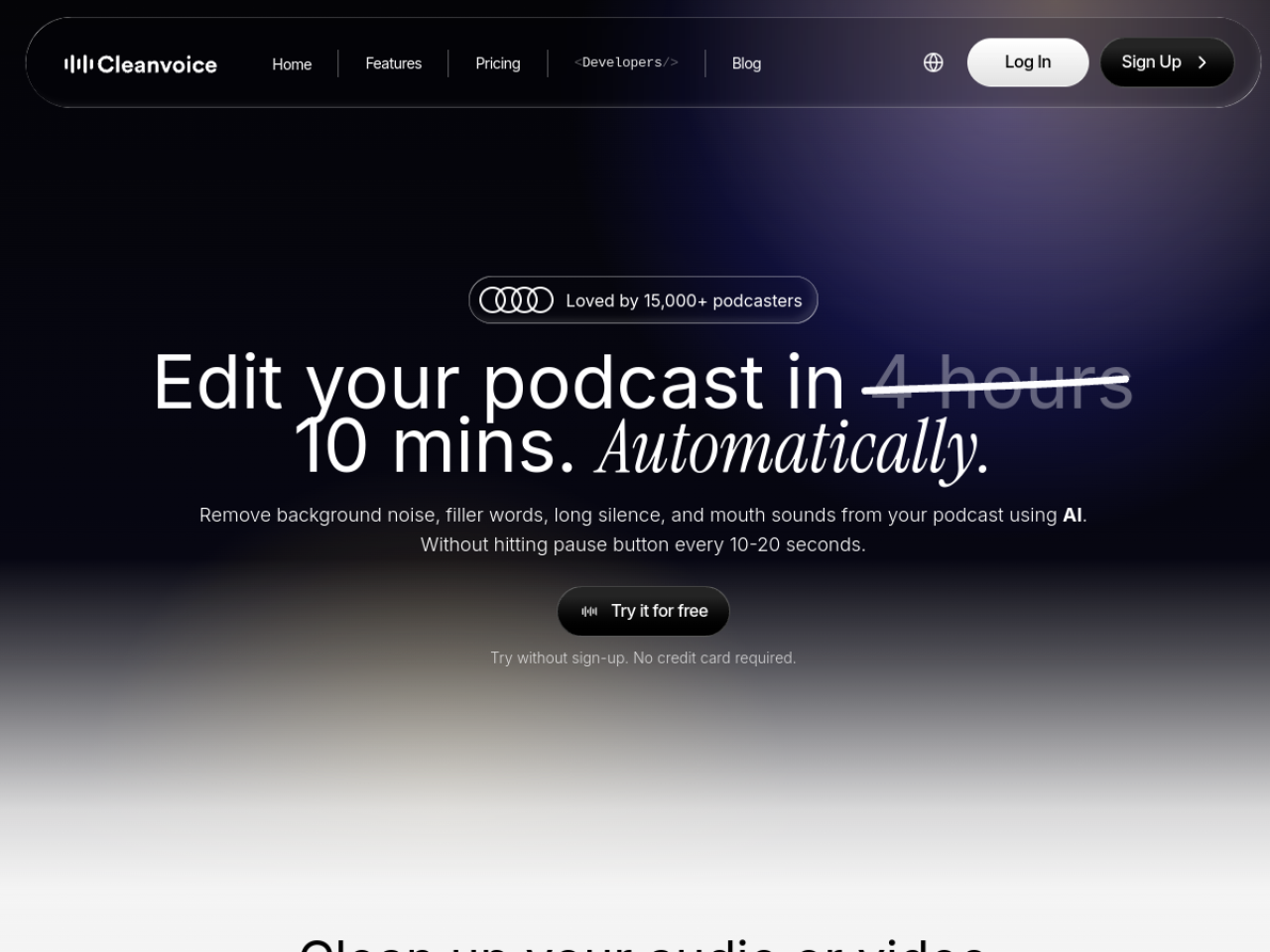
About Cleanvoice AI
Cleanvoice is an AI audio (and video) editing tool that automatically cleans up recordings — removing filler words, background noise, stutters and dead air, then enhancing what's left to studio quality. Built for podcasters and creators, it turns the tedious, hours-long job of manual audio editing into a few clicks. It's used by 15,000+ podcasters and 30+ brands.
What is Cleanvoice?
Cleanvoice takes a raw recording and does the cleanup work automatically: it identifies and strips out "um"s and "uh"s, ambient noise, mouth and breath sounds, stutters and long pauses, and enhances the audio to sound professionally produced. It handles multiple speaker tracks in sync, works on audio and video, and can also generate transcripts and show notes.
Who it's for
Cleanvoice serves podcasters, media agencies, content creators, audio engineers, video editors, audiobook narrators and voiceover professionals. Anyone who records spoken audio and would rather not spend hours manually snipping filler words and cleaning noise is a natural user — from solo podcasters to agencies producing at volume.
Key features
- Filler-word removal ("um," "uh," and similar)
- Background noise, mouth-sound and breath removal
- Audio enhancement to "studio sound" quality
- Multitrack editing that keeps speakers in sync
- Dead-air and stutter removal
- Transcription and show-notes summarization
- Timeline export to Adobe Audition, DaVinci Resolve, REAPER and Audacity
- Developer SDK (Python, JavaScript, REST API) and Make/Zapier support
Hours of editing, done in clicks
Cleanvoice's core value is time. Editing out every filler word, awkward pause and background noise by hand can take longer than the recording itself; Cleanvoice does it automatically in a fraction of the time. For a weekly podcaster or an agency with many episodes, that reclaimed editing time — with results that sound professionally produced — is the whole point.
Works with your existing tools
Rather than locking you into its own editor, Cleanvoice can export an editable timeline compatible with professional tools like Adobe Audition, DaVinci Resolve, REAPER, Audacity and Ultraschall. That means you can let the AI do the tedious cleanup and still keep full manual control in the editor you already know — a big advantage for audio engineers who don't want to abandon their workflow.
More than cleanup
Cleanvoice does more than remove noise. It generates transcripts and show notes, works on video as well as audio, and doesn't require a transcript to operate. For developers, a public API, playground and SDKs (Python, JavaScript, REST) plus Make/Zapier support mean the cleanup can be built into automated pipelines — useful for platforms processing lots of user-generated audio.
Private and compliant
Because recordings can be sensitive, Cleanvoice emphasizes data protection: it's GDPR compliant with EU data storage and ISO 27001 certified. Combined with a free tier (clean 30 minutes with no credit card), that makes it easy to try and safe to adopt, even for agencies and brands with stricter data requirements.
Consistent results across every episode
A recurring problem with manual editing is inconsistency — one episode sounds great, the next is uneven depending on who edited it and how tired they were. Because Cleanvoice applies the same AI cleanup every time, results stay consistent across a whole series, which matters for a podcast's professional identity. Multitrack handling keeps every speaker aligned even in multi-guest recordings, so complex episodes come out as clean as simple ones.
Why choose Cleanvoice
For podcasters, creators and audio professionals who want clean, studio-quality recordings without hours of manual editing, Cleanvoice is a genuinely useful tool. Its automatic filler, noise and pause removal, multitrack handling, editor-compatible exports and developer API — backed by solid privacy credentials — make it a practical way to sound professional while getting your time back.
Tags
Ratings & reviews
No ratings yet
Be the first to rate Cleanvoice AI — your honest take helps others decide.
- No reviews yet — be the first to rate Cleanvoice AI.
Similar softwares

Mayavoo
Mayavoo is a home for browser games made by independent creators. Every game plays free in your browser, with nothing to download or install.

Flying Car AI
One photo of your car becomes a short cinematic stunt video — ramp flight or kickflip.
listai.tools
A free directory of AI tools, filed by what each one makes: writing, image, video, audio, code and agents. Reviewed by hand.
Compare Cleanvoice AI
Similar software
AIforASMR
Create calming AI ASMR videos from prompts, images, and 45+ templates for sleep, rain, skincare, candlelight, relaxation, and ambient loops.

Descript
Edit video and podcasts by editing text — it's that simple.

Music Visualizer
Turn your music into stunning, beat-synced visuals
Photo2VideoAI
Turn one image into a downloadable AI video without creating an account.

bgchanger.video
AI video background removal and creative media suite
MiniMax H3 Max
MiniMax H3 Max is an AI video generator that returns sound with the picture. Make 5 to 15 second clips at 768p; a 5-second clip renders in under 3 seconds.
Related reads

IPTV Srbija: kako proveriti pretplatu tokom 24 sata
Kako iskoristiti IPTV probu od 24 sata: proverite aplikaciju, kanale, istovremene konekcije, kvalitet reprodukcije i uslove pretplate.

How to Choose an Audio System for Walking Tours
A practical route-first framework for comparing voice projection, dedicated receivers, and guest-phone audio on real walking tours.

The 8 Best AI Tools for Podcasters in 2026
AI can record, edit, clean and repurpose your podcast in a fraction of the time. Here are the 8 best AI tools for podcasters in 2026.
Community discussion (0)
Ask questions, share tips, or compare notes with other Cleanvoice AI users.