HyperWrite
SoftwareAn AI writing assistant with autocomplete, web search and citations that works across the apps you use.
About HyperWrite
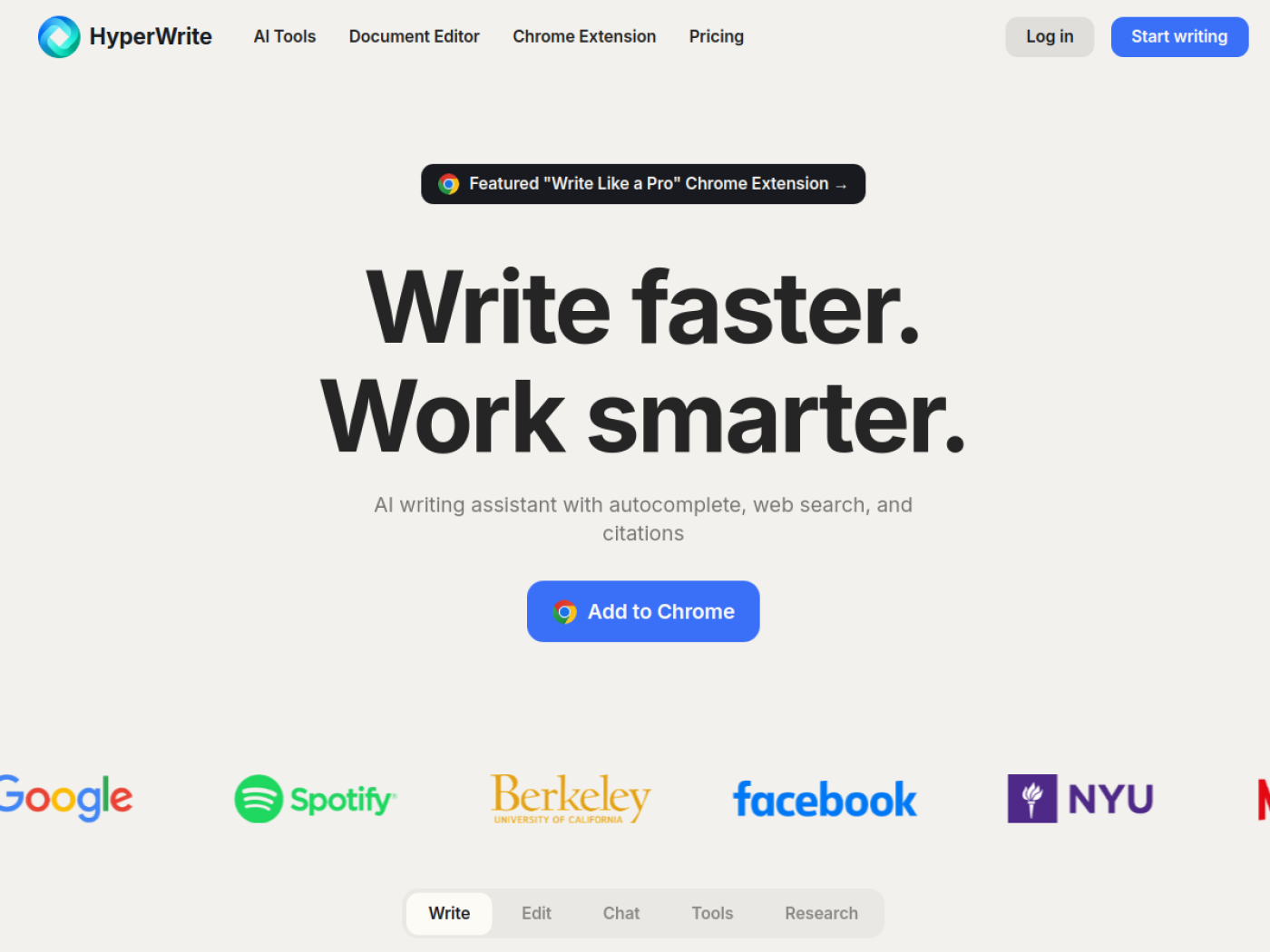
HyperWrite is an AI writing assistant that works right inside your browser, helping you write, edit and refine content wherever you type. Available as a Chrome extension and web platform, it's like having a personal writing secretary on hand across Gmail, Google Docs, LinkedIn and the rest of the web.
What is HyperWrite?
HyperWrite generates, completes and improves text in context. It can write full paragraphs on any topic, suggest the next sentence as you type, draft email replies from a short prompt, rewrite content while keeping the meaning, and answer questions conversationally — all without leaving the app you're working in. Hundreds of pre-built AI tools cover common writing tasks out of the box.
Who it's for
HyperWrite serves email-heavy professionals, document writers, students and researchers, and anyone who wants to write faster and better across the web. Its Gmail and Google Docs integrations make it especially handy for everyday communication and writing, while its research tools appeal to academics and knowledge workers.
Key features
- AutoWrite — generate paragraphs on any topic
- TypeAhead — contextual sentence completions as you write
- Email Response — auto-generate replies from a brief prompt
- HyperChat conversational assistant and Magic Editor
- Rewrite Content to rephrase while preserving meaning
- Scholar AI — real-time access to scholarly articles with citations
- Custom personas to match your writing style (up to 10 on Ultra)
- Hundreds of pre-built AI tools plus web search with citations
Writes where you already work
HyperWrite's biggest advantage is that it lives in your browser, not in a separate tab. It works directly inside Gmail, Google Docs, LinkedIn and many other sites, so the help arrives exactly where you're writing — drafting an email in your inbox, continuing a document, completing a sentence as you go. That in-place assistance removes the copy-paste shuffle other AI writers require.
Research-backed, not just fluent
A standout feature is Scholar AI, which gives real-time access to millions of scholarly articles and backs answers with citations, alongside web search that also cites its sources. That focus on grounded, referenced output sets HyperWrite apart from tools that simply produce confident-sounding text — useful for students, researchers and anyone who needs writing they can actually stand behind.
Make it sound like you
HyperWrite lets you create custom personas — up to 10 on the Ultra plan — so the AI matches your tone and style rather than a generic voice. Combined with TypeAhead's contextual completions and the Magic Editor for optimization, that personalization means the output reads more like something you'd write, which is exactly what makes it usable for real, sign-your-name communication.
Hundreds of tools for every task
Beyond core writing, HyperWrite ships hundreds of pre-built AI tools for specific jobs — summarizing, outlining, rephrasing, generating specific content types and more — so you rarely start from a blank prompt. HyperChat handles open-ended conversational help, and the Magic Editor optimizes existing text. Whether you're drafting an email, polishing a report or producing marketing copy, there's usually a ready-made tool that fits, which lowers the effort of getting from idea to finished writing.
Why choose HyperWrite
For professionals, students and researchers who want AI writing help that shows up where they work and produces grounded, on-voice text, HyperWrite is a strong pick. Its in-browser assistance, research-backed Scholar AI, custom personas and deep library of tools — on flexible Premium and Ultra plans — make it a practical way to write faster without sacrificing quality or credibility.
Tags
Ratings & reviews
No ratings yet
Be the first to rate HyperWrite — your honest take helps others decide.
- No reviews yet — be the first to rate HyperWrite.
Similar softwares
Ai Toolbox
Download and Install AI ToolBox 1.0 free on Android. Share AI ToolBox download link to your friends safely with simple one click.
listai.tools
A free directory of AI tools, filed by what each one makes: writing, image, video, audio, code and agents. Reviewed by hand.
AUREX
AUREX AI voice assistant with AppDeploy sign-in, verified CEO-only behavior, and private persistent chat history.
Compare HyperWrite
Similar software

Logrun Lab
Browser-based tools for product images, AI-written text, PDF comparison, and PDF redaction.

AudioPen
Speak your messy thoughts and AudioPen turns them into clear, structured text — voice notes that become real writing.

InPage to Image Converter Online
Convert InPage files to high-quality images online with ease. Fast, free, and simple no software installation required. Perfect for sharing and saving content.

Claude
A thoughtful AI assistant for writing, coding, analysis and getting real work done.

Vecbase
Build and run your own AI team. Assign real work, track every task live, approve key steps, and keep finished files in one shared workspace.

VoiceVibe
An AI voice assistant you can use anywhere on your computer. Press a key and talk. It types, speaks and does what you say.


Community discussion (0)
Ask questions, share tips, or compare notes with other HyperWrite users.