Lavender
SoftwareAn AI email coach that analyzes your sales emails in real time to boost reply rates and cut writing time.

About Lavender
Lavender is an AI email coach for salespeople — a tool that helps SDRs, AEs and BDRs write cold emails that actually get replies. Rather than spitting out generic AI text, it analyzes your email in real time as you write, scores it, and suggests specific improvements based on patterns learned from billions of emails.
The idea behind Lavender
Cold email is hard, and most reps repeat the same mistakes — too long, too much about themselves, wrong tone. Lavender acts like a coach sitting beside you: as you draft, it evaluates structure, length, readability and personalization, and tells you exactly what's hurting your chances. The goal isn't to replace the rep, but to make every rep measurably better at writing.
Who it's for
Lavender is built for sales professionals: Sales Development Representatives, Account Executives, Business Development Representatives, and the leaders who manage them. Anyone whose job depends on getting replies to cold outreach — and who wants to improve reply rates rather than blast generic templates — is the target user.
What it includes
- Real-time email analysis and suggestions as you write
- A Chrome extension that works inside your inbox
- Scoring based on patterns from billions of emails
- Ora, an AI sales agent that drafts emails from top-seller patterns
- CRM enrichment for personalization
- Analysis of your historical emails to learn what works
- Email Wizard certification courses (101 and 201)
- The Lavender Letter newsletter and LavenderLand tutorials
Coaching, not just generating
What sets Lavender apart from generic AI writers is its coaching focus. Instead of handing you a finished email to send blindly, it teaches you why one version outperforms another — flagging length, tone and personalization issues in real time — so your writing improves over time. That data-driven feedback, drawn from billions of emails, targets the metrics that matter: reply rates and pipeline velocity.
Personalization that's grounded
Generic personalization ("I saw your company is growing!") fools no one. Lavender's CRM enrichment and analysis help ground outreach in real details about the recipient, and its Ora agent drafts personalized emails based on the patterns of top-performing sellers rather than a bland template. The result is outreach that reads like a human who did their homework, not a mail-merge.
A whole learning ecosystem
Lavender treats better email writing as a skill to teach, not just a button to press. It surrounds the tool with real education: Email Wizard certification courses, a weekly newsletter (The Lavender Letter), LavenderLand video tutorials and a best-practices library. For sales teams, that means Lavender doesn't just fix individual emails — it levels up the whole team's writing over time.
Works right inside your inbox
Lavender lives where you already write. Its Chrome extension analyzes and coaches your emails directly in your inbox, so you get feedback in the flow of writing rather than in a separate app you have to remember to open. That in-context design is a big part of why reps actually use it — the coaching appears exactly when it's useful, on the email you're about to send, instead of as a report you'd read after the fact and forget.
Why choose Lavender
For sales reps and teams who want to genuinely improve cold email rather than automate mediocre outreach, Lavender is a strong choice. Its real-time coaching, data-backed scoring, grounded personalization and built-in education work together to lift reply rates and build lasting writing skill — making it far more than an AI text generator, and a practical edge for anyone whose pipeline depends on getting emails answered.
Tags
Ratings & reviews
No ratings yet
Be the first to rate Lavender — your honest take helps others decide.
- No reviews yet — be the first to rate Lavender.
Similar softwares

Google Maps Scraper
Chrome extension that exports Google Maps business leads to CSV or XLSX
GMB Scraper
Chrome extension that turns public Google Maps listings into a clean CSV or XLSX for outreach and local SEO.

Prospect Signal
250 researched local-business prospects for $59, 500 for $99, 1,000 for $179. Built for web designers, SEO freelancers and agencies.
Compare Lavender
Similar software

CheckAIContent
Detect AI-generated text from ChatGPT, Gemini, and Claude in seconds. Free detector plus paragraph rewriter, tone changer, and grammar checker—no signup. Built
Google Maps Scraper
Chrome extension that exports Google Maps business leads to CSV or XLSX
ReachIQ
AI-powered sales platform that helps B2B teams find prospects, personalize outreach, automate follow-ups, and generate qualified leads.

Onevyu
Conversation CRM for coaches who close in DMs
All-in-One B2B AI Outbound Sales Platform
Salestarget.ai is an all-in-one AI-powered B2B sales platform with email outreach, CRM, LinkedIn outreach, Copilot AI Agent, Lead Explorer, and Lead Validator.
LocalTry
A fully customizable AI CRM for sales, operations, scheduling, marketing, reviews, publishing, and automation.
Related reads
The Tool Sprawl Tax: Why Small Service Businesses Pay for Five Apps to Do One Job
Five apps, five logins, and a tax most small operators never see itemized. Here's the real bill of tool sprawl for service businesses, and how to close the seams.

Best POS Software for Retail, Restaurant & Pharmacy | Hulm POS
Compare POS software for retail, restaurants and pharmacies in Pakistan. Learn which features, FBR tools, inventory controls and pricing matter.
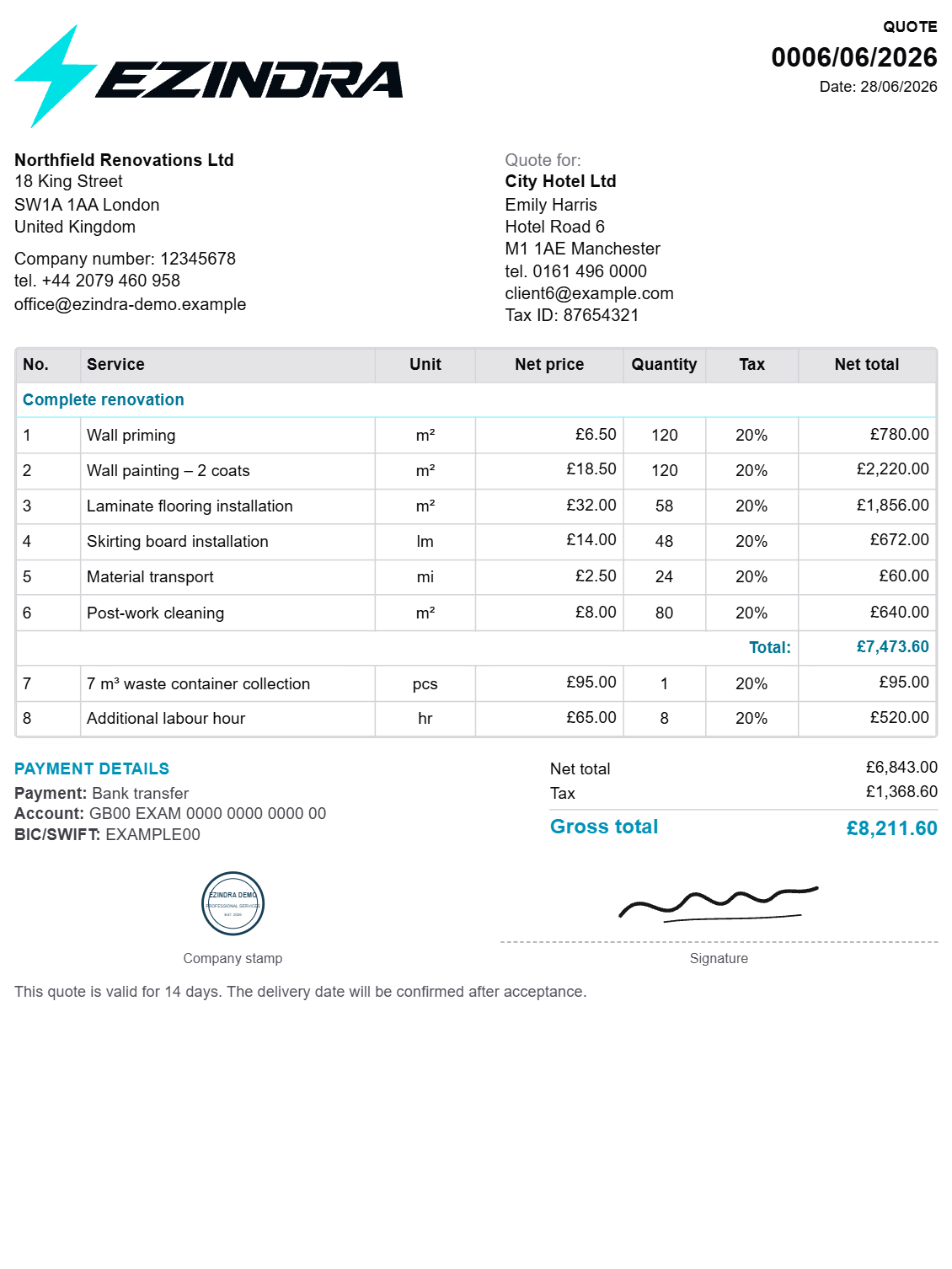
How to Create Professional Quotes Faster: A Practical Guide for Service Businesses
Learn how service businesses can streamline estimates, create professional quotes, and track client responses without relying on spreadsheets and manual documents.
Community discussion (0)
Ask questions, share tips, or compare notes with other Lavender users.