Moises
SoftwareAn AI creative suite for musicians — separate stems, remove vocals, find chords and practice smarter.
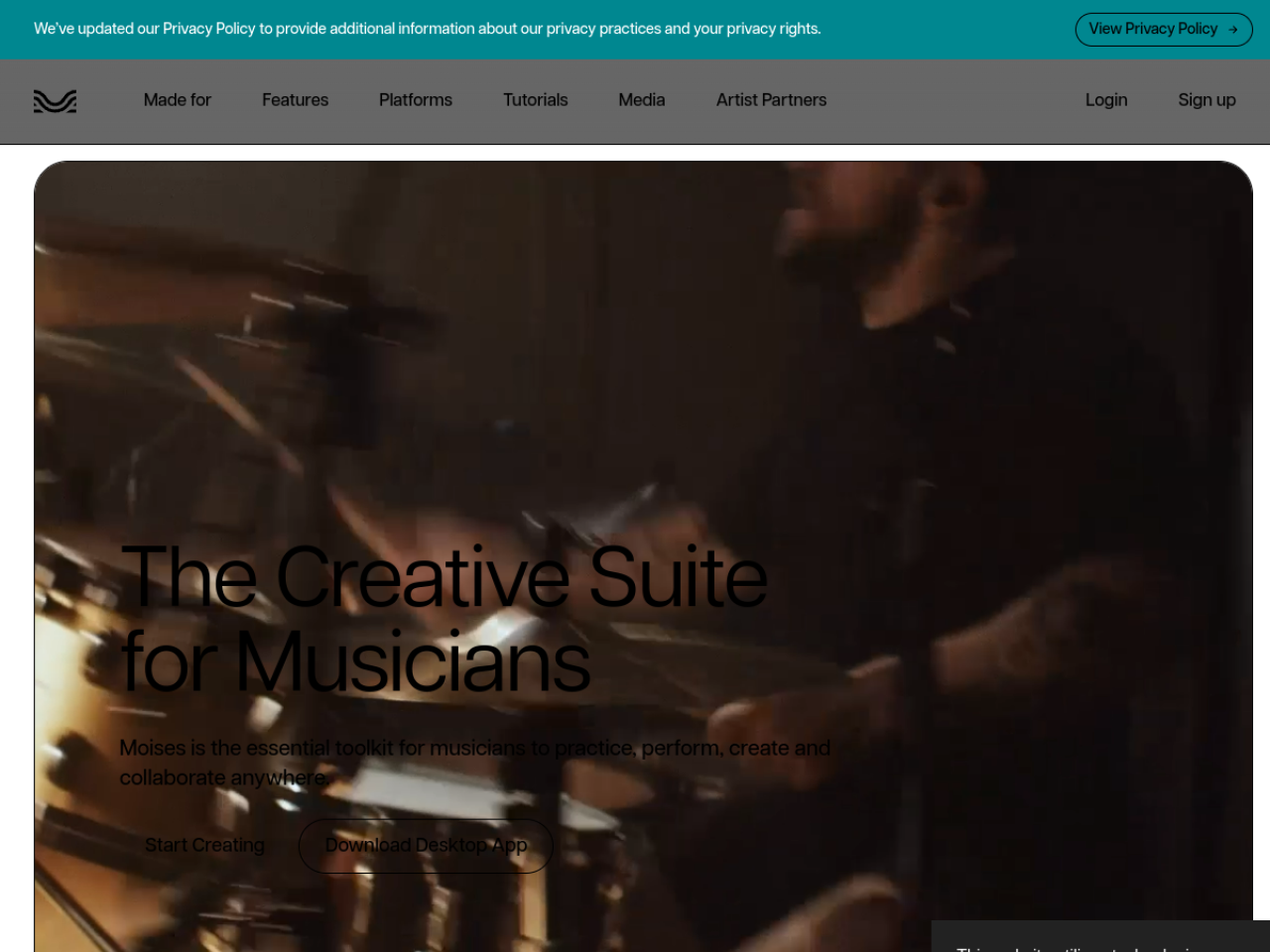
About Moises
Moises is an AI-powered app for musicians that can pull any song apart into its individual instruments — and then help you practice, record and create with them. Used by 70 million musicians worldwide, it turns any track into a personal practice studio, letting you isolate or remove vocals, drums, bass, guitar and more from music you already love.
What Moises does
At its core, Moises uses AI stem separation to split a song into parts — vocals, drums, bass, guitar, keys and 27+ instrument types — so you can mute the guitar to play along, isolate the vocals to learn a melody, or study just the drums. Around that it adds a chord finder, a speed changer, lyric transcription, video recording and a browser-based studio for real-time collaboration.
Who it's for
Moises serves musicians of every kind: drummers, vocalists, bassists and guitarists practicing along to real tracks, producers and engineers working with stems, educators teaching with isolated parts, and content creators and performers. Whether you're learning an instrument or producing professionally, it meets you where you are.
What you can do with it
- AI stem separation into vocals, drums, bass, guitar, keys and 27+ instruments
- Chord finder that identifies progressions
- Speed changer to slow down or speed up any track
- AI lyric transcription
- Moises Studio — browser-based real-time collaboration
- Video recording with studio-quality audio
- Access across web, desktop, iPhone, iPad and Android
Practice with any song
The magic for most users is practicing along to real music. By removing the part you play — muting the bass so you can be the bassist, or isolating the vocals to learn them — Moises turns any track into a backing track tailored to you. Combine that with the speed changer to slow a tricky passage and the chord finder to see the progression, and it becomes a remarkably effective, personalized way to get better.
Create and collaborate
Moises isn't only for practice. Moises Studio brings arranging, recording and editing into the browser with real-time collaboration, so musicians can work on a session together from anywhere, and built-in video recording captures performances with clean audio. For producers and content creators, that means the same tool that separates stems can also help build and share new music.
Ethical AI musicians can trust
Moises is notably careful about how its AI is built and used: it states it only trains its models on licensed material and will never train on users' data. In a field where AI and music rights are fraught, that commitment matters to professional musicians who want powerful tools without worrying about how they were made — and it's backed by real recognition, including 2024 iPad App of the Year and an Apple Design Awards finalist spot.
Everywhere you make music
Moises follows you across devices — web, desktop, iPhone, iPad and Android — so you can separate a track on your laptop, practice from your phone at rehearsal, and pick up a session on a tablet. That flexibility matters for musicians, whose practice and creativity rarely happen in one fixed place; the same tools and your saved work are available whether you're at home, in a studio or on the road.
Why choose Moises
For any musician who wants to practice smarter, work with stems, or create and collaborate, Moises is a genuinely useful AI companion. Its accurate stem separation, chord and speed tools, collaborative studio and ethical approach to AI — with a free tier to start and endorsements from artists like Charlie Puth — make it a practical, trusted way to get more out of every song, whether you're learning, teaching or producing.
Tags
Ratings & reviews
No ratings yet
Be the first to rate Moises — your honest take helps others decide.
- No reviews yet — be the first to rate Moises.
Similar softwares

Flying Car AI
One photo of your car becomes a short cinematic stunt video — ramp flight or kickflip.
listai.tools
A free directory of AI tools, filed by what each one makes: writing, image, video, audio, code and agents. Reviewed by hand.
Carpool Karaoke AI
Four photos become a 15s Carpool Karaoke AI video. Fixed windshield camera and Walk It Talk It hook. Preview and download for TikTok, Reels, and Shorts. No prom
Compare Moises
Similar software
AIforASMR
Create calming AI ASMR videos from prompts, images, and 45+ templates for sleep, rain, skincare, candlelight, relaxation, and ambient loops.
Neume
Turn your thoughts into full songs with AI. No instruments, no studio, no experience needed. Just describe your vibe, and Neume does the rest.
Mubert
An AI music generator that creates royalty-free soundtracks for video, podcasts and apps by mood and style.
SOUNDRAW
An AI music generator that creates royalty-free, copyright-safe beats trained on in-house music.

Udio
Create full, original songs with vocals from a text prompt — one of the leading AI music generators.

Suno
Create original songs with vocals and instruments from a simple text prompt — AI music for everyone.
Related reads

IPTV Srbija: kako proveriti pretplatu tokom 24 sata
Kako iskoristiti IPTV probu od 24 sata: proverite aplikaciju, kanale, istovremene konekcije, kvalitet reprodukcije i uslove pretplate.
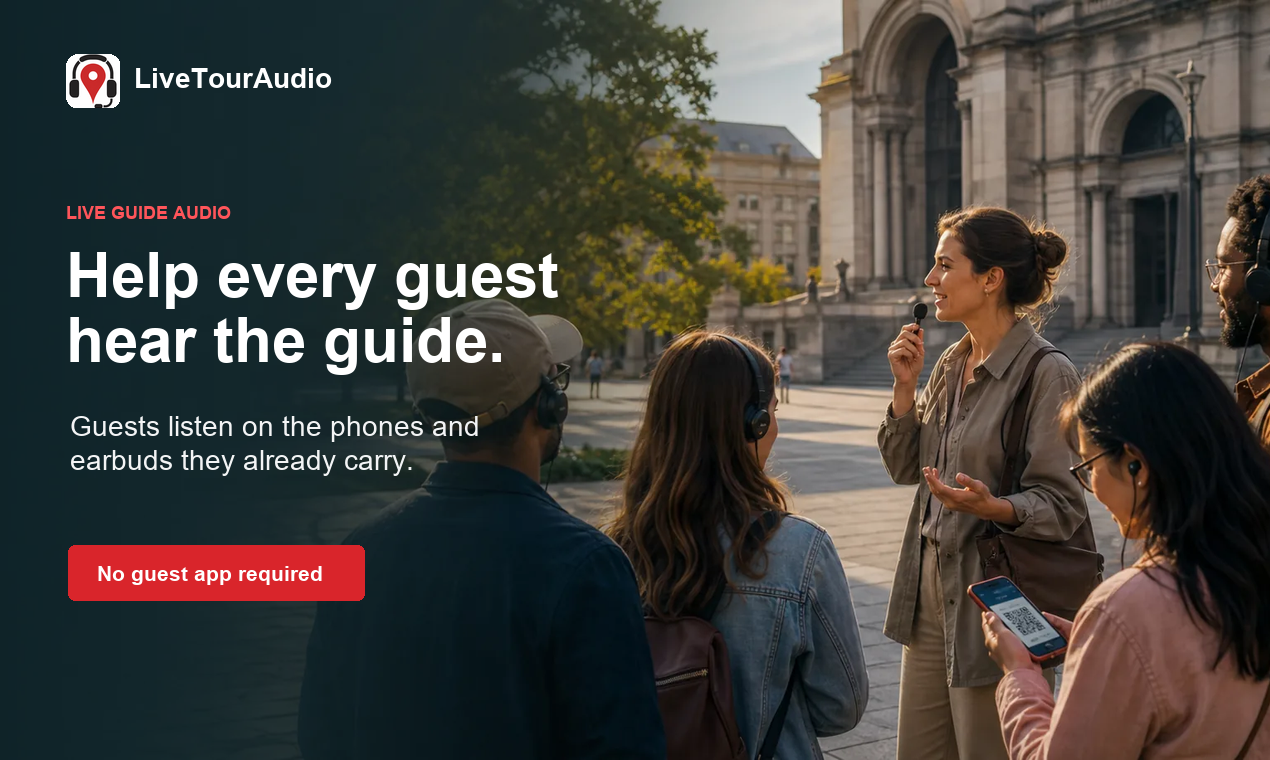
How to Choose an Audio System for Walking Tours
A practical route-first framework for comparing voice projection, dedicated receivers, and guest-phone audio on real walking tours.

The 8 Best AI Tools for Podcasters in 2026
AI can record, edit, clean and repurpose your podcast in a fraction of the time. Here are the 8 best AI tools for podcasters in 2026.
Community discussion (0)
Ask questions, share tips, or compare notes with other Moises users.