
MiniMax H3 Max AI Video Generator
SoftwareCreate 5-15 second 768p videos with MiniMax H3 Max. Direct camera motion, keep characters consistent, and generate synchronized audio in one pass for review.
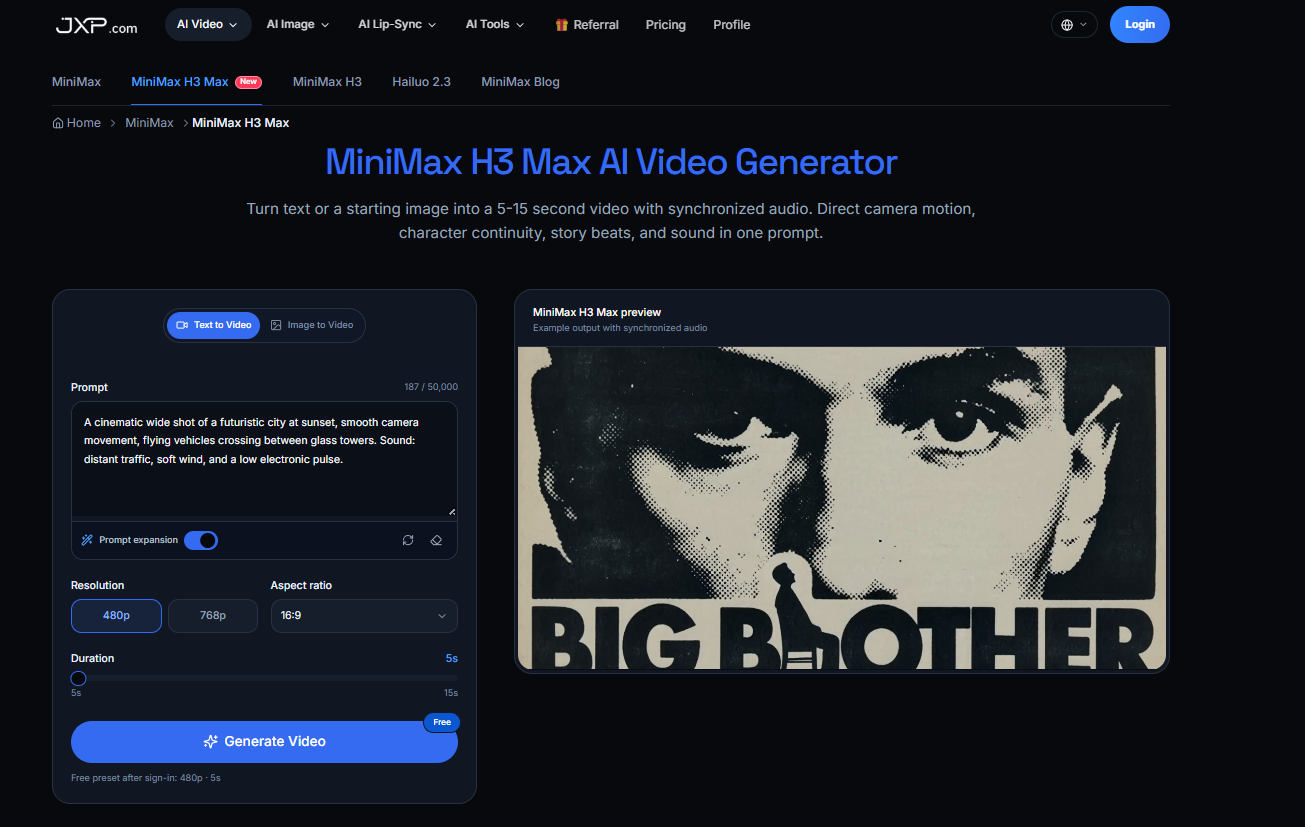
About MiniMax H3 Max AI Video Generator
MiniMax H3 Max AI Video Generator is a fast AI video generation model available on JXP. It is a post-trained version of the open-weight MiniMax H3 model, optimized by fal for stronger prompt adherence, better visual aesthetics, and faster 768p generation.
It can create 5–15 second videos from either a text prompt or a starting image, while generating synchronized audio in the same pass. Users can also add an optional ending image to guide how the video finishes.
How does MiniMax H3 Max work?
Users can start with text-to-video or image-to-video, then describe the subject, action, camera movement, pacing, lighting, and sound in one prompt.
Key features include:
Text-to-Video — turn written scene descriptions into short videos.
Image-to-Video — animate a starting image while preserving its main visual identity.
Optional End Frame — define both the opening and ending image so the model can generate the motion between them.
5–15 Second Duration — suitable for compact ads, social clips, shot tests, and short story beats.
480p or 768p Output — H3 Max is specifically optimized around fast 768p generation.
Synchronized Audio — generate dialogue, ambience, music, foley, and other sound cues together with the video.
Camera & Motion Control — prompts can describe tracking shots, push-ins, pacing, and ordered camera movements.
Character Consistency — designed to keep recognizable characters, clothing, and proportions more stable as framing and environments change.
Prompt Adherence — fal’s post-training focuses on following detailed instructions and keeping visual beats in the requested order.
The basic workflow is simple: choose text or image input, write the scene and audio instructions, select 5–15 seconds and 480p or 768p, then generate and review the result.
Who uses MiniMax H3 Max?
MiniMax H3 Max is useful for content creators, marketers, filmmakers, creative agencies, designers, and social media teams.
Marketing teams can use it to quickly explore product spots and campaign concepts. Filmmakers can test camera moves and scene ideas before production. Social creators can generate short dialogue or character clips with synchronized sound, while designers and brand teams can explore stylized visual concepts without building a full production pipeline.
Overall, MiniMax H3 Max AI Video Generator is best suited to workflows that prioritize fast 768p generation, synchronized audio, clear prompt control, image-to-video creation, and short 5–15 second clips. For projects that require 2K resolution or broader multimodal reference and editing workflows, standard MiniMax H3 is the stronger choice.
Tags
Ratings & reviews
No ratings yet
Be the first to rate MiniMax H3 Max AI Video Generator — your honest take helps others decide.
- No reviews yet — be the first to rate MiniMax H3 Max AI Video Generator.
Similar softwares
Whisper Web
Transcribe audio and video in your browser, then edit and export transcripts.

Sumus AI
AI teammates for research, writing, coding and shared work.
RankSpot
Give your agent the data and the actions to rank in Google and AI answers. Skip a dozen SEO tools and the team that runs them. Set up in 2 minutes.
Compare MiniMax H3 Max AI Video Generator
Similar software
AI Generator
Run GPT Image 2.5, Seedance 2.5, Veo 3.1, MiniMax H3 and more image and video models in one browser workspace. The credits for each run are shown first.
AIforASMR
Create calming AI ASMR videos from prompts, images, and 45+ templates for sleep, rain, skincare, candlelight, relaxation, and ambient loops.

Index TTS
Create natural AI text to speech with Index TTS, clone authorized voices, explore Index TTS 2 and 2.5, and start generating expressive audio online today.
Backgroundcanvas
One-stop free online image background cleanup and change tool, offering watermark removal, text removal, emoji sticker removal, background swap and cutout.
NG QRCode
Create AI QR codes people actually notice and scan

Remove Vocal
AI vocal remover and stem splitter: turn any song or video into vocals, instrumental, drums, bass, guitar and piano stems in your browser.
Related reads
Higgsfield on GitHub: What They Actually Open-Sourced (and What They Didn't)
Higgsfield opened APIs and tools on GitHub in September 2026 — but not its whole site. Here's exactly what's open source, what the new API gives you, and what stays proprietary.

AI-Powered Career Tools to Help You Get Hired Faster
Career Suit AI is an all-in-one AI career platform that helps job seekers build professional resumes and cover letters, practice AI-powered interviews, find relevant jobs, optimize LinkedIn profiles,

The 8 Best AI Tools for YouTubers in 2026
AI can edit your videos, write titles, make Shorts and optimize for search — huge for YouTubers. Here are the 8 best AI tools for YouTube creators in 2026.
Community discussion (0)
Ask questions, share tips, or compare notes with other MiniMax H3 Max AI Video Generator users.