Multimeter
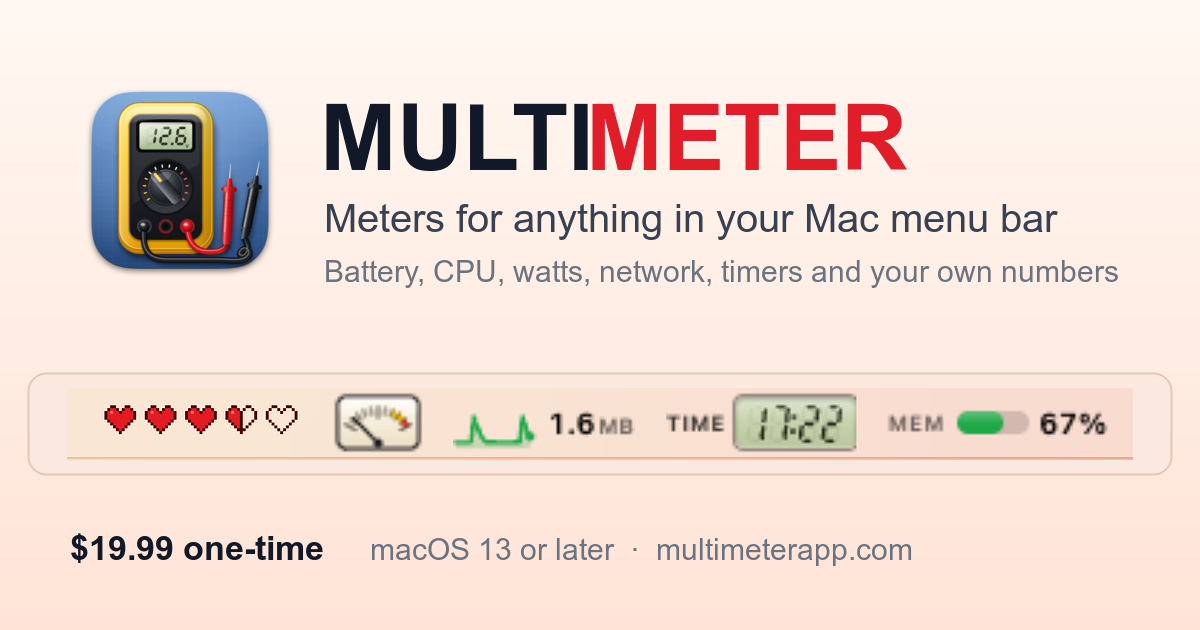
SoftwareNewLive meters in your Mac's menu bar for battery, watts, CPU, network, timers and your own numbers, drawn as gauges, LCD digits or sparklines.
About Multimeter
Multimeter puts live meters in your Mac's menu bar, and you choose what each one measures and how it looks.
Measure anything. Your battery, with charging state, time left and time to full. The battery in your Magic Keyboard, Mouse or Trackpad. CPU, memory, disk space, network speed, power draw in watts, fan speed and thermal pressure. A timer you start from the menu bar, a countdown to a date, or how much of the day, week or year has gone by.
Your own numbers. Send a value from Terminal, a script, Shortcuts or any app with a multimeter:// link. Read a number from a file, a web address that returns plain text or JSON, or the output of a shell command. Build status, deploys, inbox counts, the temperature in your greenhouse: if you can get a number, Multimeter can show it.
Pick a face. A small analog gauge with a springy needle, seven-segment digits on a backlit LCD, a sparkline, a ring, a bar, nixie tubes, a split-flap display, clean text, or the playful ones: hearts, a laser blade, a coffee cup, a candle, a plant. 35 in all.
Build your own. Create Face gives you a working starter to edit in any editor. Share faces as .multimeter files or submit them to the gallery.
Light on your Mac: about 3% CPU for five live meters, paused while displays sleep. No account, no tracking. $19.99 one-time, macOS 13+, 14 languages.
Alternatives & competitors
iStat Menus, Stats, MenuMeters, coconutBattery, SwiftBar
Built with
Frameworks
Tags
Multimeter FAQ
What is Multimeter?
Live meters in your Mac's menu bar for battery, watts, CPU, network, timers and your own numbers, drawn as gauges, LCD digits or sparklines. It's a productivity tool listed on Tolodora with details and real user reviews.
Is Multimeter free?
Multimeter is a paid tool, starting at $19.99 one-time. Check its site for current pricing.
How much does Multimeter cost?
Multimeter starts at $19.99 one-time (one-time pricing). Pricing can change, so confirm the current figure on the vendor's site.
Ratings & reviews
No ratings yet
Be the first to rate Multimeter — your honest take helps others decide.
- No reviews yet — be the first to rate Multimeter.
Similar softwares
Free White Noise Generator
Free white noise generator with 100+ sounds for better sleep and focus. No login required, unlimited listening.
Percentage Increase Calculator
Free instant percentage increase calculator with formula steps and visual chart.

UGC Maker AI
Create AI videos from text or start and end images, free with no signup required.
Compare Multimeter
Similar software
Shake It On
Shake It On keeps your Mac awake by moving the mouse in a natural pattern. Run it only when you need it, and let it pause for calls, Focus and battery. $9.99.
PersonaHaven
Personality tests and practical tools for deeper self-reflection and personal growth.
AIToolister
Discover the best AI tools for writing, coding, marketing, image generation, productivity, and more. Compare features, reviews, and pricing.
Refrain
A Mac menu bar app for the text you type over and over

NotchMuse
Synced lyrics in your Mac menu bar and beside the notch
Orbit for Mac
Every Google account, in a single window
Related reads
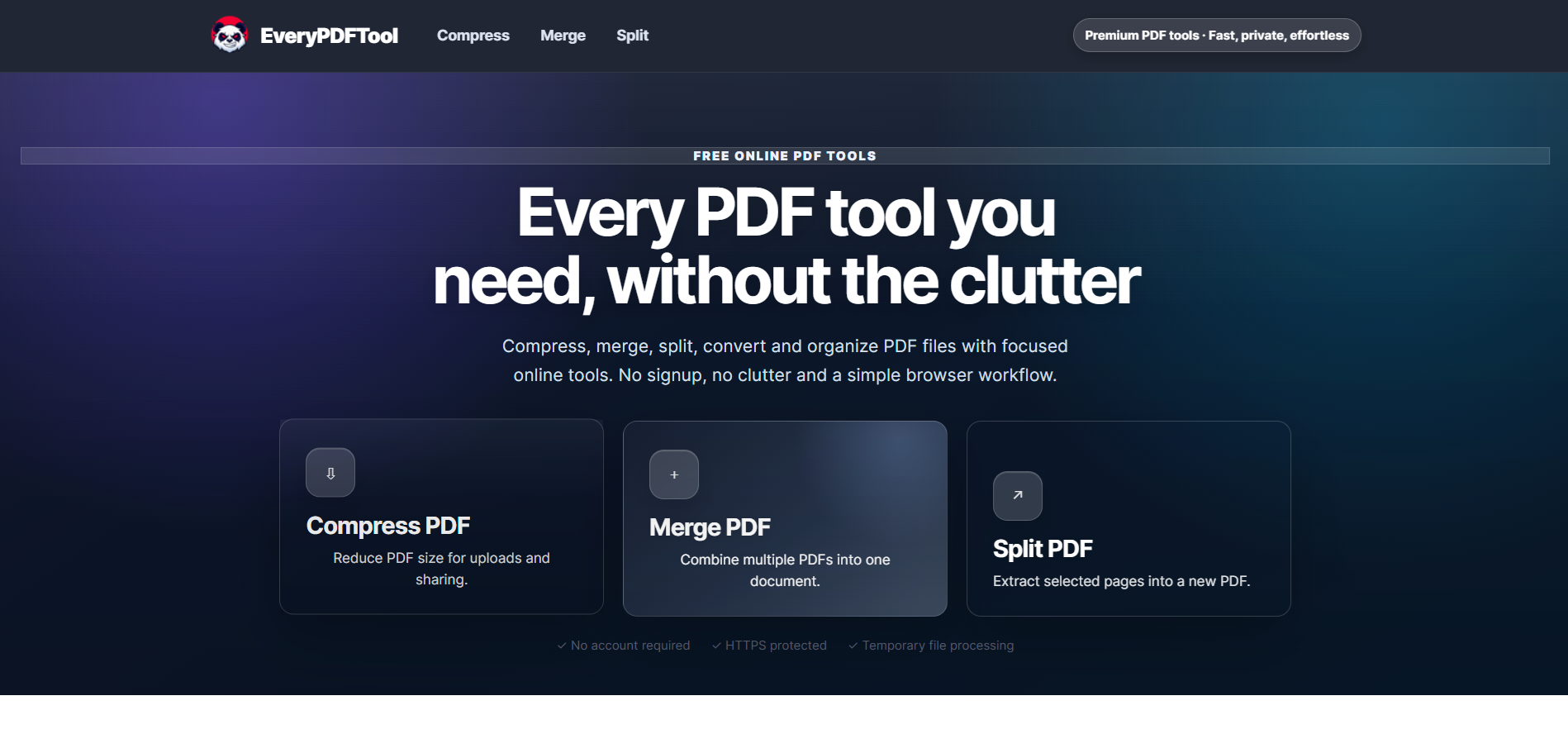
Best Free Online PDF Tools for Everyday Document Tasks
Free browser-based tools to compress, merge, split, convert, organize and analyze PDF files.
Free Online PDF Tools: Convert, Merge, Split & Compress PDF Files
Discover easy-to-use free online PDF tools for converting, merging, splitting and compressing PDF files without installing complicated software

How to Validate a Product Idea Before You Build It
A practical guide to validating your product idea with AI, market research, customer insights, and a simple Build, Modify, or Kill framework.
Community discussion (0)
Ask questions, share tips, or compare notes with other Multimeter users.