
Scalar
SoftwareA beautiful, open-source API documentation and reference tool that turns your OpenAPI spec into interactive docs.
About Scalar
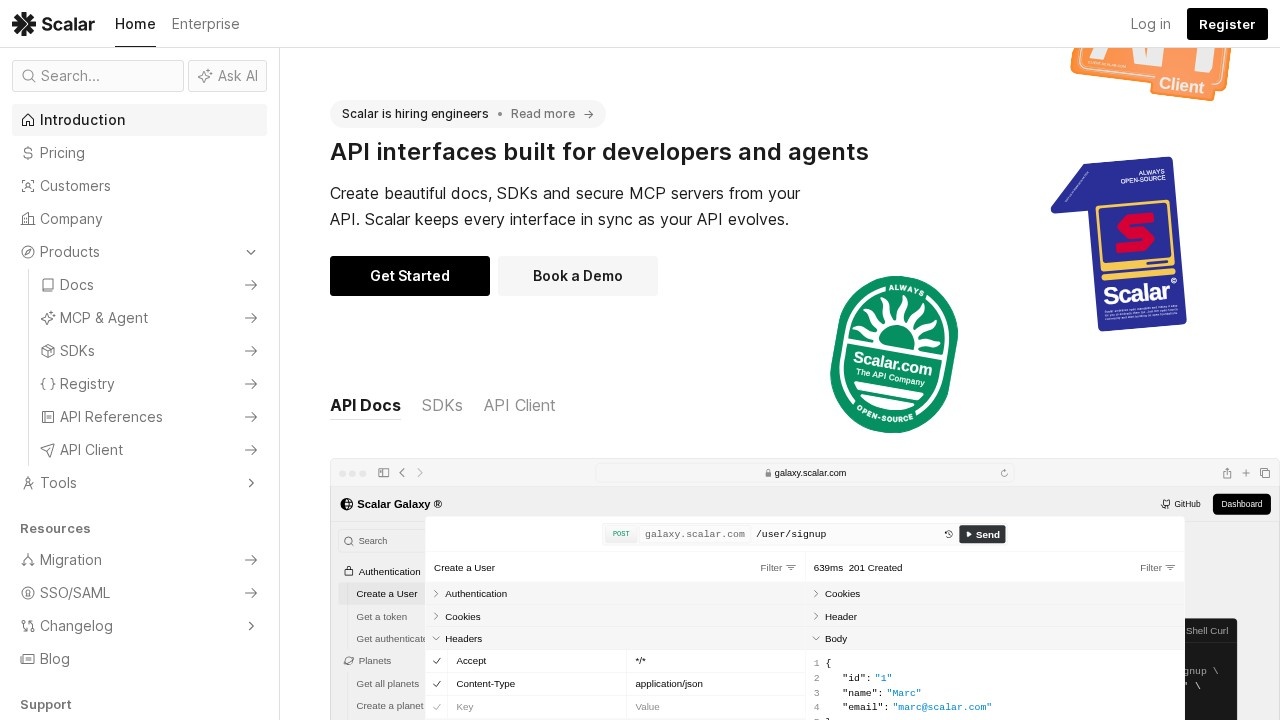
Scalar is a beautiful, modern, open-source tool for creating API documentation and references that developers actually enjoy using. It takes your OpenAPI (Swagger) specification and turns it into clean, interactive, well-designed documentation — complete with an integrated API client so developers can read about an endpoint and immediately try it out, right from the docs. For any company that offers an API, great documentation is essential to adoption, and Scalar makes producing it dramatically easier and far more attractive.
The tool's standout qualities are its design and interactivity. Where many auto-generated API docs are dated and clunky, Scalar produces polished, readable references with a thoughtful layout, search, and a modern aesthetic that reflects well on your product. The built-in API client lets developers make real requests to your endpoints directly within the documentation, experimenting with parameters and seeing responses without leaving the page or setting up a separate tool — which significantly improves the developer experience of learning and integrating an API.
Because Scalar is open source, teams can self-host it, customize it to match their brand, and trust it without lock-in, while it also offers hosted and platform options for convenience. It works from standard OpenAPI specs, so it fits naturally into existing API workflows and stays in sync with your actual API definition. This makes it appealing to developer-tools companies, API-first startups, and any engineering team that wants their API docs to be a genuine asset rather than an afterthought. As APIs proliferate and developer experience becomes a competitive differentiator, beautiful, interactive documentation matters more than ever. For teams that want to give developers documentation that's a pleasure to use — and to do it from their existing OpenAPI spec with an open, customizable tool — Scalar offers an excellent, modern solution.
Tags
Ratings & reviews
No ratings yet
Be the first to rate Scalar — your honest take helps others decide.
- No reviews yet — be the first to rate Scalar.
Similar softwares
Ship-Safe Check
Ship-Safe Check - x402 $25 USDC (Solana) gate for AI-built apps + free guides. Returns ship / ship_with_conditions / dont_ship JSON. Not a pentest.
Jev Agent
Get a free jv_live_… key via Google and call TypeSafe Jev System One at /api/v1/systemone or /api/v1/classify.
AICost
Independent LLM API price desk — compare model pricing across OpenAI, Anthropic, Google and more. Calculators, head-to-heads, no paid placements.
Compare Scalar
Similar software

Fern
A toolkit that generates beautiful API docs and client SDKs from your API definition — so your API is easy to adopt.

ReadMe
A platform for building beautiful, interactive API documentation and developer hubs that improve adoption.

Excalidraw
A virtual whiteboard for sketching hand-drawn-style diagrams — free, open-source, and instantly collaborative.

Penpot
The open-source design and prototyping tool that's free, self-hostable, and built for designer–developer collaboration.

Rive
Create interactive, real-time animations that run anywhere — with a state machine that makes them respond to user input.
tldraw
A delightful, open-source infinite canvas and whiteboard for sketching diagrams and ideas, with a developer SDK.
Related reads

Text Differ: A Simple and Powerful Online Text Comparison Tool
Compare two versions of text, code, or documents instantly with Text Differ. Discover its key features, comparison modes, and practical uses.
The 5 Best Open-Source Authentication Tools in 2026
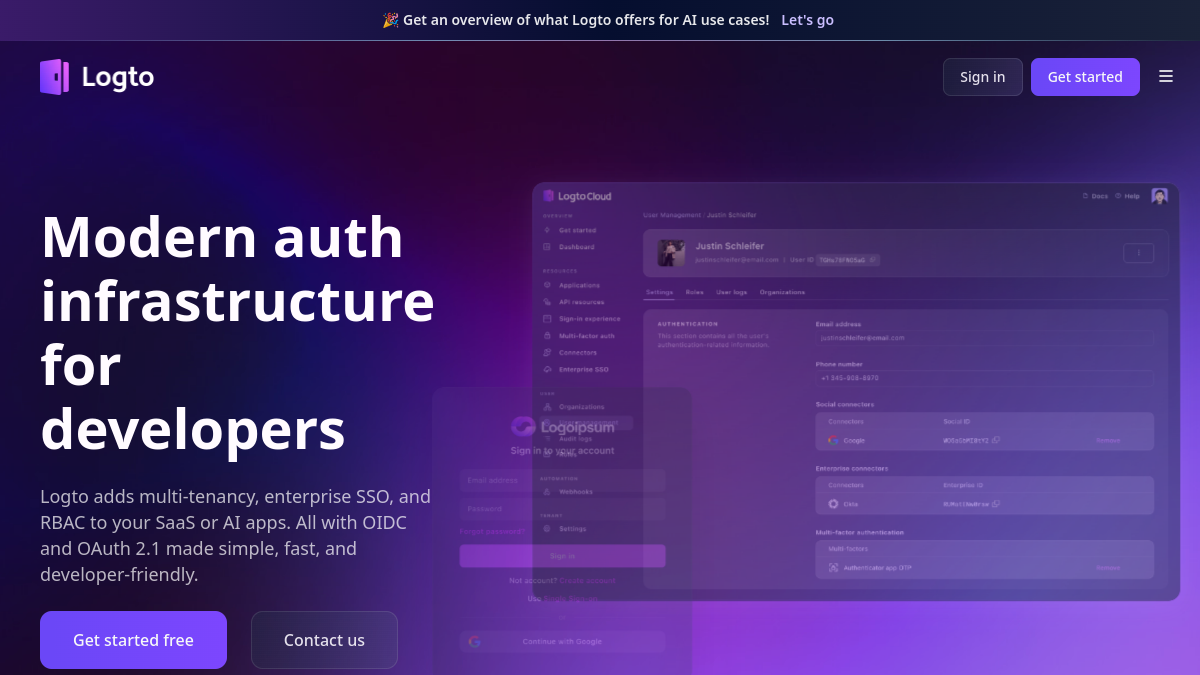
Open-source auth lets you own your users' data and avoid per-user pricing. Here are the five best self-hostable authentication tools in 2026, compared.
The 6 Best Vector Databases in 2026 (for RAG & AI Search)
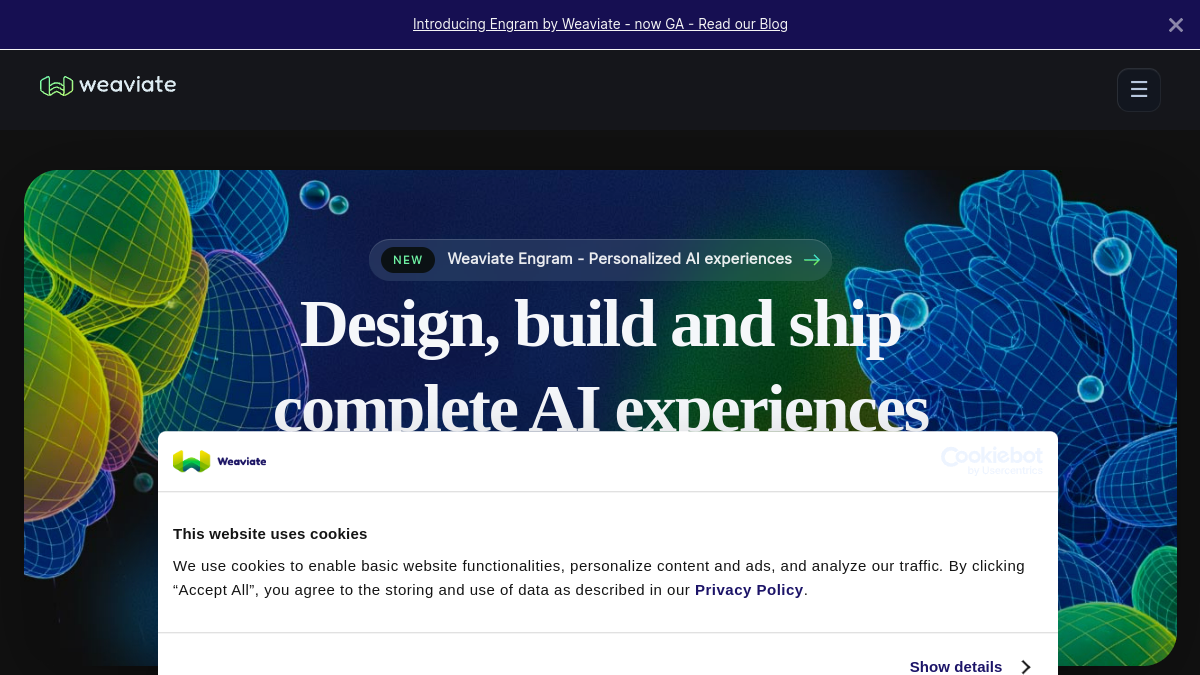
Vector databases power RAG, semantic search and AI memory. Here are the six best in 2026 — from managed Pinecone to open-source Qdrant, Weaviate and Chroma — with who each is for.
Community discussion (0)
Ask questions, share tips, or compare notes with other Scalar users.