
StitchDiag
SoftwarePhoto-led, safety-first sewing machine troubleshooting for home users.
About StitchDiag
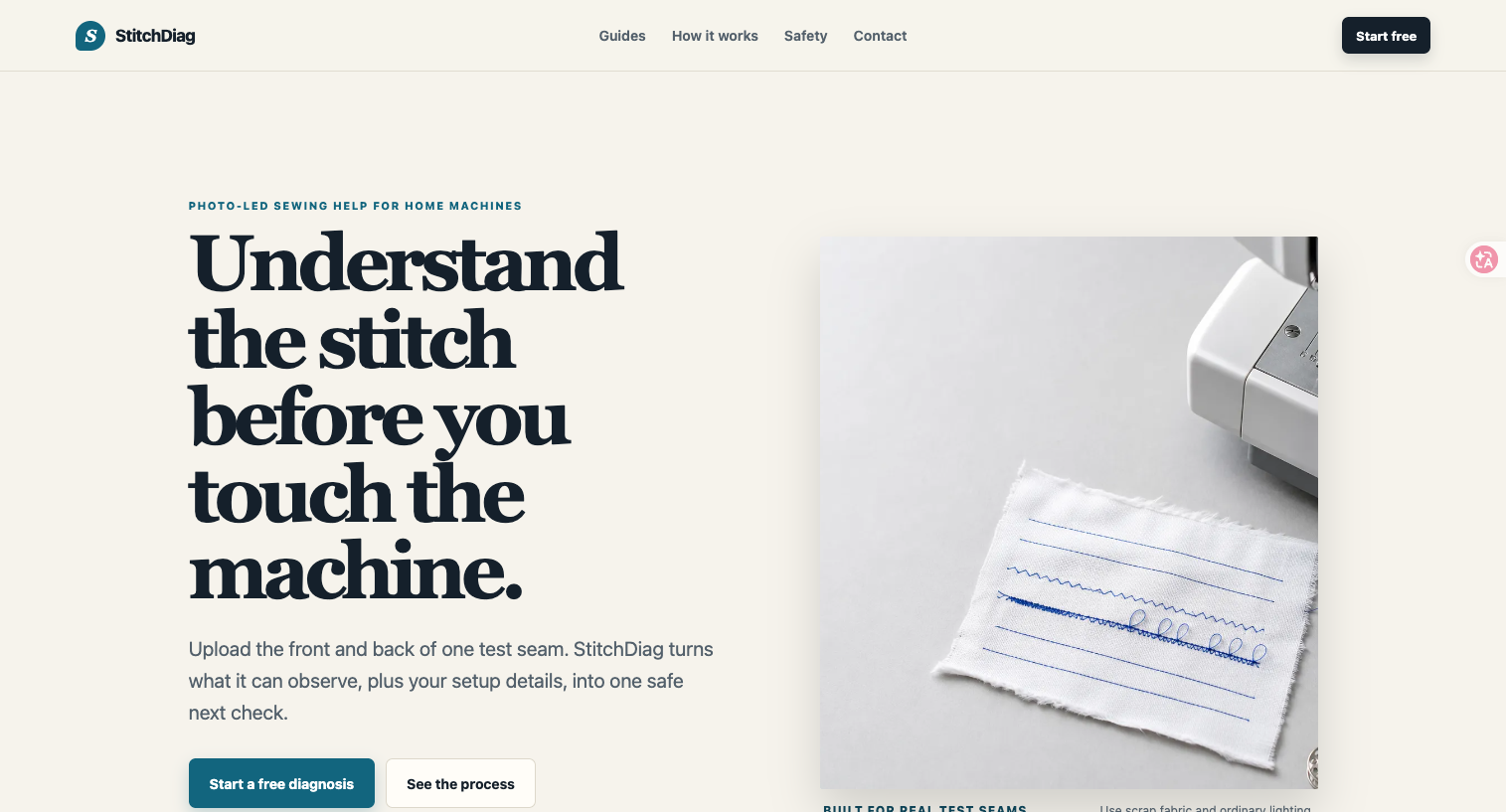
StitchDiag is a photo-led troubleshooting tool for people using home sewing machines. It helps organize an observable stitch problem into possible causes and one next check, instead of encouraging people to change several settings at once. The aim is a clearer starting point for ordinary setup and stitch-quality problems, not a remote promise that a machine has been diagnosed or repaired.
The workflow begins with the front and back of the same test seam, together with details about the machine, needle, thread and fabric. Looking at both sides matters because a loose loop underneath and an uneven stitch on top can be easy to describe incorrectly. StitchDiag brings those observations into a structured troubleshooting process. AI-assisted photo analysis may help with visible clues, but a photograph cannot establish the condition of hidden components or prove why a fault occurred.
The public guides cover common symptoms such as skipped stitches, thread breaking, loops underneath the fabric, bird nesting, puckering and fabric that is not feeding. They explain setup checks in context and encourage comparison with the machine's own manual. A useful baseline can involve checking a manual-compatible needle, the upper threading path, bobbin orientation and the fabric-and-needle combination. Change only one variable at a time and compare both sides of a short seam when the machine is safe to operate.
StitchDiag is intended for home-machine users who want to describe an everyday sewing problem more clearly. It is not intended for industrial machines, electrical faults, internal mechanical work or adjustments to timing. It does not replace a qualified repair professional, the manufacturer's instructions or an in-person inspection.
Stop using the machine if there are needle or metal strikes, grinding, unusual heat, smoke, an electrical smell, a hard jam or a stuck handwheel. Do not run a hazardous machine just to produce photos, force a jam or open electrical covers. Professional help is the appropriate next step for dangerous symptoms.
A free first diagnosis and public safety guides are available on the website. This listing does not offer paid checkout, a subscription, unlimited free use or a repair guarantee. Support information, privacy details and terms are available on the site. Submitted by Julian Tao, StitchDiag Site Owner.
Tags
StitchDiag FAQ
What is StitchDiag?
Photo-led, safety-first sewing machine troubleshooting for home users. It's a ai tools tool listed on Tolodora with details and real user reviews.
Is StitchDiag free?
StitchDiag is a paid tool. Check its site for current pricing.
How much does StitchDiag cost?
StitchDiag uses a free pricing model. See its site for current figures.
Ratings & reviews
No ratings yet
Be the first to rate StitchDiag — your honest take helps others decide.
- No reviews yet — be the first to rate StitchDiag.
Similar softwares
TODO for AI
The next-gen AI workspace where your team and AI agents get the work done together.

Devoteam
Profit from AI built inside your business. Deployed to production, adopted by your teams.

MakeASong
Type a prompt, get an original AI song.
Compare StitchDiag
Similar software
AI Generator
Run GPT Image 2.5, Seedance 2.5, Veo 3.1, MiniMax H3 and more image and video models in one browser workspace. The credits for each run are shown first.
AIforASMR
Create calming AI ASMR videos from prompts, images, and 45+ templates for sleep, rain, skincare, candlelight, relaxation, and ambient loops.

Index TTS
Create natural AI text to speech with Index TTS, clone authorized voices, explore Index TTS 2 and 2.5, and start generating expressive audio online today.
ColdCrow
Generate high-converting cold emails, social posts, ad copy, and more with AI. Start free, upgrade when you need unlimited generations.
Backgroundcanvas
One-stop free online image background cleanup and change tool, offering watermark removal, text removal, emoji sticker removal, background swap and cutout.
Ray 3.2
Stop storyboarding. Start generating. Ray 3.2 creates smooth, cinematic AI video from your words or photos. HD output, multiple modes. Try it free now.
Related reads

Give the Ending a Pause Before You Add the Brand Name
A planned toy-car test changes only the stop-and-hold instruction. Use the supplied inputs and record what the actual downloaded videos show.

A Video Gift They Can Keep After the Holiday | Free UGC Video Generator, No Signup Required
A paper-house window lights up for someone away over the holidays. Prepare the saved clip, a still and your own words so the gift can be opened and kept.

Can I Edit This AI Video Clip for My Friend’s Shop Tonight?
A friend needs a shop clip tonight. Download one AI video, import it into your usual editor, trim the opening, and play the export before sending it over.
Community discussion (0)
Ask questions, share tips, or compare notes with other StitchDiag users.