A Video Gift They Can Keep After the Holiday | Free UGC Video Generator, No Signup Required
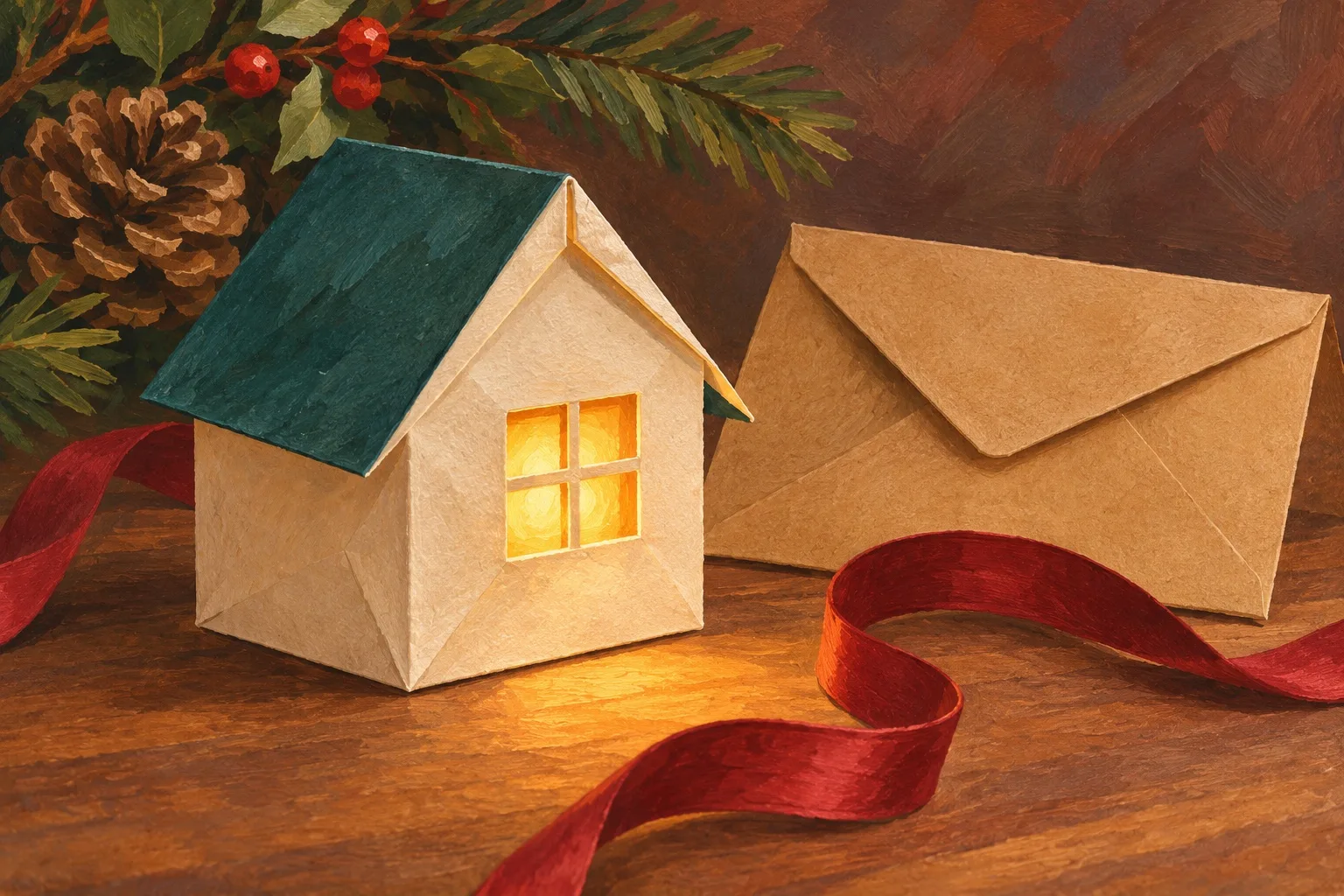
A little paper house sits on a table. Its window lights up, and the whole gift lasts only a few seconds. It is easy to imagine sending it to someone who will be away for the holidays. It is also easy to stop too soon, with a preview open in your browser and no clear way for the recipient to keep it.
Prepare the gift in three pieces: the video file, a still picture, and a short written message. Each has a job. The file holds the movement, the still gives someone something to see while the video loads, and the message explains what you made for them and how to save it. You can make that package with a video you already own.
The paper house and illustrations here are an invented example. No video was generated or downloaded for this guide. The steps below combine the tools’ documented workflow with checks you can perform on your own finished file.

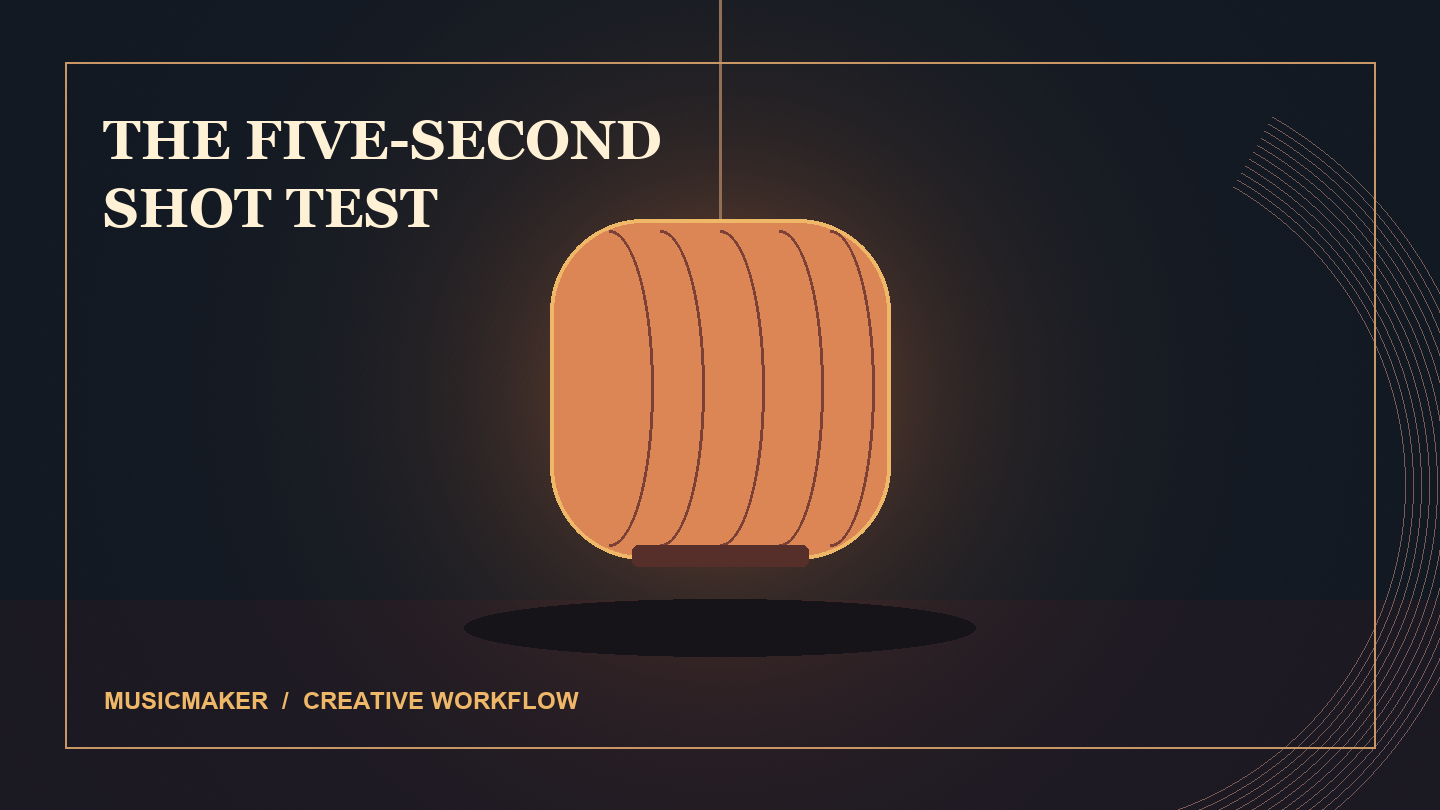
An illustrated starting state. The window is still dark.
Decide what the gift needs to do
For this example, the whole idea is a window becoming warm with light. The house stays where it is, and the camera stays still. That gives you a small change you can describe before choosing a tool. Your recipient should be able to understand the gesture when the clip is played once at ordinary phone size.
Write the personal message yourself. It could be one sentence about the person you are sending it to or something you are looking forward to doing together. Keep their name and that sentence in the accompanying note, where you can proofread the words and they remain readable even if the clip never plays.
If you already have a real paper house, take two photographs from a fixed position: one with the window unlit and one with it lit. Keep the roof, table, camera and framing unchanged. Use only a setup you can safely photograph. The two state illustrations in this article are a matched visual example: the lit state was edited from the unlit picture to preserve the house and framing. They can help you plan the change. They have not been run through a video generator, and neither is a photograph of a real paper house.
Make one small movement, then judge it
This guide includes a promotional recommendation of UGC Maker AI. The official UGC Maker AI free UGC video generator offers a prompt-only path and a path guided by an opening and an ending frame, without signup. For its image route, supply both frames together. The page describes the free tool as powered by MiniMax H3; the dedicated Free MiniMax H3 page uses the word “unlimited.” Those are the site's descriptions, not measurements of waiting time or a guarantee about the result.
For prompts in this scene, the one visible change matters more than a long list of effects. If you choose the prompt-only route, leave the frame slots empty and try a description like this:
One continuous, fixed three-quarter view of a handmade cream paper house with a dark teal gabled roof, sitting on a light wooden tabletop at dusk. The house has one square window. Its window begins dark, then a gentle warm amber light appears behind it and settles. Keep the house shape, roof, table and camera still. Keep the shot simple and quiet, with no people, lettering, logos, music or speech. End on the lit window.
For two photographs, describe the change between your own opening and ending states instead of asking the model to invent a different house. Choose the layout for where the gift will be watched. Then preview the result. Check that there is still one house, that its shape is recognizable and that the window is the change you intended. Listen once as well. If sound is distracting, make a silent copy in your editor and check that copy before sending.

An AI-edited ending-state illustration based on the unlit picture. The house and framing are preserved while the window lights up; no generated video is shown.
Turn the preview into a file you can find
When you have a result you want to keep, use the tool's Download control and find the saved file on your device. A preview playing on a webpage does not show where your browser saved its download. Check the downloads list or the folder you chose, then open that file directly.
Play it from the beginning and pause on the lit window. Confirm the saved copy has the movement and sound you meant to send. If you trim, mute or add a greeting in another editor, open the exported copy too. The export is the file you will hand over, so give it a simple name you can distinguish from earlier attempts, such as paper-house-gift-final.mp4 if that is its actual format.
Keep a plain still alongside it. Take the still from the actual finished clip or use a separate permitted drawing, and identify which it is. The standalone still should make sense at the size it appears in a message. Check that the warm window remains visible without opening a full-screen preview.
Send a message that explains what is attached
Choose a route you and the recipient already use. If you attach the file to a message, confirm the attachment is the final copy. If you use a viewing link, check whether it offers an actual download and what access it requires before describing it as something the person can save. Avoid promising a permanent link when you do not control its retention.
Here is a message you can adapt:
I made you a little paper-house light for the holidays. The attached video is [actual file name]. The picture is [a frame from it / a separate illustration]. If you would like to keep the video, save the attachment using the option your device provides. If it will not open or you cannot find the save option, tell me what appears and I will send it another way. My note for you is below: [your own sentence].
Read the message with the attachments closed. It should still say what the gift is and which file contains the movement. The bracketed choices are for you to replace before sending. A simple message also gives the recipient a useful way to ask for help, without having to describe the whole app.

An editorial illustration of the three-part handoff: moving clip, still and readable message.
Check the gift as something to keep
Ask a willing recipient whether they can open the received copy, play it and find the saved file later. These are separate steps. If you only watched playback, record only that. If they cannot save through the chosen route, offer the actual file through another agreed method or keep the still and written greeting as the gift.
Before sending, make one final pass:
The video is the saved, checked final copy.
Its file name matches the message.
The still is attached and accurately described.
The personal greeting is readable as text.
Any claimed save or download option has been checked on the route you chose.
A small light is enough for the scene. The part worth checking after it glows is whether the person can take it away with them, together with the words you meant to send.