
subtitle.im
SoftwareNewChrome extension for existing YouTube captions. Local OCR helps handle duplicates by your settings. Free 10-video trial; optional Pro.
About subtitle.im
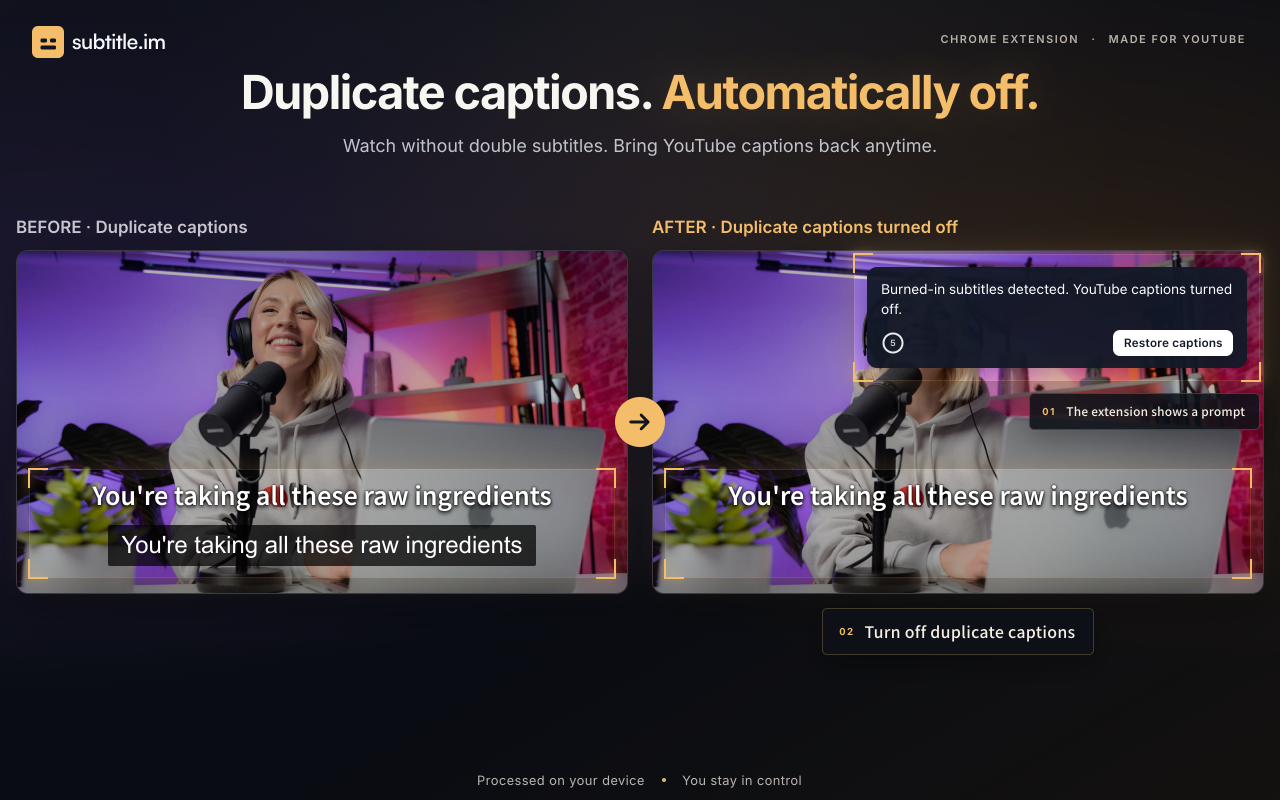
subtitle.im is a Chrome extension for people who watch YouTube and want more consistent control over existing captions. Instead of adjusting the caption button every time a new video starts, viewers can choose a global preference: follow YouTube, automatically turn captions on, or automatically turn captions off. The extension manages the captions that a video already provides.
Some videos include subtitles permanently drawn into the picture. Turning on YouTube's separate caption track can then put two sets of text on screen. subtitle.im uses local OCR to detect burned-in subtitles and helps handle duplicate soft captions according to the viewer's settings. The viewer can restore captions at any time. Detection does not remove text from the video picture, and the extension does not generate, translate or download subtitles.
Caption preferences and duplicate handling are separate controls. This lets a viewer decide how captions should normally behave while keeping a separate preference for videos with text already embedded in the image. Manual caption changes apply to the current viewing. They do not silently create persistent rules for other videos or channels.
The free trial includes 10 successfully handled videos and does not require signup. Optional Pro access supports continued duplicate handling, channel rules, video exceptions and memory of confirmed caption closures. These settings are useful when the same channel or individual video needs a different caption preference from the global choice. The product is offered as a browser extension for Chrome rather than a video editing service.
A typical use starts with choosing the preferred caption behavior, opening a YouTube video and letting the extension manage existing captions. If duplicate captions are detected, handling follows the saved preferences, and the viewer remains able to bring captions back. The extension is intended for caption control during viewing. It is not a replacement for a missing subtitle track, a transcription tool, a translation tool or a way to edit burned-in subtitles out of video files.
What problem it solves
YouTube videos can show embedded subtitles and a separate caption track at the same time. subtitle.im helps viewers handle these duplicates and keep a consistent preference for existing captions.
Tags
Ratings & reviews
No ratings yet
Be the first to rate subtitle.im — your honest take helps others decide.
- No reviews yet — be the first to rate subtitle.im.
Similar softwares
Hotel Lobby AI
Upload one or two photos and get a vertical MP4 of the viral orange-booth Hotel Lobby rap — hanging mic, beat-synced lip-sync — ready for TikTok, Reels & Shorts

Kling 4.0
Kling 4.0 is a free AI video generator for text-to-video.
NewPipe
Free, open-source YouTube client for Android — no ads, no Google account needed, with background playback and downloads.
Compare subtitle.im
Similar software
TrainFlow
Turn exact YouTube workout moments into reusable routines and track each session from your phone.
TrackRescue
Monitor YouTube playlists, identify deleted, private, hidden, or unavailable videos, find replacement candidates, and repair entries with undo protection.

Music Visualizer
Turn your music into stunning, beat-synced visuals
ButterShare
Share anything, to anyone — no file size limits, no cloud storage, no signup. Direct, encrypted device-to-device transfer on any device.

VoiceVibe
An AI voice assistant you can use anywhere on your computer. Press a key and talk. It types, speaks and does what you say.

Swifly
AI dictation and voice typing for macOS, Windows and iPhone. Turn speech into text for emails, messages, documents and AI prompts.
Related reads

IPTV Srbija: kako proveriti pretplatu tokom 24 sata
Kako iskoristiti IPTV probu od 24 sata: proverite aplikaciju, kanale, istovremene konekcije, kvalitet reprodukcije i uslove pretplate.
How to Choose an Audio System for Walking Tours
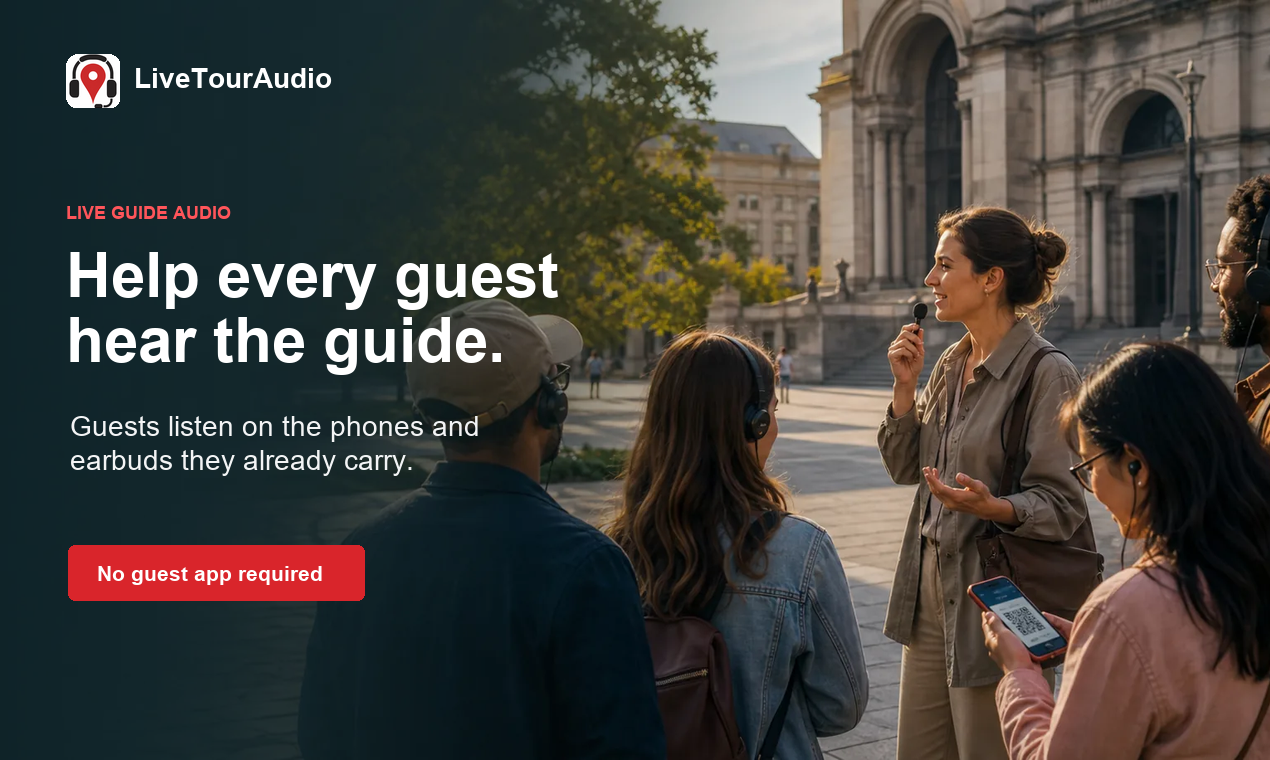
A practical route-first framework for comparing voice projection, dedicated receivers, and guest-phone audio on real walking tours.

The 8 Best AI Tools for Podcasters in 2026
AI can record, edit, clean and repurpose your podcast in a fraction of the time. Here are the 8 best AI tools for podcasters in 2026.
Community discussion (0)
Ask questions, share tips, or compare notes with other subtitle.im users.