Cursor vs GitHub Copilot (2026): Which AI Coding Tool Wins?
Two names dominate the AI coding conversation: Cursor vs GitHub Copilot. One is a purpose-built AI editor; the other bolts powerful AI onto the editor you already use. Both are excellent, and the choice comes down to how much you want to commit to an AI-first workflow. Here's an honest, hands-on comparison.
The quick answer
Choose Cursor if you want the deepest, most AI-native experience — a dedicated editor built around AI, with a superb agent and precise context control. Choose GitHub Copilot if you want great AI without leaving your current editor (VS Code, JetBrains, Neovim) and value tight GitHub integration plus enterprise reach. Cursor pushes the frontier of what AI coding feels like; Copilot is the safe, ubiquitous, low-friction choice that scales across teams.
What is Cursor?
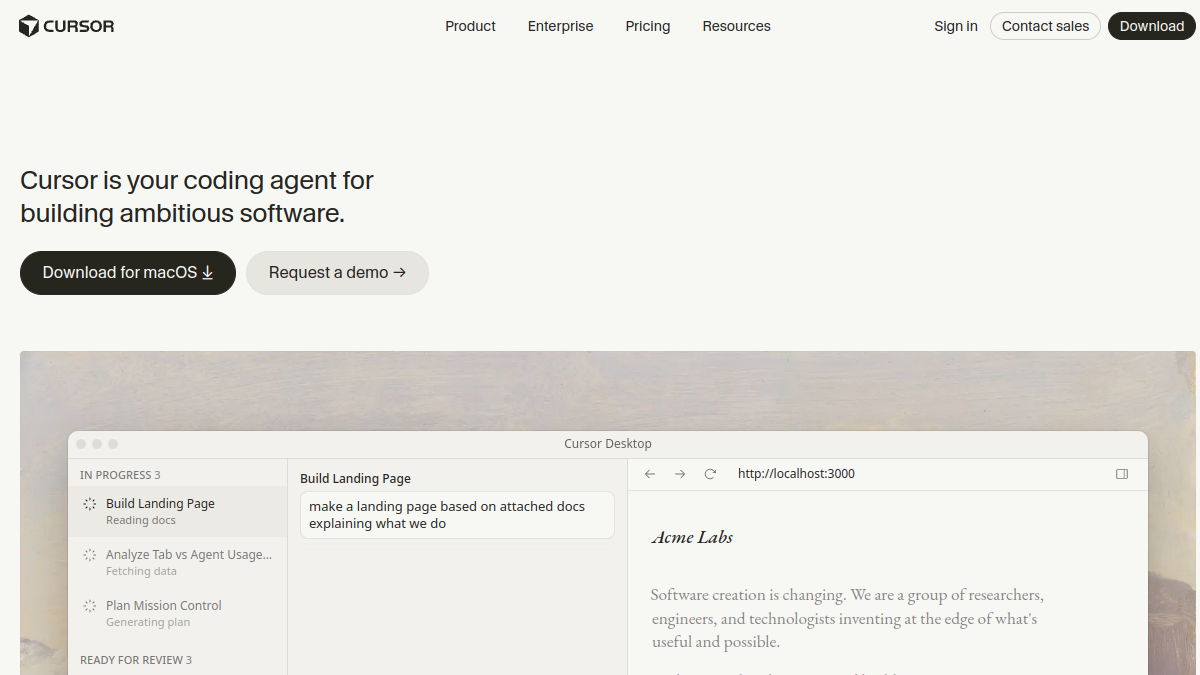
Cursor, from Anysphere, is a standalone AI code editor built by forking VS Code. Because AI is the whole point, everything is designed around it: a remarkable Tab autocomplete that predicts your next edit, a codebase-aware chat, and an agent that makes multi-file changes, runs commands and iterates. You get fine-grained control over context by @-mentioning files, symbols and docs. It's the tool for developers who want to lean fully into AI-assisted coding.
What is GitHub Copilot?
GitHub Copilot, from GitHub and OpenAI, was the tool that made AI pair-programming mainstream. Rather than a new app, it's an extension that lives inside VS Code, JetBrains IDEs, Neovim and more. It started as autocomplete and has grown into a full assistant with chat, multi-file edits and an agent mode — all without leaving your editor. Its deep GitHub integration (PRs, issues, the CLI) and enterprise-grade admin, security and compliance make it the default in many organizations.
Head-to-head
The AI experience
Cursor generally feels a step ahead in raw AI experience — its Tab autocomplete and agent are widely praised as best-in-class, precisely because the whole editor is designed around them. Copilot has closed much of the gap and is genuinely strong, but as an add-on to existing editors it's slightly less seamless than a purpose-built one. If bleeding-edge AI feel is your priority, Cursor edges it.
Fits your existing setup
Copilot wins here. You keep your exact editor, extensions and workflow and just add AI — zero switching cost, and it works in JetBrains and Neovim, not just VS Code. Cursor is a VS Code fork so your setup largely carries over, but it is still a separate app you commit to. For minimal disruption, Copilot is the easier yes.
Context and codebase understanding
Both index your project so the AI understands it. Cursor gives you more explicit, precise control over what context the AI uses, which shines on large or complex codebases. Copilot is more automatic. Power users who want to steer context tend to prefer Cursor.
GitHub and ecosystem integration
Copilot wins, unsurprisingly. It plugs into pull requests, issues, code review and the GitHub CLI, making it a natural fit if your team lives on GitHub. Cursor focuses on the editor experience rather than the surrounding platform.
Models
Both offer access to frontier models (Claude, GPT and others) plus fast in-house models. Model choice shifts constantly, so neither holds a durable edge — assume both give you the leading models of the day, with the difference being the workflow around them.
Pricing
Both have free tiers and pro plans in a similar range (roughly $10–$20/month), plus business and enterprise tiers. Copilot's enterprise pricing and admin controls are very mature; Cursor also offers business plans. For an individual, costs are comparable — pick on experience, not price.
Enterprise and teams
Copilot has the deeper enterprise story — broad IDE support, SSO, policy controls, audit and a long track record inside large companies. Cursor has strong business options too and is increasingly adopted by teams, but Copilot remains the safe institutional default.
Which should you choose?
- Choose Cursor if you want the most advanced AI coding experience, work on complex codebases, and are happy to adopt a dedicated AI editor.
- Choose GitHub Copilot if you want to keep your current editor, value GitHub integration, or need mature enterprise controls across a team.
- Try both — both are free to start. Many developers run Copilot in their day job (enterprise-approved) and Cursor on side projects.
Comparing more editors? See our Cursor vs Windsurf breakdown, our is Cursor worth it guide, and the wider field in Cursor alternatives.
Frequently asked questions
Is Cursor better than GitHub Copilot?
For a deep, AI-native editing experience and precise context control, many developers find Cursor better. For staying in your existing editor with strong GitHub and enterprise integration, Copilot is better. Both are excellent; it depends on whether you want a dedicated AI editor or AI added to your current one.
Can I use GitHub Copilot inside Cursor?
Cursor has its own built-in AI, so you wouldn't typically run Copilot inside it. They're competing approaches to the same problem — most people pick one as their primary AI assistant.
Which is better for beginners?
GitHub Copilot is often gentler to start with since it lives in an editor you may already know and requires no new app. Cursor is very approachable too, but it's a bigger commitment to a new tool.
Does Cursor use GitHub Copilot's technology?
No. Cursor is an independent product from Anysphere with its own features and model integrations; Copilot is from GitHub and OpenAI. They're separate tools that both let you use frontier AI models.
Which is better for large teams?
GitHub Copilot has the more mature enterprise offering — broad IDE support, admin and security controls, and deep GitHub integration — which makes it the common default for large organizations, though Cursor's team plans are growing fast.
The bottom line
Cursor vs GitHub Copilot is really a dedicated AI editor vs AI in your existing editor. Cursor pushes the frontier of how AI coding feels and rewards those who go all-in; Copilot delivers excellent AI with near-zero friction and unbeatable ecosystem and enterprise reach. Both are free to try, so run a real task through each — you'll quickly feel which trade-off fits your work.