Cursor vs Windsurf (2026): Which AI Code Editor Should You Use?
If you write code in 2026, you've almost certainly heard the debate: Cursor vs Windsurf. They're the two most talked-about AI-native code editors, both built on top of VS Code, both promising to let AI do a huge chunk of the typing. But they take different approaches, and the right one depends on how you actually work. Here's a hands-on, honest comparison.
The quick answer
Choose Cursor if you want the most powerful, mature AI coding experience with deep control over context and a huge community. Choose Windsurf if you want a cleaner, more guided "agent-first" flow that feels approachable and does more of the orchestration for you. Cursor tends to win with power users on large codebases; Windsurf wins for a smooth, less-fiddly experience. Honestly, both are excellent — you won't go wrong, and many developers keep both installed.
What is Cursor?
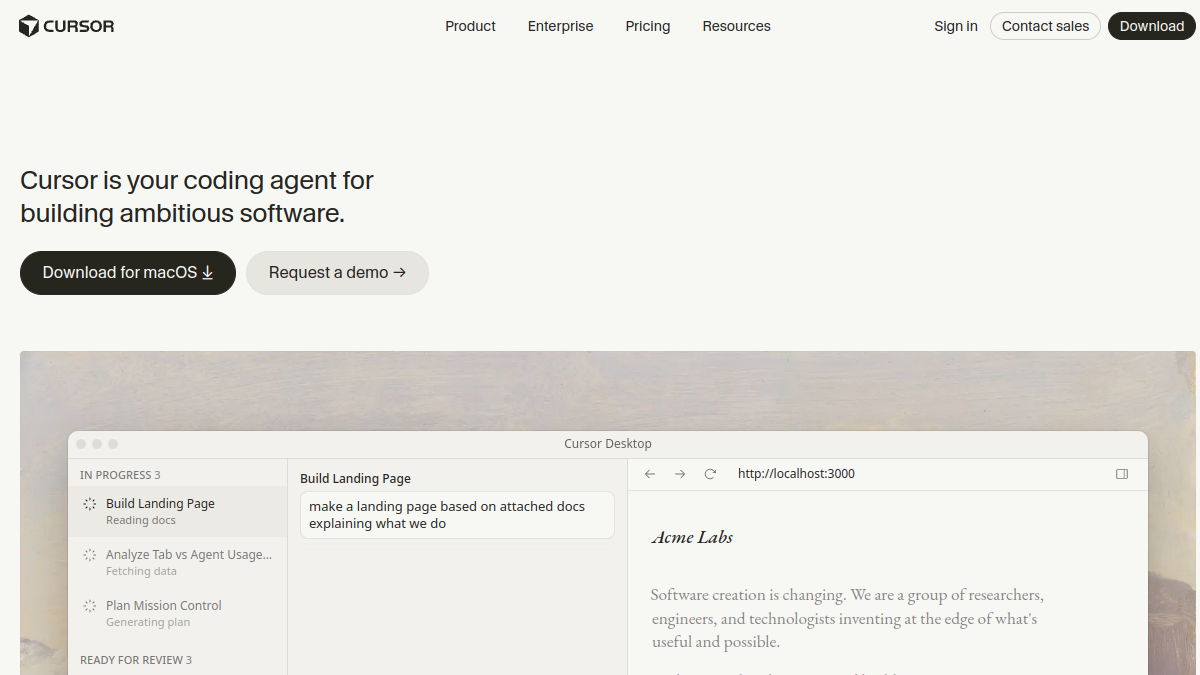
Cursor, built by Anysphere, is an AI-first code editor that forks VS Code (so your extensions, themes and keybindings mostly carry over). Its headline features are Tab (an eerily good multi-line autocomplete that predicts your next edit), Chat with deep codebase context, and its agent/Composer mode that can make multi-file changes, run commands and iterate. Cursor gives you fine-grained control over what context the AI sees — you can @-mention files, docs, and symbols — which power users love.
What is Windsurf?
Windsurf (from the team formerly known as Codeium) is also a VS Code-based AI editor, but its signature is Cascade — an agent that's designed to feel like a collaborative flow, keeping track of your actions and the codebase state so it can take bigger, more autonomous steps with less hand-holding. Windsurf leans into an "agentic" experience: you describe what you want, and it orchestrates the edits, runs and follow-ups. Its Supercomplete autocomplete is strong too. The overall feel is cleaner and more guided than Cursor.
Head-to-head
The AI agent (the big one)
This is where the two most differ. Cursor's agent is powerful and controllable — you can steer context precisely and it's brilliant on large, complex codebases when you know what you want. Windsurf's Cascade is more autonomous and flow-oriented; it tries to "just handle it," keeping context in sync so you intervene less. If you like to drive, Cursor. If you like to delegate, Windsurf.
Autocomplete
Both have excellent next-edit autocomplete (Cursor's Tab and Windsurf's Supercomplete). Cursor's Tab is often praised as the best in class for predicting your next edit across the file, but Windsurf's is very close. For day-to-day typing speed, both are a huge upgrade over traditional autocomplete.
Models
Both let you use frontier models (Claude, GPT and others) and both ship their own tuned models for speed. Model availability shifts constantly, so neither has a durable edge here — assume both give you access to the top models of the day.
Ease of use and learning curve
Windsurf generally feels more approachable out of the box — the guided, agent-first flow means fewer knobs to learn. Cursor exposes more power and control, which is fantastic once you learn it but can feel busier at first. New AI-coding users often find Windsurf gentler; power users often prefer Cursor's control.
Codebase context
Both index your codebase so the AI understands your project. Cursor gives you very explicit control over context (great for big monorepos where you want to be precise). Windsurf leans on Cascade to manage context automatically. Precision vs automation, again.
Pricing
Both offer a free tier and paid plans in a similar range (roughly $15–$20/month for the pro tiers), with usage-based options for heavier model use. Pricing and limits change often, so check each site — but they're broadly comparable, and neither is dramatically cheaper.
Enterprise and privacy
Both offer business tiers with privacy modes (your code isn't trained on), SSO and admin controls. Windsurf (via its Codeium roots) has a strong enterprise/self-hosting story that appeals to security-conscious orgs; Cursor also has robust privacy and enterprise options. If self-hosting or strict compliance matters, look closely at Windsurf's enterprise offering.
Which should you choose?
- Choose Cursor if you want maximum power and control, work on large/complex codebases, and like to steer the AI precisely. It's the power user's pick.
- Choose Windsurf if you want a smoother, more autonomous agent that handles orchestration for you, and a gentler learning curve.
- Try both — they're both free to start and installing takes minutes. Most developers form a preference within an afternoon of real use.
New to this whole way of working? Read our guide to what vibe coding is, and see the wider field in our Cursor alternatives roundup.
Frequently asked questions
Is Cursor better than Windsurf?
For power users on large codebases who want fine control, many prefer Cursor. For a smoother, more autonomous agent experience with a gentler learning curve, many prefer Windsurf. Both are top-tier; "better" depends on your style.
Are Cursor and Windsurf both based on VS Code?
Yes. Both are forks of VS Code, so your familiar extensions, themes and keybindings largely carry over, which makes trying either low-risk.
Which is better for beginners?
Windsurf's guided, agent-first flow tends to be more approachable for those new to AI coding, while Cursor offers more control that rewards a bit of learning.
Do they use the same AI models?
Both provide access to frontier models (Claude, GPT and others) plus their own fast models. Model options change frequently, so neither has a lasting advantage on models alone.
Can I use both Cursor and Windsurf?
Absolutely — both are free to start and easy to install side by side. Many developers keep both and reach for whichever fits the task.
The bottom line
Cursor vs Windsurf comes down to control vs flow. Cursor hands you a powerful, precise AI cockpit that shines on complex work; Windsurf gives you a smooth, autonomous co-pilot that just gets things done. Both are among the best tools a developer can use in 2026, and both are free to try — so install them, run a real task through each, and go with the one that fits how your brain works.