Notion vs Obsidian (2026): Which Note-Taking App Is Right for You?
Ask any productivity nerd which note app to use and you'll start a debate: Notion vs Obsidian. They're both beloved, both powerful — and they're built on opposite philosophies. One is an all-in-one cloud workspace; the other is a private, local-first knowledge base you fully own. Here's an honest comparison so you can pick the right one for how you actually think and work.
The quick answer
Choose Notion if you want an all-in-one, collaborative workspace with databases, docs and team features in the cloud. Choose Obsidian if you want a private, offline-first knowledge base built on plain-text files that you own forever, with endless customization. Notion wins for teams, structure and beautiful docs; Obsidian wins for privacy, speed, linking ideas and long-term ownership. Solo thinkers and privacy-minded users lean Obsidian; teams and database-lovers lean Notion.
What is Notion?
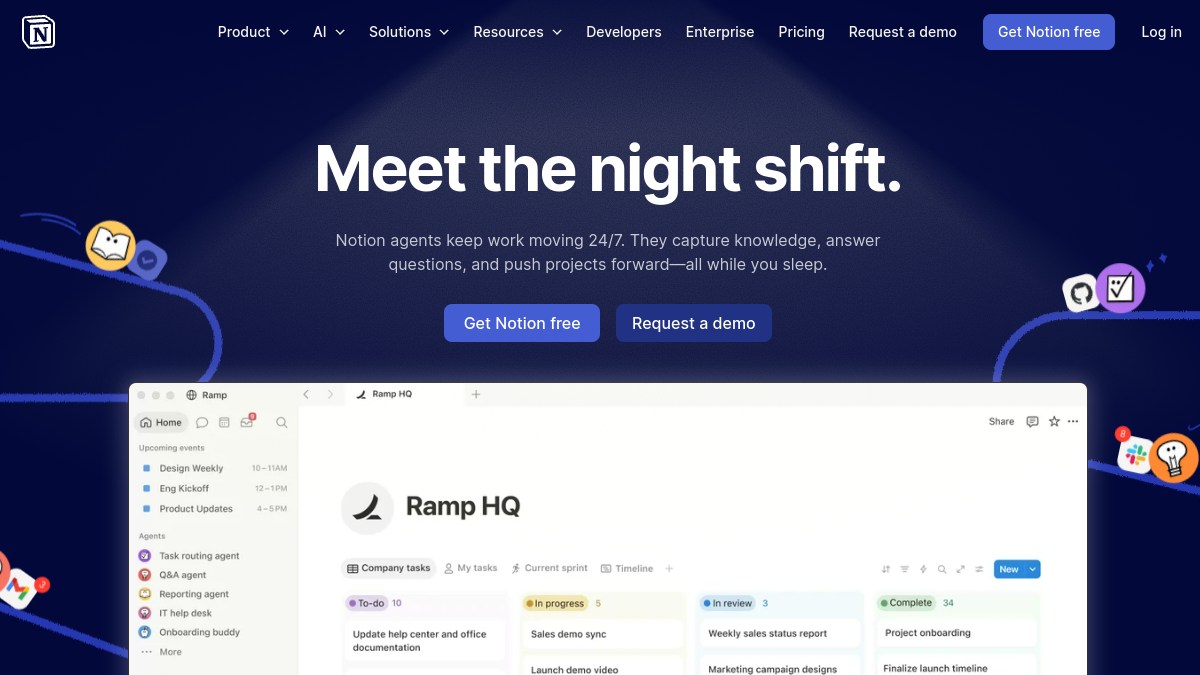
Notion is an all-in-one workspace that blends documents, wikis and flexible databases into one cloud app. You build pages out of blocks, turn any collection into a database with multiple views (table, board, calendar, gallery), collaborate in real time, and lean on built-in AI. It's polished, visual and collaborative, and it has a massive template ecosystem. The trade-off: your data lives on Notion's servers, and it's cloud-dependent.
What is Obsidian?
Obsidian is a local-first knowledge base built on plain Markdown files stored on your own device. Its signatures are bidirectional links and the graph view, which let you connect ideas into a personal "second brain." It works fully offline, is blazing fast, and is endlessly extensible through a huge community plugin ecosystem. Because your notes are just Markdown files in a folder, you own them completely and they'll outlive any company. Sync across devices is available as a paid add-on (or via your own cloud).
Head-to-head
Local vs cloud (and data ownership)
This is the core difference. Obsidian stores everything locally as Markdown files you own and can read with any editor — total ownership, no lock-in. Notion keeps your data in its cloud in a proprietary format (you can export, but it's not the same). If owning your data forever matters, Obsidian wins decisively.
Privacy and offline
Obsidian wins. It's local-first, works fully offline, and your notes never have to touch a server. Notion is cloud-based and needs a connection for most things; its offline support is limited. For privacy-conscious users and anyone who works on the go, Obsidian is the safer, faster bet.
Databases and structure
Notion wins clearly. Its databases — with relations, rollups, filters and multiple views — are genuinely powerful and make it great for project trackers, CRMs, content calendars and structured knowledge. Obsidian can approximate some of this with plugins, but it's not as smooth or visual for database-style work.
Linking ideas and thinking
Obsidian wins for connected thought. Bidirectional links, backlinks and the graph view are built for building a web of ideas over time — ideal for researchers, writers and knowledge workers. Notion has links and mentions, but its strength is structured pages, not organic idea-linking.
Collaboration
Notion wins big. Real-time multiplayer editing, comments, sharing and team spaces are core strengths, making it excellent for teams and shared wikis. Obsidian is fundamentally a personal tool; collaboration is possible with workarounds but isn't its purpose.
Extensibility and customization
Obsidian wins for tinkerers. Its thousands of community plugins and themes let you reshape it into almost anything — a task manager, a writing studio, a spaced-repetition system. Notion is more fixed (though its API and integrations help). If you love customizing your tools, Obsidian is a playground.
Ease of use and polish
Notion feels more polished and approachable out of the box, with beautiful pages and a gentle start. Obsidian is fast and clean but rewards setup and plugin curation. Beginners often find Notion friendlier; power users often prefer Obsidian's speed and flexibility.
Price
Both have generous free tiers. Notion is free for personal use with paid team plans. Obsidian is free for personal use, with paid add-ons for Sync (cross-device) and Publish (websites), plus a commercial license for business use. For a solo user, both can be effectively free.
Which should you choose?
- Choose Notion if you work in a team, love databases and structured docs, and want a polished all-in-one workspace in the cloud.
- Choose Obsidian if you value privacy, offline access, owning your data, linking ideas, and endless customization — especially as a solo thinker, writer or researcher.
- Some people use both — Notion for team/shared and structured work, Obsidian for private notes and thinking.
Want more options? See our guides to the best Notion alternatives and best Obsidian alternatives, and if privacy is your priority, our Anytype vs Notion comparison.
Frequently asked questions
Is Obsidian better than Notion?
For privacy, offline use, owning your data and linking ideas, Obsidian is better. For databases, collaboration and polished all-in-one docs, Notion is better. It depends on whether you value ownership and thinking, or structure and teamwork.
Is Obsidian really free?
Yes for personal use. Optional paid add-ons cover cross-device Sync and web Publishing, and businesses need a commercial license, but the core app is free.
Can Obsidian do databases like Notion?
Not as smoothly. Plugins (like Dataview) can query your notes in database-like ways, but for visual, relational databases with multiple views, Notion is far stronger.
Which is better for teams?
Notion, clearly — real-time collaboration, comments and shared workspaces are core features. Obsidian is designed as a personal knowledge tool.
Can I switch from Notion to Obsidian (or use both)?
Yes. You can export Notion pages to Markdown and import them into Obsidian, and many people use both — Notion for shared/structured work and Obsidian for private notes and idea-linking.
The bottom line
Notion vs Obsidian is really cloud-collaborative-structured vs local-private-connected. If you want a beautiful, team-friendly workspace with powerful databases, Notion is superb. If you want a fast, private, plain-text knowledge base you own forever and can shape endlessly, Obsidian is unmatched. Try each on a real project for a week — most people feel the difference quickly and know which one fits their brain.